
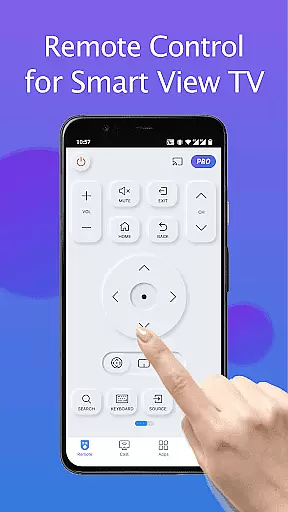
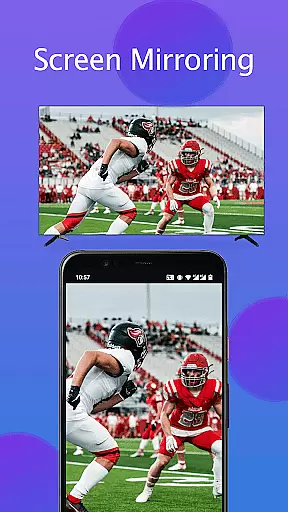
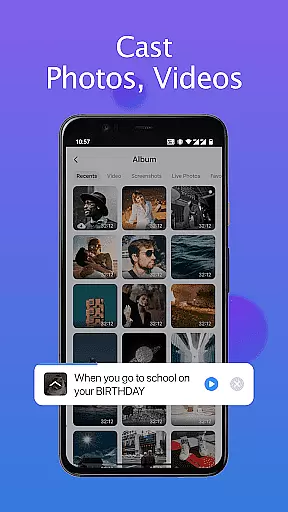
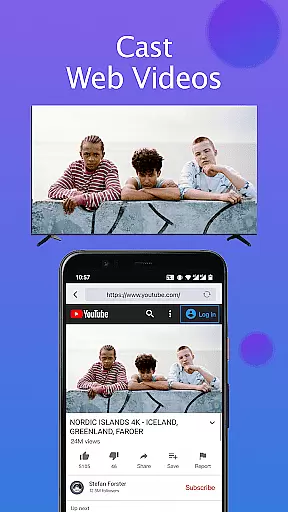
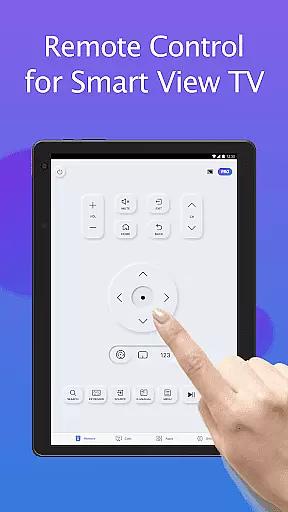
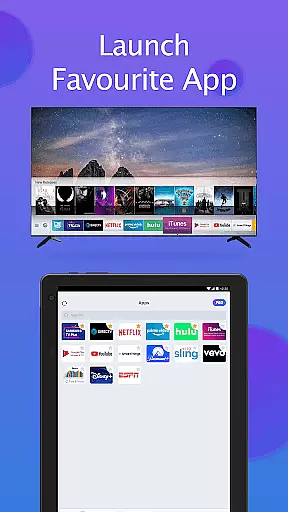
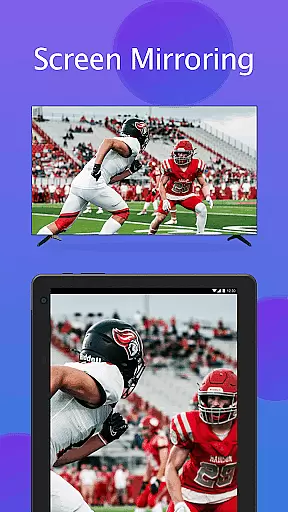
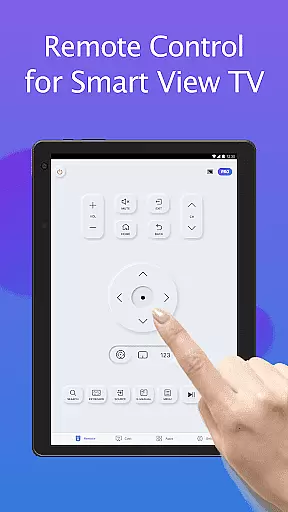
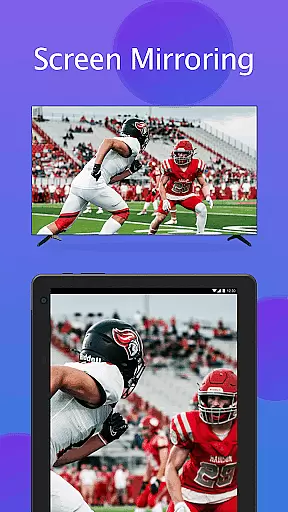
Remote for Smart Samsung TV is a dedicated mobile application that transforms your smartphone into a versatile remote control for Samsung smart TVs. This app serves as a complete replacement for the traditional physical remote, offering advanced features like auto-detection of Samsung TVs on the same Wi-Fi network and seamless screen mirroring in high resolution.
The app supports mainstream Samsung TV series including the 7 Series, 6 Series, Curved TVs, and K-Series (2016+) Tizen models. With functionalities such as power control, volume adjustment, channel navigation, and quick access to favorite apps, it provides an all-in-one solution for effortless TV management. Its keyboard feature simplifies text input, enhancing user convenience while searching or navigating menus.
Ideal for those who frequently misplace their TV remotes or face issues with battery replacements, this app offers an eco-friendly and reliable alternative. By upgrading to Remote for Smart Samsung TV, users can enjoy simplified control and improved functionality, making their home entertainment experience smarter and more enjoyable.
Remote for Smart Samsung TV boasts an array of innovative features designed to enhance user interaction with Samsung smart TVs. One standout capability is its auto-detection function, which seamlessly identifies Samsung TVs connected to the same Wi-Fi network, ensuring quick and stable connections without manual setup.
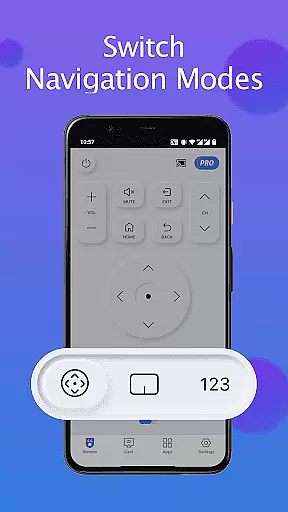
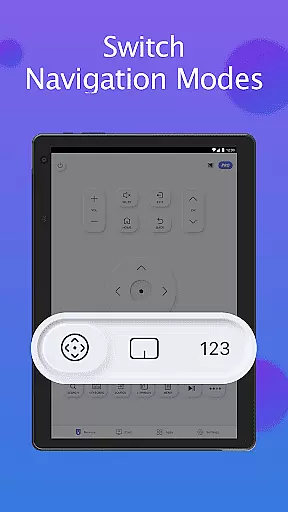
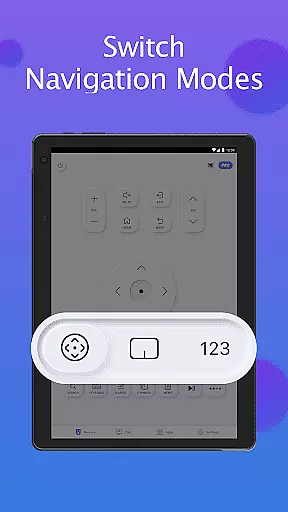
The app's comprehensive control options include power on/off, volume adjustment, channel switching, and navigation mode changes. Additionally, it offers a unique keyboard feature that streamlines text input and search operations on Samsung Smart View TVs. Users can also mirror their phone or tablet screens directly to their smart TVs in high resolution, providing an immersive viewing experience.
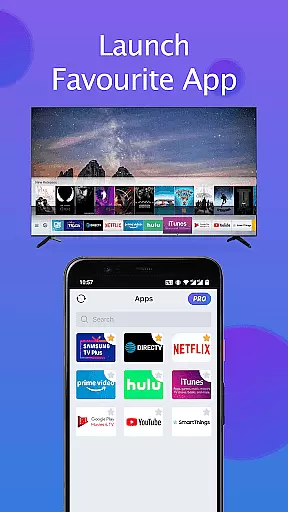
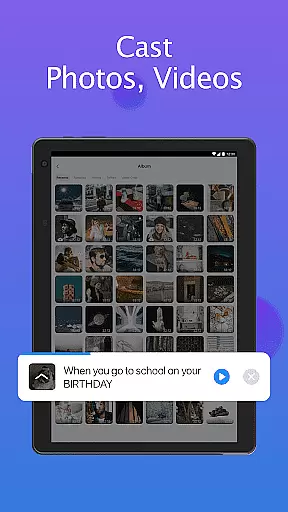
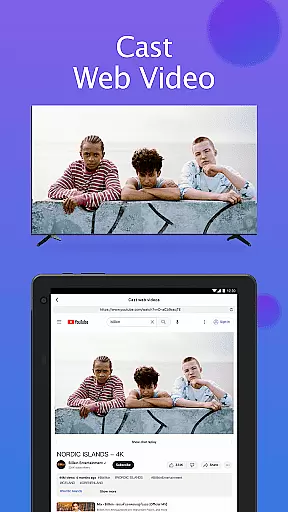
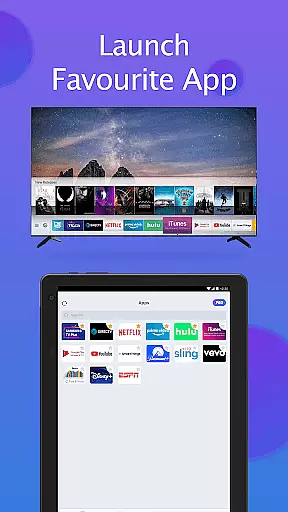
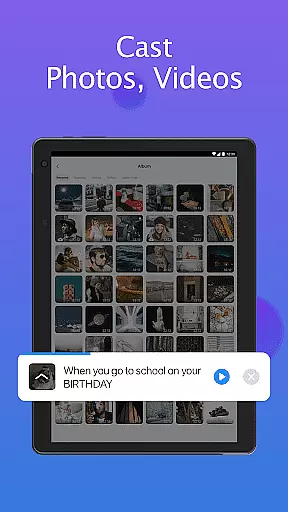
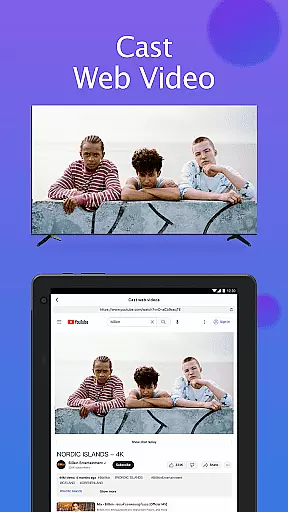
Another notable feature is the ability to cast local photos, videos, and web content directly to Samsung smart TVs. Quick access buttons allow users to launch their favorite channels and apps with just a few taps. These robust features collectively create a powerful tool that not only replaces traditional remotes but significantly enhances the overall TV viewing experience through modern technology integration.
In the context of smart home devices, ensuring the authenticity and compatibility of your Samsung TV with the Remote for Smart Samsung TV app is crucial. This application is designed to function seamlessly with a range of Samsung series smart TVs, including the Samsung 7 series, 6 series, Curved TV, and K-Series (2016+) Samsung Tizen models.
The app performs an essential role by auto-detecting your Samsung SmartThings TV on the same Wi-Fi network, which confirms the presence and authenticity of your smart TV within the app's ecosystem. This feature eliminates the uncertainty of compatibility issues that often arise with physical remote controls.
Users benefit from a reliable connection that ensures their smart TV is ready to be controlled without the concern of misplacing or dealing with a malfunctioning original remote. The Remote for Smart Samsung TV app provides peace of mind by offering a verified and stable link between your mobile device and your television.
By transforming your mobile device into a universal Samsung remote, this app not only authenticates your TV listing within its network but also enhances your control over your smart home environment, making it an indispensable tool for managing your Samsung smart TV effortlessly.
The Remote for Smart Samsung TV app extends beyond basic remote functions to offer comprehensive home management features that simplify the way you interact with your television. With capabilities such as powering on/off your TV, adjusting volume, controlling channels, and changing navigation modes, this app consolidates all essential TV controls into one user-friendly interface.
Additionally, the keyboard feature streamlines text input and search operations on Samsung Smart View TVs, enhancing the efficiency of your smart home management. Quick access to favorite channels and apps further exemplifies the app's dedication to providing a smooth home entertainment management experience.
Advanced functionalities like screen mirroring in high resolution and casting local photos/videos and web content to your Samsung SmartThings TV demonstrate the app's commitment to a modern and integrated smart home ecosystem. These features allow users to enjoy a versatile and enriched multimedia experience.
By upgrading to this mobile Samsung remote app, users can embrace an eco-friendly lifestyle without constant battery replacements for traditional remotes while enjoying innovative home management solutions that cater to contemporary living standards.
User-friendly interface
Auto-detects Samsung TVs
High-resolution screen mirroring
Comprehensive remote functions
Quick access to favorite apps
Wi-Fi connection required
Not compatible with all models
Occasional connectivity issues
Limited official support
Dependent on third-party apps

Use Home by ShowingTime to easily manage showings, tours, feedback and more
 3.60
3.60
Make Renting Easy
4.40
Home Ideas | Renovation Advice | Local Pros. Go From Dream to Home with Houzz.
4.70
Universal TV remote Control for Roku TV brands via WiFi remote
4.2
Tailored Care Guides For Houseplants, Indoor Plants, Garden Plants & Flowers.
4.60
Your guide to apartments & rental homes. Find your next place to rent with AG.
4.60
Search for Homes, Rentals, Agents & Schools
4.70
Connect with reliable pros for maintenance services, plumbing, and home design!
4.80
Houses for Sale & Homes for Rent: Buy Homes, Rent Apartments & Sell Real Estate
4.80
Plants, Beauty, Collectibles
4.60
Innovative and budget-friendly housing options
4.60
Resident Center, powered by Buildium, is designed with simplicity in mind.
4.50
Control your Daikin, Amana & Goodman heating & cooling systems from anywhere
4.40
Set up your devices, customize settings, and monitor your home—from anywhere
4.40
Make your phone a surveillance camera remote with a home camera app for Android!
4.40
Schlage Lock Company LLC
4.00
This Fire TV Remote control's your Fire TV Device and Insignia Fire TV Remote
3.70
Find paints using a Color Muse & ColorSnap® Match
3.60
Universal TV Remote for TV, control all Smart TVs with your mobile phone.
4.1


User Reviews