
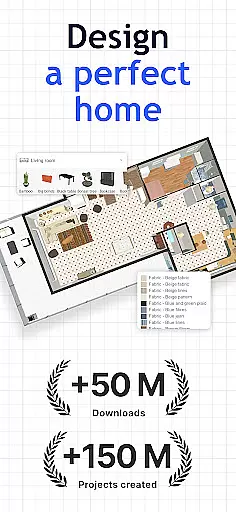
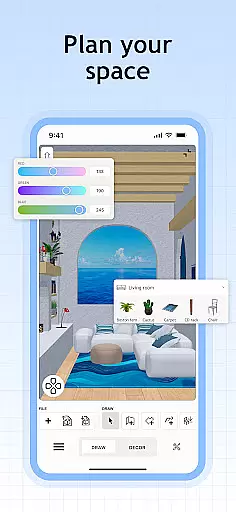
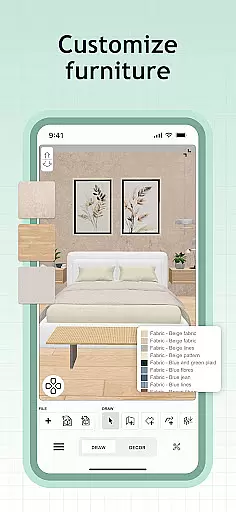
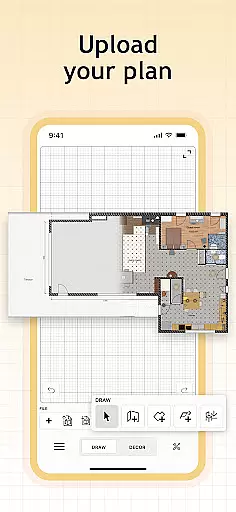
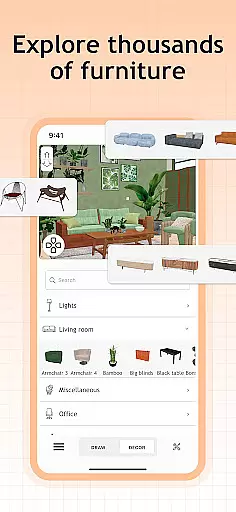
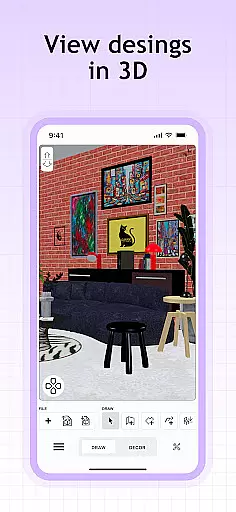
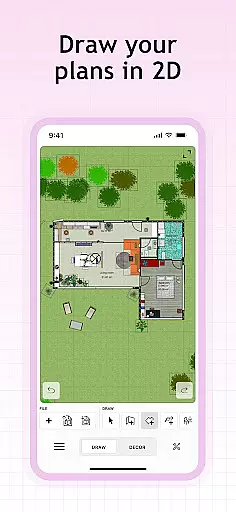
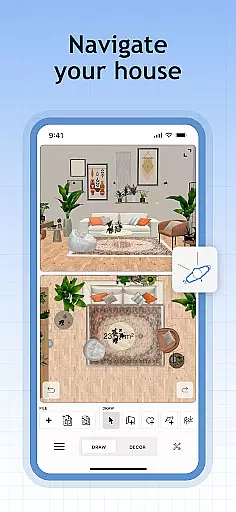
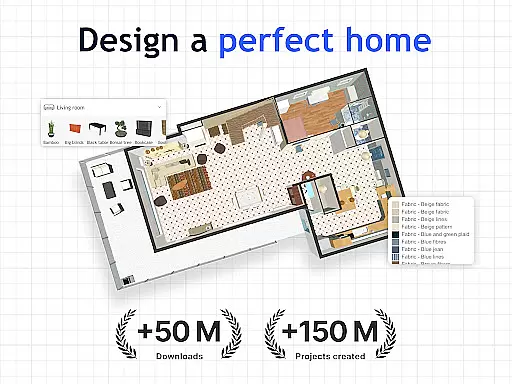
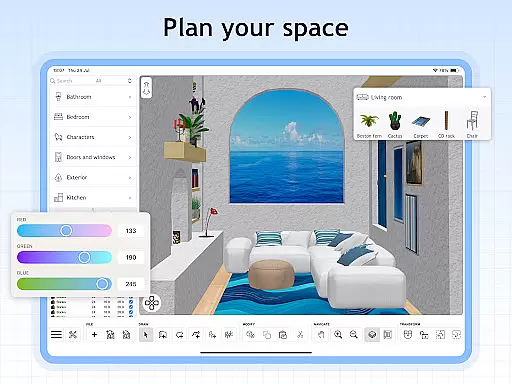
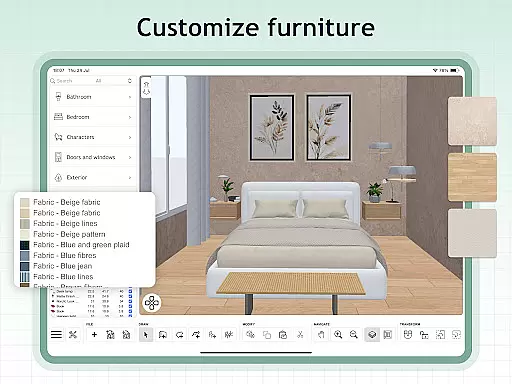
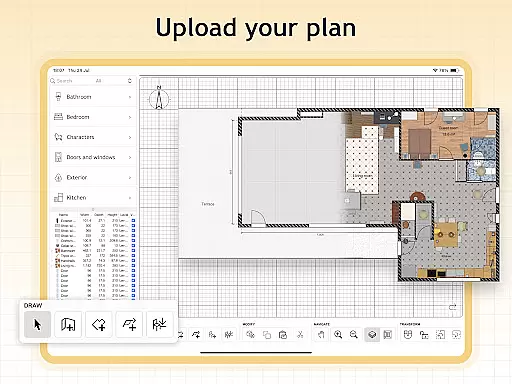
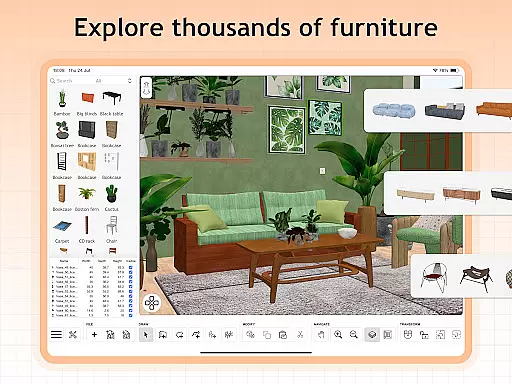
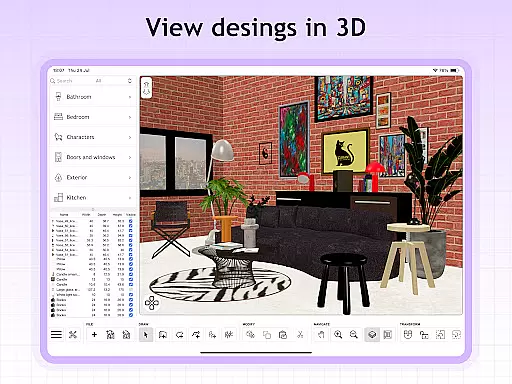
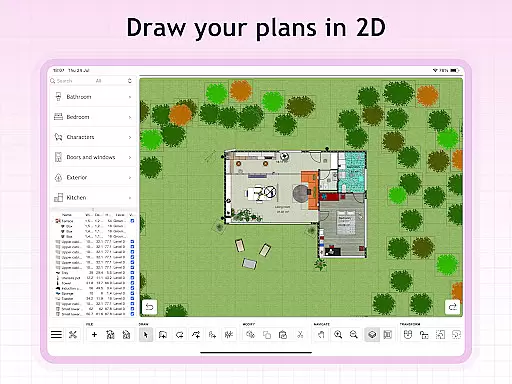
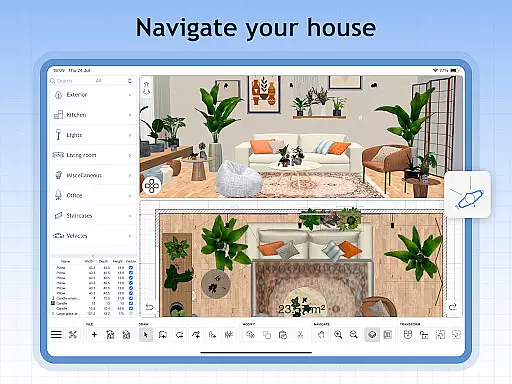
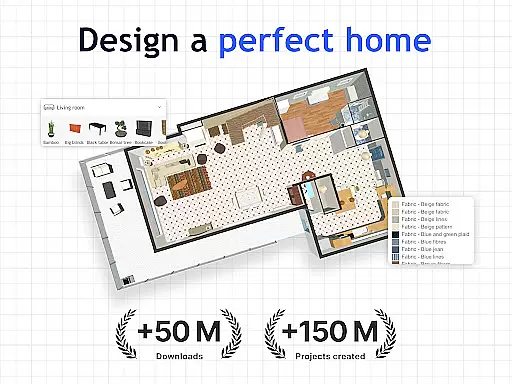
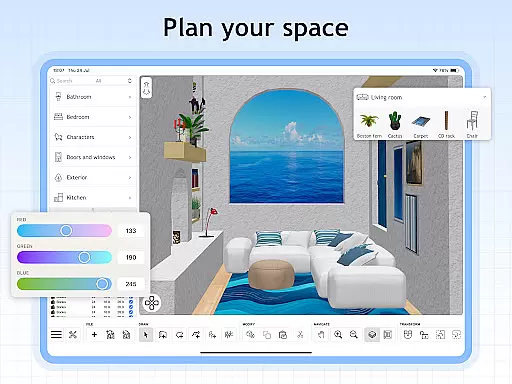
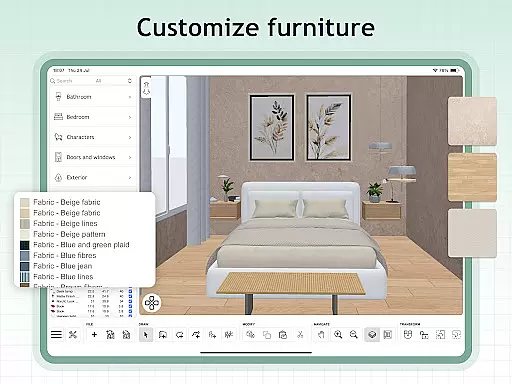
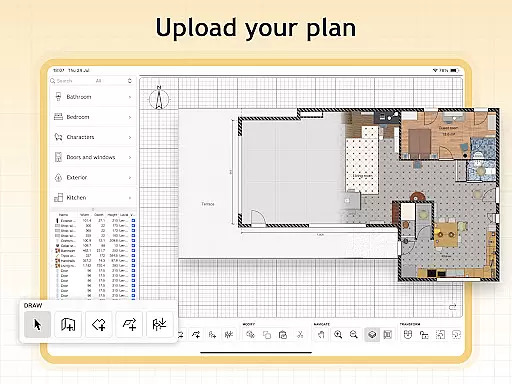
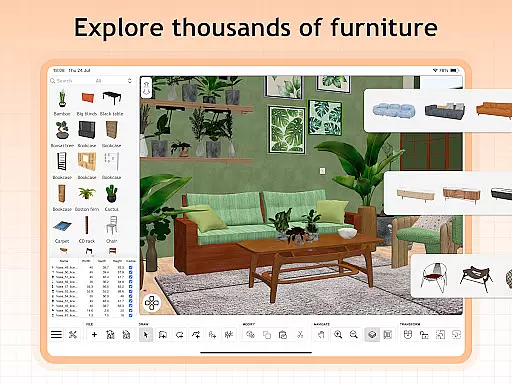
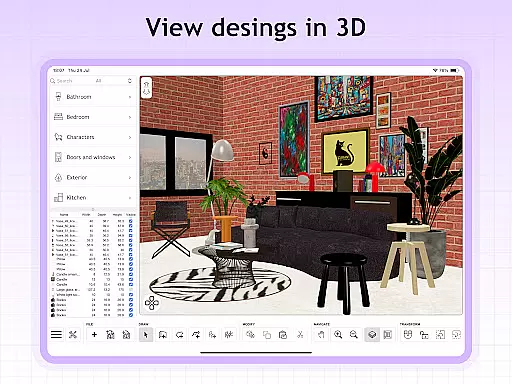
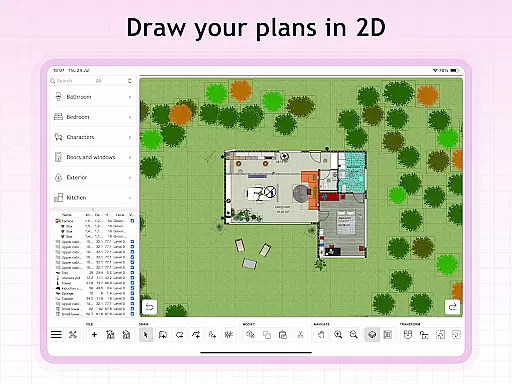
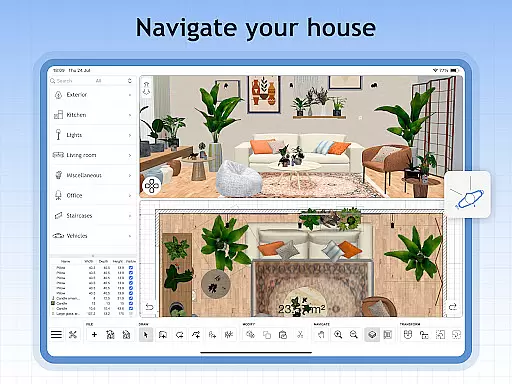
Sweet Home 3D is a premier house and apartment design planner that empowers users to craft their ideal living spaces with precision. The app offers an extensive library of over 800 furniture pieces, lighting options, and decor items, allowing for detailed customization of room layouts in both 2D and 3D views.
With Sweet Home 3D, users can adjust dimensions accurately, import custom 3D models for unique elements, and visualize designs from multiple perspectives. Its user-friendly interface supports drag-and-drop functionality, making it accessible for all skill levels. Whether planning a renovation or designing from scratch, Sweet Home 3D provides the tools necessary to bring creative visions to life.
Sweet Home 3D stands out with its intuitive design features tailored for both novice and experienced designers. The app's dual-view system allows simultaneous 2D floor plan creation and 3D visualization, ensuring users can see their designs come to life in real-time. This feature is complemented by precise dimension settings that guarantee accuracy in every layout.
In addition to its core functionalities, Sweet Home 3D offers advanced customization options. Users can import additional 3D models and textures, creating truly unique spaces. With multi-language support and access to an active online community, users worldwide can share tips, find inspiration, and receive feedback on their projects, enhancing the overall design experience.
In the realm of house and home design, ensuring the authenticity of property listings is paramount. Sweet Home 3D excels in this area by providing users with a reliable platform to visualize their existing or planned spaces with accurate dimensions and layouts.
The application allows for meticulous adjustments to room layouts and architecture, ensuring that every inch of space is accounted for with precision. This feature not only enhances the authenticity of the property listing but also aids users in making informed decisions regarding space management.
Furthermore, Sweet Home 3D's extensive library of over 800 furniture pieces and decor items, complete with textures, ensures that users can furnish their virtual spaces with authentic representations of real-world items. This level of detail supports an unparalleled planning experience, bridging the gap between imagination and reality.
By offering both 2D and 3D visualization, users gain a comprehensive understanding of their designs, reinforcing the authenticity of their property listings. The ability to save and review designs later adds another layer of reliability, allowing for careful consideration and modification over time.
Sweet Home 3D offers a suite of home management features that cater to the needs of homeowners, interior designers, and real estate professionals alike. At its core, the application provides an easy-to-use interface that simplifies the process of designing and managing home spaces.
One standout feature is the seamless integration of model and texture imports, which allows users to customize their designs with unique furniture and decor elements. This flexibility ensures that each design reflects the user's personal style while maintaining practicality and functionality.
Additionally, the app's precision tools enable users to set exact dimensions and adjust room layouts with accuracy. These capabilities are crucial for effective home management, as they ensure compatibility with actual spaces and help prevent costly mistakes during renovation or furnishing projects.
Sweet Home 3D also fosters a supportive online community where users can share tips, seek inspiration, and receive feedback on their designs. This collaborative environment enhances the overall home management experience, providing valuable resources and support throughout the design process.
User-friendly interface
Extensive furniture library
Precise dimension adjustments
Real-time 2D and 3D visualization
Customizable design elements
Limited free trial availability
Subscription-based model
No offline functionality
Advanced features require payment
Occasional performance lags

Make Renting Easy
 4.40
4.40
Home Ideas | Renovation Advice | Local Pros. Go From Dream to Home with Houzz.
4.70
Wobble Fix Tool
4.40
Resident Center, powered by Buildium, is designed with simplicity in mind.
4.50
Plants, Beauty, Collectibles
4.60
Night Owl Protect helps you secure, protect, and connect your world!
4.60
WiZ smart light system
4.40
3D House Design and AI Room Planner - from floor plans to full interior design.
4.40
Set up your devices, customize settings, and monitor your home—from anywhere
4.40
B-hyve Pro App for landscape irrigation professionals
4.70
Find homes for sale and apartments for rent in the best neighborhood.
4.70
AI-powered home design, interior design, home decor, and room design solutions
4.50
Apartment finder for apartments for rent. Compare prices, amenities & rentals.
4.50
For all of your Airthings devices
4.30
Control your thermostat, comfort, and home monitoring from your phone
4.30
AI floor creator to design your dream house, plan rooms & style your home
4.00
Schlage Lock Company LLC
4.00
This Fire TV Remote control's your Fire TV Device and Insignia Fire TV Remote
3.70
Find paints using a Color Muse & ColorSnap® Match
3.60


User Reviews