
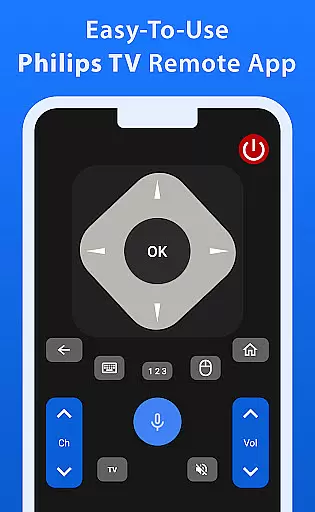
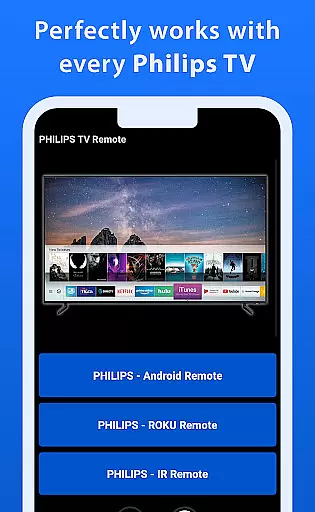
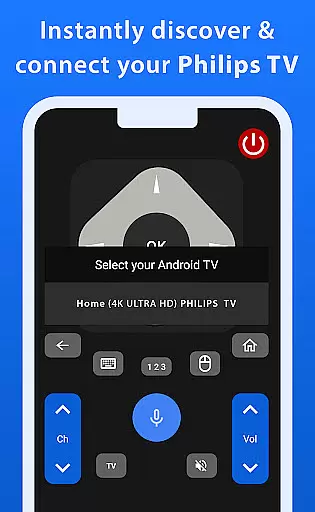
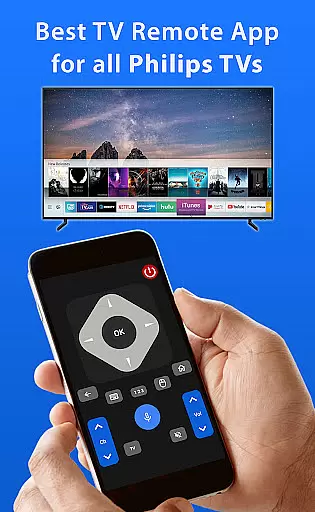
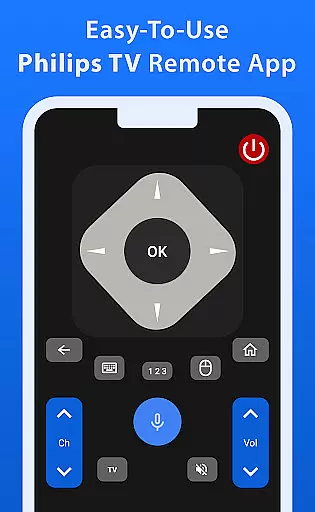
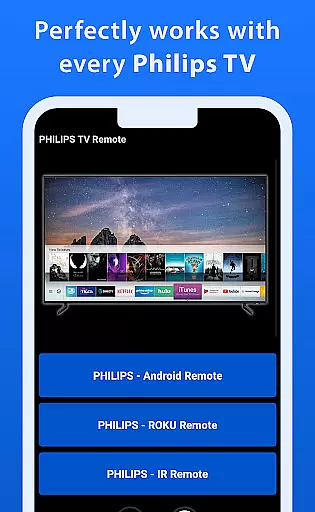
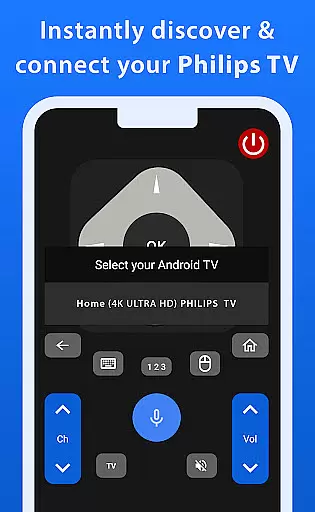
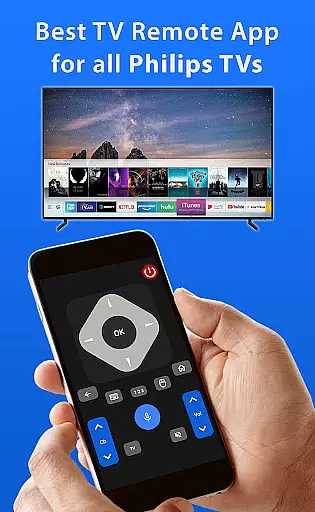
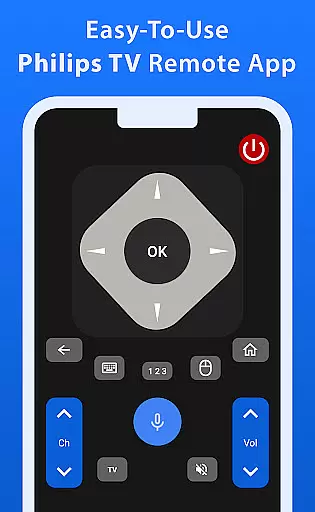
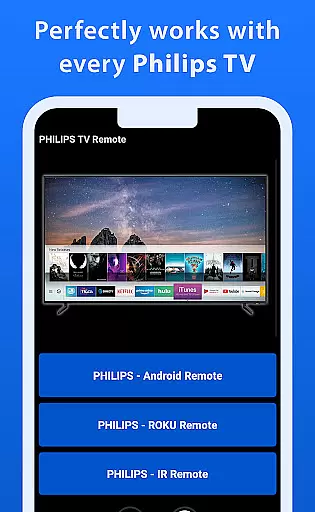
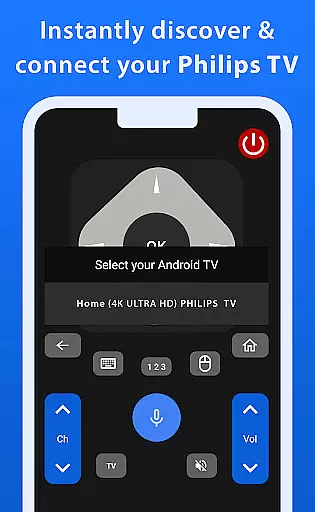
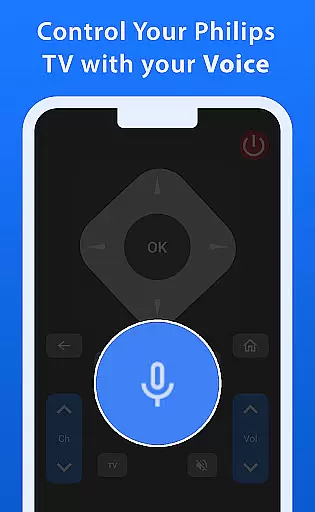

Philips TV Remote is a comprehensive remote control app designed specifically for Philips TVs, including Android, Roku, and IR-enabled models. This app allows users to take full control of their television experience by providing essential functions such as changing channels, adjusting volume, accessing apps, and navigating menus.
What sets this app apart are its advanced features like the responsive trackpad for smooth navigation and powerful voice control capabilities. These features ensure that controlling your Philips TV is not only easy but also enjoyable. Whether you're managing settings or searching for your favorite shows, this app offers a seamless and hassle-free experience.
The user-friendly interface makes it an ideal choice for everyday TV viewing, enhancing convenience and accessibility for all users. By downloading this app, you can transform your mobile phone into a versatile Philips TV remote control.
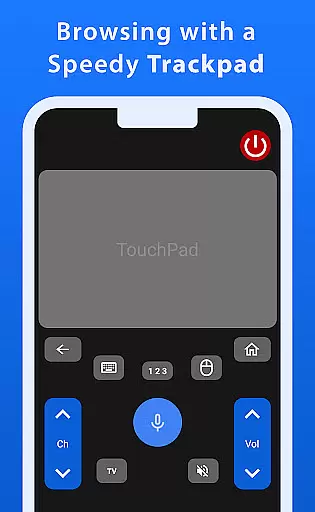
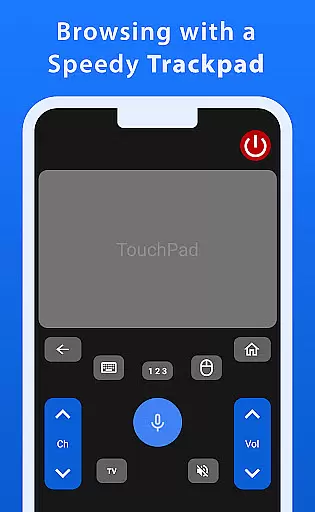
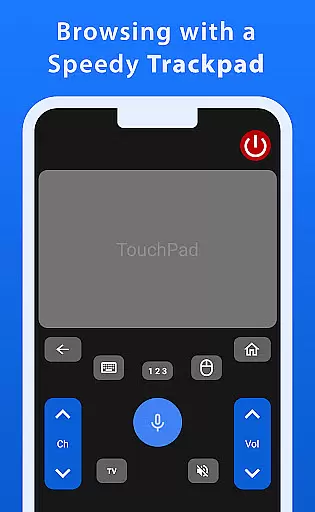
Philips TV Remote offers a wide array of features that cater to various user needs. One standout feature is the fast and responsive trackpad, which provides smooth navigation through your TV's interface. This ensures that users can effortlessly browse through channels, apps, and settings without any lag or delay.
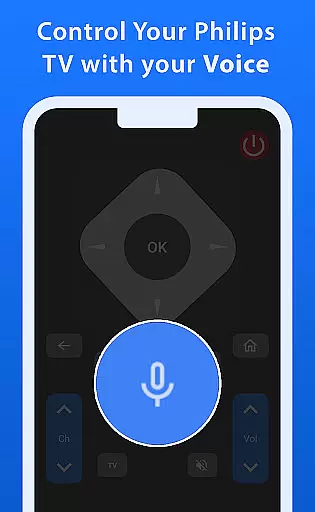
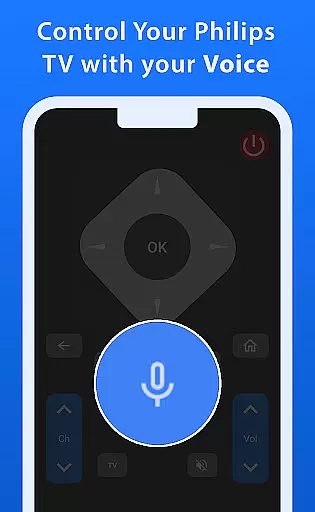
Voice control is another powerful feature of this app. With just your voice, you can command your TV to perform various tasks such as changing channels, adjusting the volume, or even searching for specific content. This hands-free approach adds a layer of convenience and modernity to your TV viewing experience.
In addition to these advanced features, the app includes basic functionalities like channel switching, volume adjustment, and menu navigation. The combination of these features ensures that users have a complete and satisfying remote control experience, making it a preferred choice among Philips TV owners.
When it comes to managing your Philips TV, ensuring the authenticity and reliability of your control app is crucial. The Philips TV Remote app provides a dependable solution by offering accurate and verified functionalities that match the specifications of various Philips TV models, including Android, Roku, and IR-enabled TVs.
This app stands out for its commitment to delivering genuine features, such as seamless channel changing, volume adjustment, and access to apps and menus. Each function has been carefully designed to ensure it works harmoniously with your TV's operating system, providing users with peace of mind that they are using a trusted tool.
By downloading this app, users benefit from not only basic remote functions but also advanced features like a responsive trackpad and voice control. These verified capabilities enhance the overall user experience, making TV management both effortless and enjoyable.
Beyond basic remote control operations, the Philips TV Remote app offers an array of home management features that significantly elevate the user experience. With functionalities ranging from smooth navigation via a fast trackpad to powerful voice commands, this app transforms how users interact with their TVs on a daily basis.
The appu2019s intuitive interface allows users to effortlessly search for shows, adjust settings, and manage entertainment options, all from their mobile device. This ease of use ensures that even those who are less tech-savvy can enjoy a seamless and stress-free interaction with their Philips TV.
Additionally, the app supports smart home integration by enabling users to incorporate their TV management into broader home automation systems. Whether adjusting the volume or launching apps through voice commands, these features collectively contribute to a more connected and convenient home environment.
User-friendly interface
Voice control functionality
Responsive trackpad navigation
Wide compatibility with Philips TVs
Comprehensive remote features
No official Philips endorsement
Limited to Philips TV models
Requires stable internet connection
Occasional connectivity issues
Advanced features may need setup

Draw your floor plan smartly. Make house design blueprint with home planner app
 3.60
3.60
AI-powered home design, interior design, home decor, and room design solutions
4.50
Book your local plumber 24/7, track your service order & get exclusive coupons
4.00
Find the perfect paint color with advanced tools to explore and visualize color.
3.80
Security App with HD Video, 2-way Audio, and event detection for Home monitoring
4.40
The Merkury Smart app makes it easy to control your smart devices.
4.50
Find your next home, house, apartment, condo, casa, flat, rental, studio, or bed
4.70
WiZ smart light system
4.40
MLS-powered real estate app to find homes for sale & apartments for rent
4.70
Connect with reliable pros for maintenance services, plumbing, and home design!
4.80
Map-based search app for apartments and homes for rent.
4.60
Tailored Care Guides For Houseplants, Indoor Plants, Garden Plants & Flowers.
4.60
Night Owl Protect helps you secure, protect, and connect your world!
4.60
SmartRent - Opening Doors To A Smarter World
4.40
The official app for Home Assistant. Control your home anywhere in the world.
4.30
Control your Vivint Smart Home with the next generation Vivint App.
4.30
Turn your phone into a wifi cam with smart features and umlimited reach.
4.20
Universal Tv Remote Control for all Tv. Cast for chromecast & all Tv Controller
4.20
Floor Plan Creator Home Design with 2D interior design and 3d view.
3.90


User Reviews