
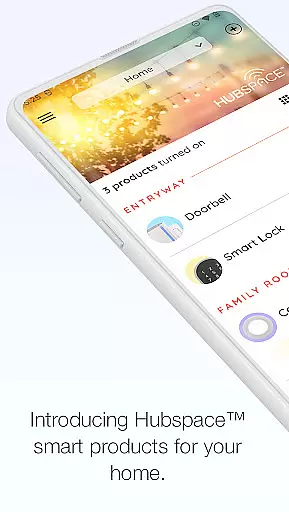
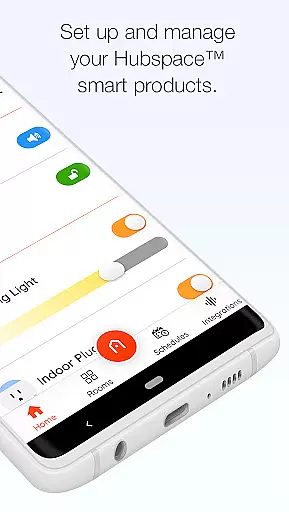
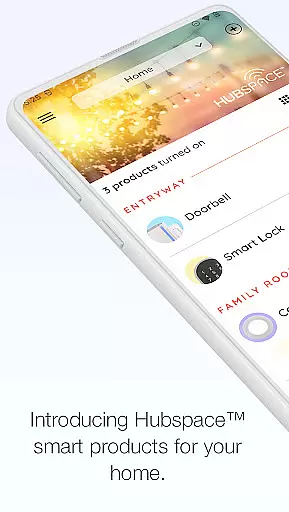
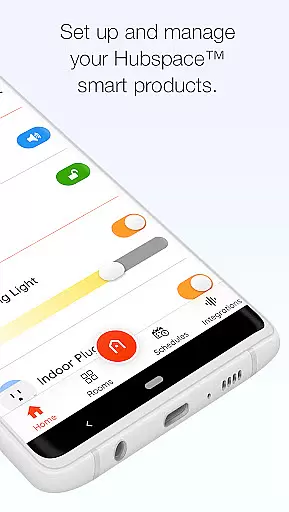
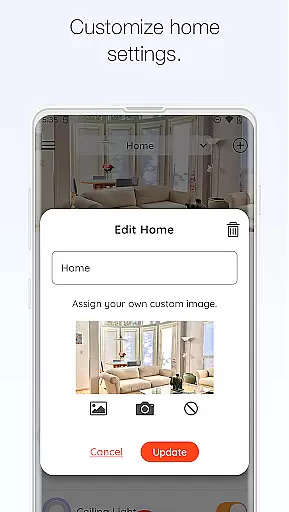
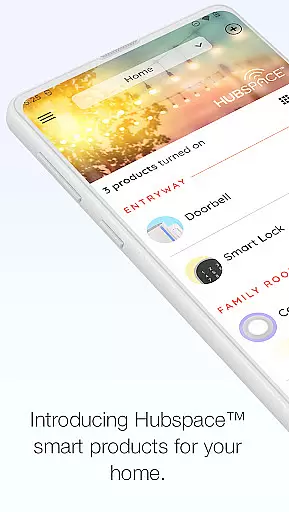
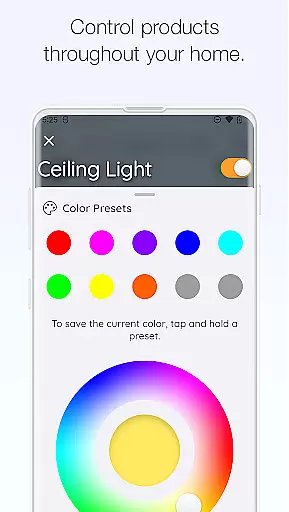
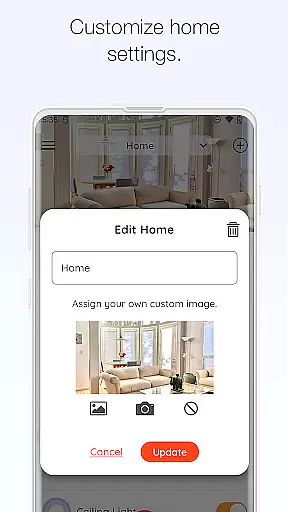
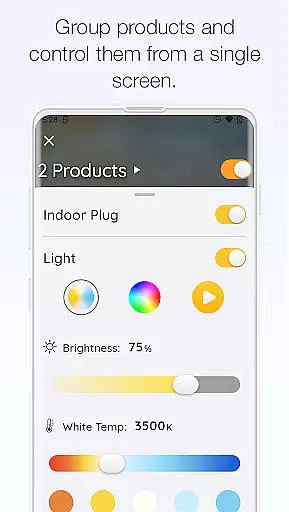
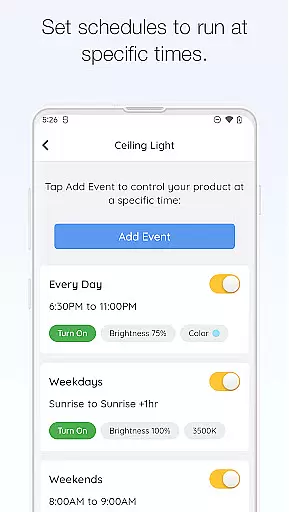
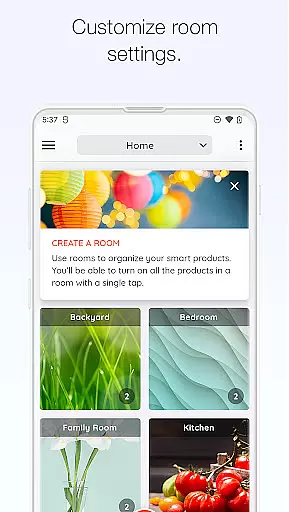
Hubspace is a smart home management application that allows users to set up and control their Hubspace smart products with ease. The app enables you to organize your smart devices by room and property, providing convenient access to manage schedules and adjust settings as needed. Whether you're at home or on the go, Hubspace lets you maintain complete control over your connected devices.
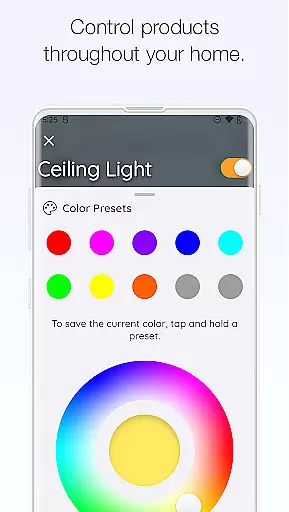
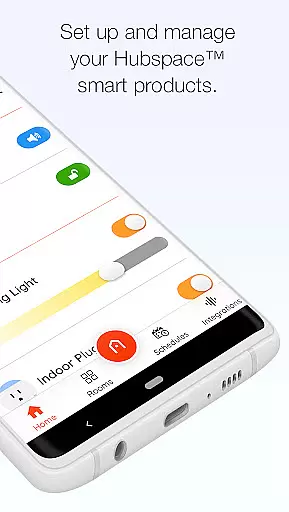
The app offers a comprehensive suite of device settings including on/off controls, light color temperature adjustments, fan speed control, product grouping, scheduling, and integration with popular voice assistants like Google Assistant and Alexa. With these features, Hubspace ensures that managing your smart home is both intuitive and efficient, enhancing your living experience through technology.
For users who need support, Hubspace provides customer service through The Home Depot’s dedicated team, ensuring that any questions or issues are promptly addressed. This makes Hubspace not just a tool for managing smart devices but also a reliable partner in creating a seamlessly connected home environment.
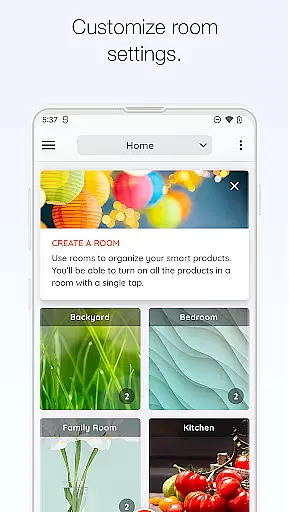
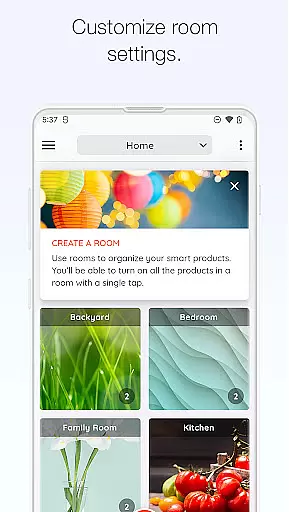
Hubspace stands out with its robust feature set designed to simplify smart home management. One of the key functionalities is the ability to organize smart products by room and property, which streamlines the process of managing multiple devices. This organizational structure allows users to quickly locate and control specific devices without hassle.
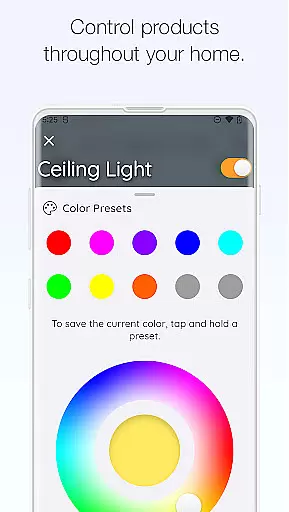
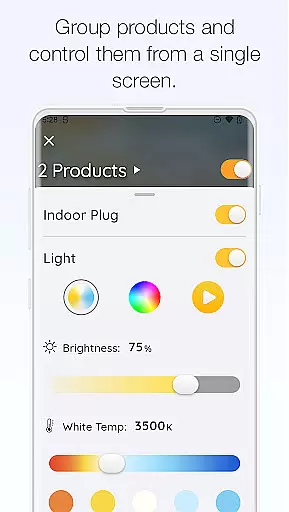
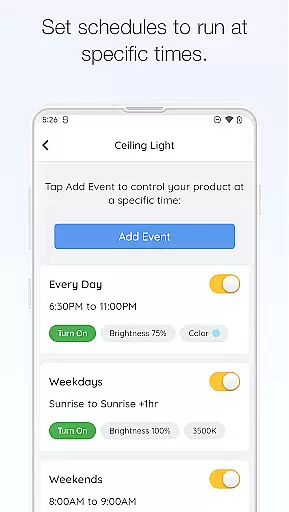
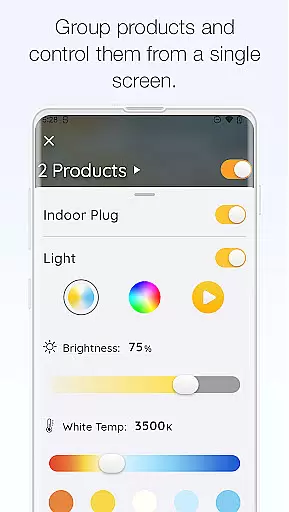
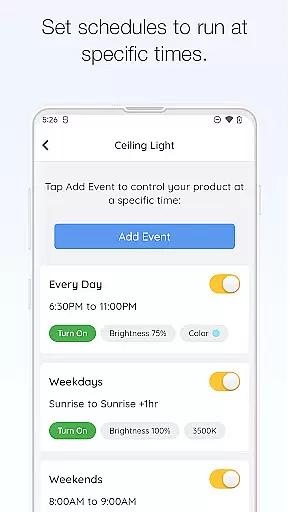
In addition to organization, Hubspace offers extensive device control options. Users can adjust light color temperatures, change colors, control fan speeds, and group products for synchronized operation. The app also supports advanced scheduling, enabling users to automate routines and conserve energy. Integration with Google Assistant and Alexa further enhances usability, allowing for voice commands and hands-free control.
Security and privacy are prioritized, with clear policies outlined in the Privacy and Security Statement. Users can feel confident that their personal information is handled responsibly. Overall, Hubspace combines powerful features with user-centric design, making it an essential tool for anyone looking to enhance their smart home experience.
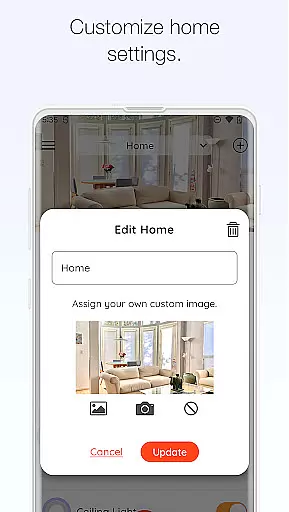
When managing a connected home through the Hubspace app, ensuring the authenticity of your property listings is crucial. The app allows users to organize smart products by room and property, which ensures that each device is accurately represented within its specific context.
This feature provides a clear overview of all connected devices, making it easy to identify and manage them. By categorizing devices according to their location, users can trust that they are interacting with the correct devices and settings, thus enhancing the overall reliability of their smart home management.
The ability to set up and manage smart products with precision means that users can tailor their experience to match the exact configuration of their home environment. This level of organization not only simplifies daily operations but also ensures that any changes or updates are applied accurately where needed.
Hubspace offers a comprehensive suite of home management features designed to give users complete control over their smart home devices. With functionalities such as on/off controls, scheduling, and integration with voice assistants like Google Assistant and Alexa, the app makes managing your home seamless and efficient.
Users can easily adjust settings for individual devices or groups of devices, change light color temperatures, control fan speeds, and more. These capabilities ensure that your home remains comfortable and operates smoothly, whether you're at home or away.
Additionally, the remote access feature allows users to monitor and manage their smart home products from anywhere, providing peace of mind and convenience. With reliable customer support available, Hubspace ensures that any questions or issues are promptly addressed, further enhancing the user's ability to maintain an efficiently run smart home.
User-friendly interface
Comprehensive device control
Voice assistant integration
Remote access capabilities
Reliable customer support
Limited third-party device support
Occasional connectivity issues
Privacy concerns for some users
Requires stable internet connection
Learning curve for new users

For all of your Airthings devices
 4.30
4.30
Unlock AI-based barcode scanning and support the development of Grocy Android
4.0
B-hyve Pro App for landscape irrigation professionals
4.70
Convert your Phone to HiSense Smart TV Remote Control
4.70
Control the scent and ambiance of your home and car, right from your phone.
4.50
Schlage Lock Company LLC
4.00
Innovative and budget-friendly housing options
4.60
View houses and apartments for rent, updated daily.
4.80
Find contractors for all home renovation projects. Remodeling, repair, and more.
4.20
Map-based search app for apartments and homes for rent.
4.60
Resident Center, powered by Buildium, is designed with simplicity in mind.
4.50
Make Renting Easy
4.40
Wobble Fix Tool
4.40
Make your phone a surveillance camera remote with a home camera app for Android!
4.40
Control your Vivint Smart Home with the next generation Vivint App.
4.30
Universal Tv Remote Control for all Tv. Cast for chromecast & all Tv Controller
4.20
Floor Plan Creator Home Design with 2D interior design and 3d view.
3.90
Find the perfect paint color with advanced tools to explore and visualize color.
3.80
Design house plans in 2D & 3D, style furniture, and preview renovation layouts
3.70


User Reviews