
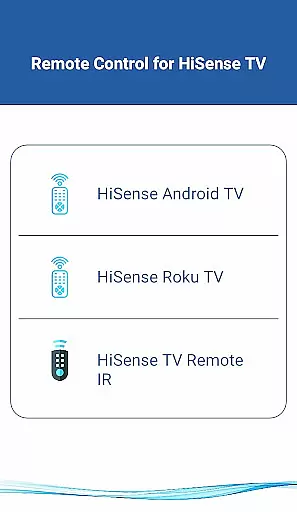
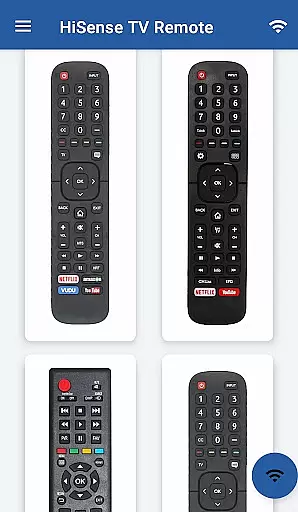
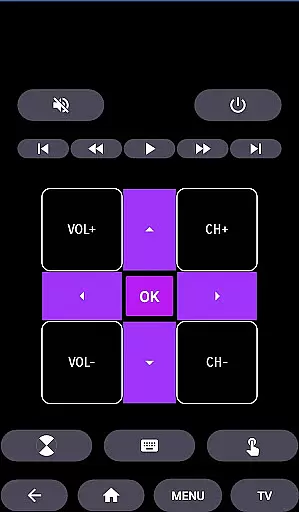
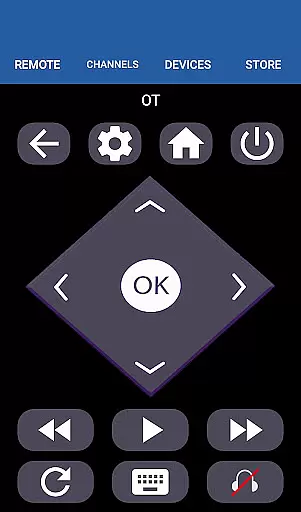
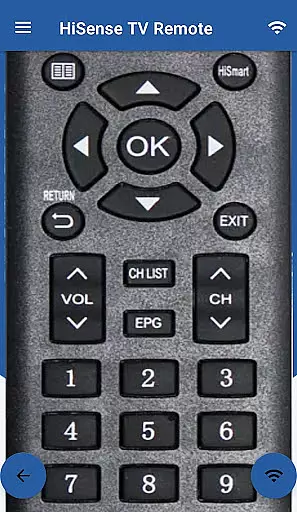
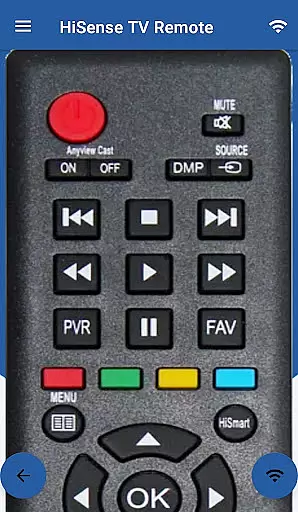
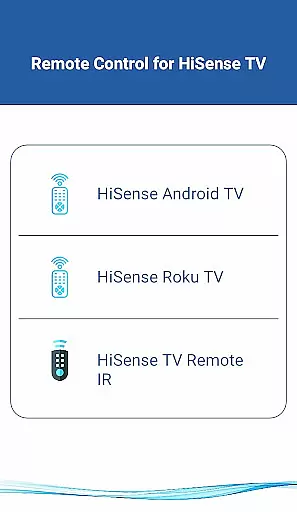
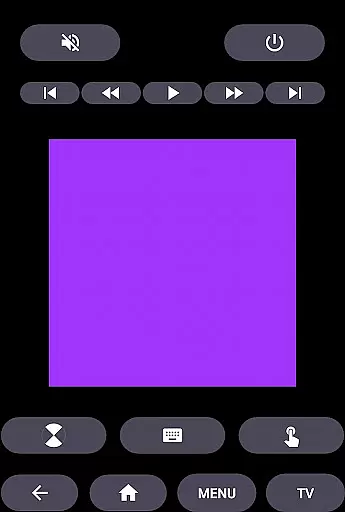
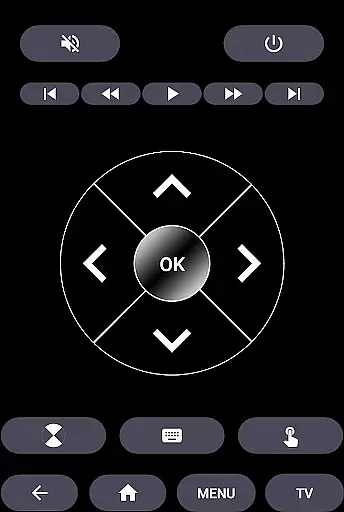
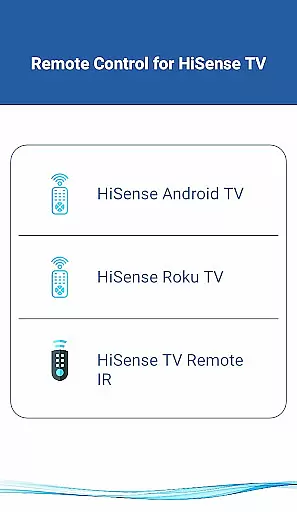
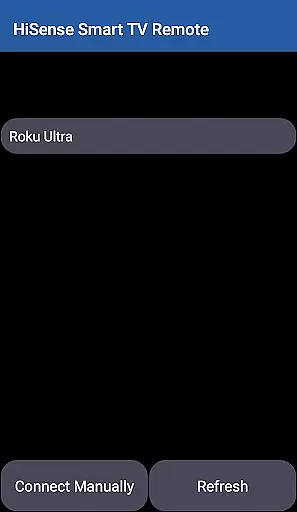
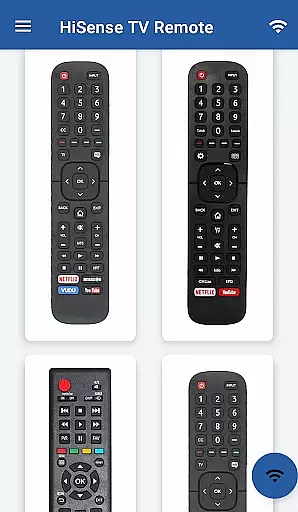
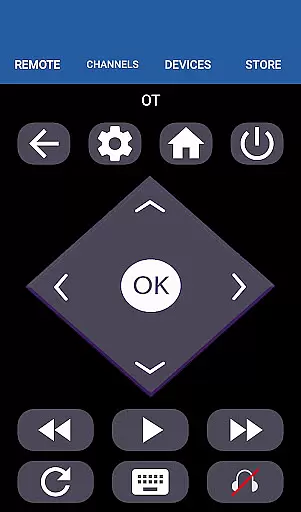
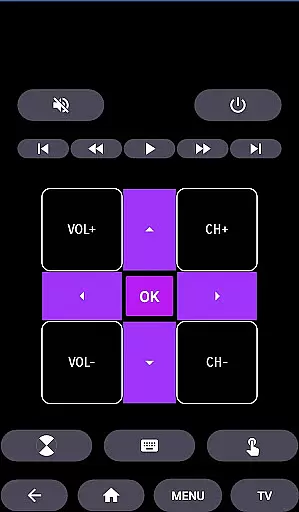
HiSense Smart TV Remote transforms your mobile device into a versatile remote control solution for HiSense Smart TVs and other compatible devices. The app supports multiple operating systems including Android OS, Android TV, and Roku OS, while also maintaining compatibility with traditional IR-based devices.
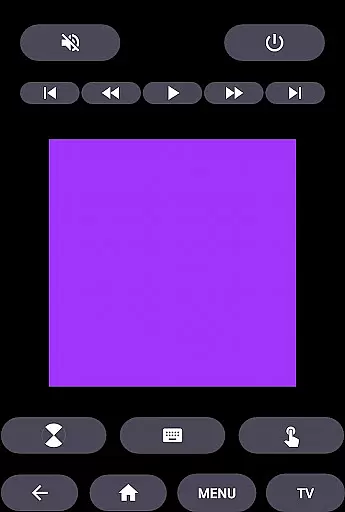
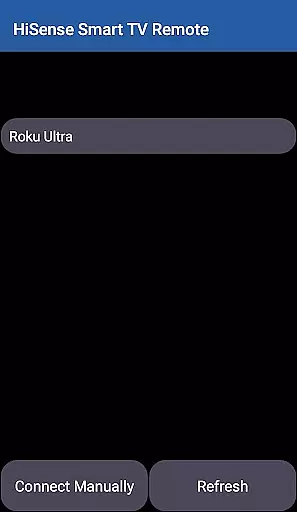
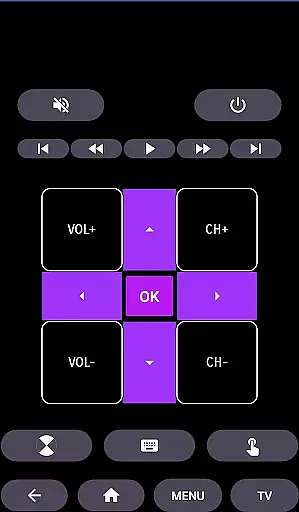
Key functionalities include power control, volume and channel adjustments, mute options, navigation controls, multimedia management, and more. Users can enjoy the convenience of a touchpad interface and access all standard remote functions. The app's network compatibility requires both the TV and mobile device to be on the same Wi-Fi network, with a simple PIN-based connection process.
This application is particularly useful in home environments where users want to eliminate the need for multiple physical remotes and batteries. It provides a unified control solution that works across different TV platforms, making it an essential tool for modern smart homes.
The HiSense Smart TV Remote app offers an impressive array of features designed to enhance user experience. Its cross-platform compatibility supports various operating systems including Android OS, Android TV, and Roku OS, while maintaining backward compatibility with traditional IR devices.
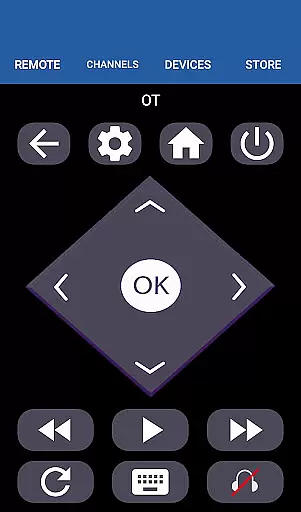
Advanced functionality includes comprehensive control options such as ON/OFF switching, volume and channel management, mute capability, navigation controls, multimedia command, and home button functionality. The app also features a virtual touchpad for intuitive navigation. For traditional IR devices, the app supports all functions available on original remotes.
Additional notable features include support for Android Chromecast OS and multi-platform remote capabilities. Users can utilize it as a HiSense Android TV Remote, HiSense Remote Smart TV controller, or HiSense Roku TV Remote. The app's network-based connection system ensures secure and stable communication between devices.
In the context of smart home applications like HiSense Smart TV Remote, property listing authenticity refers to the accurate representation of supported devices and functionalities. This ensures users can trust that the app will work seamlessly with their specific HiSense Smart TV models.
HiSense Smart TV Remote meticulously lists all compatible TV models, including those running on Android OS, Roku OS, and traditional IR-based systems. The application provides clear guidance on network requirements, such as being on the same Wi-Fi network, and includes a secure PIN verification process for device pairing.
By offering comprehensive compatibility details, users can confidently utilize the app's full range of features, from basic ON/OFF commands to advanced multimedia controls. This transparency not only enhances user experience but also significantly reduces potential connectivity issues.
The app's dedication to authentic listings extends to its disclaimer, clarifying its unofficial status while maintaining high standards of functionality and support through dedicated customer service channels.
Home management features in smart TV remote applications encompass the various tools and functions that allow users to efficiently control and organize their entertainment systems. These features are crucial for creating a seamless smart home experience.
HiSense Smart TV Remote offers an impressive array of management tools, including volume and channel controls, navigation buttons, multimedia management, and even a touch pad interface. The application supports both modern smart TVs and traditional IR-based systems, making it versatile for different household setups.
One notable aspect is the app's ability to handle multiple device types, from HiSense Android TVs to Roku-powered models. This flexibility enables users to consolidate their remote controls into a single mobile application, streamlining their home entertainment management.
Additionally, the app's support team provides reliable assistance for connection issues, ensuring users can maintain optimal functionality of their home management system. This combination of comprehensive controls and dedicated support makes HiSense Smart TV Remote a valuable tool for managing smart home entertainment systems.
User-friendly interface
Wide device compatibility
Comprehensive control options
Stable Wi-Fi connectivity
Regular feature updates
Requires Wi-Fi connection
IR blaster needed for some devices
Third-party application
No official HiSense support
Device compatibility limitations

For all of your Airthings devices
 4.30
4.30
Draw house plans, floor plans 3d & house design with house plan drawing 3d app
3.60
AI-powered home design, interior design, home decor, and room design solutions
4.50
Your guide to apartments & rental homes. Find your next place to rent with AG.
4.60
Find contractors for all home renovation projects. Remodeling, repair, and more.
4.20
Control your Vivint Smart Home with the next generation Vivint App.
4.30
Search for Homes, Rentals, Agents & Schools
4.70
Apartment finder for apartments for rent. Compare prices, amenities & rentals.
4.50
Houses for Sale & Homes for Rent: Buy Homes, Rent Apartments & Sell Real Estate
4.80
Connect with reliable pros for maintenance services, plumbing, and home design!
4.80
Find homes for sale and apartments for rent in the best neighborhood.
4.70
Parcel Pending Resident App
4.50
Resident Center, powered by Buildium, is designed with simplicity in mind.
4.50
Universal Tv Remote Control for all Tv. Cast for chromecast & all Tv Controller
4.20
Schlage Lock Company LLC
4.00
Our app allows Sunrun customers to monitor systems, pay bills, and get support.
3.80
Find paints using a Color Muse & ColorSnap® Match
3.60
Control Fire TV & mirror your phone screen instantly over Wi-Fi.
3.30
Universal TV Remote for TV, control all Smart TVs with your mobile phone.
4.2


User Reviews