
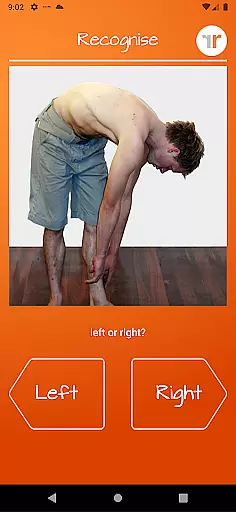
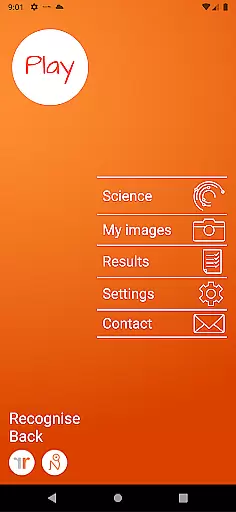
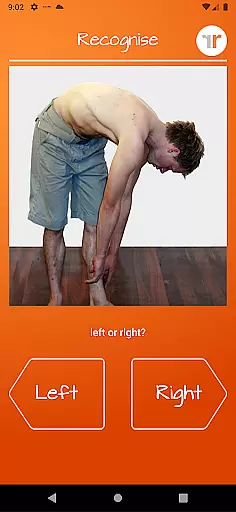
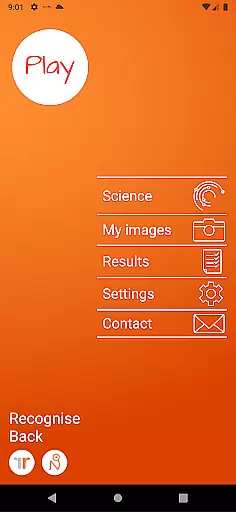
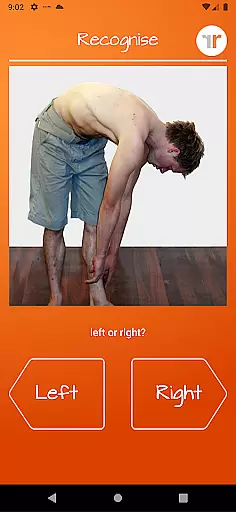
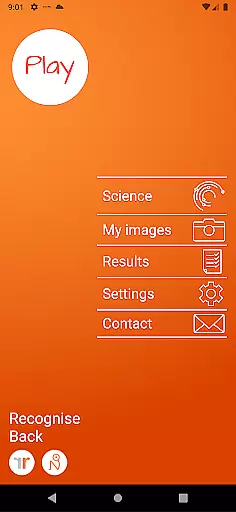
Recognise Back is a specialized health and fitness application designed to assist users in managing pain, enhancing performance, and supporting rehabilitation through a structured Graded Motor Imagery (GMI) program. The app focuses on improving the user's ability to discriminate between left and right body parts, which is crucial for recovery from various complex pain conditions and injuries.
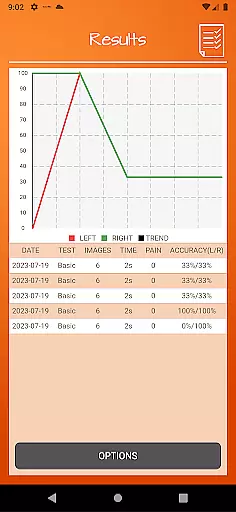
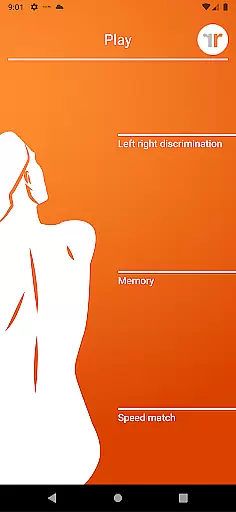
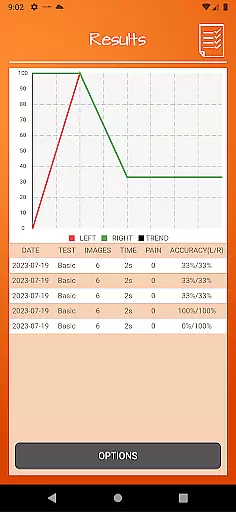
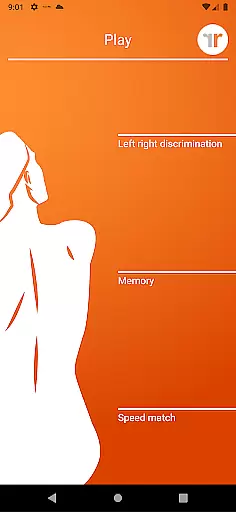
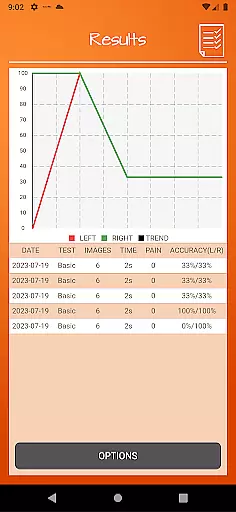
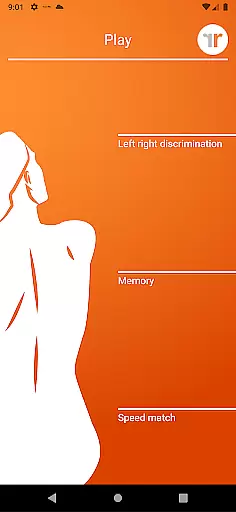
The application offers two main modes of engagement - TEST and TRAIN. In TEST mode, users can evaluate their proficiency in recognizing images of body areas as either left or right. TRAIN mode allows users to leverage the brain's neuroplasticity with advanced tools like 'Memory' and 'Speed match', graded difficulty levels, and personal best challenges. Recognise Back also provides detailed progress tracking through onscreen results and graphs, making it an essential tool for both patients and clinicians.
Recognise Back stands out with its comprehensive set of features tailored to enhance motor imagery training. The app includes engaging tools such as 'Memory' and 'Speed match', which are specifically designed to elevate the user's training experience to the next level. These tools, combined with graded difficulty levels and personal best challenges, ensure that users remain motivated and see tangible progress over time.
One of the key highlights of Recognise Back is its powerful clinical integration capabilities. Users can export and email their detailed results and progress graphs directly to their healthcare providers. Additionally, the app allows users to capture their own images using their device's camera and incorporate these custom images into their training routines. This personalized approach, coupled with a thorough explanation of the science behind Left/Right Discrimination and Graded Motor Imagery, makes Recognise Back an invaluable resource for anyone involved in physical rehabilitation.
Recognise Back offers a personalized approach to pain management and rehabilitation through its scientifically-backed training tools. The app's 'Left/Right Discrimination' feature tests your ability to quickly identify images of body areas, creating a baseline for customized training plans.
The graded difficulty levels and personal best challenges ensure that each user progresses at their own pace. This personalized progression system adapts to individual performance, providing tailored exercises that evolve with the user's improving skills.
With comprehensive clinical integration tools, users can export and email detailed results directly to their healthcare provider. This feature facilitates personalized feedback and therapy adjustments based on accurate progress tracking.
By capturing your own images and incorporating them into training sessions, the app further customizes the experience. This level of personalization in training materials ensures maximum relevance and effectiveness for each user's specific rehabilitation needs.
Tracking progress is crucial in rehabilitation, and Recognise Back excels in visualizing user advancement through detailed onscreen results and graphs. These visual tools provide clear insights into performance improvements over time, helping users understand their rehabilitation journey.
The app's graphing features map various metrics such as speed, accuracy, and consistency in Left/Right Discrimination tasks. This data visualization helps users identify patterns in their progress and areas needing improvement, making their training more targeted and efficient.
Personal best challenges are visually represented, offering users a tangible way to see their achievements and stay motivated. The visual benchmarks create a sense of accomplishment and encourage continued engagement with the app's training programs.
Furthermore, the ability to export and share these visual progress reports with clinicians enhances the therapeutic process. Healthcare providers can use these visual aids to make informed decisions about treatment adjustments, ensuring optimal rehabilitation outcomes.
User-friendly interface
Comprehensive progress tracking
Customizable training options
Strong clinical integration
Science-backed methodology
Premium pricing model
Limited free content
Requires consistent use
Steep learning curve
Device compatibility issues

SportWerks - Workout Tracker for Wear OS Watches
 3.90
3.90
“Overcoming pain based on EMDR” helps you to alleviate chronic pain and stress.
4.10
Enjoy the Gluten Free living with the best app. SCAN the barcodes & SEARCH.
3.60
Using Recognise™ has been shown to reduce pain and improve performance
4.2
Show your support for the development of FitNotes - Gym Workout Log
4.90
Pupillary distance PD with camera quick and easy, checking glasses frames on you
3.70
Wall Pilates at home & Pilates workout for beginners for core and weight loss.
4.80
Pedometer that gives you sweatcoins for steps. It pays to walk!
4.10
Manage your and your family's health information.
4.60
Easy to use step counter, calorie counter helps lose weight, count steps offline
4.80
Relax to calm sounds, white noise, music, guided meditation and bedtime stories
4.40
For Absolute Novices to Strength Training. Simple. Effective.
4.40
Track heart rate & HRV in 30s! Get live health insights and anomaly alerts
4.40
The most accurate heart rate app to monitor and track your heart rate & pulse.
4.40
Download MadMuscles to start your positive body transformation!
4.30
Your Health Assistant
3.90
Make sense of your health data.
3.80
Control your sleep in real-time wearing Garmin device
3.60
Your plan in your pocket 24/7
3.00


User Reviews