

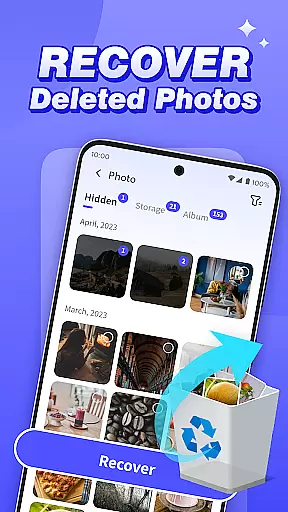

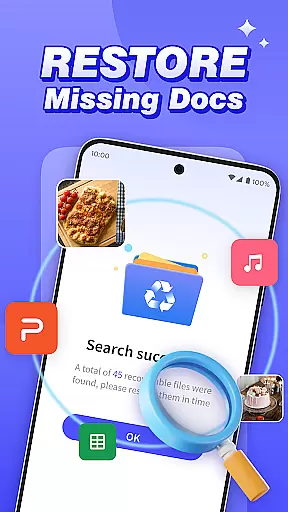
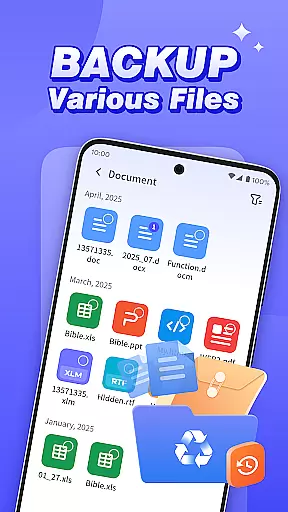


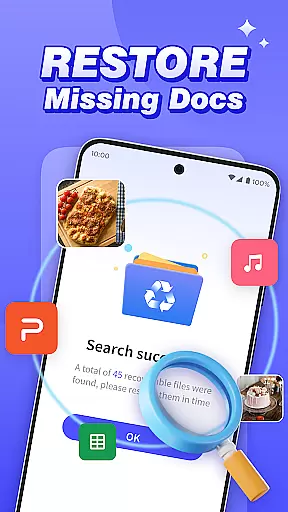
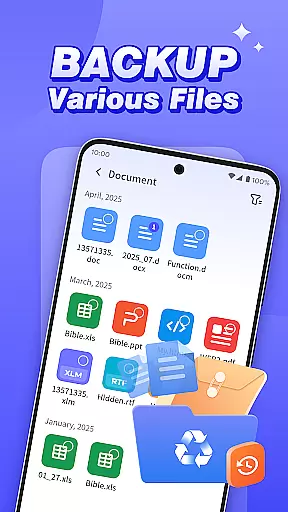

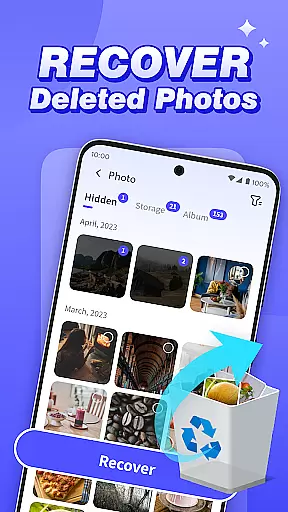

Photo Recovery Plus is a comprehensive data recovery tool tailored for Android users, offering solutions to recover lost photos, videos, audio files, documents, and entire folders. The app's primary function revolves around restoring accidentally deleted media and important files through an intuitive interface that requires no technical expertise. With features like folder recovery, file backup, and multi-format scanning, it ensures users can safeguard their digital memories and critical data effectively.
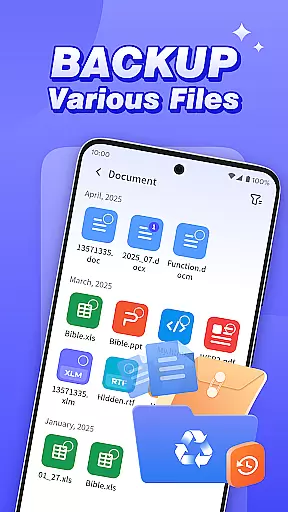
Beyond simple recovery, the app provides practical utilities such as backing up essential files to prevent future data loss due to device malfunctions or accidental deletions. Its ability to scan and restore various file types—including images, videos, audio, and documents—makes it a versatile tool for meeting diverse recovery needs. Whether you're looking to retrieve cherished memories or recover vital work files, Photo Recovery Plus offers reliable functionality to help Android users manage and protect their data with confidence.
Photo Recovery Plus stands out with its robust feature set designed to address multiple data recovery scenarios. The app's photo recovery function allows users to restore deleted images effortlessly, preserving precious memories without requiring advanced technical skills. Similarly, its video, audio, and document recovery capabilities ensure comprehensive restoration of multimedia content and important files by performing detailed scans of the device's storage system.
Another key highlight is the folder recovery tool, which enables users to locate and filter deleted folders based on specific file types, streamlining the process of retrieving structured data. Additionally, the built-in file backup feature helps mitigate risks associated with sudden device failures or unintended deletions by creating secure copies of essential files. These functionalities collectively make Photo Recovery Plus a reliable solution for safeguarding personal and professional data while ensuring ease of use across different recovery needs.
At the heart of Photo Recovery Plus lies its ability to accurately and effectively recover lost data, ensuring users can retrieve their valuable files with confidence. The app employs advanced scanning algorithms that meticulously comb through the device's storage to locate deleted or lost photos, videos, audio files, and documents.
The recovery process is designed to be both thorough and efficient. By analyzing file system structures and metadata, the app identifies recoverable content and restores it in its original format. This ensures that users not only regain access to their files but also experience minimal quality degradation during the recovery process.
For those who have accidentally deleted important files or are dealing with device malfunctions, this functionality provides peace of mind. With simple steps, even users without technical expertise can successfully recover their precious memories and essential data, making Photo Recovery Plus an indispensable tool for safeguarding digital content.
Photo Recovery Plus excels in providing a user-friendly interface that simplifies the complex task of data recovery. The app's design emphasizes clarity and ease of use, ensuring that users of all technical backgrounds can navigate its features effortlessly.
Each recovery optionu2014be it photo recovery, file backup, or folder restorationu2014is presented with straightforward instructions and intuitive controls. Users can easily initiate scans, preview recoverable files, and select items for restoration without encountering unnecessary complications.
This commitment to simplicity extends to the app's overall workflow. From initial setup to final recovery, every step is streamlined to minimize user effort while maximizing efficiency. Such an approach not only enhances the user experience but also instills confidence in those who might otherwise feel overwhelmed by data recovery tasks.
User-friendly interface
Comprehensive file recovery
Efficient backup utility
Multi-format support
Local data processing
Recovery success varies
No factory reset recovery
Limited by device model
Premium features locked
Storage-intensive scans

 4.10
4.10 4.50
4.50
Change your GPS location instantly. Simulate routes anywhere in the world.
4.90
HD Camera captures every special moment.
4.60
PDF Reader - Document Viewer: Read, Manage & Organize Your Documents
3.10
App that Recover your pictures, videos or files after you delete them.
4.20
Quickly & easily calculate the spacing of handrail balusters
4.20
Amateur Radio app for APRS: Track friends, exchange messages, get tactical info.
3.90
PC precision for mobile gaming: dominate with keyboard and mouse!
4.30
Learn the vast amount of system information about device and monitor it's state
4.70
Optimize your WiFi network, turn your phone into Wifi Analyzer
4.70
App to pay for FUTO Keyboard
4.60
Quickly switch to an encrypted DNS server on Android TV
4.50
Screen Mirroring for Roku Sticks, Roku TCL TV and Roku Hisense TV
4.50
Just swipe the edge to do something!
4.40
Carry a FTP server in your pocket and avoid USB cables for file transfer
4.20
Screen Mirroring with sound for Samsung TV, LG TV, Sony TV, Smart TV and Browser
4.20
Create your own live wallpaper or check out thousands already made presets
3.90
A non-root local ADB shell client. READ BELOW!
3.40


User Reviews