
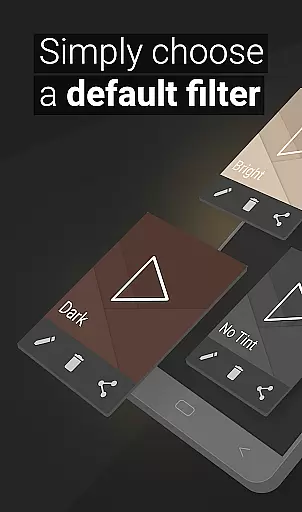
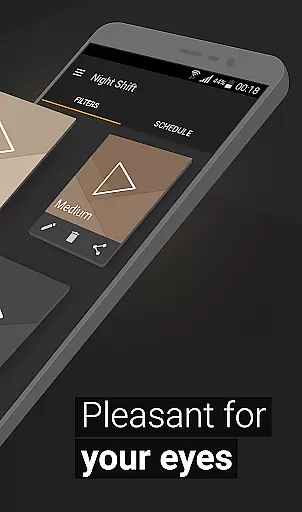
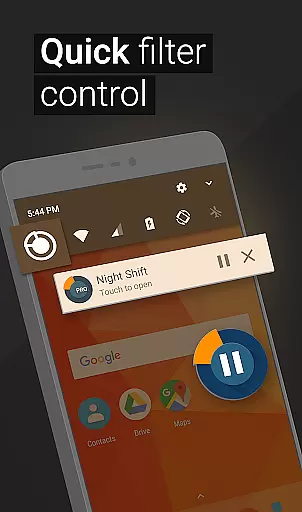
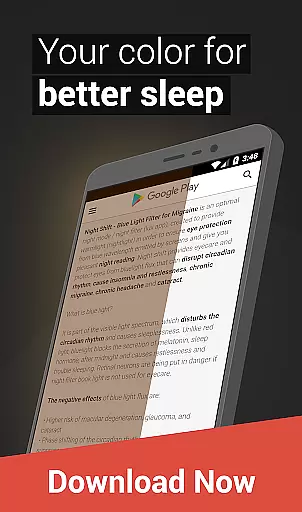
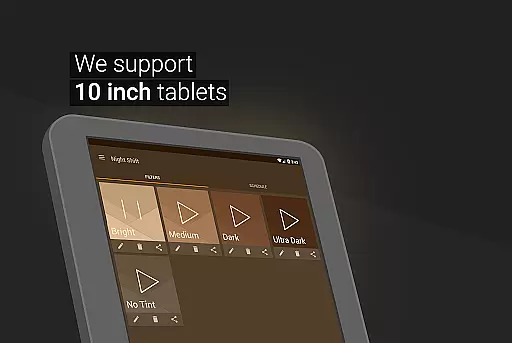
Night Shift is a specialized Health & Fitness application designed to address the growing concern of digital eye strain. This innovative app serves as an effective blue light filter, helping users improve their sleep quality while protecting their eyes from harmful screen light during nighttime use. The core functionality revolves around its ability to reduce brightness below system minimum and customize color temperature, making it an essential tool for maintaining good eye health.
The application's comprehensive feature set includes premade filters, customizable RGB settings, and automatic scheduling capabilities. These features work together to create an optimal viewing experience that adapts to individual preferences and environmental conditions. Whether you're working late hours or simply enjoying your device before bed, Night Shift provides a protective dark mode solution that minimizes potential negative effects on your vision and overall well-being.
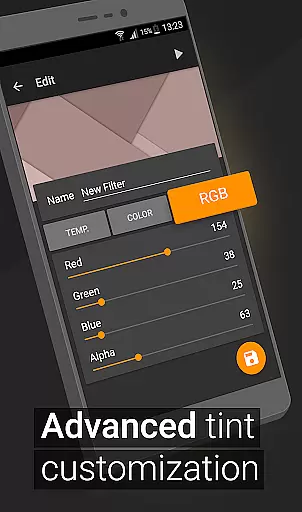
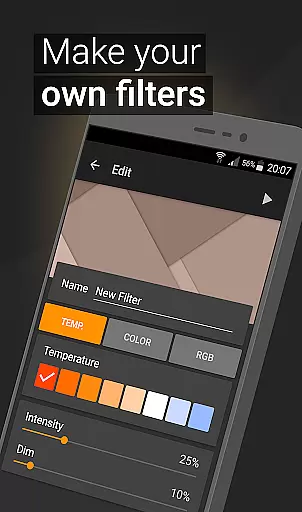
The application offers an impressive array of features that cater to diverse user needs. Its most notable capability is the advanced customization options for creating personalized blue light filters. Users can adjust RGB values independently, modify color temperature, and control intensity levels with precision. This level of customization ensures that each user can create their perfect night mode setting that suits their specific requirements.
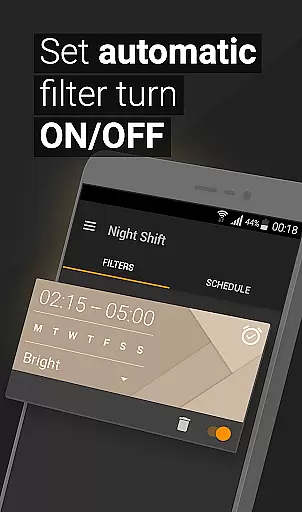
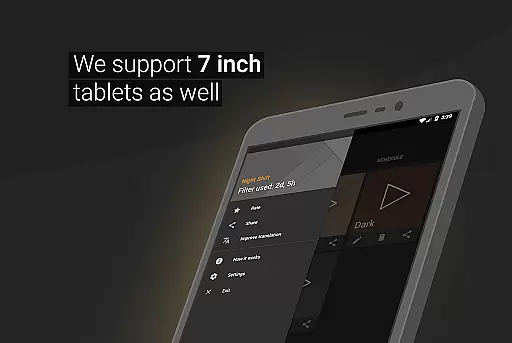
Another significant advantage is the automatic filter scheduling system, which intelligently applies the appropriate filter based on user-defined times. The app also includes an Accessibility Service that extends filtering capabilities to notifications and lock screens without compromising user privacy. These features collectively provide a comprehensive solution for digital eye protection, making it particularly valuable for individuals who spend extended periods on their devices during evening hours.
In today's digital age, personalized planning for eye care is crucial, especially with prolonged screen time. Night Shift offers a tailored approach to protecting your vision by adjusting screen brightness and color temperature according to your environment and schedule. This customization ensures that the blue light exposure is minimized during night hours, directly addressing issues like insomnia and headaches.
The application allows users to create their own blue light filters with specific settings for color, intensity, and even RGB levels. This level of personalization means that whether you're reading, gaming, or working at night, the screen can be adjusted to provide optimal comfort and protection for your eyes. By fine-tuning these settings, users can avoid the strain and damage that prolonged exposure to harsh screen light can cause.
Moreover, Night Shift's automatic scheduling feature enhances personalized planning by enabling the app to adapt to your daily routine seamlessly. You can set specific times for the filter to activate, ensuring that your eyes are protected exactly when needed without manual intervention. This feature not only adds convenience but also maximizes the health benefits by maintaining consistent protection.
By integrating personalized planning into its core functionality, Night Shift stands out as an essential tool for anyone looking to safeguard their eye health in a digitally dominated world. The ability to customize and automate blue light filtering makes it an invaluable asset for maintaining good eye health and overall well-being.
Progress visualization plays a significant role in maintaining user engagement and motivation, particularly in applications focused on health and fitness. Night Shift incorporates this concept by providing users with tangible evidence of their eye care progress through adjustable and observable changes in screen light and color settings. This visual feedback helps users understand the direct impact of using the app on their eye comfort and sleep quality.
With features such as premade filters, customizable options, and dimming below system minimum, users can visually track improvements in their nighttime screen experience. Each modification made to reduce brightness or adjust color temperature serves as a visual indicator of steps taken towards better eye health. Observing these changes empowers users by making their proactive measures visible and concrete.
Night Shift further enhances progress visualization through its scheduling capabilities. Users can see how consistently applying filters at set times contributes to long-term benefits, reinforcing positive habits. The ability to witness regular implementation of protective measures fosters a sense of accomplishment and encourages continued use of the app for sustained eye care.
Ultimately, Night Shift leverages progress visualization not just as a feature but as a motivational tool. By allowing users to observe the beneficial adjustments they make, the app promotes ongoing engagement with its eye protection functionalities. This approach not only aids in preventing issues like insomnia and headaches but also cultivates a more health-conscious digital lifestyle.
Effective blue light reduction
Customizable filter options
Automatic scheduling
Comprehensive eye protection
User-friendly interface
May affect color accuracy
Requires regular adjustment
Initial setup time
Limited daytime functionality
Accessibility service needed

Text notifications, button control, heart monitor & more for your Amazfit.
 2.40
2.40
Insanity blocks of intense physical activity, short breaks of 30 seconds.
4.5
Interval timer for High Intensity Interval Training, Tabata and Circuit Training
4.20
Use your watch as a bike computer, heart rate monitor and cycling power meter
2.50
Measure your Pupil Distance for Eyeglasses and VR headsets in 3 quick steps.
4.70
Get lasting results with Chair Yoga, Wall Pilates, and Walking workouts!
4.60
Your AI pet BFF. Talk, play, and beat anxiety in this calming game.
4.60
Monitor, analyze, track, and convert blood sugar & help you control diabetes.
4.10
Personal step counter for you, private and accurate
4.50
Meditation app, head space app provides calm music to help you meditate & sleep
5.00
sobriety counter app to help and motivate people to stop drinking alcohol.
4.90
Easy to use step counter, calorie counter helps lose weight, count steps offline
4.80
Easy access to health benefits
4.70
For Absolute Novices to Strength Training. Simple. Effective.
4.40
Grow with self-tests and personal routine.
4.30
Histamine intolerance, low FODMAP diet and irritable bowel syndrome (IBS)
4.00
Find Paid Clinical Trials In Your Area
3.70
Control your sleep in real-time wearing Garmin device
3.60
Transform your body and soul with DBFFitness, with a 40-day fitness journey.
4.3


User Reviews