
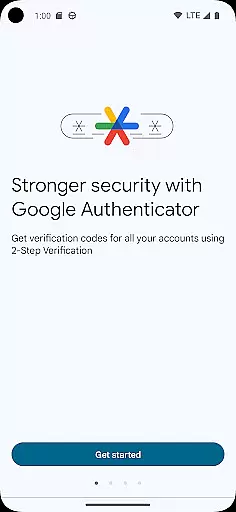
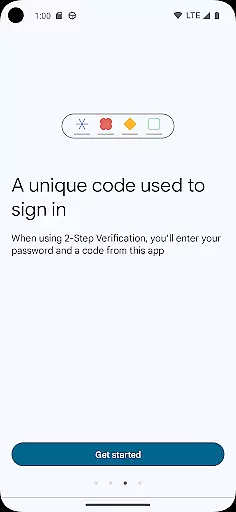
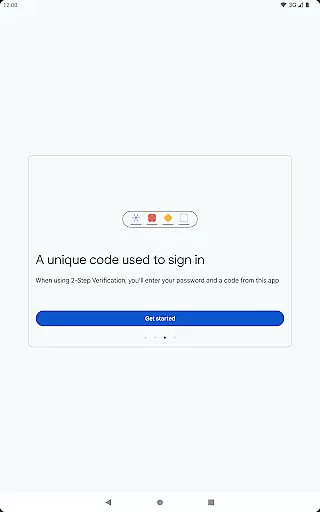
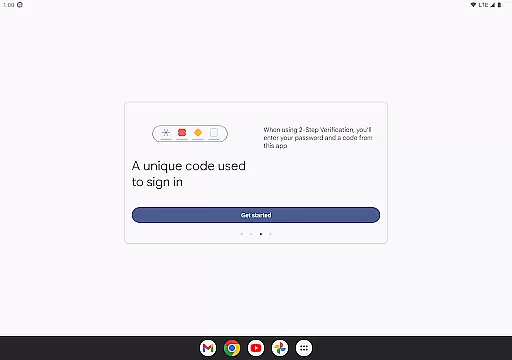
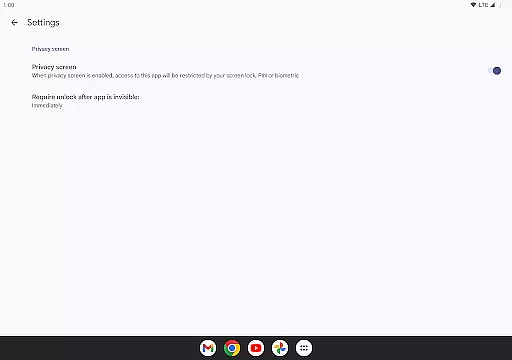
Google Authenticator is a security tool that provides an additional layer of protection for your online accounts through two-factor authentication. When signing in, users must enter both their password and a unique code generated by the app on their mobile device. This ensures enhanced account security even if passwords are compromised.
The app operates independently of network connectivity, generating time-based or counter-based codes directly on your phone. It supports multiple account management, automatic setup via QR codes, and secure syncing of authentication codes to your Google Account. These features make it an essential tool for anyone seeking stronger digital security across various platforms.
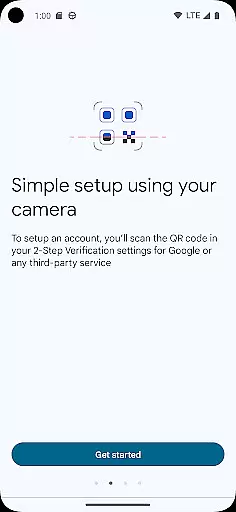
Google Authenticator offers several key features that enhance its functionality as a security application. The app generates unique verification codes every 30 seconds using either time-based or counter-based algorithms, ensuring constant protection without requiring internet access. Its support for QR code scanning simplifies the account setup process, allowing users to quickly configure new accounts with minimal effort.
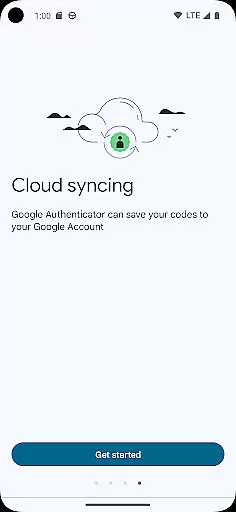
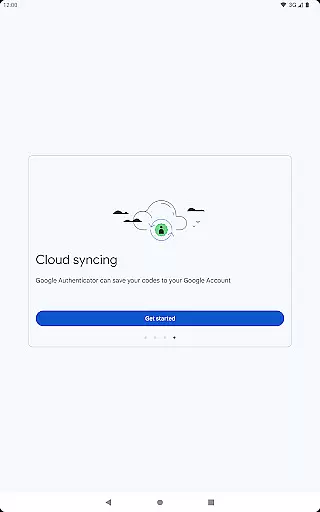
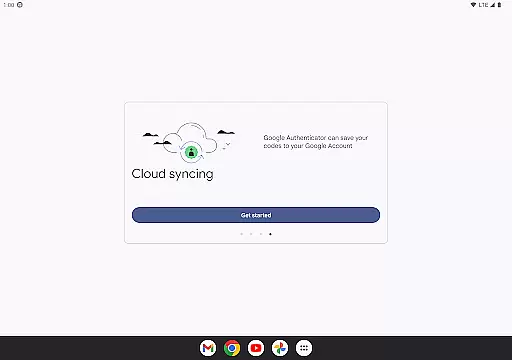
Another notable feature is its ability to sync authentication codes securely across devices through your Google Account. This ensures you can recover your codes even if you lose your primary device. Additionally, the app allows seamless transfer of accounts between devices using QR codes and supports managing multiple accounts simultaneously. These capabilities provide flexibility while maintaining robust security standards.
Google Authenticator excels in providing highly accurate and effective two-factor authentication. The app generates time-based or counter-based codes that serve as the second layer of verification for your online accounts.
The precision of code generation is crucial, as it ensures that users can reliably access their accounts without delays or errors. Google Authenticator achieves this by syncing with atomic clocks to maintain exact timing, which is essential for time-based codes.
For users, this means enhanced security without compromising convenience. Even without an internet connection, the app continues to generate the necessary codes, ensuring that you are never locked out of your accounts due to connectivity issues.
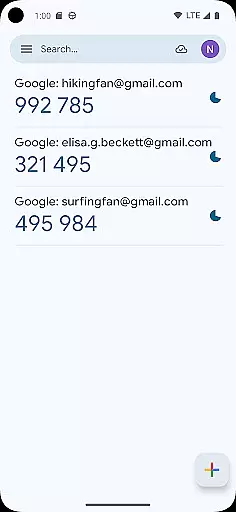
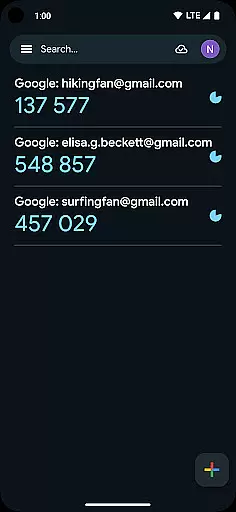
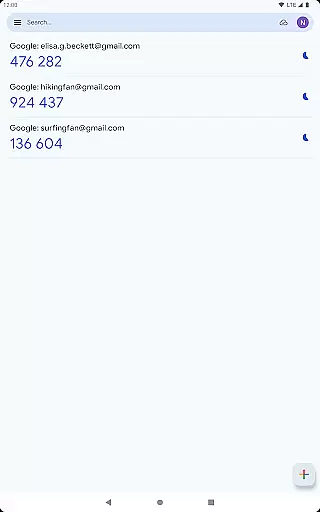
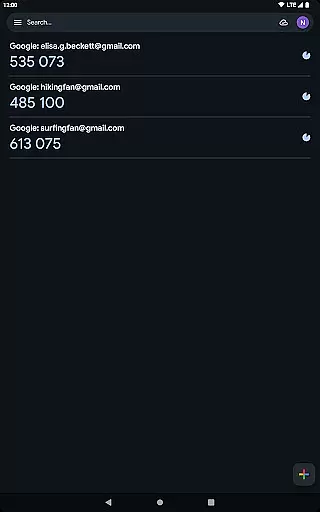
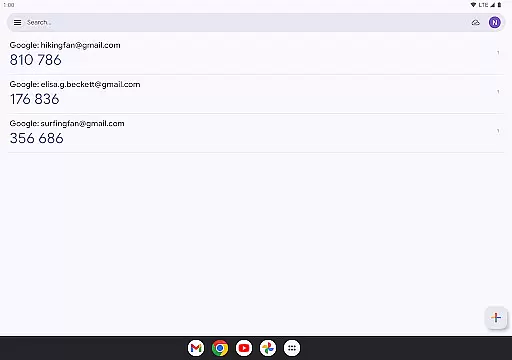
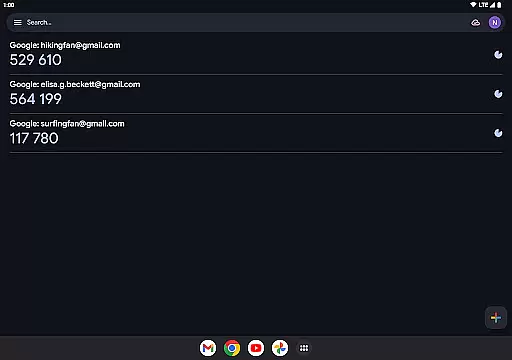
The interface of Google Authenticator is designed to be simple and intuitive, making it accessible even to those who may not be tech-savvy. The straightforward design focuses on functionality, displaying the essential information clearly and concisely.
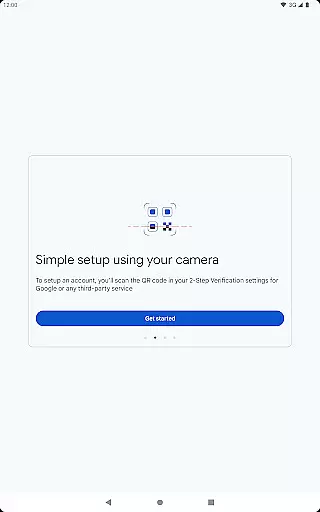
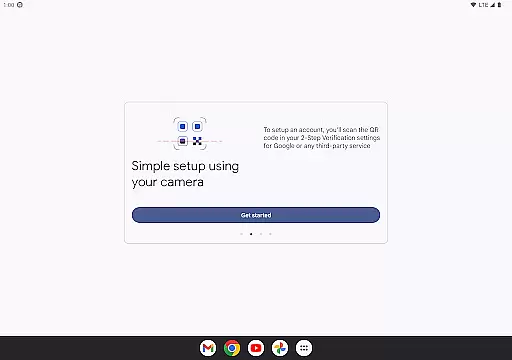
Adding new accounts is a breeze thanks to the support for QR code scanning. This eliminates the need for manual entry and minimizes the risk of errors during setup. Moreover, managing multiple accounts is streamlined within the app, allowing users to switch between different codes effortlessly.
This simplicity extends to everyday use, where users can quickly retrieve their verification codes with just a glance at their device. Such ease of use encourages the adoption of stronger security practices without overwhelming the user.
Enhanced Security
Easy Setup Process
Offline Code Generation
Multi-Account Support
Secure Syncing Across Devices
No Desktop Version
Limited Customization Options
No Backup Without Google Account
Occasional Sync Delays
QR Code Dependency for Setup

 4.50
4.50
Change your GPS location instantly. Simulate routes anywhere in the world.
4.90
Just one-tap to easy translate in any language after calls within seconds.
4.20
An open-source APK explorer for Android!
4.10
Support Fossify apps with a warm thank you!
5.00
Connect wirelessly to your computer to watch movies, browse the web, play games
5.00
Fun lie-detection pranks for friends and parties.
3.80
Screen recorder with audio to record high-quality videos and take screenshots.
4.40
fast and easy mp3 music downloader
4.80
Enjoy smooth gameplay with Game Booster
4.90
Optimize your WiFi network, turn your phone into Wifi Analyzer
4.70
ADB support Android 4.X-Android 13(Support wireless pair mode).No root required!
4.70 4.50
4.50 4.50
4.50
The Ultimate Bluetooth Keyboard & Mouse. Securely control your PC, Mac, and more
4.50
Game Booster, GFX Tool is now compatible with newer game update
4.50
Automate everything from settings to photos, SMS to speech. ADC2 prize winner.
4.10
Family Locator, Share location, StayConnect with your family in real time
3.90
Amateur Radio app for APRS: Track friends, exchange messages, get tactical info.
3.90


User Reviews