
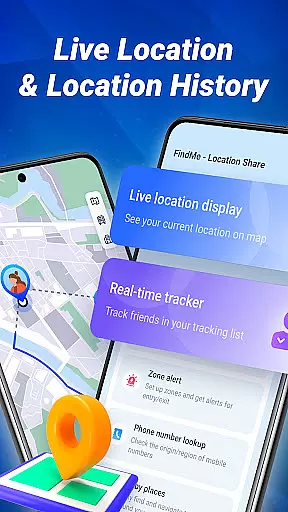
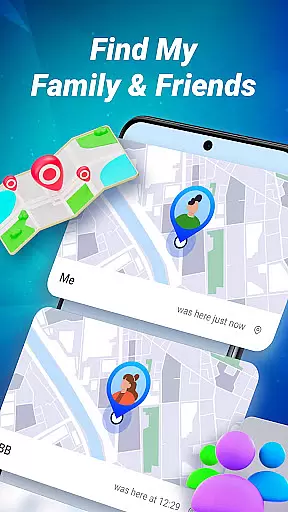
FindMe is a location-based app designed to help users connect safely with friends and family. The app allows secure, simple location sharing through a mobile-friendly interface, ensuring privacy and control over who sees your whereabouts. With features like unique access codes and alert zones, FindMe offers peace of mind while keeping you close to loved ones.
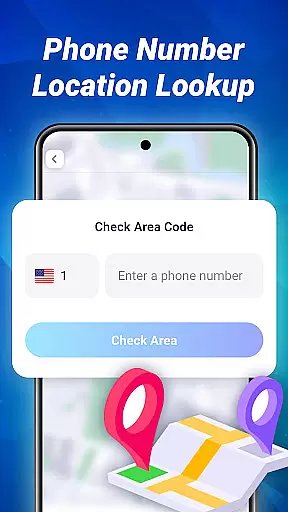
The app provides essential tools for staying connected, such as real-time location tracking, nearby place discovery, and phone number region lookup. Whether you're coordinating with family or meeting up with friends, FindMe ensures you can share your location securely and efficiently. Its user-centric design makes it ideal for anyone seeking reliable navigation and connection tools on their mobile device.
FindMe stands out with its robust set of features tailored for secure location sharing. One key feature is the unique code system, which allows users to control exactly who can view their location. This ensures that only trusted contacts have access, maintaining privacy and security at all times.
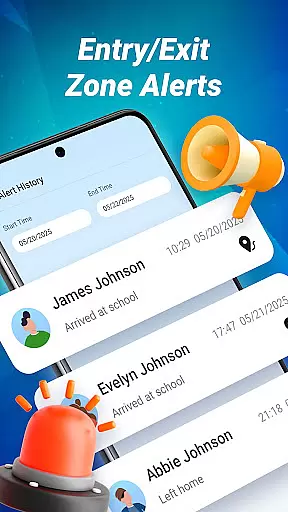
In addition to secure sharing, FindMe offers practical tools like alert zones and nearby place discovery. Users can mark important areas such as work or school to receive notifications when they enter or exit these zones. The app also helps users find cafes, parks, and other points of interest easily. These features combine to create a comprehensive navigation and connection tool that prioritizes both functionality and user safety.
Map accuracy is essential for any navigation app, and FindMe excels in this area. The application provides a clear, mobile-friendly map that allows users to view their current location with precision. This ensures that users can rely on the app for accurate positioning when navigating through unfamiliar areas.
The app's mapping technology is designed to offer real-time updates, which means that as you move, your position on the map is refreshed instantly. This feature is crucial for maintaining an accurate representation of where you are at all times, providing peace of mind whether you're walking, driving, or cycling.
FindMe also includes detailed maps that cover not just streets but also points of interest such as cafes, parks, and more. With this level of detail, users can easily discover nearby places and navigate to them without worrying about getting lost or encountering unexpected obstacles along the way.
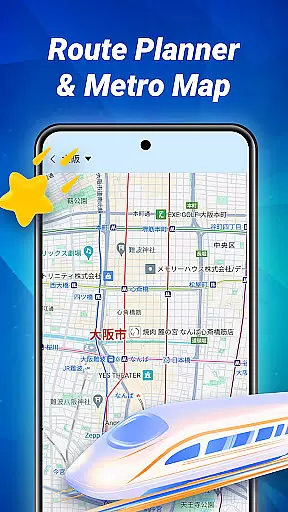
Route planning is a core component of FindMe, enabling users to efficiently reach their destinations. By entering a destination, users receive multiple route options, taking into account real-time traffic conditions to suggest the fastest paths available. This helps save time and reduces stress by avoiding congested areas.
In addition to offering alternative routes, FindMe provides estimated travel times for each option. Users can make informed decisions based on current traffic patterns, road closures, or other factors that might affect their journey. This functionality ensures that users always have the most up-to-date information at their fingertips.
Moreover, FindMe's route planning feature integrates seamlessly with its location-sharing capabilities. Friends and family members who share their locations can be included in your planned routes, making it easier to meet up or coordinate travel plans. This integration enhances the overall user experience by combining practical navigation tools with social connectivity features.
User-friendly interface
Secure location sharing
Real-time tracking
Customizable alert zones
Nearby place discovery
Limited to mutual consent
Requires constant GPS
Dependent on network
Code management needed
Privacy concerns possible

The fastest and most convenient way to pay for parking on our lots.
 4.40
4.40
LIRR and Metro-North tickets and trips
4.80
Navigate via GPS Maps of GPS Voice Navigation, driving directions to find routes
3.60
Find routes fast with GPS Maps, GPS Navigation & driving directions.
4.10
Ride or drive at YOUR price
4.70
Navigate seamlessly with Real-Time Traffic, Offline Maps, and Voice Navigation.
4.10
GPS navigation offers route finder, compass, translator, currency converter, etc
4.30
Lets explore the world's famous places by using Live Cams, GPS & Satellite View.
4.20
Avoid delays. Get real-time GPS navigation, safety alerts and live traffic.
4.10
Navigate confidently with our precise Digital Compass app & Direction Compass!
4.70
Find trails, organize your locations and navigate with offline maps.
4.60
Navigate with your watch and keep the phone in your pocket!
4.60
Complete offline 1:50k South Island topo map including DOC Hunting Permit Areas
4.60
Parcel map, property lines, owner, acres, land use, zoning and more from Regrid.
4.60
Route schedules, maps, and real-time tracking of MTA buses in New York City.
4.20
Phone Tracker and GPS Location Sharing
4.20
Gas Station & Fuel Rewards Points
3.70
Your guide to the recreational opportunities of the Bureau of Land Management!
3.40
Turn your tablet or Android powered unit into a full blow Android Auto headunit.
2.30


User Reviews