
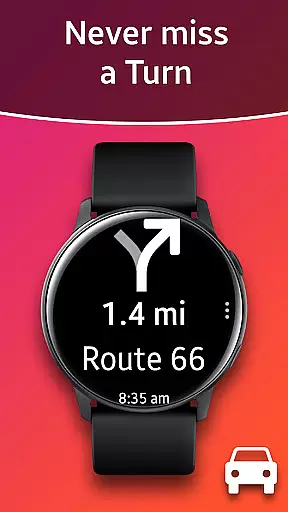
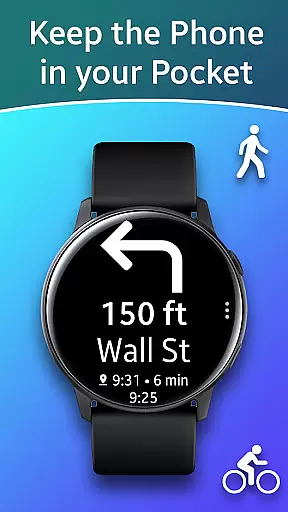
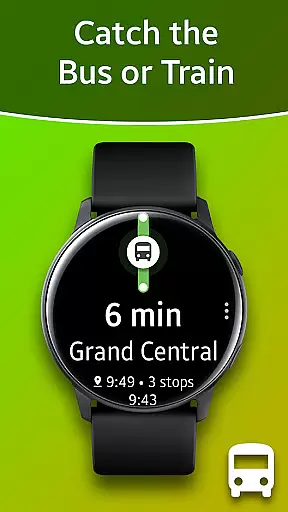
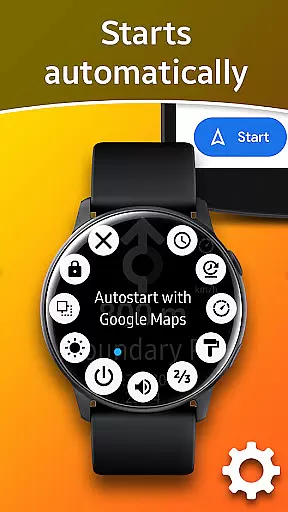
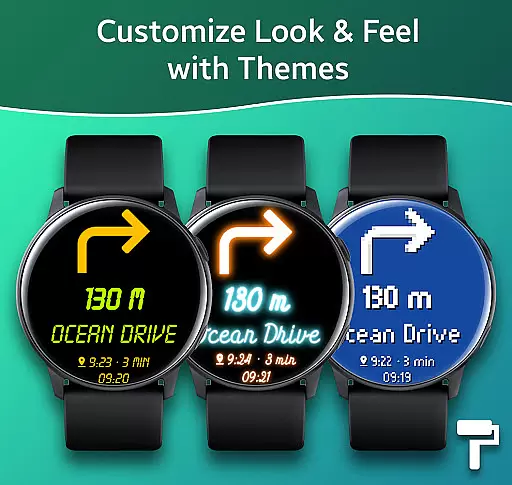
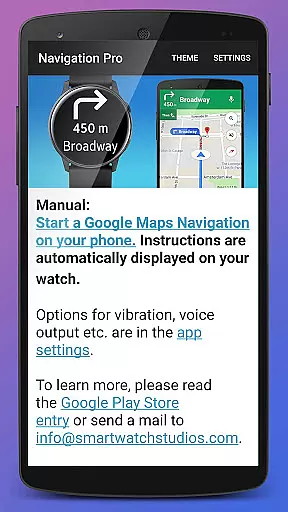
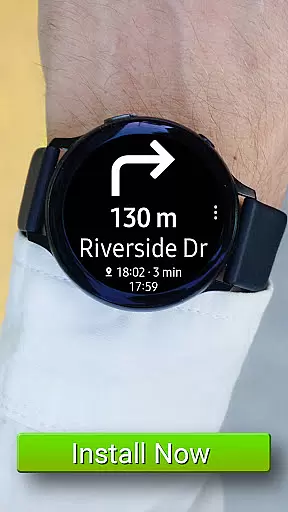
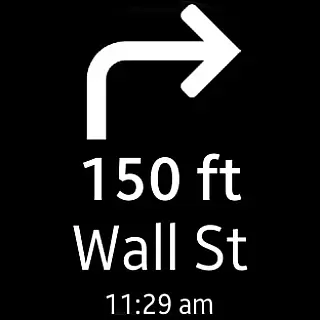
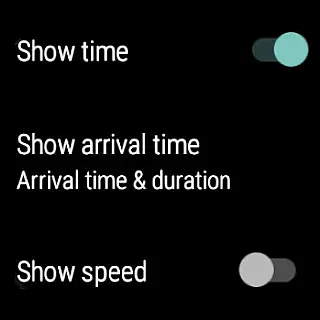
Navigation Pro is a specialized navigation application designed to display Google Navigation instructions directly on your Samsung smartwatch. This app is particularly useful for driving, cycling, and using public transport, providing users with real-time directions without needing to check their phones constantly. The app features autostart functionality with navigation, voice output, customizable vibration settings, support for 102 languages, various theme options, and even a speedometer.
The app requires the installation of a free companion app from Samsung Galaxy Apps to function correctly. It's compatible with all Galaxy Watch models, Gear S2 / S3 / Sport, Gear 1, Gear 2, and Gear S. For users with Gear Fit2 (Pro), an alternative app is available. Navigation Pro enhances user experience by ensuring that navigation information is accessible right on the wrist, making travel more convenient and safer.
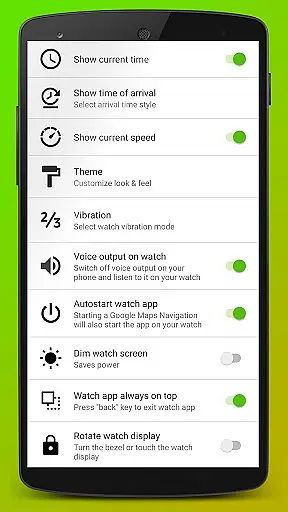
Navigation Pro offers a comprehensive set of features tailored for seamless navigation experiences. Key functionalities include autostart with navigation, which automatically starts the app when you begin navigating; voice output for audible directions; customizable vibration patterns to alert users of upcoming turns or actions; support for 102 languages, making it versatile for international use; and multiple theme options to personalize the interface.
Additionally, the app includes advanced features such as a speedometer to monitor travel speed, enhancing its utility for drivers. Users can also adjust preferences like notification settings and vibration intensity. These features collectively ensure that Navigation Pro delivers accurate, timely, and personalized navigation assistance, improving both convenience and safety during travel.
Map accuracy is essential for any navigation app, and Navigation Pro excels in this area. The application displays Google Navigation instructions directly on your Samsung watch, ensuring that the map data is both precise and up-to-date.
By leveraging Google Maps, which is renowned for its comprehensive and accurate mapping data, Navigation Pro provides users with reliable guidance for driving, cycling, and public transport. This ensures that users can trust the app to guide them correctly through their journeys.
The app supports 102 languages, making it accessible worldwide and enhancing its utility across different regions with varying mapping needs. This global compatibility contributes to the overall accuracy of maps provided by the app.
With features like autostart with navigation and customizable options such as themes and speedometers, Navigation Pro not only offers accurate mapping but also a personalized and seamless user experience.
Effective route planning is a cornerstone of Navigation Pro, allowing users to optimize their travel whether they are driving, cycling, or using public transport. The app integrates seamlessly with Google Maps to provide dynamic and intelligent routing.
Upon starting a journey, Navigation Pro automatically pushes navigation instructions to the user's smartwatch. This feature enables real-time updates and rerouting based on current traffic conditions, ensuring the most efficient path is always taken.
Users benefit from voice output and customizable vibration alerts, which enhance the route-planning experience by providing timely and clear directions without needing to look at the phone constantly.
In addition to basic route planning, the app offers advanced functionalities such as speedometer display and theme customization, enriching the overall navigation experience while maintaining focus on delivering optimal routes.
User-friendly interface
Voice-guided navigation
Customizable vibration alerts
Supports multiple languages
Speedometer feature
Requires companion app
Phone dependency
Limited to Samsung devices
No standalone functionality
Potential battery drain

Offline maps & GPS for hiking, travel, fieldwork & outdoor adventures
 4.70
4.70
Fully offline 1:50k New Zealand topographical map North Island
4.1
Find EV & Tesla charging stations with PlugShare
4.70
America’s largest public fast charging network, with over 500 charging stations.
4.50
Find routes fast with GPS Maps, GPS Navigation & driving directions.
4.10
Gas Station & Fuel Rewards Points
3.70
Off-Roading Navigation App With Trails, Public Lands, & Private Property Info
3.30
Use GPS Maps and GPS Voice Navigation to find your way and get directions
4.10
Get there with the Waymo Driver — The World’s Most Experienced Driver™
4.90
Order a cab online. An affordable taxi ride and driver in no time. What a bolt!
4.80
Instant diesel discounts - save big with each fill up!
4.40
"Balad" is a map and navigator with a Persian voice assistant and a complete city guide
4.40
Number locator, real connection map
4.10
Avoid delays. Get real-time GPS navigation, safety alerts and live traffic.
4.10
Easy, Moderate and difficult offroad adventures.
4.00
Explore Live Earth Map with 3D World Map & locate cites, mountains real time.
3.80
Discover over 800 points of interest along the canal.
3.70
Explore Earth with live GPS, satellite view & street navigation
3.60
Your guide to the recreational opportunities of the Bureau of Land Management!
3.40


User Reviews