
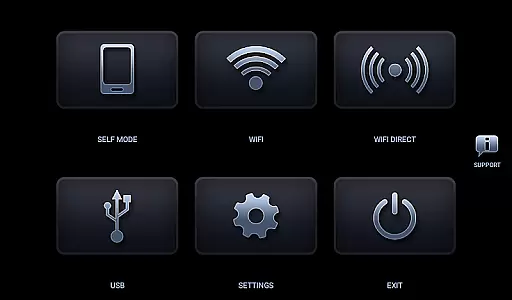
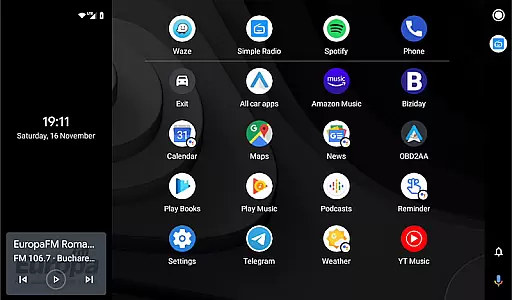
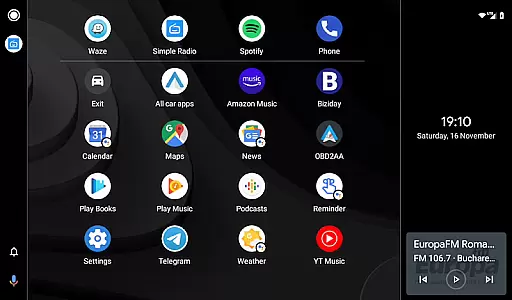
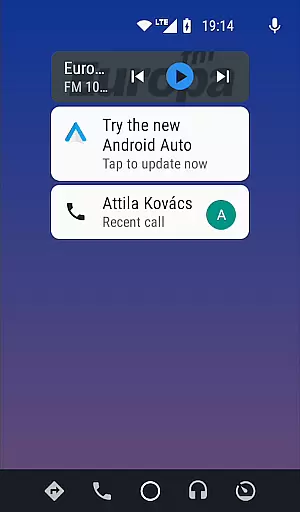
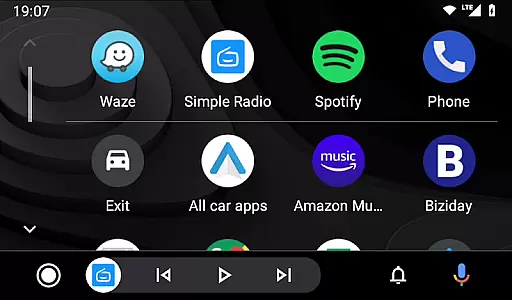

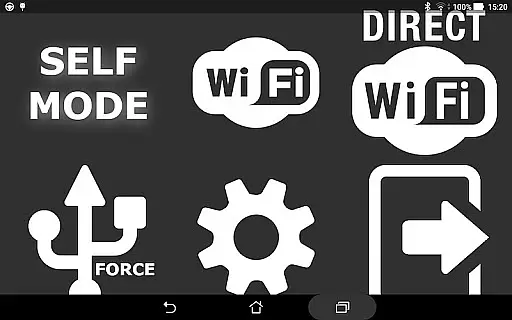
Headunit Reloaded Emulator HUR is a specialized application designed to emulate Android Auto on compatible head units. This app bridges the gap between mobile devices and car entertainment systems, allowing users to enjoy Android Auto's functionalities directly on their vehicle's display.
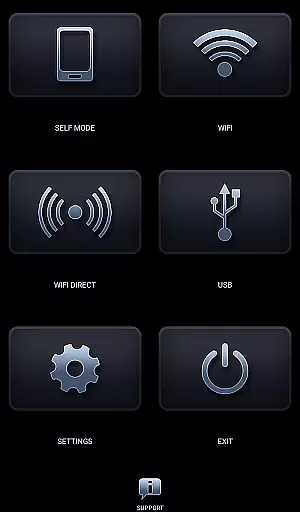
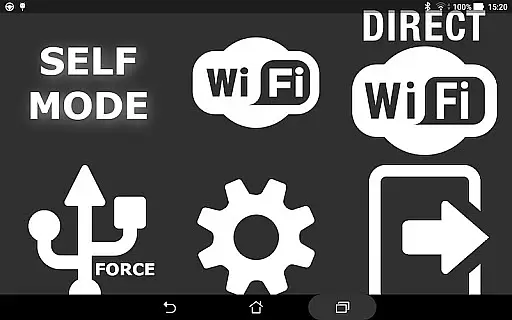
The core feature of this app is its ability to operate in multiple modes including USB Mode for direct connections, WiFi Mode for wireless connectivity, and Self Mode for running Android Auto on the same device. These options provide flexibility depending on the user's setup and preferences. Whether you're using Joying, Xtrons, or other Android-powered head units, HUR ensures seamless integration and an enhanced driving experience.
This app is particularly useful for drivers who want to access navigation, music, and communication apps safely while driving. By emulating Android Auto, it brings familiar smartphone features to the car environment, making every journey more enjoyable and connected.
Headunit Reloaded Emulator HUR stands out with its versatile connection options. The app supports USB Mode, which requires users to connect their device via USB (or OTG cable for tablets) and set HUR as the default app for the action. For devices running Android 7.0 or higher, users might need to select the connected USB device from the notification bar.
In WiFi Mode, users can install the WiFi Launcher app on their phone, select the car's Bluetooth, and enable hotspot options to connect the car's unit to the phone's hotspot. This wireless approach offers convenience and reduces cable clutter in the vehicle.
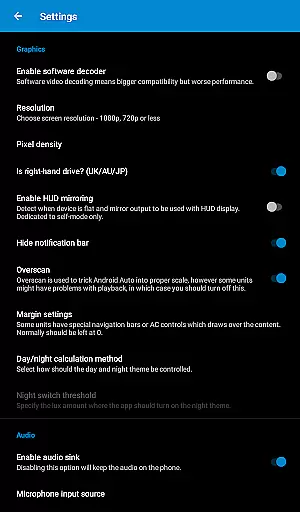
Self Mode allows users to run Android Auto and HUR on the same device, provided Android Auto is installed. Additionally, the app includes troubleshooting features like software decoding settings to address common issues such as black screens. Compatible with various head units including Joying, Eonon, Grom Vline, and more, HUR delivers a comprehensive solution for integrating smartphones with car systems.
Map accuracy is a critical feature for any navigation app, and Headunit Reloaded Emulator HUR excels in this area. The application provides precise mapping data that ensures users can rely on the information displayed during their journeys.
The emulator supports a wide range of Android-powered head units including Joying, Eonon, Grom Vline, Xtrons, PX5 and PX3 units among others. This compatibility allows for accurate map projections tailored to the specific capabilities of each device.
Users benefit from regularly updated mapping data which reflects the latest road changes and traffic conditions. This means whether you're driving through urban centers or rural landscapes, you'll have access to current and reliable navigation assistance.
Ultimately, the map accuracy provided by Headunit Reloaded Emulator HUR enhances user confidence when making travel decisions, ensuring they reach their destinations efficiently and without unexpected detours.
Route planning is an essential aspect of navigation apps, allowing drivers to find the most efficient paths to their destinations. Headunit Reloaded Emulator HUR offers advanced route planning features that cater to various driving scenarios.
With support for different connection modes such as USB, WiFi, and Self-mode, users can customize how they interact with the app based on their current setup. Each mode is designed to streamline the process of starting up and connecting to Android Auto seamlessly.
In case of connectivity issues or preferences, users are guided with clear instructions on setting up connections using OTG cables or enabling hotspots. These options ensure that regardless of your vehicle's configuration, there's a suitable method to maintain continuous route guidance.
By providing multiple ways to connect and plan routes, Headunit Reloaded Emulator HUR empowers drivers with flexibility and control over their navigation experience, ultimately leading to more enjoyable and stress-free travels.
User-friendly interface
Multiple connection modes
Wide compatibility
Regular updates
Active community support
Requires compatible hardware
Occasional connectivity issues
Limited to Android Auto
May need technical knowledge
Premium features cost extra

Find AI powered cameras, ALPRs, and other surveillance infrastructure near you
 4.70
4.70
Find shortest way and save energy . Distance and area calculator.
4.70
Number locator, real connection map
4.10
Parcel map, property lines, owner, acres, land use, zoning and more from Regrid.
4.60
Drive safe with real-time speed camera radar, police, and traffic alerts
3.80
Explore offline maps with radar, satellite view, and real-time alerts.
3.60
GPS phone tracker, family locator, secure location sharing app
4.20
Navigate MTA, NJ Transit, MBTA, SEPTA, BART, MARTA, CTA & 900+ cities
4.60
Avoid delays. Get real-time GPS navigation, safety alerts and live traffic.
4.10
LIRR and Metro-North tickets and trips
4.80
Bolt is a ride-hailing app for requesting fast, safe, and affordable transport
4.80
GPS Speedometer & Odometer: Track car, bike, truck speed & distance in real-time
4.70
Ride or drive at YOUR price
4.70
Explore with GPS Navigation with GPS offline, voice GPS, speed camera radar
4.60
Track friends in real-time and explore worldwide live cameras.
4.60
GPS navigation offers route finder, compass, translator, currency converter, etc
4.30
Route Planner is travel map to get turn by turn navigation & driving directions
3.90
Get route map navigation with 3D satellite view, and live earth camera streaming
3.70
Find 93 Octane Gas: Locate Gasoline Stations Selling Premium 93 Octane or Higher
4.0


User Reviews