
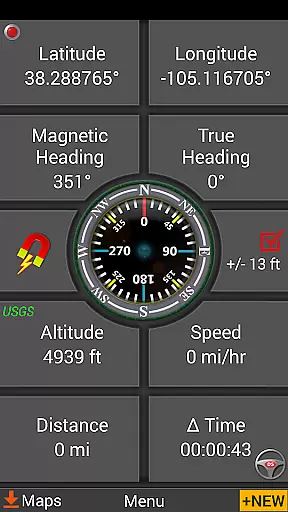
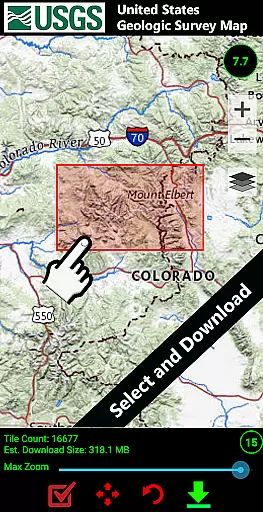
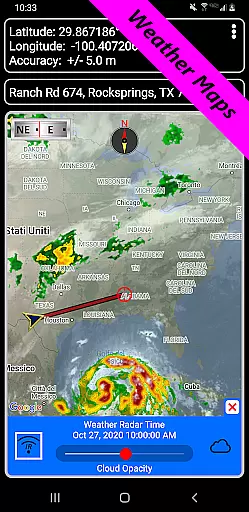
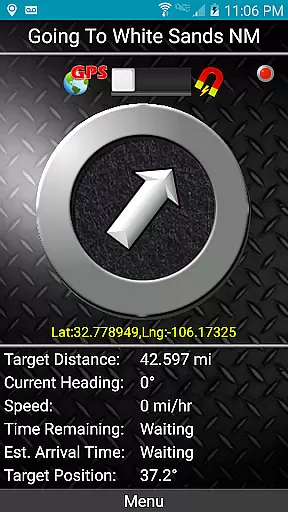
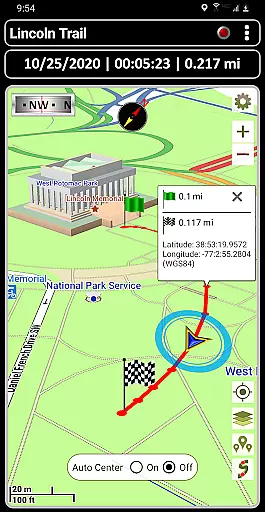
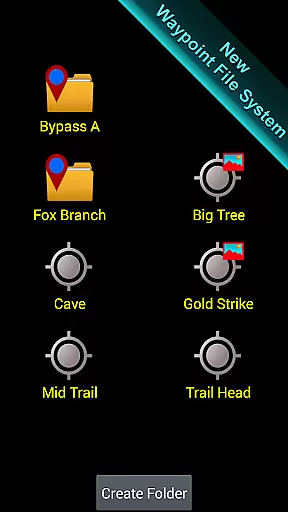
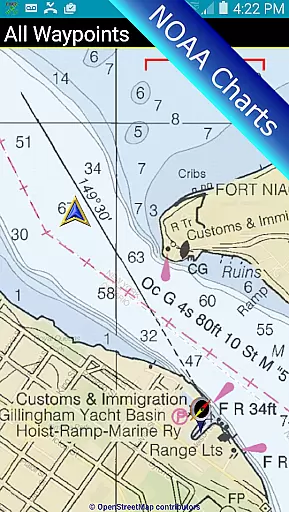
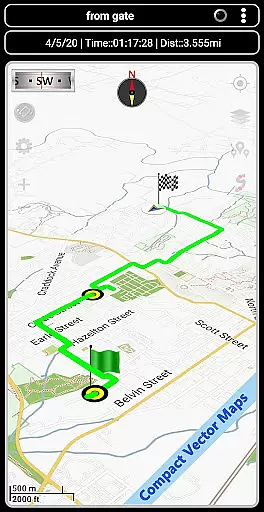
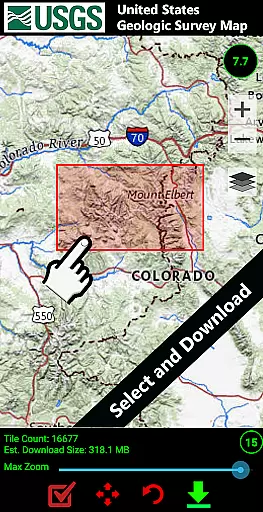
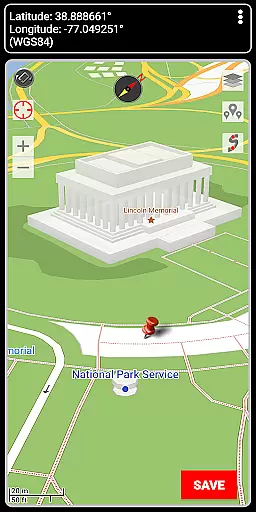

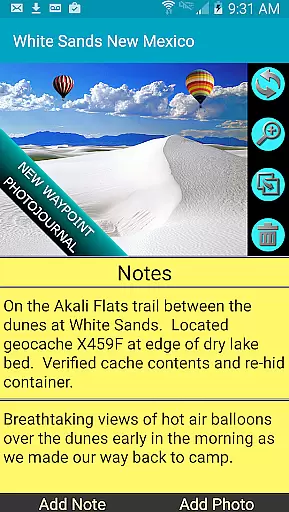
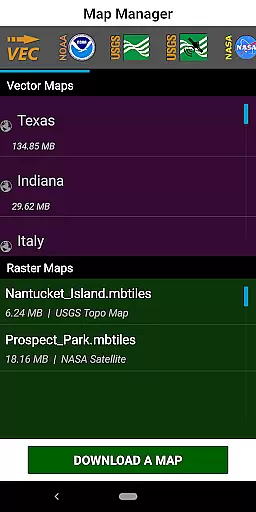
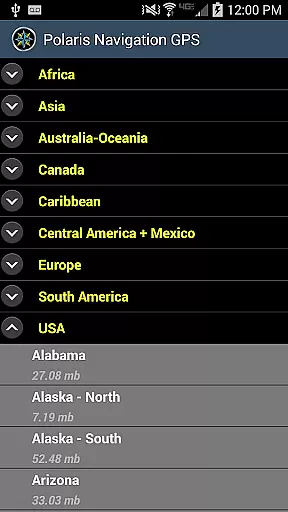
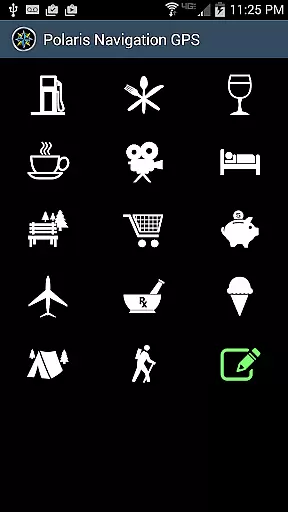
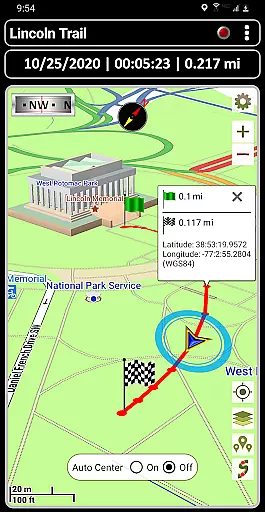
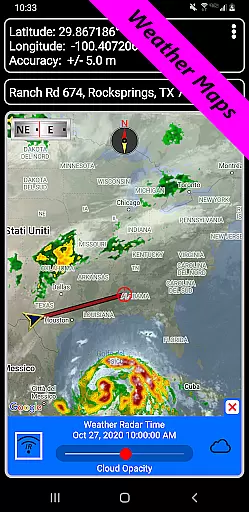
GPS Waypoints Navigator is a comprehensive navigation app that transforms your phone into a powerful GPS tool. It offers offline maps and tools for navigating various terrains, including wilderness, waterways, and roadways. The app provides unlimited access to a 3D vector map library with over 400 maps, searchable waypoint management, and multiple map sources like Topo Maps, Google Maps, and Satellite Maps.
With features such as trail recording, navigational compasses, and military coordinate finders, users can create and organize waypoints, record trails, and share location data. Whether you're hiking, camping, or exploring the city, this app ensures you have all the necessary tools for confident navigation.
The app's value lies in its versatility and depth of features, making it suitable for both casual explorers and professional navigators. From geocaching enthusiasts to maritime adventurers, GPS Waypoints Navigator equips users with everything needed for accurate and reliable navigation.
GPS Waypoints Navigator stands out with its extensive feature set tailored for diverse navigation needs. The app includes advanced tools like KML, GPX, and KMZ file importing and exporting, allowing seamless data sharing with platforms such as Google Earth. Users benefit from specialized systems like the waypoint photojournal, which attaches notes and coordinate-tagged photos to waypoints.
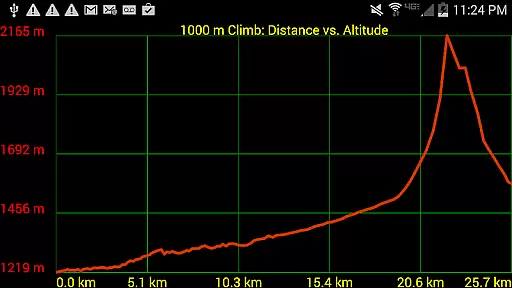
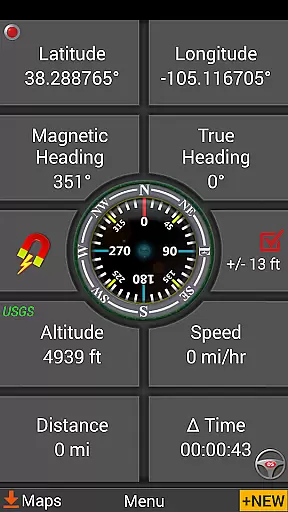
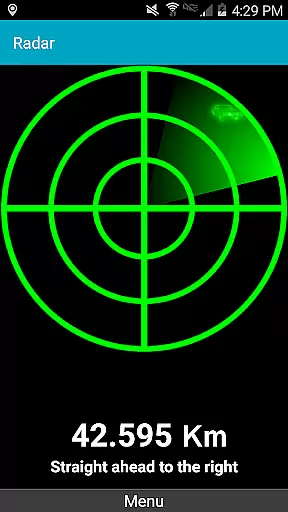
One notable feature is the dynamic waypoint compass that always points to your target, alongside GPS Reflected Pseudo-Radar for precise guidance. Additionally, the app supports several coordinate formats and offers altitude profiles for trails, enhancing the accuracy of your navigation experience.
These features collectively ensure that users can navigate confidently across different environments, leveraging detailed maps and sophisticated tools to plan and execute their journeys effectively.
Map accuracy is a fundamental aspect of any navigation application, and GPS Waypoints Navigator excels in this domain. The app offers access to over 400 maps through its 3D vector map library, ensuring users have detailed and precise mapping data at their fingertips. These maps are not only extensive but also support offline use, which means that even beyond network reach, the accuracy remains uncompromised.
The app's integration with multiple map sources such as Topo Maps, Google Maps, Satellite Maps, and specialized charts like NOAA Nautical Charts enhances the precision of the geographical data presented. This variety allows users to select the most appropriate map type for their specific needs, whether it be for trail hiking, maritime navigation, or urban exploration. With searchable waypoint and trail management systems, users can trust that their saved locations and routes will be accurately represented on the maps.
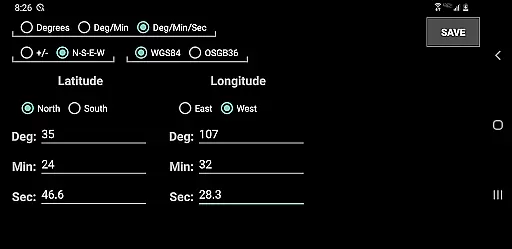
Furthermore, GPS Waypoints Navigator supports various coordinate formats including UTM, MGRS, and British Ordnance Survey, catering to different regional and professional requirements. This flexibility ensures that no matter where you are or what format you prefer, the app maintains high standards of map accuracy. Users benefit from reliable navigation tools that help them find their way with confidence in diverse environments.
Route planning is an essential feature for anyone looking to navigate efficiently, and GPS Waypoints Navigator provides robust tools for this purpose. The app allows users to create and organize waypoints, record trails, and share location data with others. By enabling the recording of tracks and offering a trail drawing board, users can meticulously plan their routes ahead of time or adjust them on the go based on real-time conditions.
One of the standout features is the ability to import and export KML, GPX, and KMZ files, facilitating seamless sharing of trails, waypoints, photos, and notes. This interoperability extends to popular platforms like Google Earth, enhancing the route planning experience by allowing users to visualize and refine their plans using additional resources. Whether planning a simple hike or coordinating complex expeditions, these capabilities ensure that every detail is accounted for.
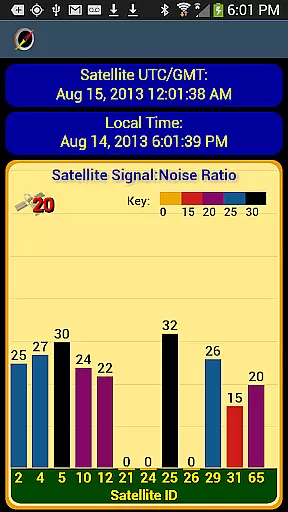
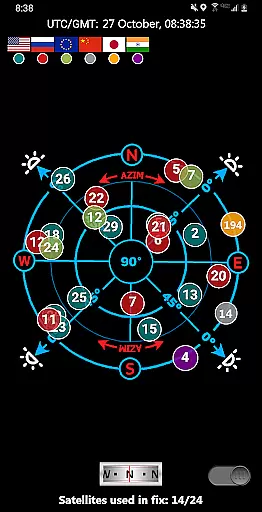
In addition to traditional route planning, GPS Waypoints Navigator includes innovative guidance systems such as dynamic waypoint compasses and GPS Reflected Pseudo-Radar. These tools provide intuitive direction-finding and proximity alerts, making sure that users stay on course. With comprehensive reporting panels for GPS parameters and environmental conditions, users can make informed decisions about their routes, ensuring safe and efficient travel across various terrains.
User-friendly interface
Comprehensive map library
Offline functionality
Versatile navigation tools
Excellent customer support
High battery consumption
Complex for beginners
Limited free maps
Occasional bugs
Heavy app size

Offline maps & GPS for hiking, travel, fieldwork & outdoor adventures
 4.70
4.70
Discover over 800 points of interest along the canal.
3.70
Find shortest way and save energy . Distance and area calculator.
4.70
Find radar maps, GPS coordinates, altitude, offline maps, location, travel route
4.40
Parcel map, property lines, owner, acres, land use, zoning and more from Regrid.
4.60
Your real-time window to the world. Explore anywhere, anytime.
3.30
Navigate via GPS Maps of GPS Voice Navigation, driving directions to find routes
3.60
MapQuest is your go-to app for maps, GPS, voice navigation & live traffic.
3.80
Explore Earth with live GPS, satellite view & street navigation
3.60
Get there with the Waymo Driver — The World’s Most Experienced Driver™
4.90
Track friends in real-time and explore worldwide live cameras.
4.60
Voice GPS with driving directions, offline maps navigation GPS for safe travel
4.50
The fastest and most convenient way to pay for parking on our lots.
4.40
Lets explore the world's famous places by using Live Cams, GPS & Satellite View.
4.20
Number locator, real connection map
4.10
GPS Navigation: Get map directions and find the shortest routes to avoid delays!
4.00
Route Planner is travel map to get turn by turn navigation & driving directions
3.90
Explore the world with Live Satellite View, 3D Maps, GPS Navigation & Earth Map.
2.90
All of NHSA's trail information at your fingertips for the 2025-2026 season
4.3


User Reviews