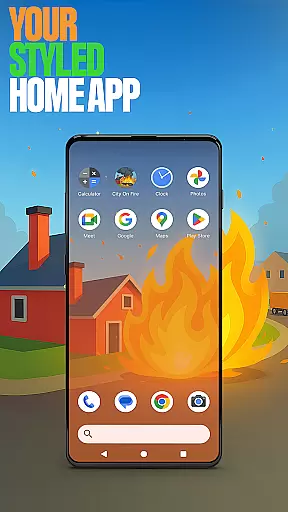


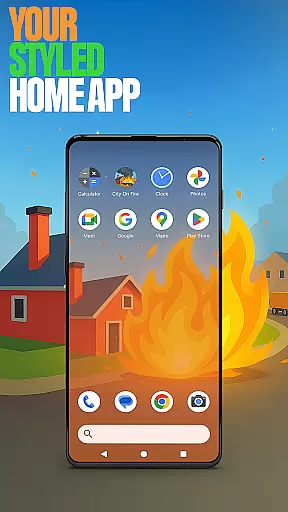




City On Fire Home App is a dynamic personalization tool that allows users to create a home screen reflecting their unique style. This launcher offers full control over layout customization, app organization into folders, and personalized color schemes. Its sleek design brings both freshness and functionality to your daily mobile experience.
The app also integrates gaming elements through the City On Fire game, where users can engage in fast-paced fiery destruction by burning buildings and earning rewards. The dual functionality of utility and entertainment makes this app stand out. Whether you're customizing your interface or indulging in thrilling gameplay, City On Fire Home App provides an engaging user experience.
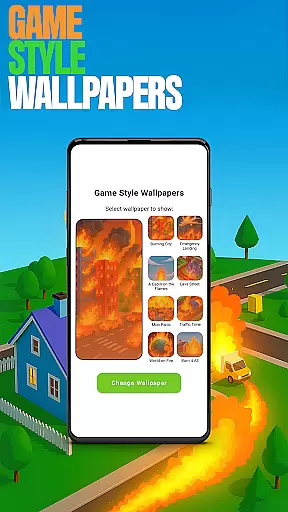
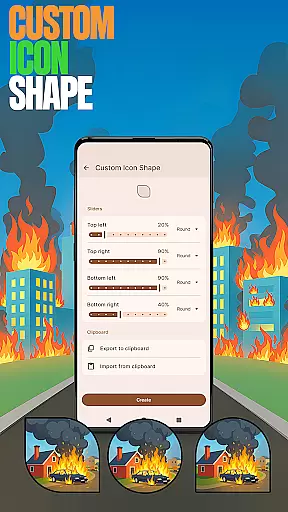
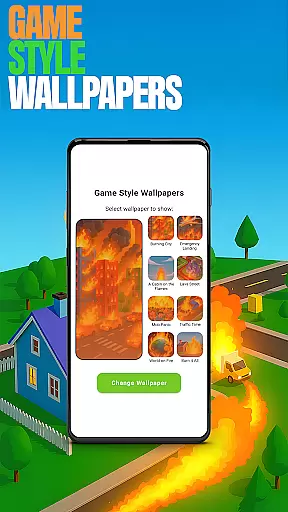
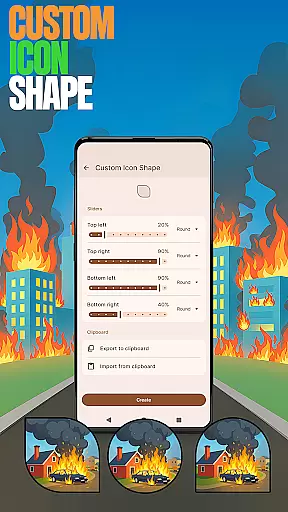
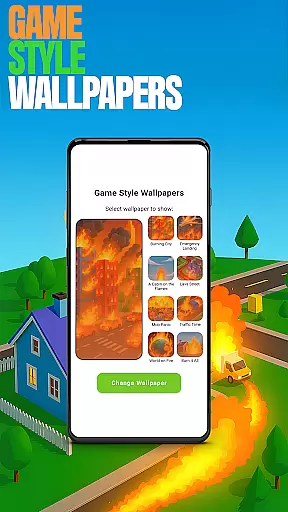
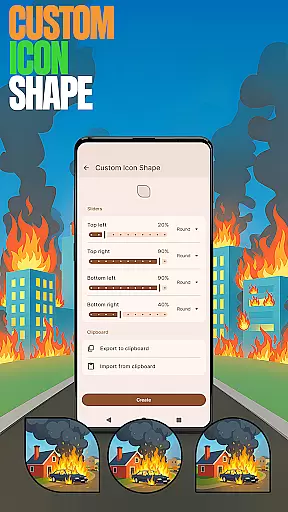
City On Fire Home App boasts a variety of features designed to enhance personalization and usability. Users can access Game Style Wallpapers for a unique aesthetic inspired by the City On Fire game, simply by long-pressing on the home screen. Additionally, Custom Icon Shapes allow further personalization of device icons.
Custom Gestures streamline navigation by enabling quick access to apps or settings via swipes or taps. Privacy-conscious users can utilize the Hide Apps feature to conceal private apps while maintaining control. Lastly, Accent Color customization lets users tailor their home app colors with presets or custom styles, ensuring a personalized touch across the board.
Customization is at the heart of City On Fire Home App, offering users a wide array of personalization options to truly make their device their own. This app allows for an unprecedented level of customization, from organizing apps into folders to choosing your own color schemes, ensuring that your home screen not only looks unique but also functions in a way that best suits your lifestyle.
The app provides features such as custom icon shapes and accent colors, enabling users to personalize their device's aesthetics down to the smallest detail. Whether you prefer a sleek, minimalist look or a vibrant, eclectic design, the City On Fire Home App caters to all tastes and preferences, making everyday interactions with your device a joy.
Moreover, the availability of game-style wallpapers inspired by the City On Fire game adds an extra layer of personal touch, allowing users to express their individuality through their choice of visuals. These customization options ensure that your device remains a true reflection of your personal style, enhancing both its appearance and usability.
Theme compatibility in City On Fire Home App ensures that users can seamlessly integrate their chosen themes across their device, maintaining visual consistency and enhancing the overall user experience. The app supports a diverse range of themes, from those that evoke the fiery essence of the City On Fire game to more subdued, classic designs, catering to a broad spectrum of aesthetic preferences.
By allowing users to customize gestures and hide apps, the app further extends its theme compatibility, ensuring that functionality matches form. Users can swipe or tap to execute commands, keeping their home screens clutter-free and organized according to their specific needs and preferences.
This harmonious blend of appearance and functionality not only elevates the visual appeal of your device but also streamlines your interaction with it. With City On Fire Home App, achieving a personalized yet cohesive device theme has never been easier, empowering users to craft a digital environment that resonates with their personal brand.
Highly customizable
Unique game integration
User-friendly interface
Privacy-focused features
Vibrant design options
May overwhelm new users
Limited default themes
Game ads may intrude
Occasional performance lags
Complex gesture setup

Beautiful realistic hybrid watch face with numerous customization options.
 4.50
4.50
Art & Emoji Keyboard with Cool Fonts, Cute Themes and Custom Designs.
4.40
Run multiple accounts of the same app on a single device
4.10
Transfer your live wallpapers from Windows to Android using Wallpaper Engine!
4.00
Customize glowing edges, wallpapers, and caller screen with EdgeAura.
3.50
Icons made of colorful linear lines
4.60
Transform your device in a game console
4.40
Emoji Maker app - Design custom emojis and effortlessly blend them with Mixer
3.80
Your home screen, just the way you like it.
3.80
Sparkle your screen with Glitter Wallpapers For Girls and Cute Backgrounds!
4.80
Bring adorable pets to life on your screen. Playful, interactive and full of fun
4.60
Ultimate Gallery Lock App - Hide Pictures, Videos and Lock Apps Instantly!
4.60
Transform your phone with Launcher iOS 26 - Smooth & elegant iOS experience
4.50
200+ Material Inspired Widgets
4.50
Romantic Kiss Stickers App. Start romantic messaging now!
4.30
Your home screen, just the way you like it.
4.30
Adult video chat, dating, making friends, random matching
4.20
More than 3000+ themes and 9000+ wallpapers for everybody!
4.10
Adorable pets roam and play right on your phone screen!
3.30


User Reviews