

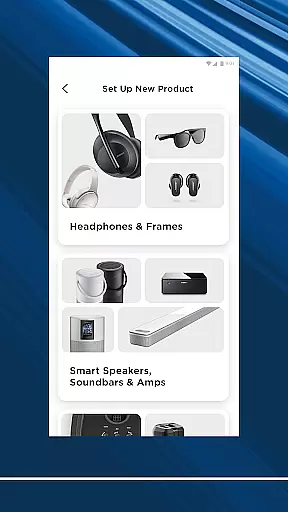
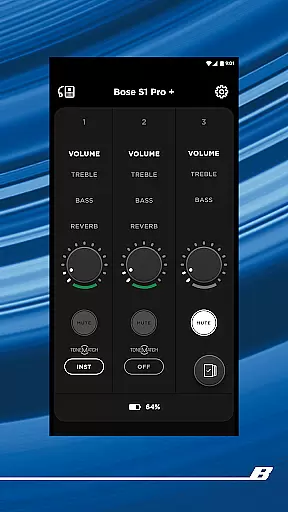

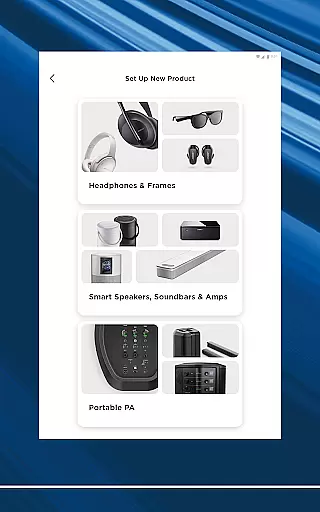
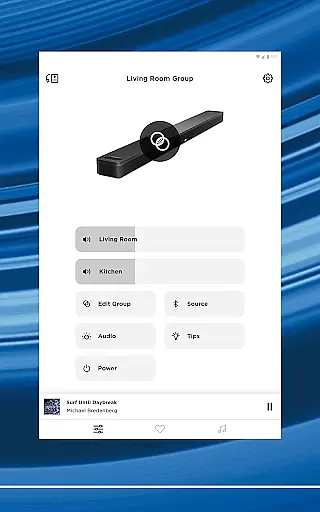
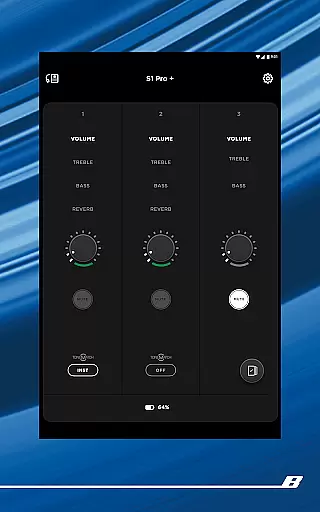

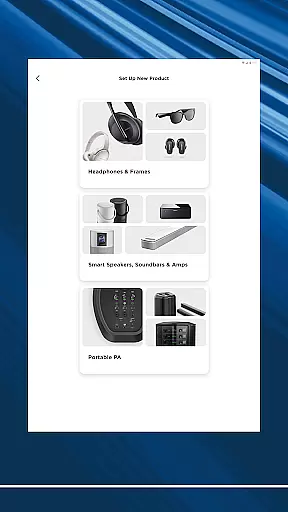
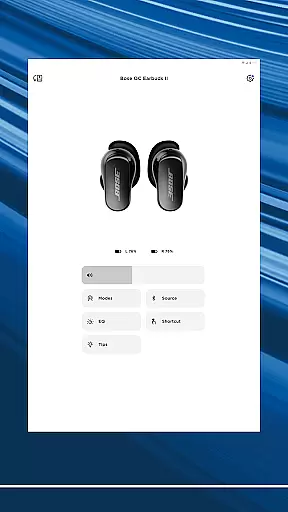
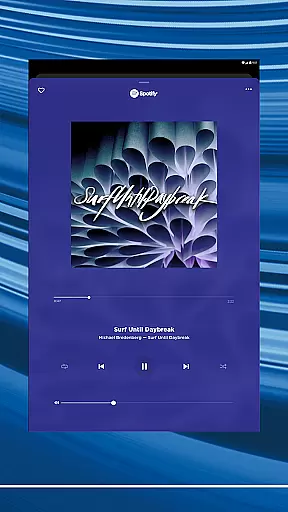
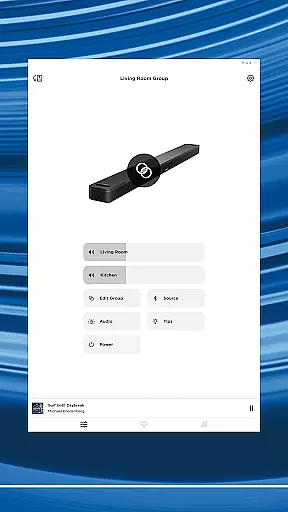
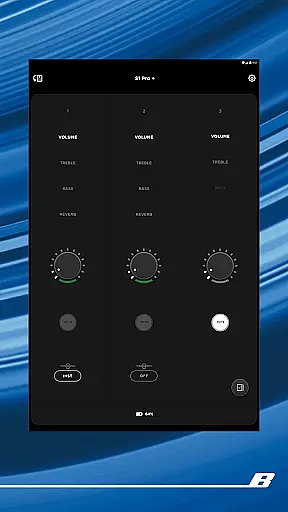
The Bose app is your central control hub for all Bose audio products, providing seamless integration across speakers, soundbars, headphones, and more. Designed to enhance your listening experience, this application allows you to manage multiple devices effortlessly while delivering superior sound quality tailored to your preferences.
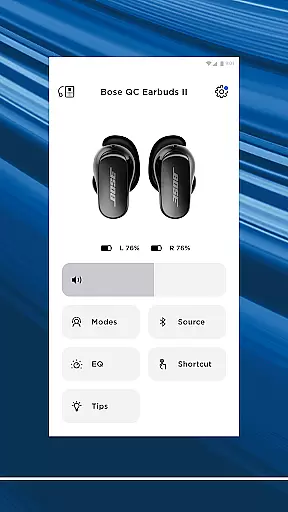
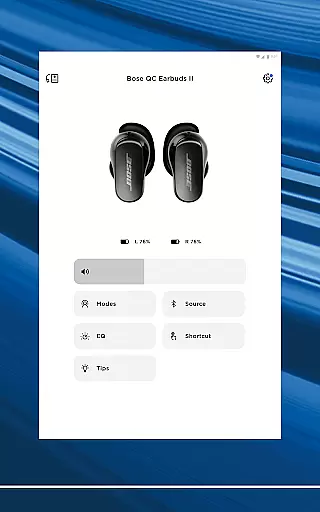
With features like adjustable noise cancellation on QuietComfort products, customizable EQ settings, and intuitive Modes such as Quiet Mode and Aware Mode, the Bose app ensures that users can personalize their audio environment with precision. Whether you're at home or on the go, the app makes it easy to set up new devices, stream music from popular platforms, and even create one-touch presets for your favorite playlists.
Ideal for audiophiles and casual listeners alike, the Bose app transforms how you interact with your audio equipment by combining powerful functionality with user-friendly controls. From immersive audio experiences to multi-room setups, this app delivers convenience without compromising performance.
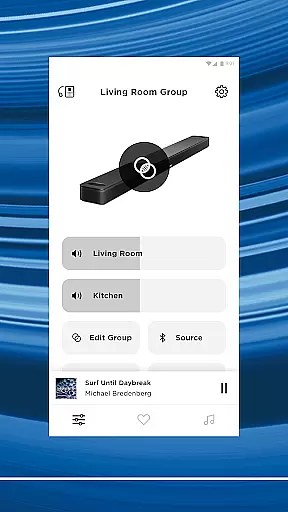
The Bose app stands out through its comprehensive feature set designed to maximize user convenience and audio customization. One of its key highlights is the ability to control various Bose products—ranging from headphones to soundbars—all from a single interface. This unified approach simplifies device management and enhances accessibility.
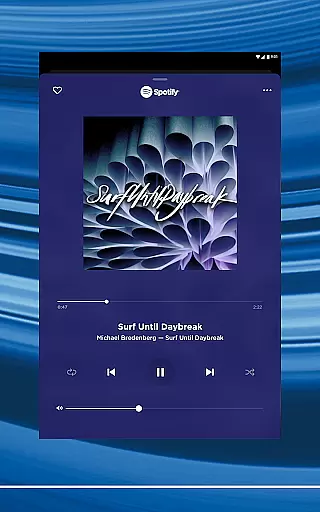
Advanced personalization options include controllable noise cancellation levels, ActiveSense technology for balanced ambient sound, and customizable EQ settings. Users can also assign shortcuts directly to their devices, ensuring quick access to frequently used functions. Additionally, the app supports streaming services like Spotify, Pandora, and Amazon Music, consolidating all your entertainment sources into one platform.
For those who value ease of use, the Bose app offers one-touch preset functionality, allowing you to save favorite stations or playlists for instant playback. Its intuitive design extends to multi-room audio setups, enabling synchronized playback throughout your home or independent streams in different areas. These robust capabilities make the Bose app an indispensable tool for optimizing both individual and shared listening environments.
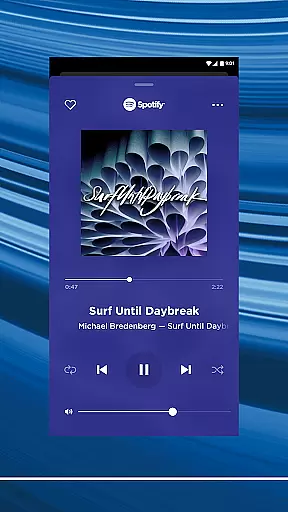
The Bose app provides access to an extensive music library through integration with popular streaming services like Spotify, Pandora, Amazon Music, SiriusXM, iHeartRadio, and TuneIn. This vast selection ensures users have a wide variety of music genres and playlists at their fingertips.
Each music service integrated into the app is fully licensed, guaranteeing that all tracks are authentic and legally available for streaming. This commitment to copyright authenticity assures users they are accessing high-quality content while supporting artists and creators.
With all your favorite music consolidated in one place, the Bose app simplifies the listening experience. Users can browse and play their preferred songs faster than ever, without needing to switch between different applications or platforms.
Bose products are renowned for delivering exceptional audio quality, and the Bose app enhances this experience by offering customizable EQ settings. Users can fine-tune the sound output to match their preferences, ensuring an immersive listening experience tailored to individual tastes.
In addition to adjustable EQ settings, the app supports various audio formats, providing flexibility in how users enjoy their music. Whether it's through high-fidelity streaming or standard quality playback, listeners can choose the option that best suits their needs.
The app also features Immersive Audio technology from the Ultra line, elevating the auditory experience further. By balancing the EQ settings and utilizing advanced audio technologies, Bose ensures every note is heard clearly and precisely, making each listening session a delightful experience.
Seamless device integration
Customizable audio settings
Wide music service support
User-friendly interface
Advanced noise cancellation
Limited third-party compatibility
Occasional connectivity issues
Requires account registration
No offline mode
High device dependency

Formerly known as Spotistats! View your top tracks, artists, albums and more!
 4.40
4.40
Tune in to the greatest hits on UK Radio | The home of Capital, Smooth & Heart.
4.90
10-Band Audio Equalizer, Sound / Bass Booster for Spotify Users & Music Players
4.40
Visualize the guitar fretboard, master scales & play through changes like a pro!
4.50
Bass Booster & Volume Equalizer Pro improves your music and video sound quality
4.60
The official Sonos app
4.10
Let your Android device with the sound effects you want
4.50
Powerful 10-Band equalizer pro with sound booster improves Android audio quality
4.30
MilkDrop for Android TV
3.00
Brian Eno and Peter Chilvers’ acclaimed music app Bloom, radically reinvented.
4.80
Responsive piano with great sounds, graphics, and songs
4.80
Listen to live FM radio stations, sports, music and news on global radios online
4.70
Over 100 million tracks available for high quality streaming and download
4.60
Ringtone Maker is free app create ringtone from music files or your recording.
4.40
The Music Journey in Your Hands
4.30
VB-AUDIO Software / VBAN-Receptor allows listening to any VBAN Streams
4.10
The ultimate media player for Android devices
3.90
Make music anywhere. Turn your device into an instrument.
4.1
Remove ads permanently from Music Visualizer
4.4


User Reviews