

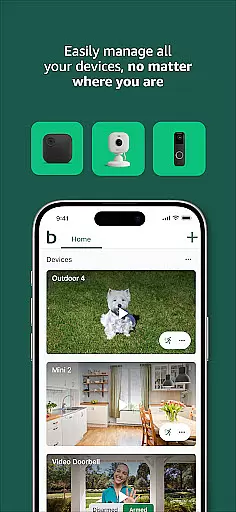

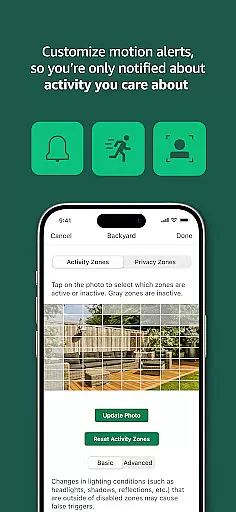
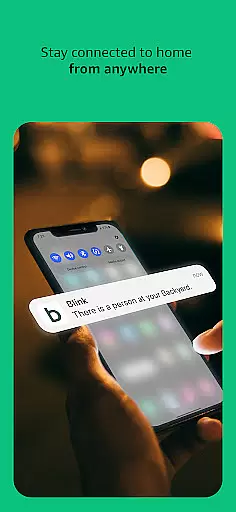
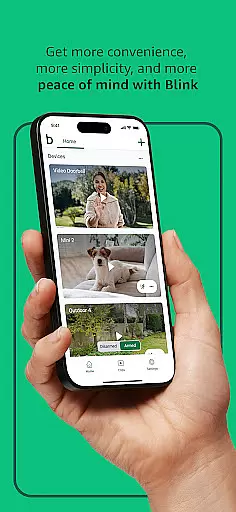

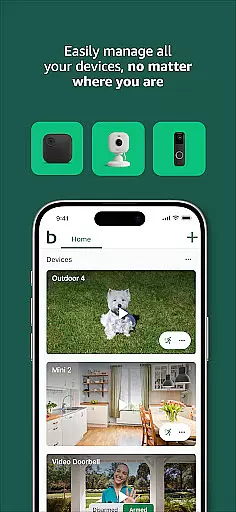

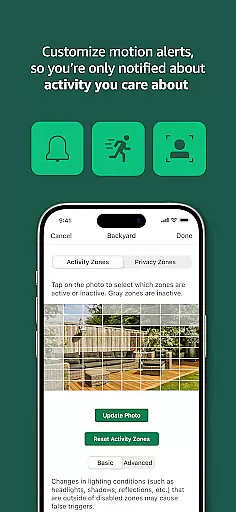
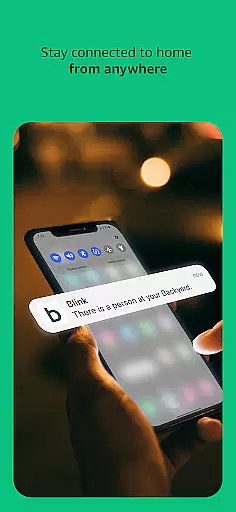
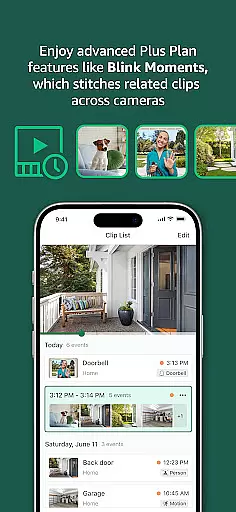
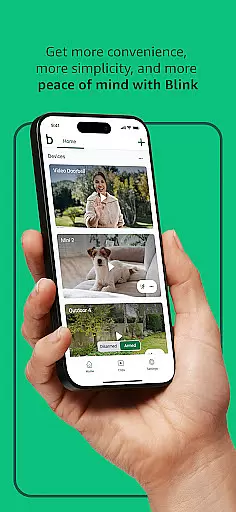

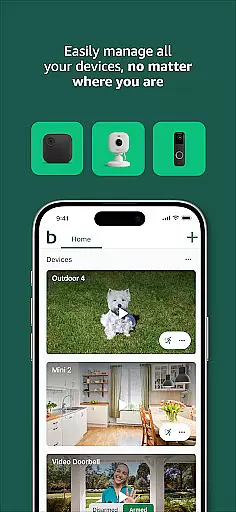

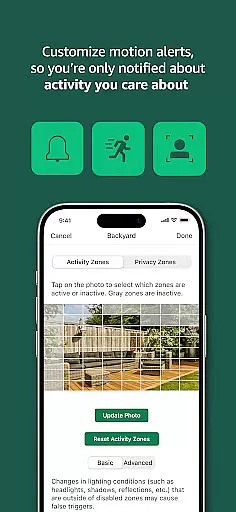
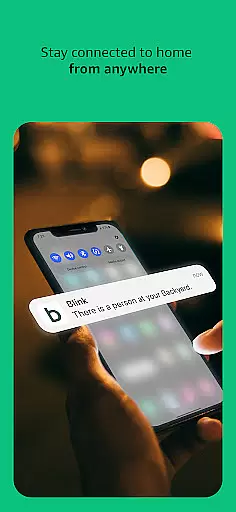
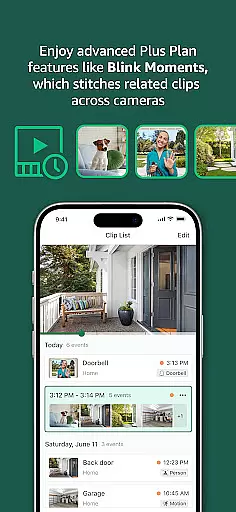
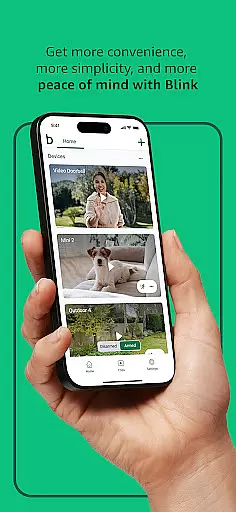
Blink Home Monitor is a comprehensive smart home security application that allows users to monitor their homes with advanced features like HD live view, infrared night vision, and two-way audio communication. The app supports seamless integration with Alexa-enabled devices, enabling voice control for arming, disarming, and live viewing. With customizable motion alerts and privacy zones, users can tailor notifications to their specific needs.
The Blink product line includes versatile cameras suitable for both indoor and outdoor use, featuring long battery life and easy installation. Whether opting for the wire-free Outdoor 4, the compact Mini series, or the Wired Floodlight Camera with enhanced lighting and siren capabilities, users can achieve 360-degree coverage and reliable security monitoring. These devices provide peace of mind through real-time alerts and computer vision-based person detection.
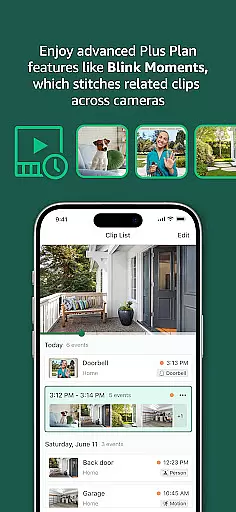
For extended functionality, Blink offers subscription plans that include cloud storage, continuous live view streaming, and advanced detection features. This combination of hardware versatility and software intelligence makes Blink Home Monitor an ideal choice for modern smart home security needs.
Blink Home Monitor stands out with its diverse range of smart security features designed to enhance home safety. The app provides high-definition live video streaming and infrared night vision, ensuring clear visibility regardless of lighting conditions. Two-way audio functionality allows users to communicate remotely with visitors or warn off intruders directly through the app interface.
One of the key innovations is the integration with Alexa, which enables hands-free operation through voice commands. Users can activate live views, arm or disarm their security systems, and manage other settings without needing to physically interact with their devices. The app also incorporates advanced motion detection technology, including dual-zone and computer vision-based person detection, which significantly reduces false alarms.
Customization options are extensive, allowing users to define activity zones and privacy areas according to their specific requirements. The Blink Subscription Plan adds further value by providing cloud storage for recorded clips, extended live view sessions, and access to premium features like enhanced detection algorithms. These combined capabilities create a robust and flexible home security solution that adapts to various user needs and preferences.
Blink Home Monitor excels in delivering accurate and effective core functionalities that are essential for smart home security. The app provides users with HD live view and infrared night vision, ensuring clear visuals regardless of lighting conditions. These features are crucial for maintaining a comprehensive understanding of your home environment.
The implementation of crisp two-way audio allows users to not only see but also communicate with people and pets remotely. This feature enhances the sense of connection and control over the home setting, making interactions more meaningful and immediate. Additionally, integration with Alexa-enabled devices offers voice command capabilities, further streamlining the user experience.
Users benefit from customizable motion alerts and the ability to set activity and privacy zones. This ensures notifications are relevant and reduces unnecessary interruptions. Such personalization empowers users to tailor the app's functionality according to their specific needs and preferences, optimizing the overall effectiveness of their security setup.
The Blink Home Monitor app stands out for its simple and intuitive interface, which makes navigating through its features effortless. Upon opening the app, users are greeted with an accessible layout that prioritizes ease of use without compromising on functionality. This approach is vital for ensuring that all users can manage their smart home security efficiently.
Key functions such as arming and disarming the system or engaging live view are easily accessible, often just a tap away. The straightforward design minimizes the learning curve, allowing even those who are less tech-savvy to utilize the full potential of their Blink cameras quickly. Furthermore, the inclusion of helpful guides within the app aids in troubleshooting common issues.
This focus on an intuitive user experience extends to setting up new devices, which can be completed in minutes. With options ranging from wired to wireless setups, including battery life lasting up to two years, installation is hassle-free. As a result, users spend less time configuring their systems and more time enjoying peace of mind knowing their homes are secure.
User-friendly interface
Long battery life
Versatile camera options
Advanced motion detection
Alexa integration
Subscription required
Limited free features
Occasional connectivity issues
Cloud dependency
Additional costs

 4.10
4.10
Transfer Files, APK from Phone to Watch & Install.
4.4
Unit and currency converter with easy and simple UI.
4.80
Head tracking for PC sim games such as MSFS 2024 or Elite:Dangerous. No headset!
4.50
Fluid navigation gestures for all of us!
4.30
An easy-to-use calculator designed to save time calculating and bending conduit
4.30
Unleash gamepad precision for ultimate mobile gaming dominance.
3.90
Screen Mirroring with sound for Samsung TV, LG TV, Sony TV, Smart TV and Browser
4.20
Enjoy a smooth mobile reading experience!
3.60
Bedrock Together: Join any bedrock server on Xbox/PS
4.80
Monitor car performance in real time and troubleshoot malfunctions.
4.80
Learn the vast amount of system information about device and monitor it's state
4.70
NFC Tools can read and write NFC tags.
4.70
App to pay for FUTO Keyboard
4.60
Mirror your screen to Chromecast and Android TV - Super fast and simple
4.60 4.50
4.50
Forza Tuning Calculator App for Forza Horizon 5, Motorsport and Earlier Titles
4.40
Safely recover deleted photos, videos, and files with a single easy tap.
3.70
card-reader app
2.20


User Reviews