
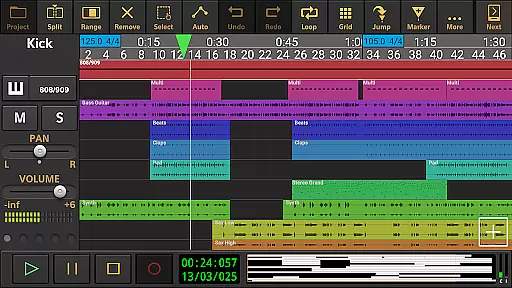
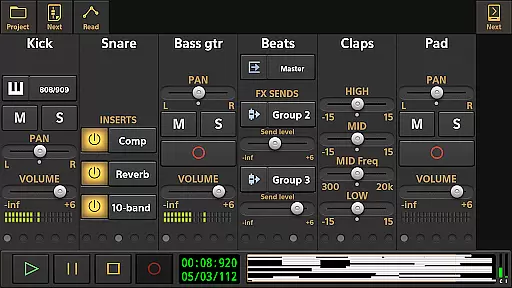
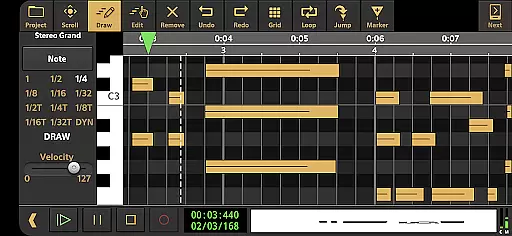
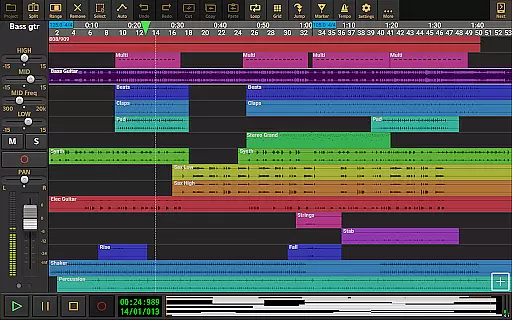
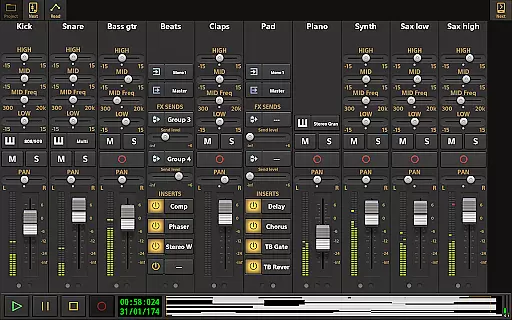
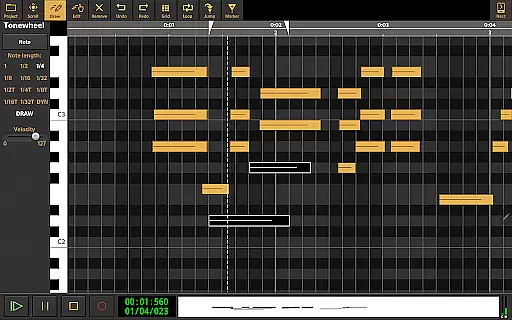
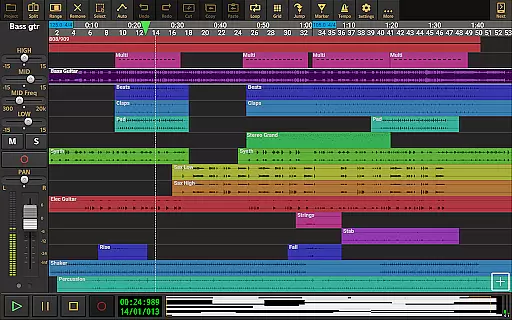
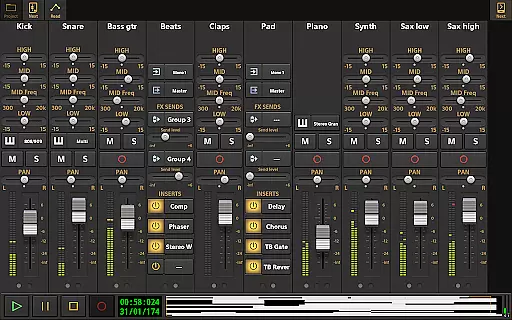
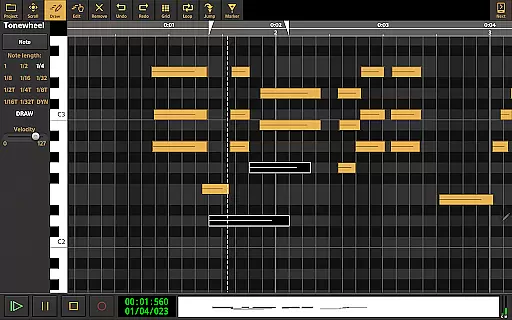
Audio Evolution Mobile Studio is a comprehensive music creation, mixing, and editing app for Android. It offers professional-grade features such as multitrack audio and MIDI recording, virtual instruments, real-time effects, and mixer automation. Whether you're capturing song ideas or producing full compositions, this app rivals desktop DAWs in functionality.
The app supports low latency recording through USB audio interfaces and includes advanced tools like Vocal Tune Studio and drum pattern editing. With its extensive feature set, including tempo changes, effect routing, and mastering options, it provides a complete portable studio experience at an affordable price.
Ideal for musicians on the go, Audio Evolution Mobile Studio allows creative freedom with unlimited tracks, flexible routing, and cloud sync capabilities. Its compatibility with various file formats and interchangeable projects across iOS and Android makes it a versatile tool for both beginners and professionals.
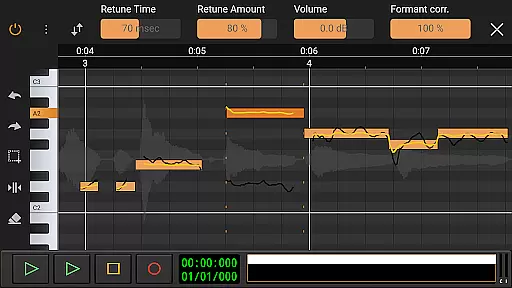
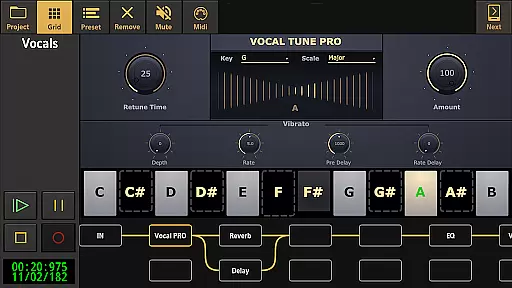
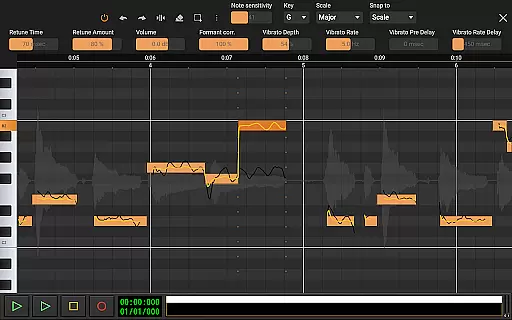
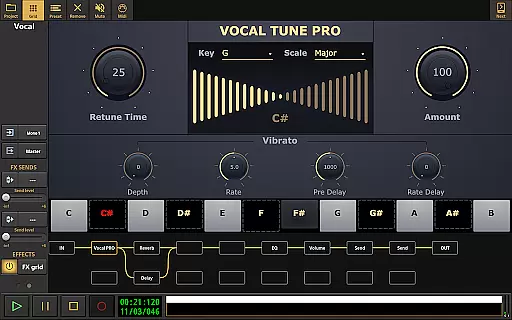
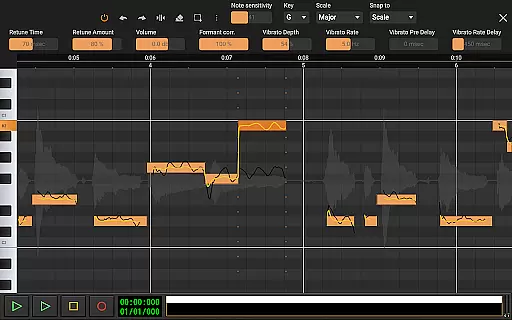
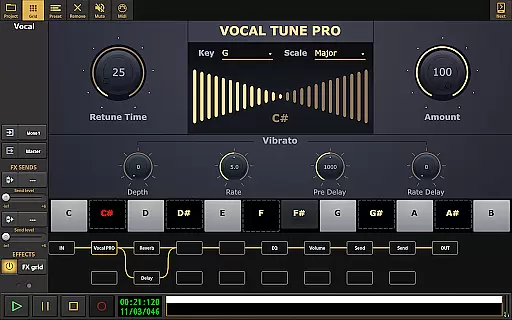
Audio Evolution Mobile Studio stands out with its robust feature set tailored for music production. The app includes Vocal Tune Studio, allowing users to manually or automatically correct pitch and timing of vocal recordings. This feature also supports formant correction and vibrato controls, providing precise control over vocal performances.
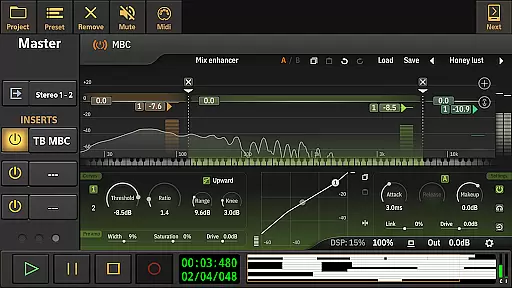
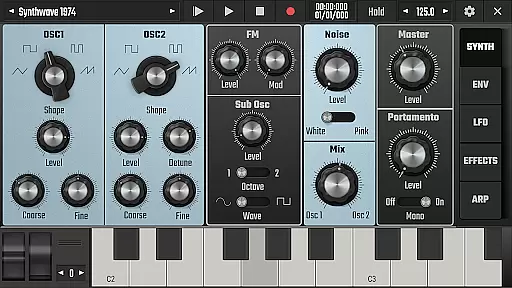
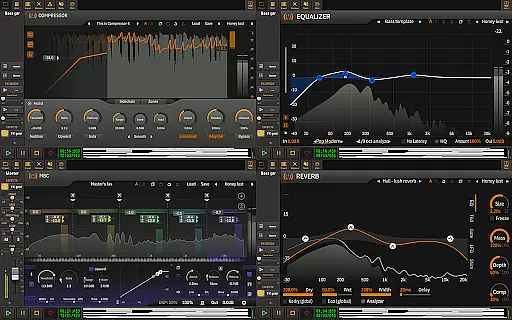
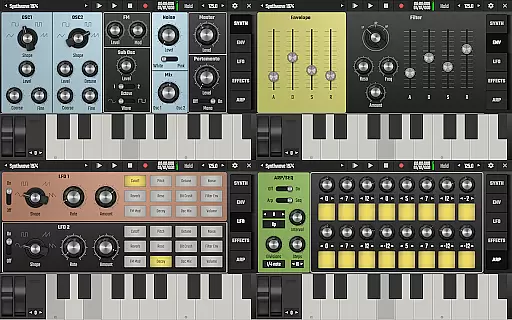
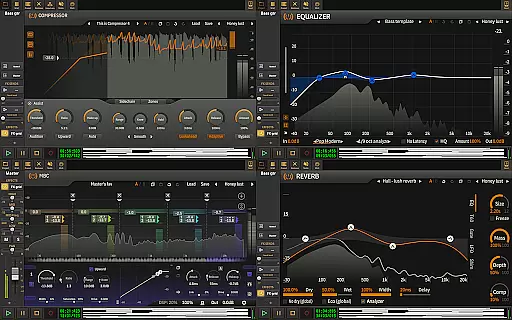
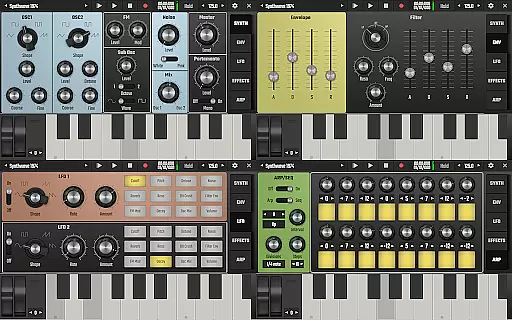
Another highlight is the virtual analog synthesizer 'Evolution One', based on AudioKit's Synth One, which delivers rich sound textures. The app also excels in flexibility with its unlimited effect routing grid, enabling parallel processing paths. Real-time effects like EQs, compressors, and reverbs can be automated, while LFOs can modulate parameters for dynamic sound shaping.
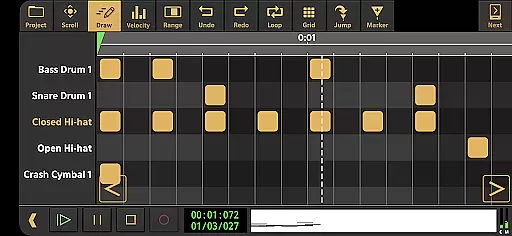
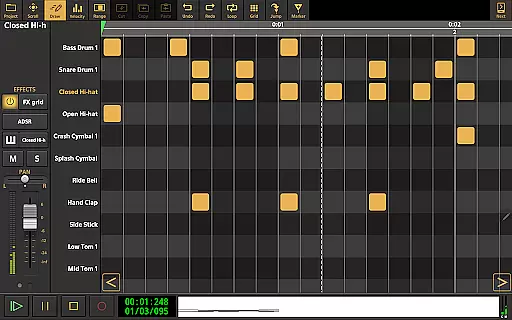
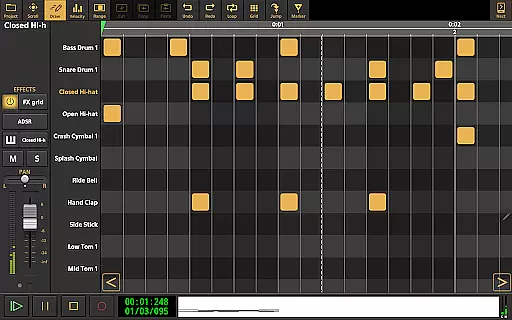
Additional notable features include a drum pattern editor, time stretching, punch-in/out recording, and seamless integration with external hardware. The ability to export projects as stems and sync with Google Drive enhances collaboration possibilities. These powerful tools make the app suitable for both quick sketches and complex productions.
Audio Evolution Mobile Studio offers an extensive music library that includes a wide range of virtual instruments and sample-based Soundfont instruments. This vast selection allows users to explore different sounds and styles, catering to various musical genres and preferences.
The app ensures copyright authenticity by providing legally licensed instruments and loops. Users can be confident in the legitimacy of the content they are using for their music projects, whether for personal or professional purposes. This commitment to copyright compliance protects users from potential legal issues related to unauthorized use of music samples.
Additionally, Audio Evolution Mobile supports importing formats such as WAV, MP3, AIFF, FLAC, OGG, and MIDI, enabling musicians to integrate their own audio files seamlessly. The flexibility to use custom audio material enhances creative possibilities and ensures that all content used is fully authorized by the creator.
One of the standout features of Audio Evolution Mobile Studio is its superior audio quality options. The app supports high-quality recording and playback at various sample rates and resolutions, ensuring pristine sound reproduction. With the optional in-app purchase of a custom USB audio driver, users can achieve low latency and high-resolution audio, elevating the mobile production experience to rival desktop DAWs.
The inclusion of real-time effects like chorus, compressor, delays, EQs, reverb, noise gate, pitch shifter, and vocal tune further enhances the audio output. These tools allow for detailed sound shaping and refinement, giving users the power to produce polished and professional-sounding tracks.
Moreover, the mastering feature enables mixdown to WAV, MP3, AIFF, FLAC, or OGG file formats with share options. This functionality not only provides flexibility in exporting final productions but also maintains the integrity of the audio quality throughout the process. Musicians can confidently distribute their work knowing it meets industry standards.
Professional-grade features
Low latency recording
Versatile effect routing
Cloud sync capability
Cross-platform compatibility
Steep learning curve
Some features require in-app purchases
High system requirements
Interface may feel cluttered
Limited free instrument library

Fun & Easy Voice Changer – Record, Edit & Add Hilarious Effects!
 4.50
4.50
Time Trainer: accurate metronome w tools to help you develop your internal time!
4.20
Enhance the sound quality of your devices, listen to what you want
4.50
Brian Eno and Peter Chilvers’ acclaimed music app Bloom, radically reinvented.
4.80
Visualize the guitar fretboard, master scales & play through changes like a pro!
4.50
USB audio recording and playback finally possible on Android 3.1 or higher!
3.90
Bass Booster & Volume Equalizer Pro improves your music and video sound quality
4.60
Listen radio AM / FM Stations. Live AM / FM Radio App Station. Radio Com.
4.70
Learn the notes on the guitar fretboard fast with this easy and fun app
4.60 4.70
4.70
Most Advanced AI Song Generator and Music Creator. Rap, Pop, Rock, Gospel & more
4.70
Unleash your creativity! Turn simple prompts into full fledged songs.
4.70
Pay Once, no monthly payment
4.60
Taal player that lets you sing any Indian & Western song with Tabla & Tanpura
4.60
Formerly known as Spotistats! View your top tracks, artists, albums and more!
4.40
The alternative folder based music player.
4.20
PowerAudio is a powerful offline music player.
4.20
VB-AUDIO Software / VBAN-Receptor allows listening to any VBAN Streams
4.10
Powerful beat maker & DJ mixer to remix tracks, make music, & perform DJ mix
3.70


User Reviews