
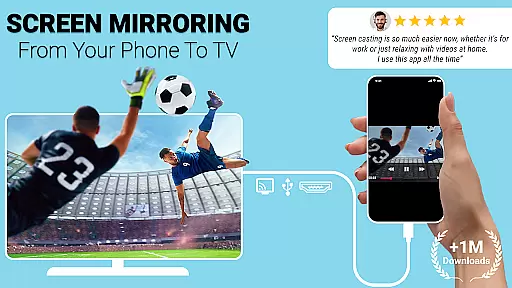
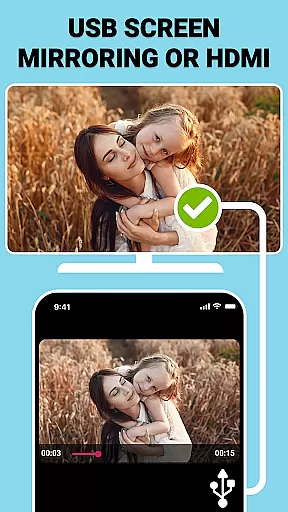
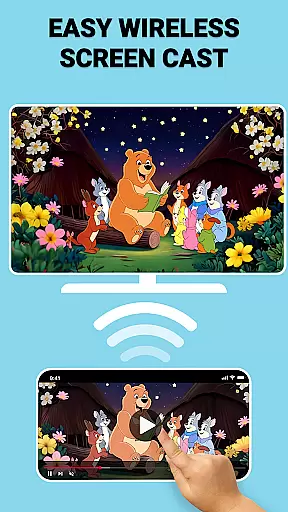
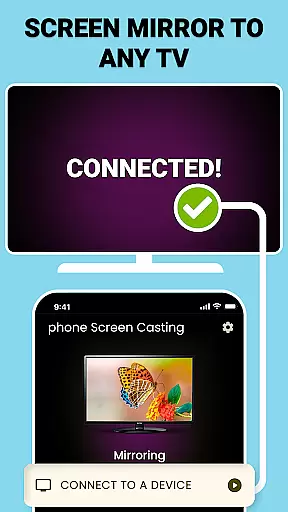
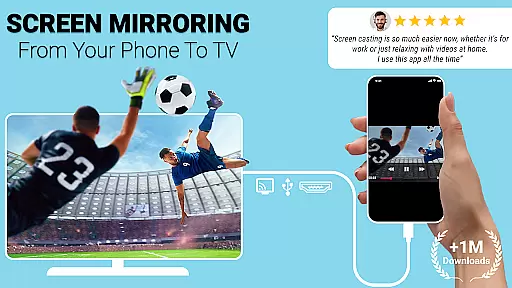
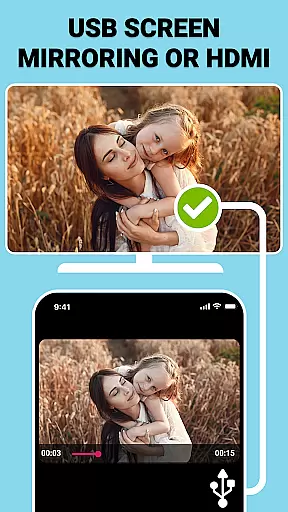
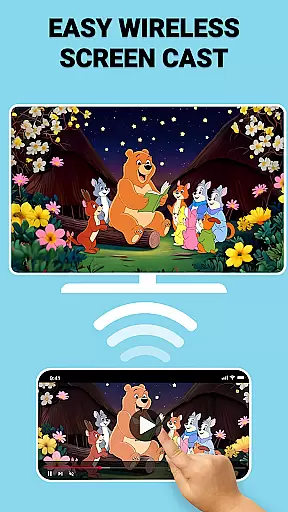
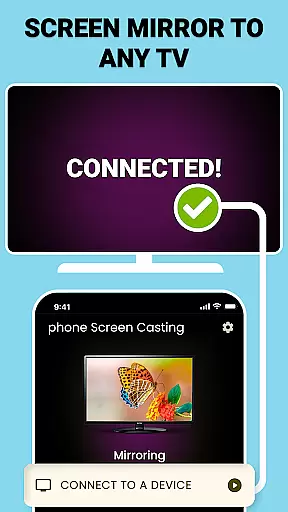
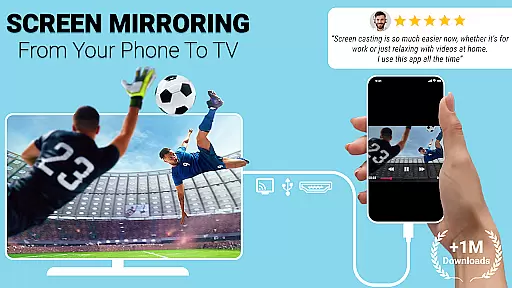
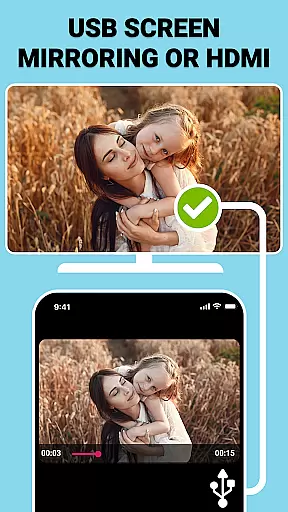
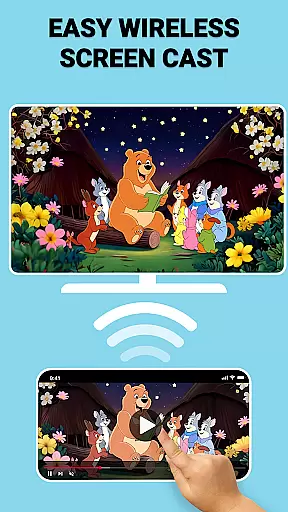
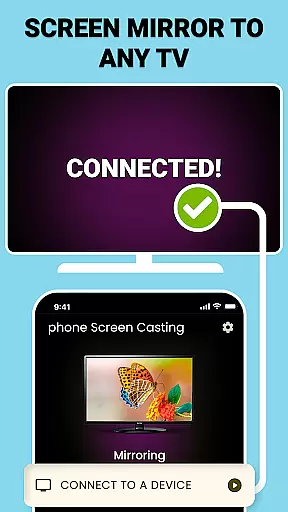
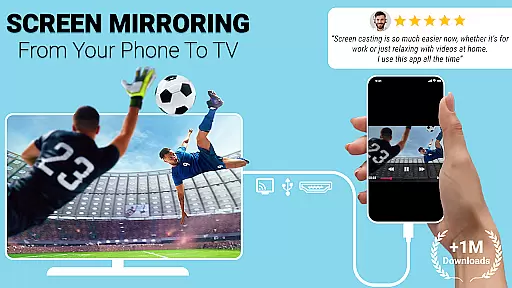
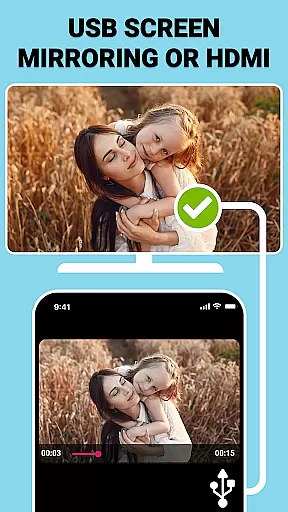
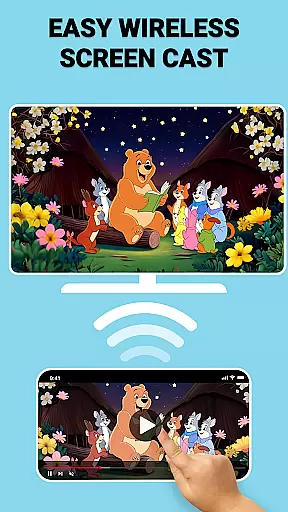
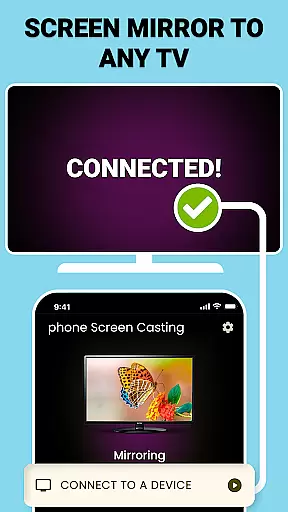
USB Screen Cast is a versatile screen mirroring application designed to connect your mobile device to a TV effortlessly. The app supports both wireless casting via WiFi and stable wired connections using a TV USB connector, ensuring smooth and reliable performance for all your screen sharing needs.
With its user-friendly interface, the app allows users to mirror their phone screens to TV with just a few taps. Whether you're streaming movies, showcasing photos, or delivering presentations, USB Screen Cast provides seamless functionality that enhances productivity and amplifies entertainment experiences.
This application is particularly useful in professional settings like meetings or classrooms, as well as for personal use during family gatherings or movie nights. By offering high-speed wireless casting and lag-free USB screen mirroring, it ensures an optimal viewing experience on the big screen.
USB Screen Cast offers a comprehensive set of features that cater to various screen sharing needs. One of its standout capabilities is the dual support for both wireless and wired connections. Users can choose between WiFi-based wireless screen casting for convenience or opt for USB screen mirroring when a more stable connection is required.
The app's automatic device detection system simplifies the connection process. Once launched, it quickly identifies compatible TVs on the same network, allowing users to start mirroring with minimal setup time. This feature is particularly beneficial for professionals who need to share presentations without technical delays.
Additional notable features include customizable casting options where users can adjust resolution settings, a dedicated USB screen sharer function for uninterrupted mirroring, and lag-free performance optimized for gaming and media streaming. These features collectively ensure that users can enjoy crystal-clear quality regardless of their chosen connection method.
Functionality completeness refers to the app's ability to deliver all promised features without limitations. USB Connector Cast Phone to TV ensures that users can cast their phone screens to a TV seamlessly, whether through wireless connectivity or via a USB connection. This dual functionality guarantees that users have options based on their specific needs and technical environments.
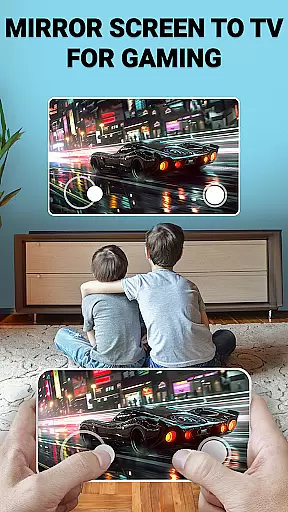
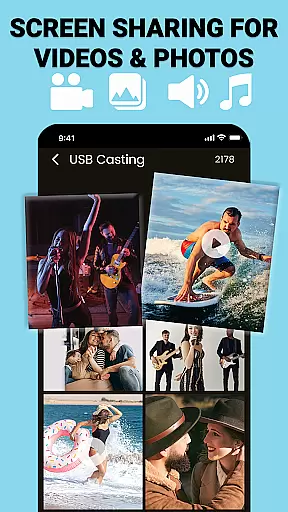
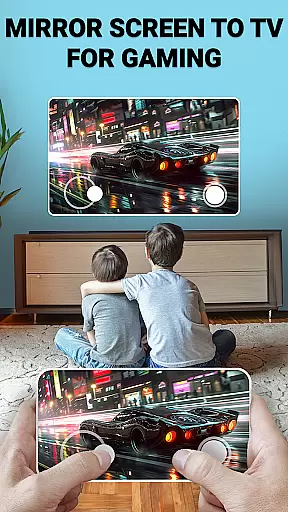
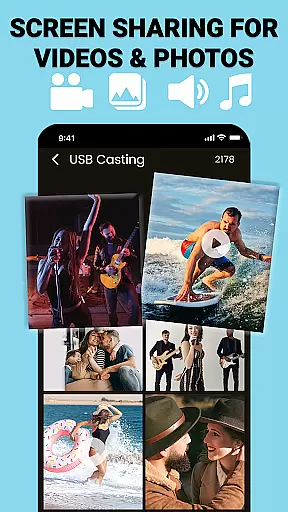
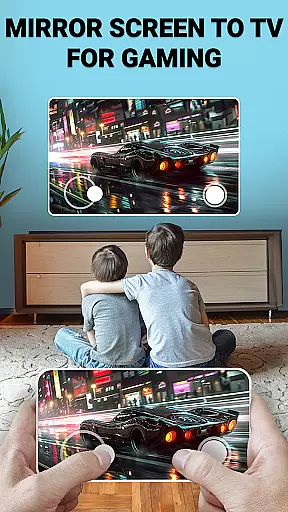
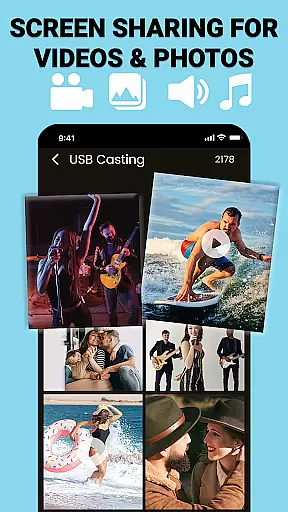
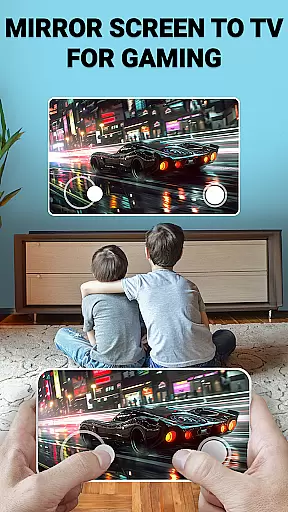
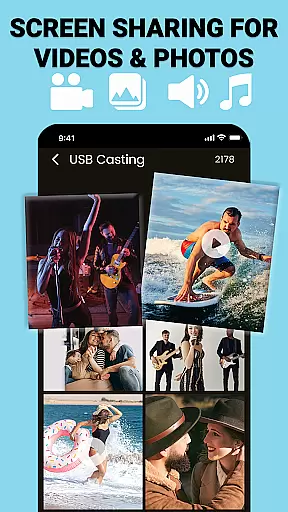
The app covers essential use cases such as streaming movies, sharing photos, delivering presentations, and even gaming. By offering both wireless casting and USB screen mirroring, it caters to different scenarios where WiFi might not be reliable or available. This comprehensive approach ensures that no matter the situation, users can still enjoy high-quality screen sharing.
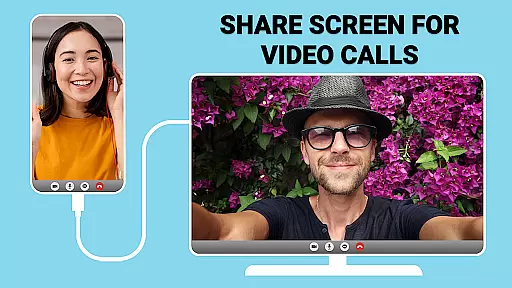
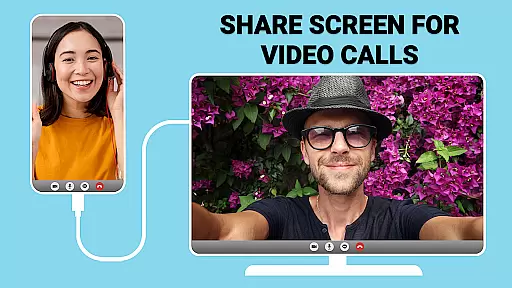
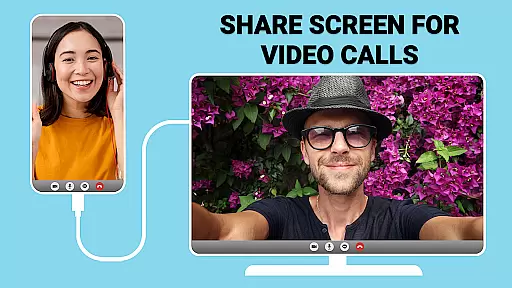
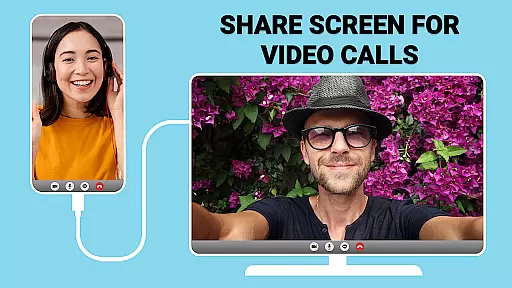
For professionals who need to share documents during meetings or educators presenting in classrooms, this app provides lag-free performance. The inclusion of customizable casting settings allows users to adjust resolutions and optimize display preferences, enhancing the overall experience. Such attention to detail demonstrates the app's commitment to covering all user requirements.
Ultimately, the completeness and coverage of USB Connector Cast Phone to TV make it an indispensable tool for anyone looking to enhance productivity or entertainment. With its versatile connectivity options and seamless performance, users can rely on this app to consistently deliver high-quality results.
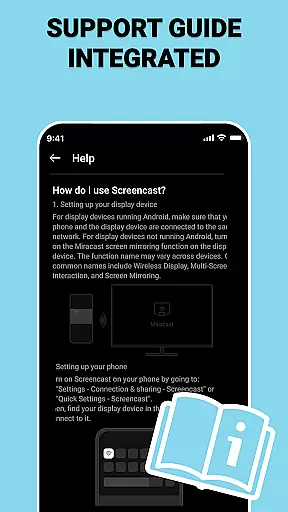
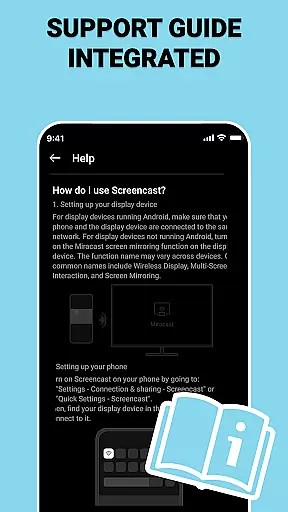
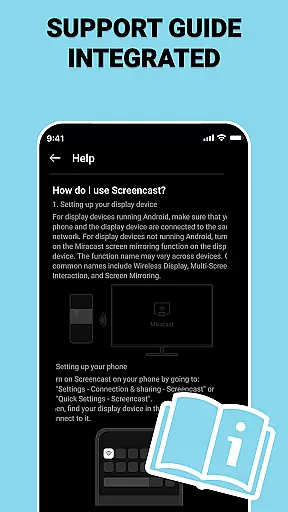
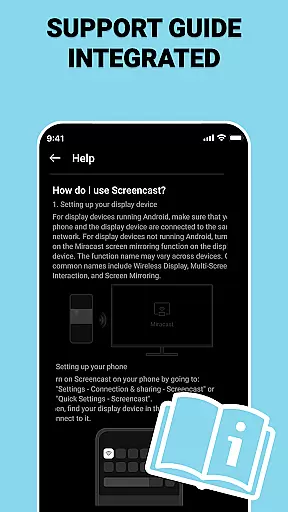
Usability is a critical factor in determining how easily users can interact with an application. USB Connector Cast Phone to TV excels in providing a user-friendly interface that simplifies the process of screen mirroring. From connecting devices to launching the app and selecting the TV, each step is designed to be intuitive and straightforward, ensuring a hassle-free experience.
Operational smoothness is evident in the app's ability to detect compatible devices quickly and establish stable connections. Whether using wireless casting or opting for a wired USB connection, the app maintains consistent performance without lags or interruptions. This reliability is crucial for activities like streaming media or conducting professional presentations where continuity is key.
Additionally, the app offers instant screen sharing capabilities, allowing users to mirror their screens within moments. Its efficient setup process means less time spent configuring settings and more time enjoying content on the big screen. Such operational efficiency enhances the overall usability, making it accessible even for non-technical users.
By focusing on these aspects, USB Connector Cast Phone to TV ensures that users can maximize their device's potential while enjoying a smooth and responsive operational experience. This dedication to usability and performance solidifies its position as a top choice for screen mirroring solutions.
User-friendly interface
Stable connection quality
Versatile connectivity options
Customizable resolution settings
Seamless wireless casting
Limited device compatibility
Occasional connection issues
Premium features locked
Requires WiFi for wireless
Interface not intuitive for all

Record with Double Camera Video Recording using Dual Camera Front and Back Video
 3.00
3.00
Use your Phone as Drone Controller.
3.70
A great tool help you to format Micro SD memory Card
3.10
Collection of Maps and Mods for Dmod
3.30
charging your phone by other phone easly
4.00
Block, disable and secure phone camera from secretly taking photos by spyware.
4.50
Al QURAN-القرأن الكريم app to read Quran offline just like an actual Quran book
4.30
Game booster GFX may reduce interruptions and improve gaming experience.
4.50
Simulator of real black light
3.50
SmartCast mirrors Android phone to TV screen With Cast Screen, Chromecast.
4.80
Recite Quran Majeed القران with special 16 line real Kuran page in hand
4.30
Manage apps & elevate your gaming experience with Game Launcher: Gaming Hub app.
4.30
Game Booster GFX for smoother gaming experience. Enjoy 120 FPS and 4x Game Space
4.20
Android secret code for smart phone, mobile codes, with secret codes app
4.20
Test DPC is a sample device policy controller for use with Android Enterprise.
4.20
With Endoscope Camera Connector you can connect your phone with endoscope cam
3.70
CloudEye 365 is a easy-handling APP
3.60
Mobs maker Minecraft help MCPE creators make their own mob by using Blockbench
3.50
Now Available on Android ™
3.40


User Reviews