
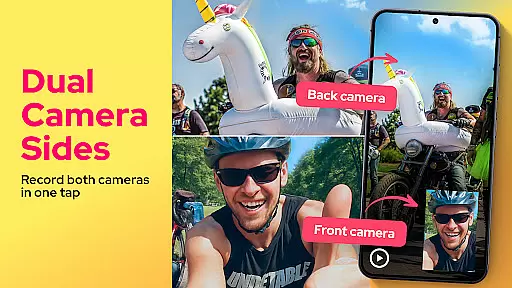
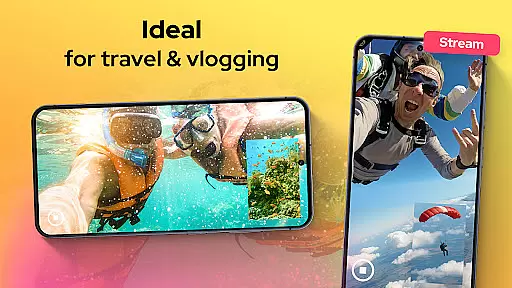
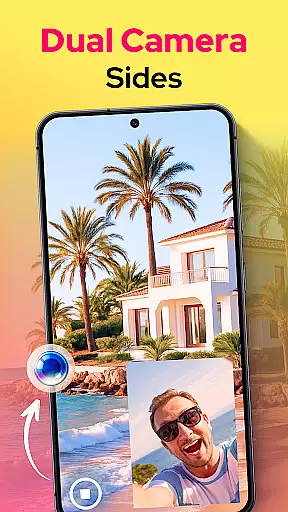
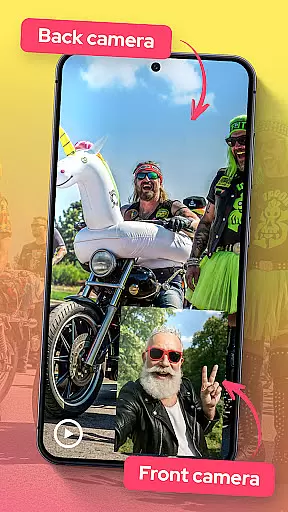
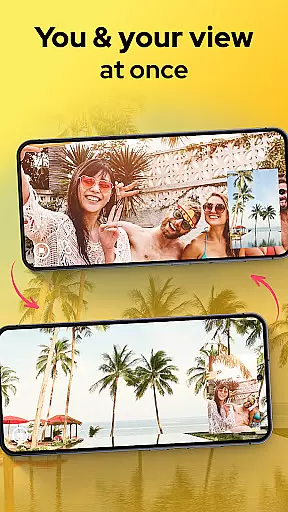
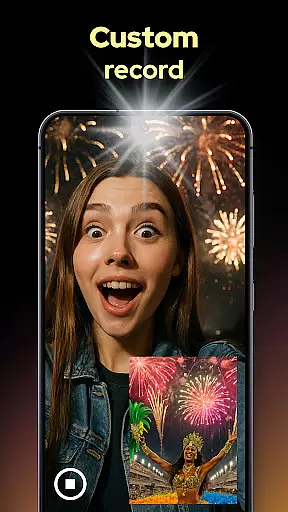
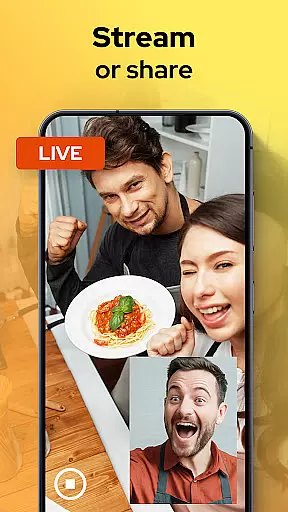
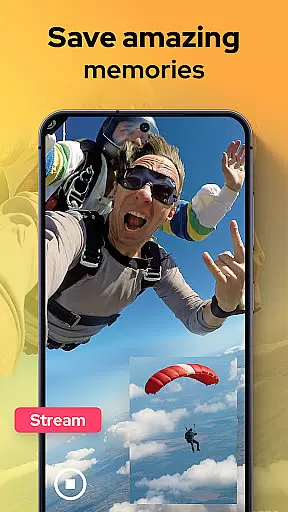
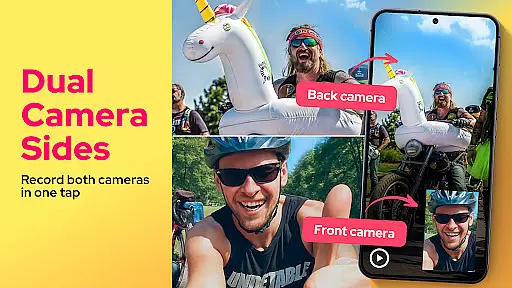
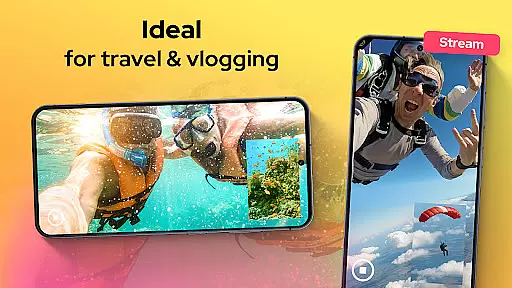
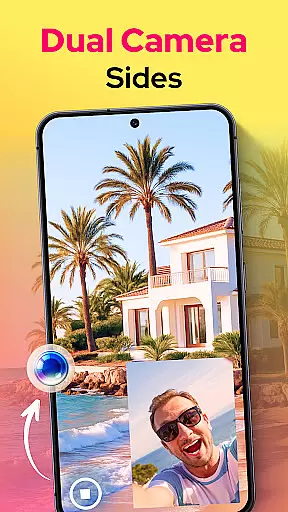
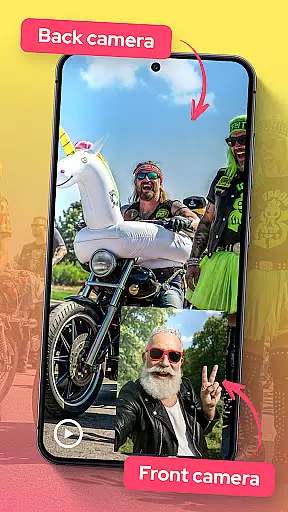
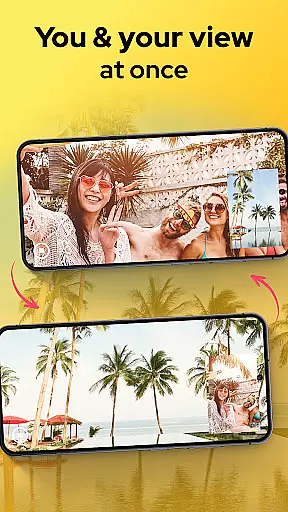
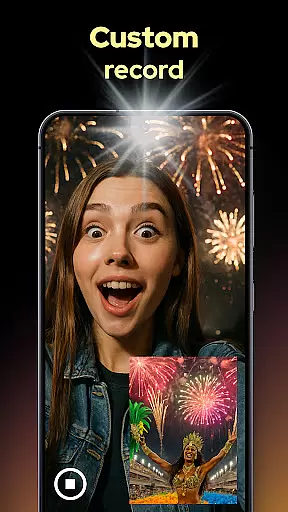
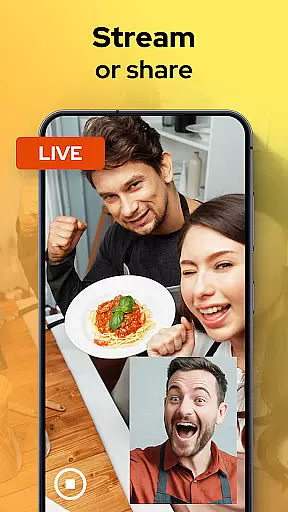
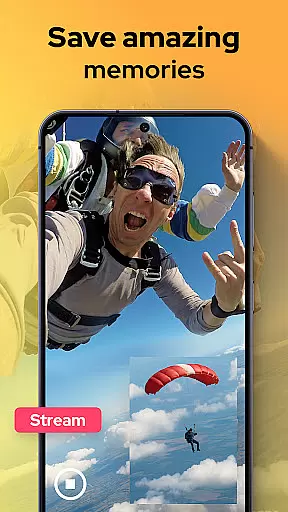
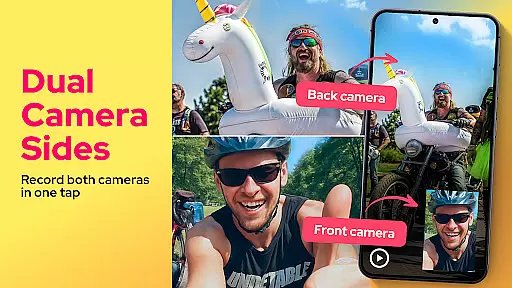
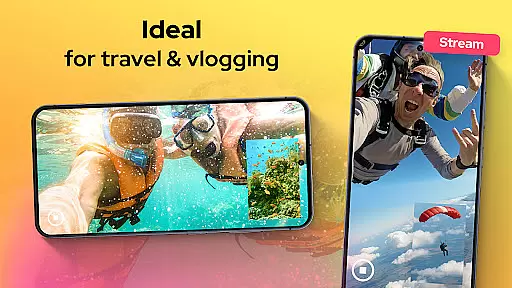
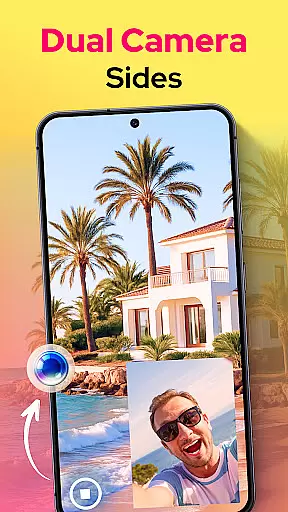
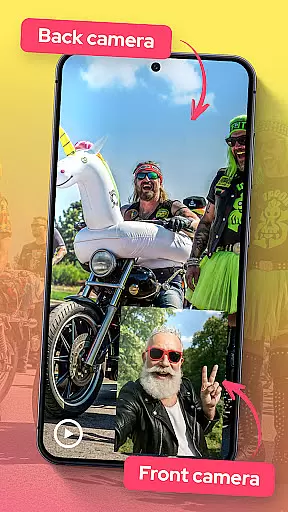
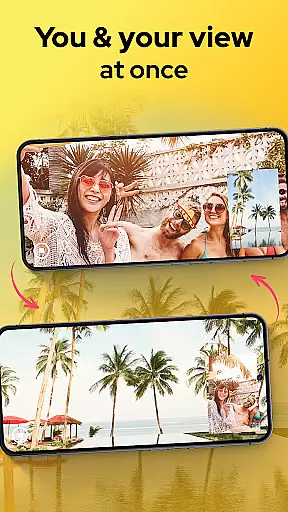
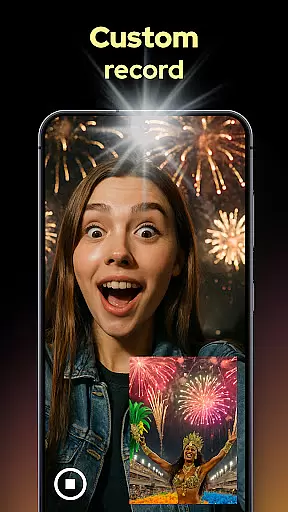
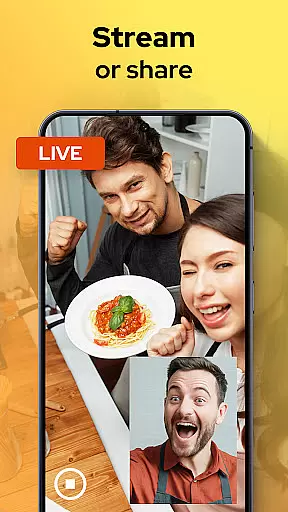
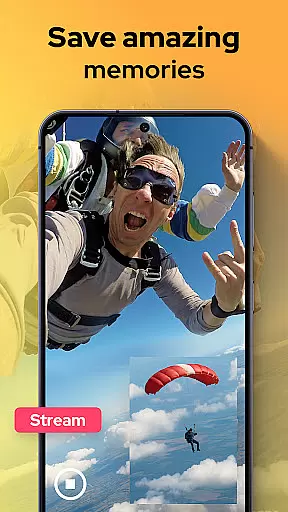
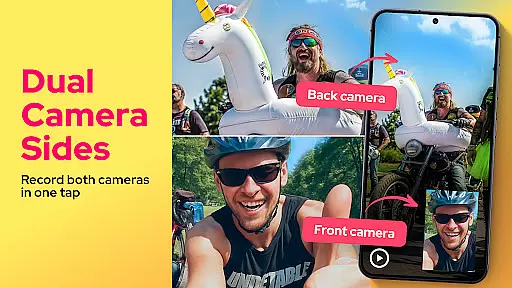
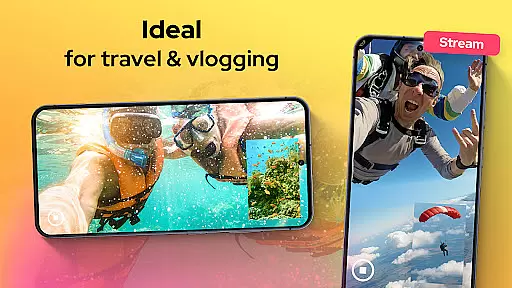
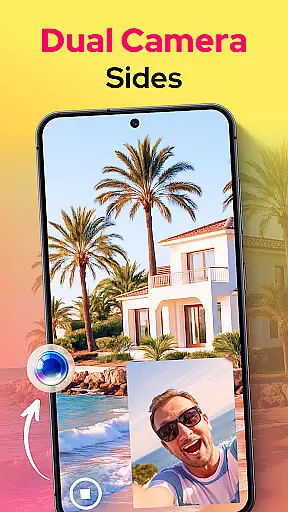
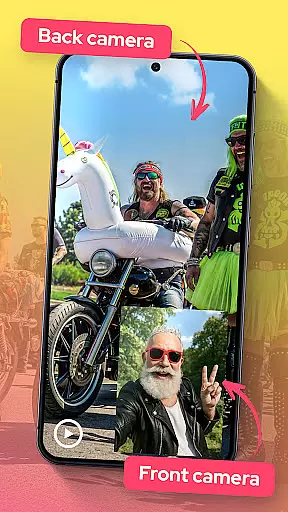
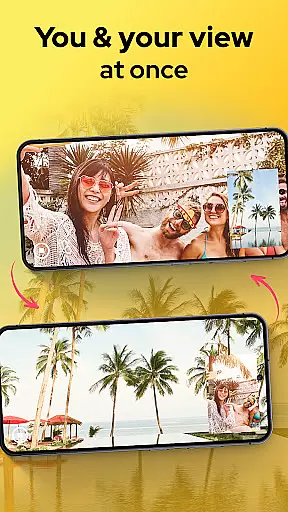
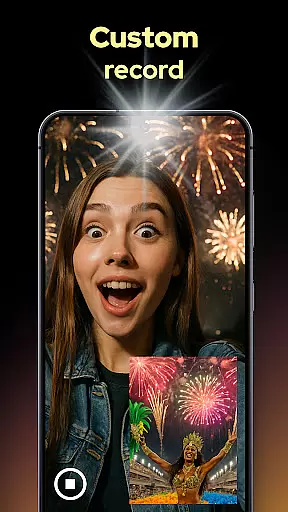
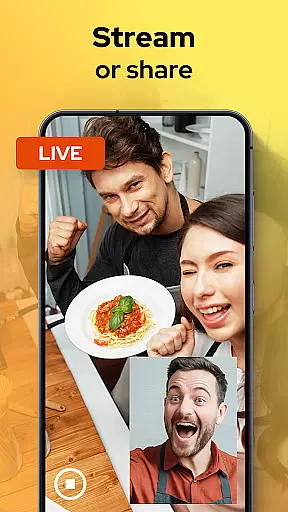
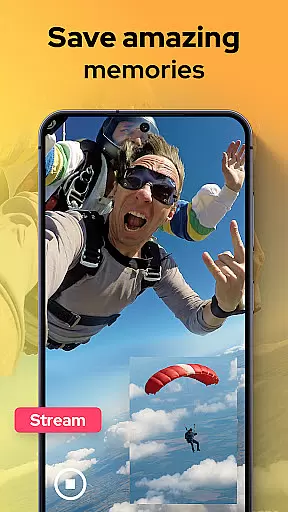
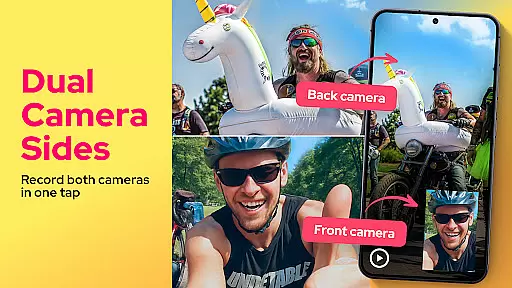
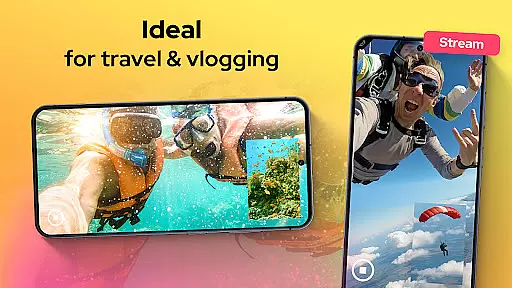
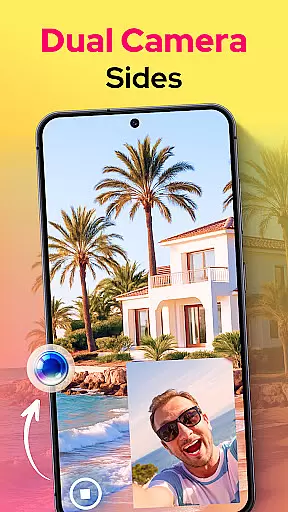
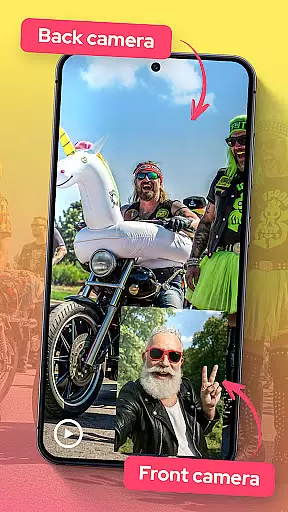
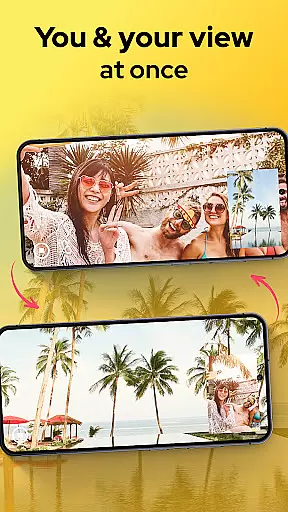
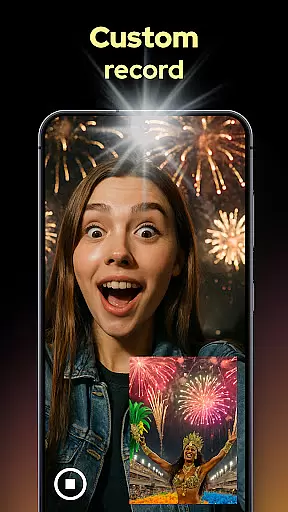
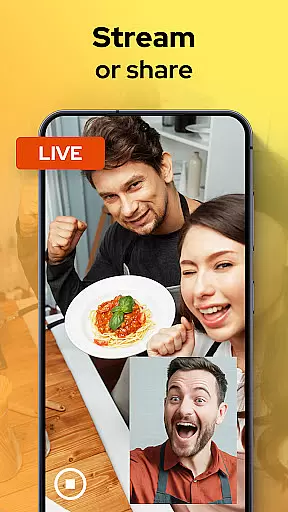
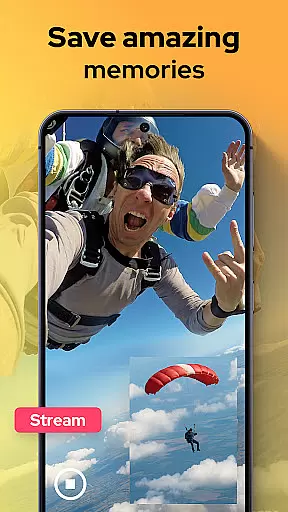
Dual Camera Sides is an innovative app in the Libraries & Demo category that allows users to record videos using both front and back cameras simultaneously. This dual-camera functionality enables creators to capture every angle of their story, making it perfect for vloggers, storytellers, and content creators.
The app offers multiple creative options such as picture-in-picture or split-screen modes, allowing users to customize how both camera feeds appear on screen. With additional features like quick Doubletake shots and manual adjustments for focus, brightness, and exposure, Dual Camera Sides provides professional-grade tools for capturing high-quality videos.
Whether you're shooting tutorials, reaction clips, or documenting adventures, this app ensures no detail is missed. Its ability to run in background mode while multitasking further enhances its usability, making it a versatile tool for modern mobile videography.
Dual Camera Sides stands out with its unique dual-camera recording capabilities. The app allows simultaneous use of both front and rear cameras, ensuring no moment is left uncaptured. Users can choose between picture-in-picture or split-screen layouts, giving them flexibility in how they present their videos.
One of the standout features is the ability to switch angles on the fly without pausing the recording. This seamless transition enhances the storytelling experience by keeping viewers engaged. Additionally, users can take quick Doubletake shots—selfies or stills—with just a tap, adding versatility to their content creation process.
For those seeking more control over their recordings, Dual Camera Sides offers manual adjustments for focus, brightness, and exposure. These pro-grade settings ensure optimal video quality regardless of lighting conditions. Furthermore, the app's background mode allows continuous recording even while using other apps, providing uninterrupted creativity.
In the realm of mobile photography and videography, Dual Camera Sides offers a comprehensive suite of functionalities that cater to both amateur enthusiasts and professional content creators. The app's hallmark feature is its ability to simultaneously record from both the front and rear cameras, ensuring no moment or reaction is missed. This dual-recording capability is not just about capturing two perspectives; it's about providing a seamless experience where users can switch between different viewing modes such as picture-in-picture or split-screen without interrupting the recording process.
Moreover, the app extends its functionality by allowing users to adjust critical camera settings like focus, brightness, and exposure manually. Such granular control empowers users to produce videos with a professional touch, mimicking the quality one would expect from high-end equipment but achievable directly from their smartphones. The inclusion of background mode further enhances usability, enabling continuous recording even while multitasking across other applications.
The true value of Dual Camera Sides lies in its capacity to transform storytelling. By offering complete capture options and creative freedom in how content is framed and presented, it opens up new avenues for expression. Whether documenting an adventure, conducting interviews, or creating tutorial content, the app ensures that every angle and emotion is preserved, making it an indispensable tool for dynamic and engaging video production.
Dual Camera Sides excels not only in its broad spectrum of features but also in delivering a user-friendly experience that simplifies complex videography tasks. At the heart of its design philosophy is the commitment to operational smoothness, ensuring that users can effortlessly navigate through its array of functions. The intuitive interface allows for quick toggling between front and back cameras, applying adjustments to video settings, and selecting preferred display layoutsu2014all without missing a beat during recordings.
A standout aspect of the app's usability is its live preview functionality, which provides real-time feedback on how the final output will look. This immediate visual confirmation helps users fine-tune their shots accurately, ensuring that the captured footage aligns with their creative vision. Additionally, the ability to snap photos without pausing video recording adds another layer of convenience, catering to spontaneous moments that demand both stills and motion capture.
Ultimately, Dual Camera Sides bridges the gap between sophisticated videography tools and accessible mobile applications. Its dedication to streamlining operations while maintaining high-quality standards makes it an ideal choice for anyone looking to elevate their content creation game. With this app, capturing lifeu2019s moments from every conceivable angle becomes not just possible but enjoyable, marking a significant leap forward in mobile videography usability.
User-friendly interface
High-quality dual recording
Flexible layout options
Real-time angle switching
Manual camera controls
Limited to specific devices
Higher storage requirements
Potential battery drain
No advanced editing tools
Occasional performance lags

Game Booster GFX for smoother gaming experience. Enjoy 120 FPS and 4x Game Space
 4.20
4.20
Tune your game graphics with our GFX optimizer for optimal gaming experience
4.50
Use your Phone as Drone Controller.
3.70
Test DPC is a sample device policy controller for use with Android Enterprise.
4.20
a wireless controller that provides a seamless and gaming experience for players
3.80
Mirror link car connector to share your screen with car dashboard
3.80
Manage apps & elevate your gaming experience with Game Launcher: Gaming Hub app.
4.30
Mirror phone to TV effortlessly! Stream, share & connect with Airplay ease.
3.60
Unlock the hidden menus of your phone with our mobile secret codes app.
4.20
SmartCast mirrors Android phone to TV screen With Cast Screen, Chromecast.
4.80
Read Holy Quran Feel Like Real Quran & Listen Al Quran Mp3 Audio Online Offline.
4.70
MirrorLink for connecting your Android phone to your car’s infotainment screen.
4.50
Enjoy Minecraft Mod Scary Neighbor Granny for Minecraft PE.
4.30
Android secret code for smart phone, mobile codes, with secret codes app
4.20
You can remote control and play much easier.
4.10
With Endoscope Camera Connector you can connect your phone with endoscope cam
3.70
Connect and find your Smart Tag 2 devices through our app.
3.60
CloudEye 365 is a easy-handling APP
3.60
Enjoy hours of entertainment with our Roblox mobile games app
4.2


User Reviews