
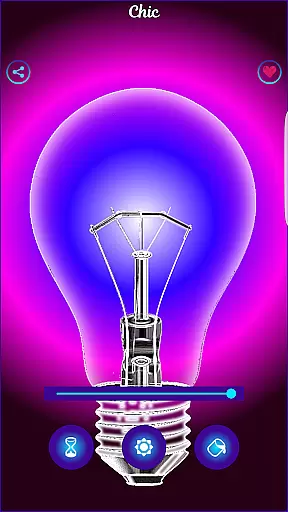
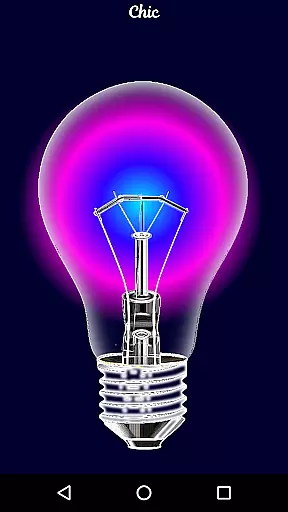
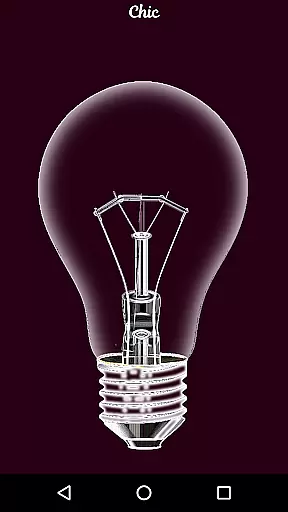
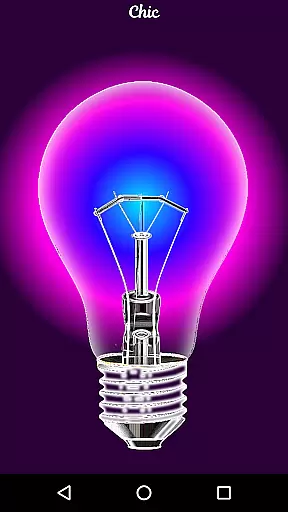
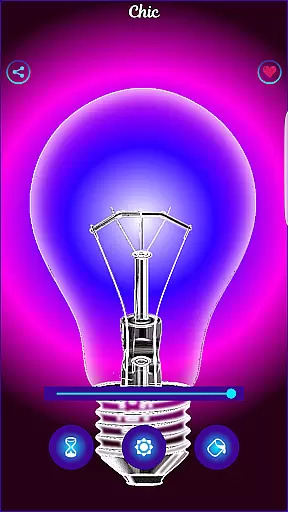
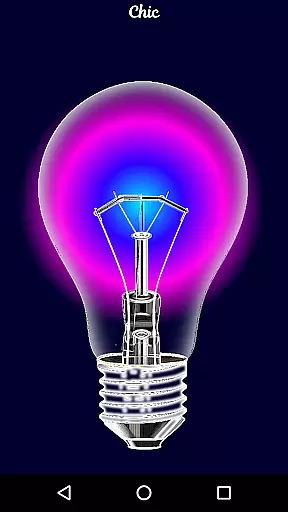
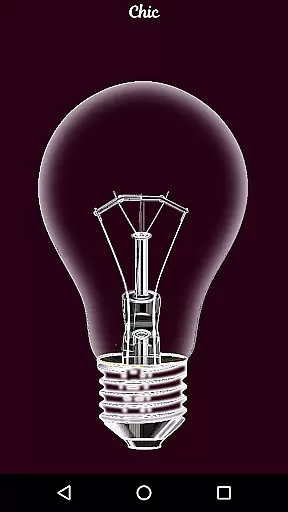
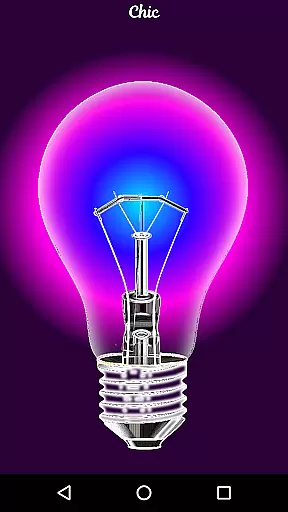
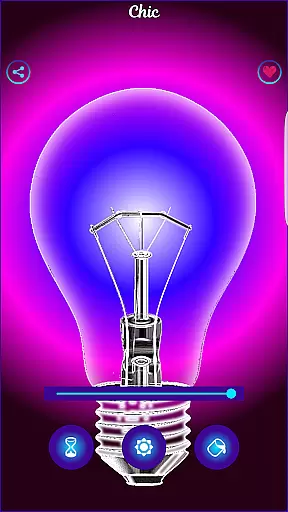
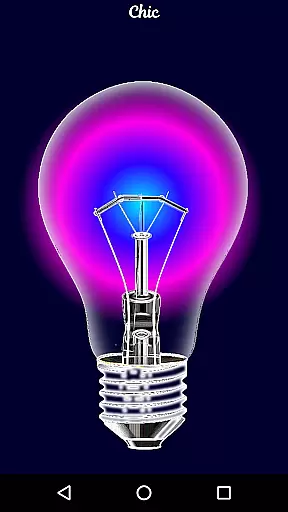
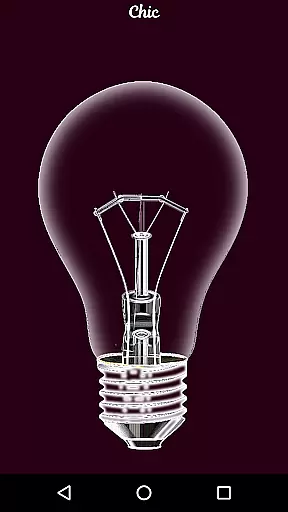
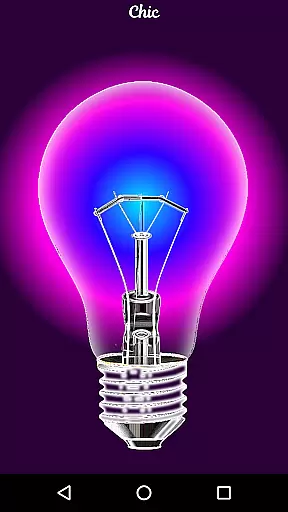
Black Light is a unique simulator app that recreates the visual effects of real black light. The application allows users to customize their experience by adjusting the tone, timing, and brightness settings to create deep purple variations optimized for powerful radiant effects in dark environments. This makes it an ideal tool for entertainment purposes or enhancing the atmosphere during parties and events.
While Black Light does not produce actual black light, it effectively mimics the color and appearance of one through carefully designed simulations. Users can enjoy experimenting with different shades and intensities to achieve the desired effect on their screens. Whether you're looking to add some fun to your evenings or impress friends at gatherings, this app offers a simple yet engaging way to do so.
One of the standout features of Black Light is its customization options. Users have full control over three key parameters: TONE, TIME, and BRIGHTNESS. By adjusting these settings, individuals can tailor the display to suit their preferences or specific occasions. For instance, selecting deeper purple tones creates more dramatic visuals, while tweaking brightness ensures optimal visibility without straining eyes.
In addition to personalization capabilities, Black Light also boasts an intuitive user interface that makes navigation seamless even for first-time users. Its design prioritizes ease-of-use, ensuring everyone from tech enthusiasts to casual smartphone owners can quickly grasp how to operate the app efficiently. Furthermore, all colors within the application are optimized for maximum impact in low-light conditions, guaranteeing stunning results every time.
Functionality completeness in an application refers to the extent to which all necessary features and capabilities are included to serve the user's needs. For Black Light, this means providing a comprehensive experience that simulates real black light effects with precision.
The app offers users the ability to modify the tone of color with deep purple variations, set a timer for screen activity, and adjust brightness levels. These features ensure that users can customize their experience according to their preferences and context, enhancing the overall utility of the app.
By optimizing colors to display a powerful radiant effect in the dark, Black Light ensures that its functionality is not only complete but also specifically tailored to create immersive environments. This attention to detail enriches the user experience, making it both enjoyable and engaging.
Usability and operational smoothness are critical factors that determine how easily and efficiently users can interact with an app. In the case of Black Light, usability is enhanced by providing intuitive controls for adjusting color tones, setting timers, and modifying brightness.
Operational smoothness is achieved through seamless transitions and responsive adjustments within the app. Users can expect immediate visual feedback when tweaking settings, ensuring that their interactions are fluid and natural.
Although Black Light is designed for fun and does not produce real black light, its mimicry of black light colors is sufficiently accurate to provide an entertaining experience. The ease of use coupled with reliable performance makes it a delightful addition to any user's toolkit for creating ambient lighting effects.
User-friendly interface
Highly customizable settings
Optimized radiant effects
Fun entertainment option
Engaging visual experience
No real black light emission
Limited practical applications
Battery consumption concern
Premium version costs extra
Occasional performance glitches

Sad ringtones full of feeling, sad music ringtones
 3.90
3.90
With Endoscope Camera Connector you can connect your phone with endoscope cam
3.70
TV USB connector app provides you a seamless cast option from your phone to tv.
4.70
Study Bible King James Version: the correct way to learn the Bible with audio
4.80
Mirror Link Car Display to share your screen with car dashboard wirelessly
4.2
Turn your phone into a wireless Xbox controller – play, stream & control anytime
4.4
CloudEye 365 is a easy-handling APP
3.60
Endoscope camera an app to connect with endoscope cam or any device
3.30
Now Available on Android ™
3.40
SmartCast mirrors Android phone to TV screen With Cast Screen, Chromecast.
4.80
Block, disable and secure phone camera from secretly taking photos by spyware.
4.50
MirrorLink for connecting your Android phone to your car’s infotainment screen.
4.50
Barcode scanning made simple!
4.40
Do you want to drive easy ? do you wanna full mirror link Mobile with your car
4.10
charging your phone by other phone easly
4.00
Demo version of the mcpro24fps manual video camera. Try and buy a full version!
4.00
Mirror link car connector to share your screen with car dashboard
3.80
Collection of Maps and Mods for Dmod
3.30
Zlink Carplay Android a mirror link app with a Carplay interface style
4.2


User Reviews