
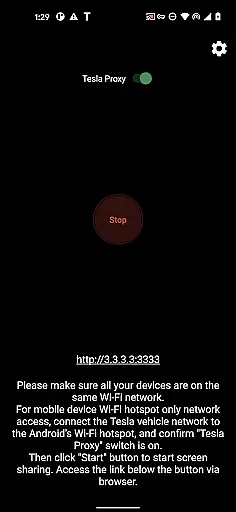
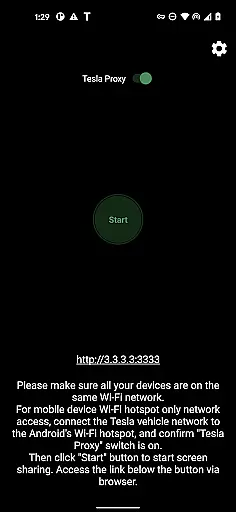
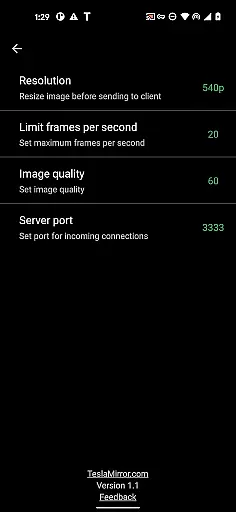
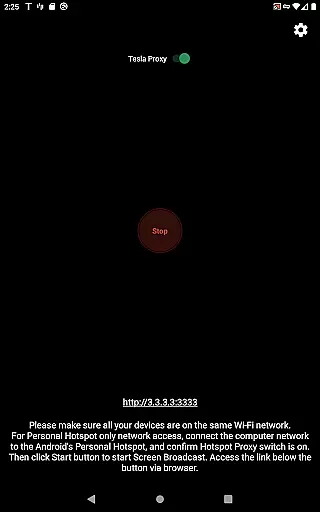
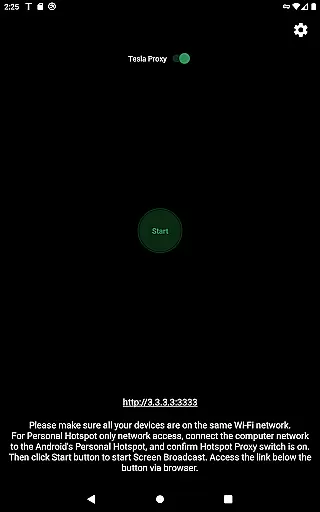
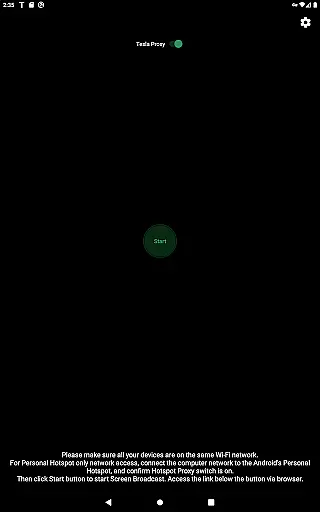
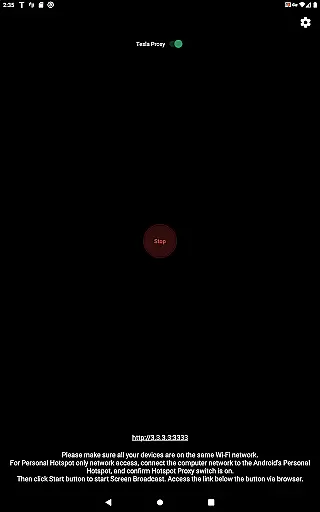
TeslaMirror is an innovative Android application that allows users to mirror their mobile device screens directly to Tesla vehicles' infotainment systems. This app supports Tesla models with MCU2/3 hardware, including Model 3, Model Y, and newer versions of Model S and X. With a 144-hour free trial available upon purchase, it offers users the chance to experience seamless integration between their Android devices and Tesla's sophisticated display system.
Designed for convenience and enhanced user experience, TeslaMirror enables streaming of content at various resolutions and frame rates, depending on the vehicle's hardware capabilities. It also features lossless audio support for Android 10+ in H.264/H.265 modes, remote control functionality, and operates within a secure local network environment. The app ensures privacy by running a web server locally on the user's device, making it inaccessible from the public internet.
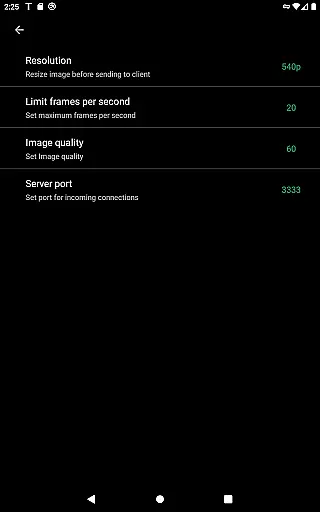
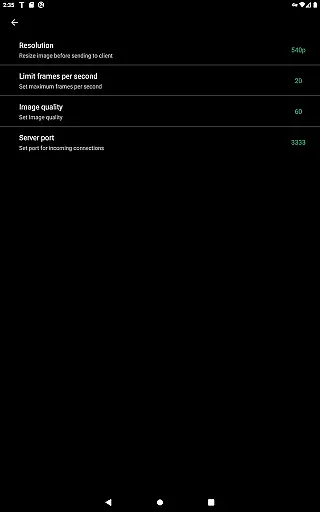
TeslaMirror stands out with its advanced mirroring technology tailored specifically for Tesla vehicles. The app supports different video codecs such as H.264 and H.265, catering to the hardware specifications of MCU2 and MCU3 systems. For instance, MCU3 hardware can enjoy high-definition streaming up to 1080p@60fps using H.265 codec, while MCU2 users can stream at 540p@30fps with H.264.
Beyond video, TeslaMirror delivers superior audio quality through its lossless audio feature, which is compatible with Android 10+ in H.264/H.265 modes. Additionally, the Remote Control feature empowers users to interact with their phones via the Tesla touchscreen or a connected mouse, enhancing usability when the phone is out of reach. These features collectively provide a comprehensive and immersive in-car entertainment and control solution.
TeslaMirror provides comprehensive access to your Tesla vehicle's infotainment system, ensuring you have detailed information at your fingertips. The app supports Tesla app mirroring, allowing users to mirror their Android device directly to the vehicle's display.
With TeslaMirror, users can view and interact with their mobile apps on the car's larger screen. This includes critical vehicle data, media controls, and third-party applications, enhancing the driving and parking experience. The app is optimized for Tesla models with MCU2/3 hardware, ensuring compatibility with Model 3, Model Y, and newer Model S and X vehicles.
The level of detail provided extends to supporting various video codecs like H.264 and H.265, depending on the vehicleu2019s hardware capabilities. Users can enjoy high-quality video playback at resolutions up to 1080p, making it easier to consume content when the vehicle is parked.
This functionality not only enriches the user experience but also ensures that all interactions are smooth and responsive, providing real value by integrating seamlessly with Tesla's advanced systems.
One of TeslaMirror's standout features is its transparent pricing model, offering a free 144-hour trial period for users to evaluate the service fully. This trial ensures that customers can make an informed decision about purchasing the app without any hidden costs or surprises.
If unsatisfied, users can request a refund by contacting TeslaMirror support with their order details. This straightforward approach eliminates uncertainty and builds trust with potential long-term users who need to ensure the app meets their needs.
The app's purchase price reflects the advanced functionality and seamless integration it offers with Tesla vehicles. By clearly stating what each user will receive, including features like screen mirroring, remote control, and lossless audio, TeslaMirror maintains a high standard of price transparency.
Overall, this commitment to clear and honest pricing enhances user confidence and satisfaction, encouraging more drivers to enhance their Tesla experience with TeslaMirror.
Seamless screen mirroring
High-quality video streaming
Lossless audio support
Remote control functionality
Secure local network operation
No Netflix support
Limited to Tesla MCU2/3
Requires parking
Complex setup process
VPN requirement for connectivity

OBD2 car scanner and diagnostics: read Check Engine, DTC, economy....
 4.30
4.30
Monitor specific TOYOTA parameters by adding this plugin to Torque Pro.
2.00
Realtime Charts is a plugin for the Torque Pro App (OBD 2 & Car)
4.20
Wonder how much horsepower and torque your car/truck makes? Look no further.
3.40
BlueDriver® is a Premium Diagnostic OBD2 Scan Tool. www.BlueDriver.com
3.90
Your Path to Driving Licensing Success Begins Here! Develop your driving skills.
4.40
Find, search, and browse 40,000+ used cars, SUVs, and trucks.
4.50
Find Your Local Store or Shop Online for the Car, Truck, or SUV Parts You Need
4.70
Marathon ARCO Rewards members earn rewards & apply the rewards for fuel savings!
4.80
Buy and sell your boat
4.70
OBD1 ECMs application. Data log or tune directly from your phone or tablet!
4.60
On the CarShield app, you can view contracts, make payments, & request roadside.
4.40
AI Powered - Automotive Mechanic Assistant
4.30
Get your personalized financing options and shop for used cars today!
4.20
ODB2 based monitoring application for the Chevy Bolt (2017-2021)
4.00
Available in select states.
4.00
Simplify your drive
3.90
Theme for Car Launcher
4.5
Theme for Car Launcher
4.3


User Reviews