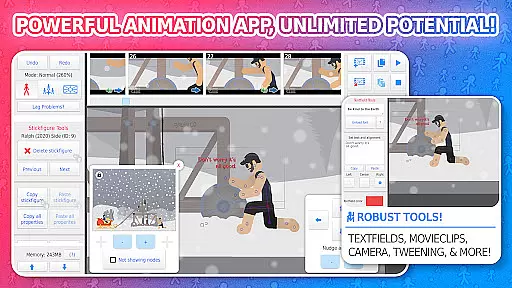
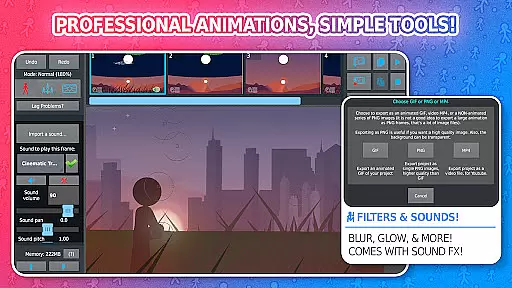
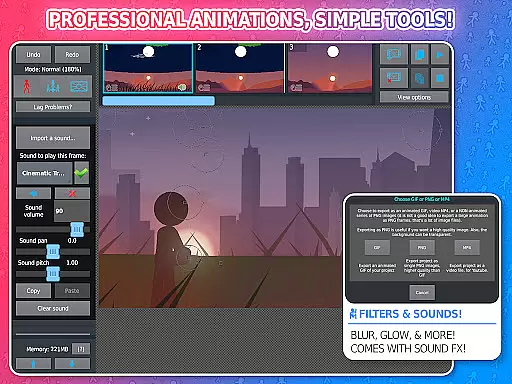
Stick Nodes Pro is a premier stickman animation application tailored for mobile devices, offering advanced features for creating professional-quality animations. Inspired by the classic Pivot stickfigure animator, this app enables users to produce intricate stickfigure-based movies and export them as animated GIFs or MP4 videos. The PRO version stands out with exclusive features such as ad-free startup, watermark-free exports, sound effects per frame, and enhanced stickfigure filters like blur and glow.
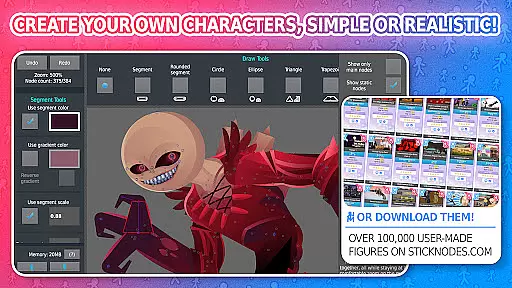
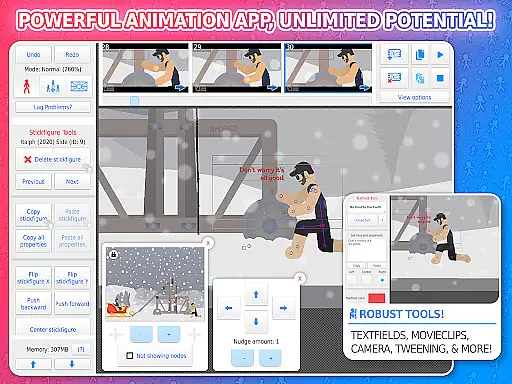
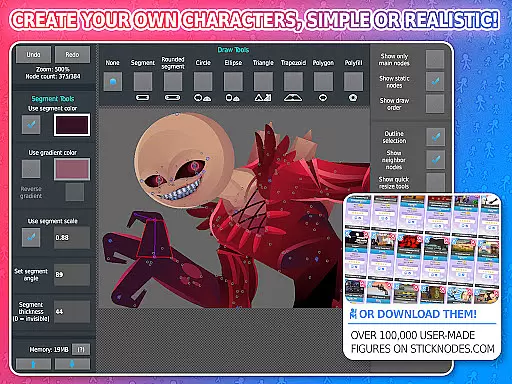
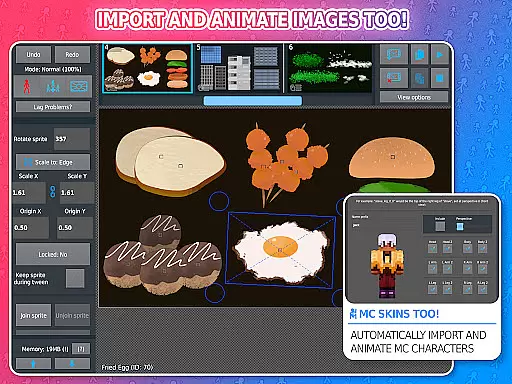
Beyond basic animation capabilities, Stick Nodes Pro provides sophisticated tools including customizable frame-tweening, a virtual camera for scene manipulation, and movieclips for reusable animations. With compatibility for importing Minecraft skins and Pivot files, along with an extensive library of over 30,000 stickfigures, it caters to both novice animators and seasoned professionals. Its thriving online community and educational applications make it an invaluable tool for creative expression and skill development.
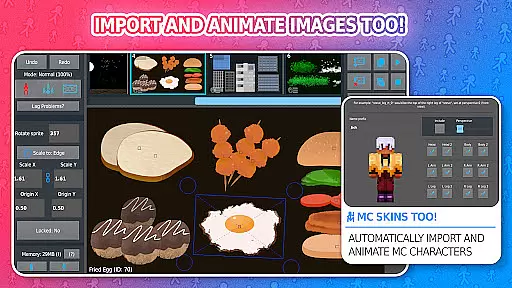
Stick Nodes Pro boasts an impressive array of features that cater to diverse animation needs. Users can import and animate custom images, utilize automatic frame-tweening for smoother transitions, and employ a virtual camera to pan, zoom, and rotate scenes. Advanced functionalities include movieclips for reusable animations, per-segment color and scale adjustments, and text fields for dialogue integration.
The Pro version unlocks additional capabilities such as adding sound effects to frames, exporting animations in MP4 format, and applying visual filters like transparency and glow. These features enhance creative possibilities while maintaining user-friendly accessibility. Furthermore, the app's compatibility with various file formats and its vast repository of downloadable stickfigures ensure limitless customization options for animators seeking to refine their craft.
Stick Nodes Pro offers an impressive range of content that ensures users have everything they need to create dynamic animations. With over 30,000 stickfigures available for download and the ability to import custom images, animators can explore endless creative possibilities.
The app supports a multitude of features such as adding sound effects, applying filters like blur and glow, and exporting animations in both GIF and MP4 formats. These options keep the content fresh and engaging, allowing users to continually enhance their projects with new elements.
Regular updates and compatibility with pre-3.0 Pivot stickfigure files ensure that the content remains relevant and up-to-date. This commitment to variety and freshness makes Stick Nodes Pro an essential tool for animators looking to push their creative boundaries.
User engagement is at the core of Stick Nodes Pro's design, offering features that encourage prolonged use and consistent interaction. The app provides automatic customizable frame-tweening, a simple camera system for scene manipulation, and reusable movieclips, all of which contribute to a seamless animation experience.
With its thriving community and vast library of stickfigures, users are motivated to spend more time within the app, experimenting with different animations and sharing their work. The ability to save, open, and share projects further enhances user retention by creating a sense of accomplishment and ownership.
By integrating social platforms and offering continuous updates, Stick Nodes Pro fosters a dedicated user base that remains engaged over time. This focus on sustained engagement ensures that users not only stay longer but also return frequently to explore new features and content.
Ad-free experience
Watermark-free exports
Advanced animation tools
Extensive file compatibility
Vibrant user community
Paid pro features
Steep learning curve
Limited free resources
Occasional performance issues
Requires time investment

Ultimate VR movie player for android mobile videos
 4.2
4.2
Stream over 80 hours of exclusive mashups and remixes by DJ Rehab.
4.4
Classic dynamic pixel art from Mark Ferrari.
4.70
Practice and master your ESP and intuition with five mode trainer.
4.20
Triple A is a highly complex, kinetic, and interactive visualizer.
4.50
A companion app for the game Elite Dangerous
4.10
With the credits you earn play more games
2.90
Create and play realistic-looking mock Emergency Alert System messages.
4.30
An app made just for kids
4.20
Catalog & tracker of your DVD, Blu-ray & Digital Movie and TV Collection Library
4.80
Wodfix Air aggregates popular online content for you.
4.80
Stream Movies & TV Series: Original Shows, Family Movies & New Releases Weekly
4.60
Stream Online TV - Watch Live IPTV Playlist & Channel with Built-In Player
4.50
The Xbox app keeps you connected to your gaming community.
4.50
Fire effects for your Philips Hue lights
4.20
Official KennysGifs Stickers
4.20
Alice Box is an Instrumental Trans Communication app.
3.80
Watch New Episodes & Live TV
3.80
Music visualizer and party effects for your Nanoleaf devices
4.5


User Reviews