
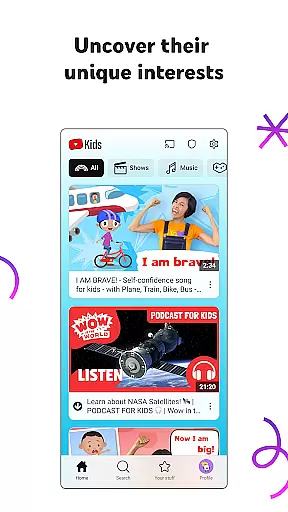
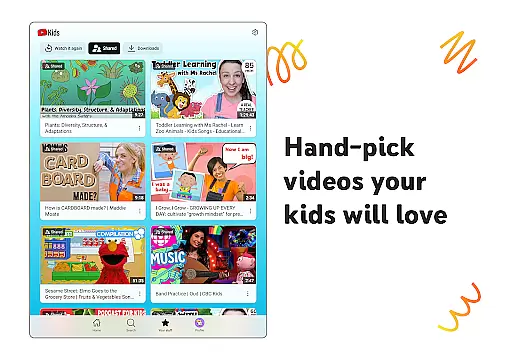
YouTube Kids is a specialized entertainment app designed to provide a safe and engaging video-watching experience for children. The app offers a vast selection of kid-friendly content, including educational videos, cartoons, music, and more, tailored to inspire curiosity and learning.
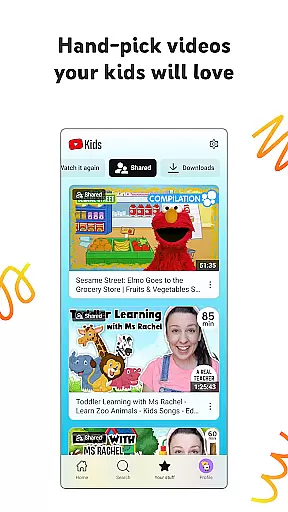
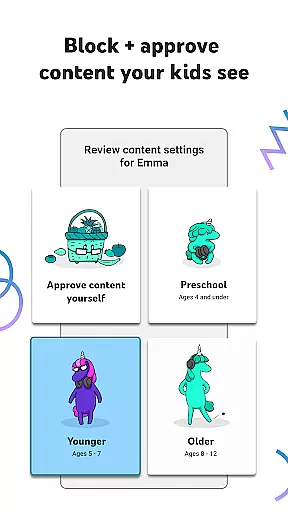
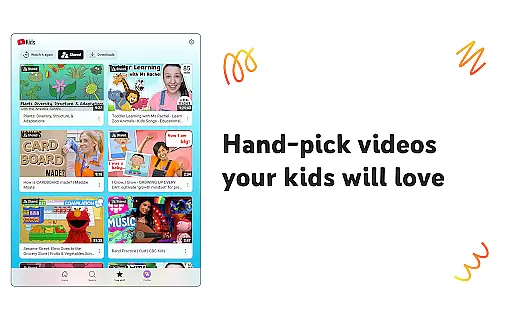
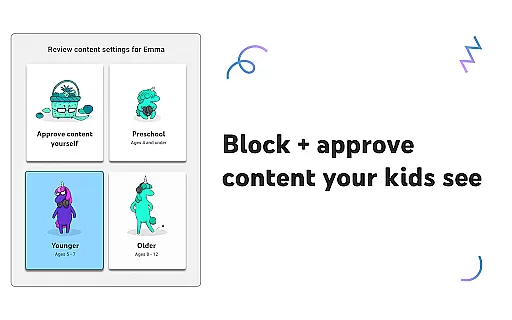
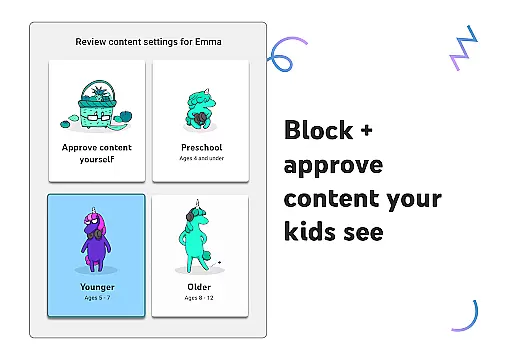
One of the standout features of YouTube Kids is its customizable parental controls. Parents can set up individual profiles for their children, choosing from different content levels such as Preschool, Younger, or Older modes. This ensures that kids only access age-appropriate videos. Additionally, parents can handpick specific channels or collections in the Approved Content Only mode, giving them complete control over their child's viewing experience.
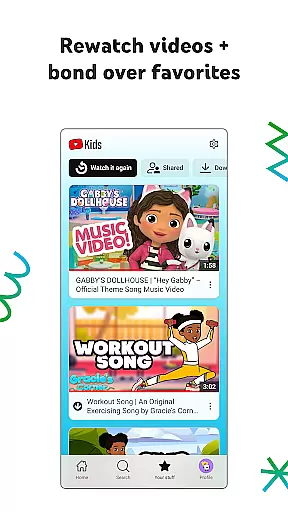
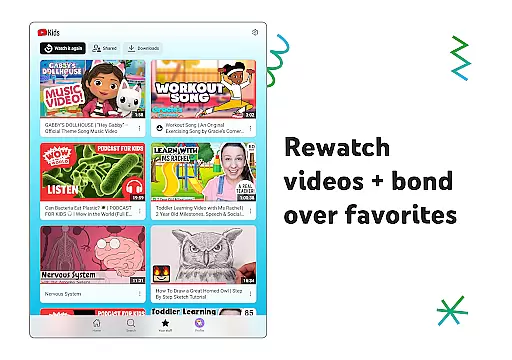
Beyond curated content, YouTube Kids also includes practical tools like screen time management and the Watch it Again tab, where kids can revisit their favorite videos. These features help create a balanced digital environment that promotes both entertainment and education, making YouTube Kids an essential tool for modern parenting.
YouTube Kids stands out with its robust suite of features designed to enhance both safety and engagement. At its core, the app provides four distinct content modes: Preschool, Younger, Older, and Approved Content Only. Each mode filters videos based on age appropriateness, ensuring that children are exposed to content that aligns with their developmental stage.
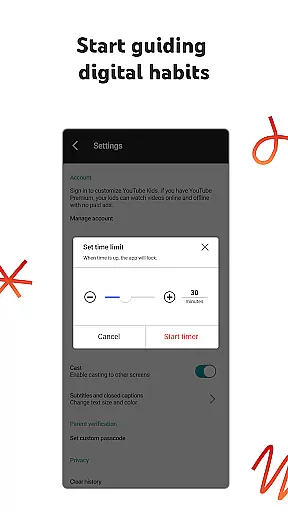
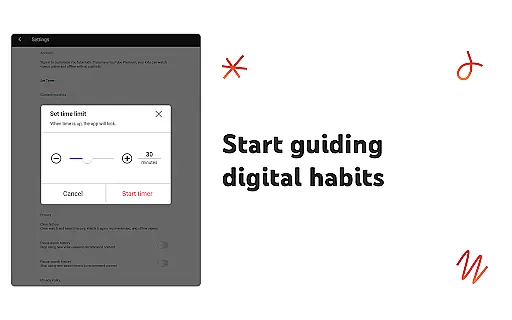
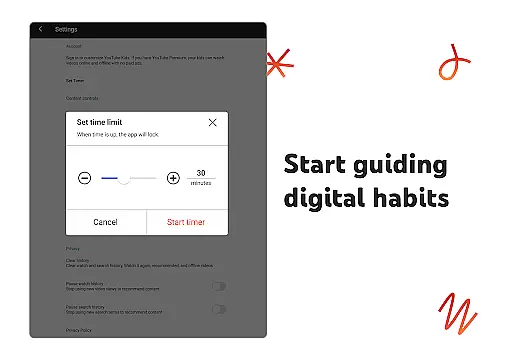
Parental controls are another key feature, empowering parents to block inappropriate videos or channels and flag them for review. The app also includes a Timer function, allowing parents to set daily screen-time limits. When the time is up, the app pauses, encouraging kids to engage in offline activities. Furthermore, the Watch it Again section lets kids easily access previously viewed content, fostering continuity in their learning and entertainment journey.
YouTube Kids also supports multiple user profiles, enabling parents to customize settings for each child. Whether it's helping toddlers learn the alphabet or letting older kids explore gaming and music videos, the app adapts to the unique needs of every family member, making it a versatile and indispensable tool for digital parenting.
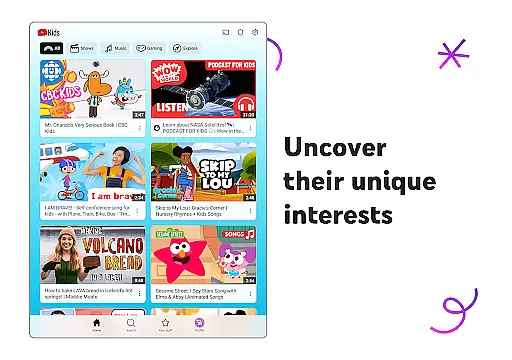
In the realm of digital entertainment, content variety and freshness are paramount for maintaining user engagement. YouTube Kids excels in this area by offering a diverse range of video content tailored specifically for children.
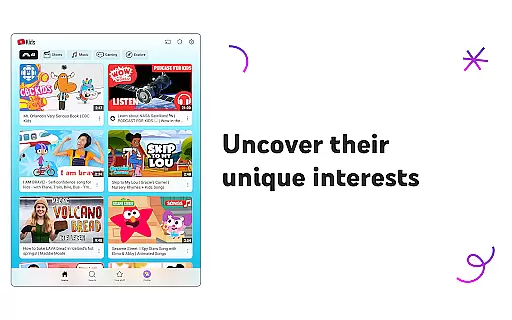
From educational videos that teach the alphabet to music and DIY craft tutorials, the app covers an extensive array of topics designed to spark curiosity and creativity. The platform's algorithms ensure that new and relevant content is always surfaced, keeping young viewers engaged with fresh material that aligns with their evolving interests.
Moreover, YouTube Kids categorizes its content into distinct modes such as Preschool, Younger, and Older, ensuring age-appropriate material for different developmental stages. This thoughtful curation allows parents to feel confident that their children are accessing content that not only entertains but also enriches their learning journey.
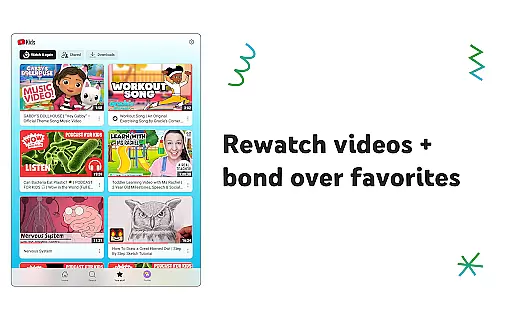
The Watch it Again tab further enhances the experience by allowing kids to revisit their favorite videos, reinforcing learning and providing comfort through familiar content. By continuously updating its library and offering personalized recommendations, YouTube Kids ensures that there is always something new and exciting for every child.
User engagement duration and retention are critical metrics for evaluating the success of any entertainment platform. YouTube Kids addresses these aspects through several innovative features designed to captivate young audiences and keep them coming back.
One key feature is the ability to personalize individual profiles using custom content filters. As children grow, their interests change, and YouTube Kids adapts by refining its content suggestions based on parental input and viewing habits. This personalization fosters a deeper connection between the child and the app, enhancing both engagement duration and retention rates.
Additionally, the Parental Controls provide tools like timers and restricted modes, which help manage screen time effectively while ensuring that the content remains appropriate and engaging. These controls empower parents to create a balanced media diet, encouraging healthy usage patterns without compromising on enjoyment.
By combining a rich diversity of content with robust parental oversight, YouTube Kids successfully maintains high levels of user engagement and retention. Children remain captivated by the ever-evolving selection of videos, while parents appreciate the peace of mind that comes from knowing their kids are interacting with safe, family-friendly content.
User-friendly interface
Customizable content filters
Parental control options
Educational and entertaining videos
Multiple child profiles
Limited offline functionality
Potential ad exposure
Content moderation gaps
No advanced search filters
Requires parental setup

Create, chat & bond with AI souls who truly listen.
 4.50
4.50
Browser for Chromecast to stream webvideos, online movies, IPTV & HD livestreams
4.40
Atomus is a 10-finger multi-touch interactive visualizer.
4.30
Catalog & tracker of your DVD, Blu-ray & Digital Movie and TV Collection Library
4.80
The classic game of rock, paper, scissors
4.4
Watch Reels, Drama Shorts & TV Series Anytime. Download DramaWave Now!
4.70
Stream, Watch, Chat. Live.
4.00
World's largest dedicated anime collection
4.70
Pop Drama is a premier app crafted for short drama lovers
4.60
Hand-drawn, cartoon OC creator - original character creator
4.70
Direct access to the most complete Guitar Tab Archive in Spanish: LaCuerda.net
4.60
* Multiple Matches * Intuitive UI * Scoring Made Easy!
4.40
Create and play realistic-looking mock Emergency Alert System messages.
4.30
Practice and master your ESP and intuition with five mode trainer.
4.20
Himnario LLDM - Fast and Easy to read , updated Hymnal 2019 Edition Official
4.20
Official KennysGifs Stickers
4.20
Realistic Baby Simulator App
4.00
NFL, NBA, NHL, MLB, local sports coverage, shows, movies & news!
3.20
Music visualizer and party effects for your Nanoleaf devices
4.1


User Reviews