
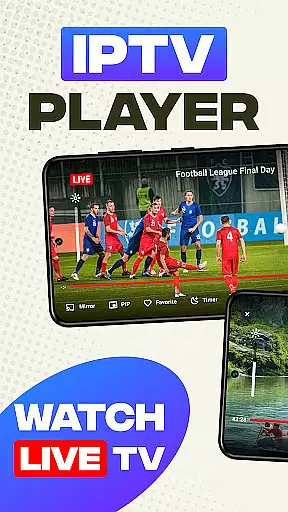
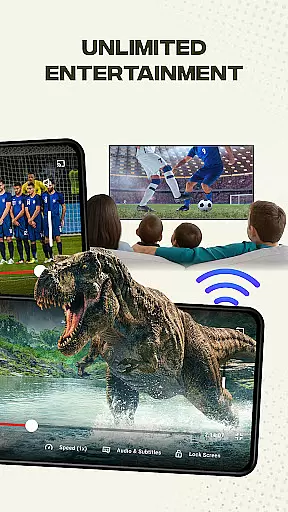
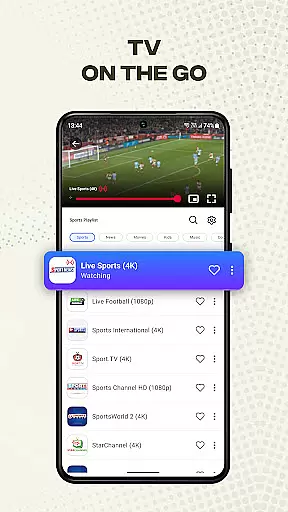
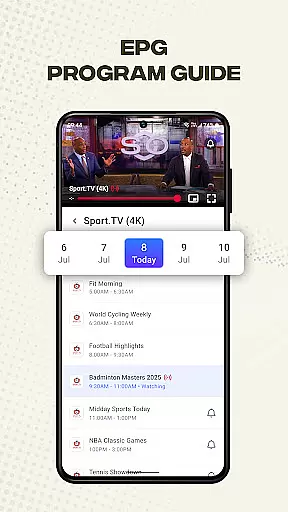
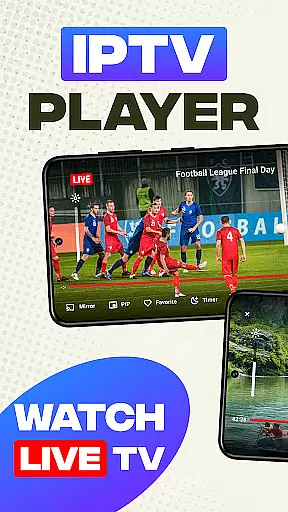
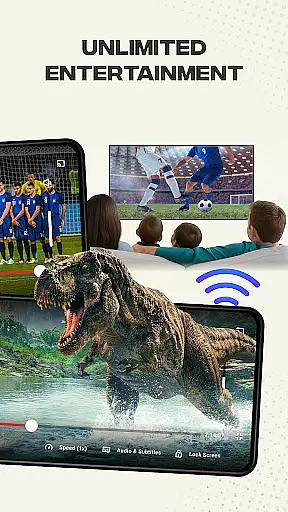
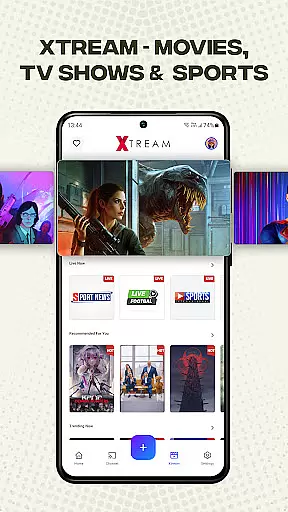
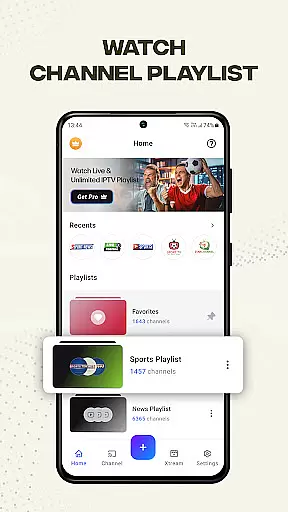
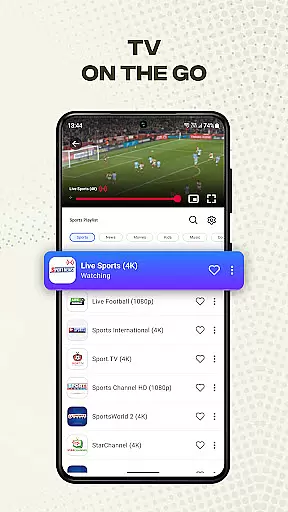
Smart IPTV Player is a premier entertainment application designed for seamless streaming of live IPTV channels and online playlists. This app allows users to enjoy their favorite TV channels from around the world, anytime and anywhere. With support for high-quality video formats including SD, HD, and 4K resolutions, it ensures an immersive viewing experience.
The app stands out with its user-friendly interface and helpful tutorials for importing playlists in M3U and M3U8 formats. Whether you prefer traditional television or modern online content, Smart IPTV Player provides unlimited access to a vast array of channels and on-demand videos. Its compatibility with Android devices and TV boxes makes it versatile for various entertainment needs.
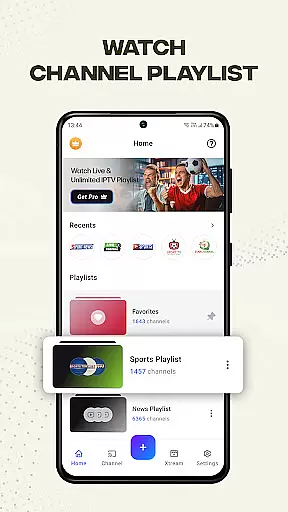
Smart IPTV Player offers a comprehensive set of features tailored for an optimal streaming experience. Users can easily import and manage playlists using Playlist URLs and play single streams via M3U and M3U Plus files. The app supports adding favorite channels and personalizing playlists, ensuring a customized entertainment journey.
Advanced functionalities include timer settings, brightness and volume controls, and screen lock options. Additionally, the built-in IPTV player guarantees fast, reliable, and stable streaming. For those who wish to cast content to a larger screen, the app supports mirror-casting from mobile devices. External IPTV player support further enhances media playback capabilities, accommodating images, videos, files, and URLs.
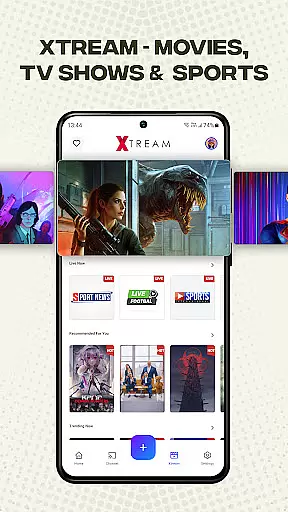
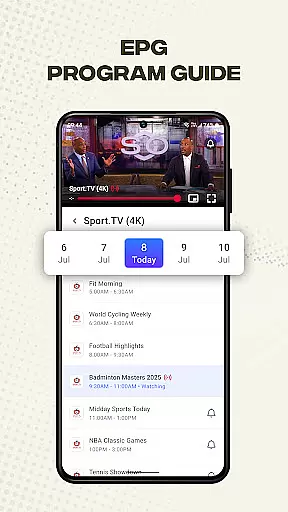
Smart IPTV Player offers an extensive range of content, ensuring users have access to a diverse selection of live channels and on-demand videos. With support for over 20,000 live channels, VOD, and EPG, the app provides a rich and varied entertainment experience.
The app supports M3U and M3U8 files, allowing users to import their playlists easily. This flexibility ensures that users can personalize their viewing options and enjoy content from around the world, keeping the offerings fresh and engaging.
One of the standout features is the ability to add favorite channels and personalize playlists, which enhances user engagement by letting viewers curate their content. The unlimited addition of playlists and channels means that users will always have new and exciting content to explore.
Smart IPTV Player is designed to maximize user engagement and retention through its user-friendly interface and advanced features. The app's intuitive design includes helpful guides and tutorials for importing playlists, making it accessible even for those new to IPTV services.
With high compatibility for various video qualities, including SD, HD, and 4K, as well as resolutions like 720p and 1080p, users can enjoy their favorite shows in the best possible quality. This attention to quality helps retain users by providing a superior viewing experience.
Additional features such as timer, brightness, volume control, and lock screen enhance the user experience further. These tools ensure that viewers can customize their environment for optimal comfort, encouraging longer viewing sessions and increased retention.
User-friendly interface
High-quality video support
Versatile playlist management
Advanced playback controls
Wide device compatibility
No pre-loaded content
Requires manual playlist import
Limited to user-added streams
Third-party affiliations absent
Copyrighted material restrictions

* Multiple Matches * Intuitive UI * Scoring Made Easy!
 4.40
4.40
Real ghost box scanner with echo, reverb, EMF, & multi-stream channels.
3.80
Collaboration with popular VTubers
4.2
Your choice of 350+ networks plus movies and full TV series on-demand.
3.70
The Xbox app keeps you connected to your gaming community.
4.50
NFL, NBA, NHL, MLB, local sports coverage, shows, movies & news!
3.20
Control your AWTRIX 3 easily
4.0
Create your Songs. Cover Maker with any Voice, Song Generator
3.30
Everything FOX in one place. Watch FOX News, NFL, MLB, TV shows and more.
4.50
Colorful flows will relax and calm you down, or get you trippy and creative!
4.90
Time tracking, lap counting and much more for Carrera® Digital 132/124
4.80
Stream Live TV, News & Documentaries. Watch Full Seasons with PBS Passport.
4.80
Find out if you're on Santa's Naughty or Nice List with this magical scanner!
4.60
Earn gift cards for playing games. Become a real game tester!
4.40
Official KennysGifs Stickers
4.20
Daily immersive workout plan: Body warm up & finger yoga exercises
3.80
Necrophone is spirit box ghost hunting app made for spirit communication.
3.70
Watch whatever you want, whenever you want, wherever you want.
3.30
Ultimate VR movie player for android mobile videos
4.5


User Reviews