
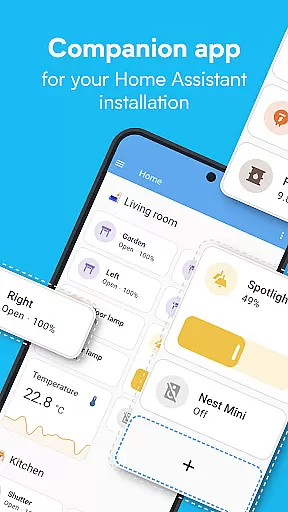
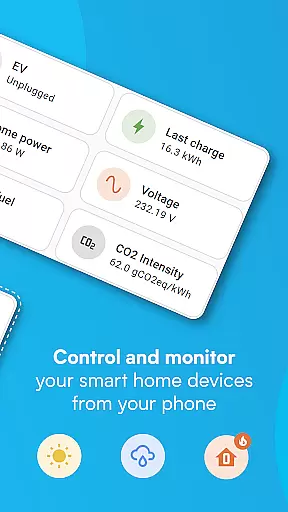
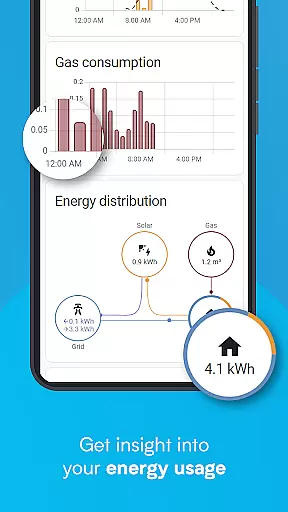
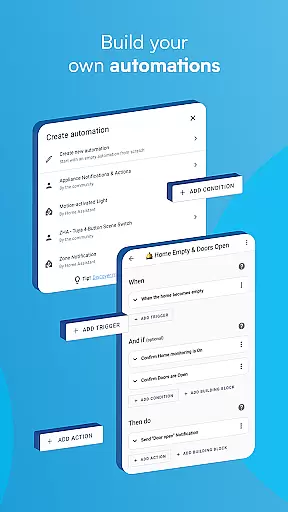
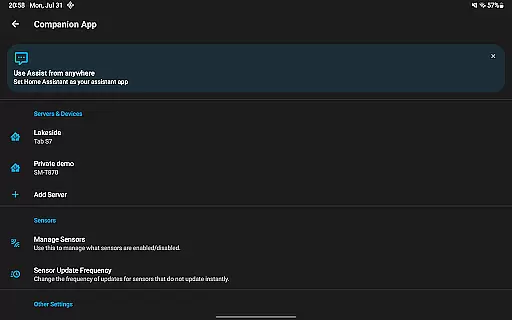
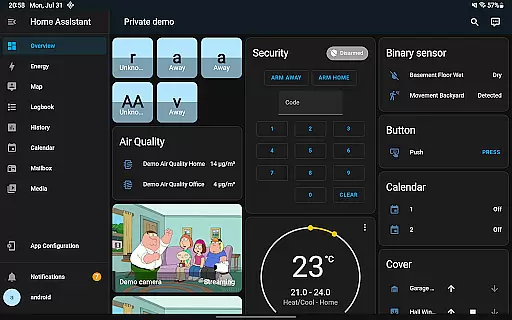
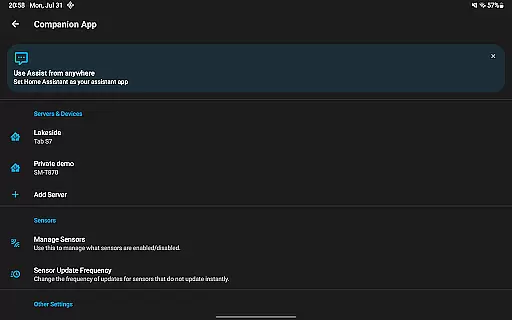

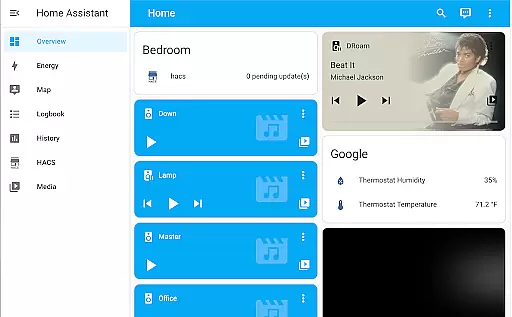
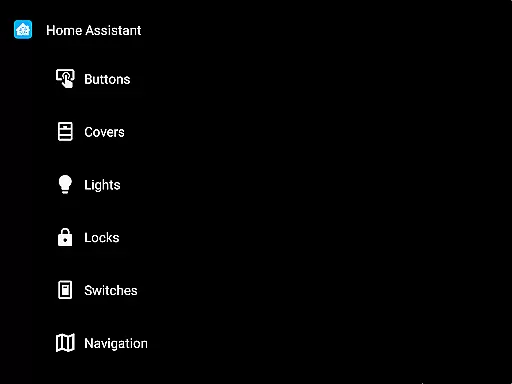
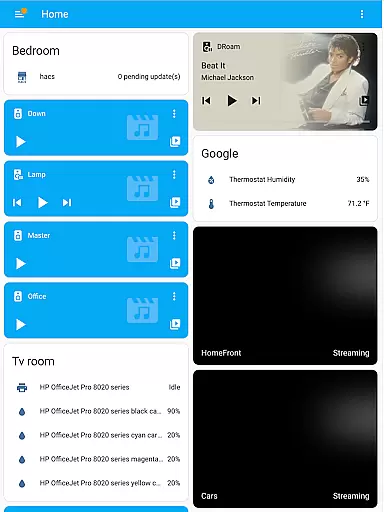
Home Assistant is a comprehensive smart home solution that prioritizes privacy, choice, and sustainability. This app allows you to control your entire smart home ecosystem from your mobile device, ensuring seamless access even when you're on the go. It connects with thousands of devices across major brands, including Philips Hue, Google Cast, Sonos, IKEA Tradfri, and Apple HomeKit.
The app's standout feature is its ability to automate various aspects of your home. For instance, it can dim lights during movie time or turn off heating when you're away. Additionally, Home Assistant emphasizes local data processing, keeping your information secure within your home network. With support for open standards like Z-Wave, Zigbee, Matter, Thread, and Bluetooth, this app ensures compatibility with a wide range of hardware add-ons.
Whether you want to manage your smart home securely through Home Assistant Cloud or utilize advanced functionalities such as Android Auto, Wear OS compatibility, and voice assistant integration, Home Assistant provides an all-encompassing toolset for modern homeowners seeking better control over their living spaces.
Home Assistant offers a rich set of features designed to enhance your smart home experience. One of its key strengths is the automatic discovery and quick configuration of new devices, making it easy to integrate popular brands into your setup. The app also supports advanced automation capabilities, enabling users to create complex routines that make all devices work in harmony.
Another notable feature is the ability to use your smartphone or tablet as a powerful home automation tool. You can securely share your location to trigger specific actions, such as adjusting heating or security settings. The app can also utilize your phone's sensors for automations based on steps taken, battery level, connectivity, and more. Furthermore, Home Assistant provides robust notification options, allowing you to stay informed about important events in your home, such as detecting leaks or doors left open.
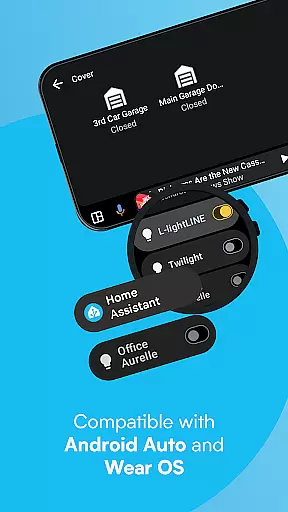
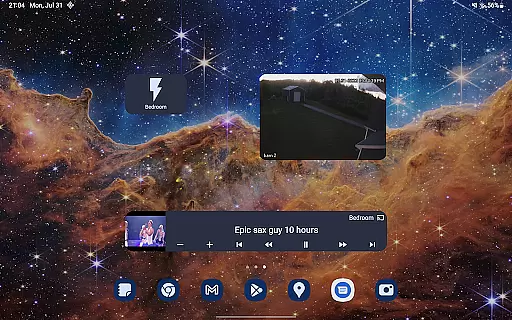
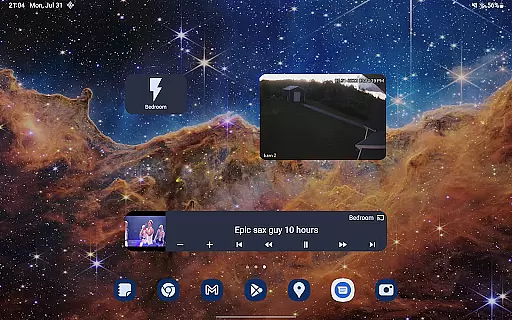
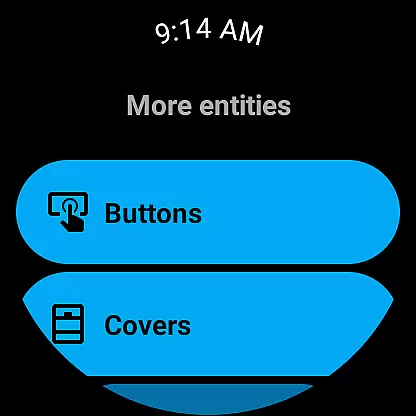
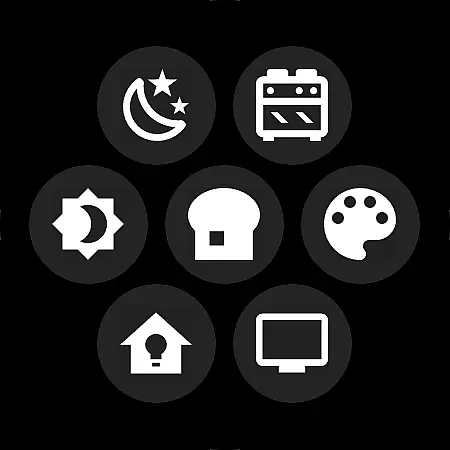
For those who prefer hands-free control, the app includes voice assistant functionality and Android Auto support, enabling you to manage your home directly from your car's dashboard. Customizable widgets offer quick access to any device, while Wear OS compatibility extends these capabilities to your smartwatch. Overall, Home Assistant empowers users with unparalleled flexibility and control over their smart homes.
When it comes to managing your smart home, ensuring the authenticity and accuracy of connected devices is crucial. Home Assistant excels in this area by providing users with a reliable and verified list of compatible devices and services.
The app supports automatic discovery and quick configuration of new devices from trusted brands like Philips Hue, Google Cast, Sonos, IKEA Tradfri, and Apple HomeKit-compatible products. This ensures that every device you add to your smart home ecosystem is genuine and functions as intended.
By maintaining strict compatibility standards and partnering with major brands in the smart home industry, Home Assistant guarantees that users can confidently expand their setup without worrying about counterfeit or incompatible devices.
This commitment to authenticity not only enhances user experience but also contributes to the overall security and stability of your smart home environment.
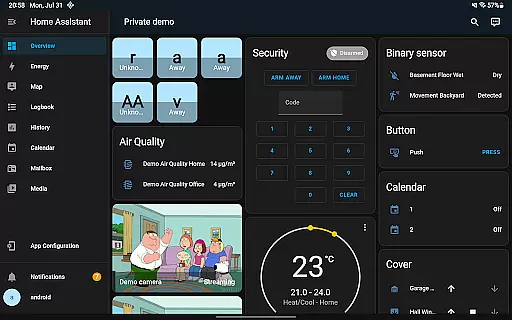
Beyond just listing compatible devices, Home Assistant offers comprehensive home management features that transform how you interact with your living space. The app serves as a central control hub for thousands of smart devices and services, allowing you to manage everything from one convenient location.
One of the standout features is the ability to create complex automations that make all your devices work in harmony. For example, you can set up scenarios where lights dim automatically when you start watching a movie or have your thermostat adjust based on your presence at home.
The app also unlocks your smartphone or tablet as a powerful home automation tool. You can securely share your location to automate heating and security systems, use your phone's sensors for advanced automations, and receive customized notifications about important events in your home.
With additional functionalities like Android Auto integration, custom widgets, local voice assistant support, and Wear OS compatibility, Home Assistant provides a complete solution for modern home management while prioritizing privacy and sustainability.
User-friendly interface
Extensive device compatibility
Strong focus on privacy
Robust automation features
Active community support
Steep learning curve
Limited customer support
Requires technical knowledge
Occasional bugs
Complex setup process

Tailored Care Guides For Houseplants, Indoor Plants, Garden Plants & Flowers.
 4.60
4.60
Calculate baluster spacing with ease and precision.
4.0
Download today to join the community to help bring lost pets home faster.
4.70
Smart AI plant care schedules, Real plant experts, support & Thriving community!
4.20
Real estate app to find homes for sale or rent in the right neighborhood for you
4.70
Fire & Power Safety
4.50
WiZ smart light system
4.40
Universal Tv Remote Control for all Tv. Cast for chromecast & all Tv Controller
4.20
Houses for Sale & Homes for Rent: Buy Homes, Rent Apartments & Sell Real Estate
4.80
View houses and apartments for rent, updated daily.
4.80
Search for Homes, Rentals, Agents & Schools
4.70
Parcel Pending Resident App
4.50
Control your Daikin, Amana & Goodman heating & cooling systems from anywhere
4.40
Plan your remodel AI home renovation easily using planner 5D and home decor AI.
4.40
Control your thermostat, comfort, and home monitoring from your phone
4.30
Our app allows Sunrun customers to monitor systems, pay bills, and get support.
3.80
An easier way to make payments and maintenance requests from anywhere.
3.50
An awesome mobile app for Home Security Surveillance - uses ZoneMinder
3.20
Unlock AI-based barcode scanning and support the development of Grocy Android
4.4


User Reviews