
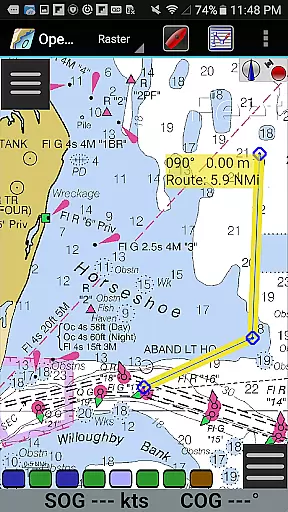
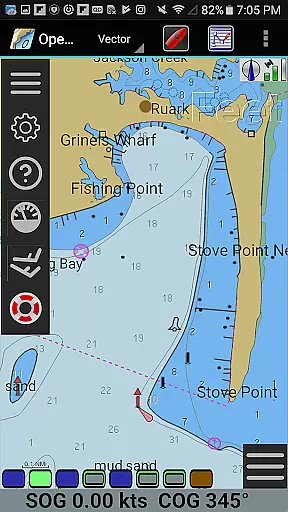
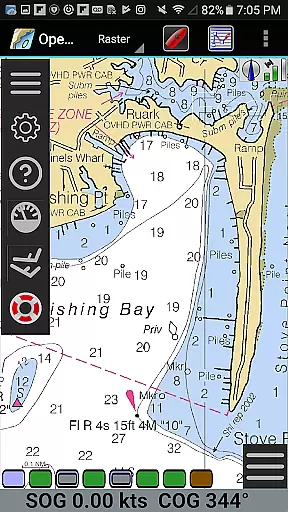
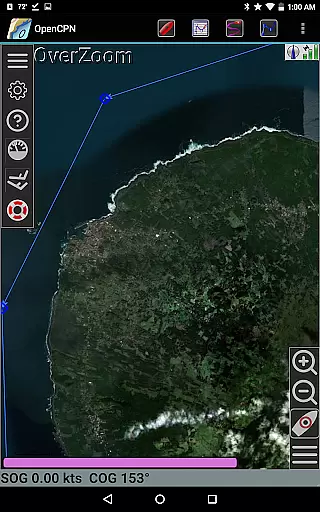
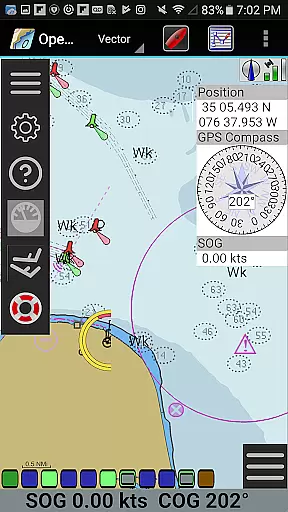
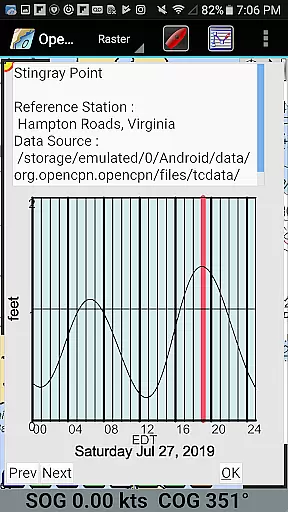
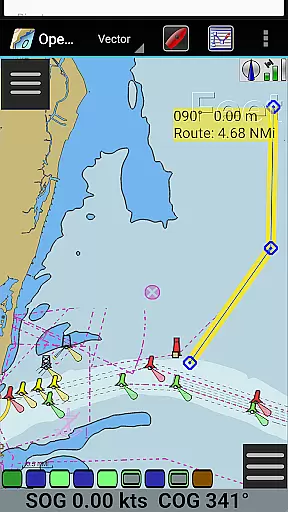
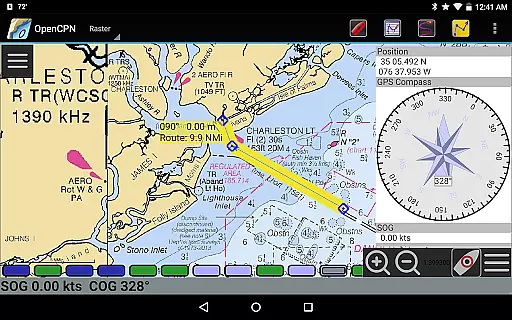
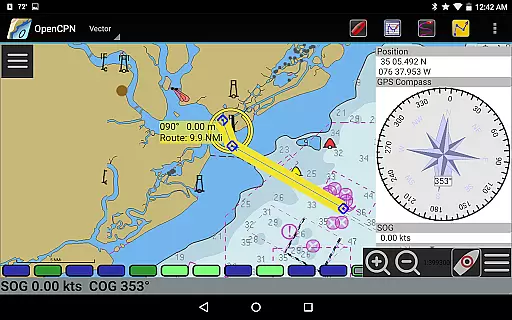
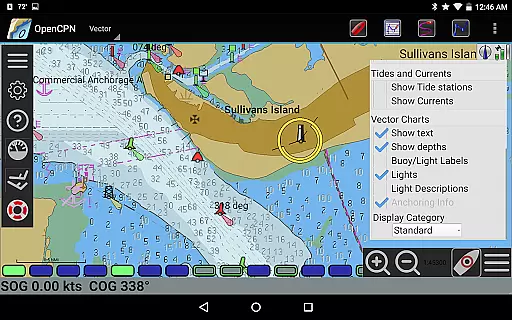
OpenCPN is a comprehensive chart plotter and navigation application designed for both desktop and mobile platforms. This versatile app supports multiple chart formats including BSB v3 raster charts, S57 vector charts, and CM93 vector charts with advanced display capabilities. Users can enjoy features like integrated chart downloading, various display modes, and precise navigation tools.
The application provides essential marine navigation functions such as route planning, waypoint management, and AIS support for enhanced safety at sea. With built-in GPS support and networked AIS input, OpenCPN ensures accurate positioning and collision alerting. Whether you're a professional mariner or recreational boater, this app offers the necessary tools for safe and efficient navigation.
OpenCPN stands out with its extensive feature set tailored for marine navigation enthusiasts. The app supports numerous chart formats including RNC, ENC, and MBTiles overlays, providing flexibility in chart usage. Its IHO S52 compliant display ensures standardized visualization of vector charts across different devices.
Navigation features are robust, offering options like north-up, course-up display modes, and moving-map functionality. The app includes advanced NMEA message handling with a built-in multiplexer, supporting various GPS interfaces. Additional capabilities such as autopilot output, AIS target tracking, and anchor watch functions make OpenCPN a complete solution for maritime navigation needs.
Map accuracy is a critical feature for any navigation application, and OpenCPN excels in this area. The app supports various chart formats including BSB v3 raster charts, S57 vector charts, and CM93 vector charts with per-cell offset corrections. This ensures that users have access to highly detailed and precise maritime maps.
The application's IHO S52 compliant display of S57 vector charts guarantees that the charts are presented in a standardized and internationally recognized format. Additionally, the support for MBTiles chart overlays allows for enhanced map details and customizations tailored to specific needs.
OpenCPN also offers multiple display modes such as single-chart, quilted, north-up, course-up, and chart-up views. These options provide flexibility in how users interact with their maps, ensuring they can choose the most suitable view for their current situation. With these features, sailors can navigate confidently knowing their maps are both accurate and adaptable.
Effective route planning is essential for safe and efficient maritime travel, and OpenCPN provides robust tools for this purpose. Users can create detailed routes using the appu2019s waypoint navigation and route planning functionalities. These features allow sailors to plot courses with precision, taking into account important factors like tides and currents.
The built-in great-circle routing capability helps in determining the shortest path over long distances, which is particularly useful for oceanic voyages. Furthermore, the app supports GPX file input and output, enabling seamless integration with other navigation systems and devices.
OpenCPN enhances route planning with advanced AIS input handling, providing full target tracking and collision alerting. This ensures that users are aware of nearby vessels and potential hazards, contributing to safer journeys. By leveraging these comprehensive route planning tools, mariners can optimize their voyages for both safety and efficiency.
User-friendly interface
Extensive chart support
Advanced GPS features
Comprehensive AIS functions
Active community support
Steep learning curve
Resource-intensive operation
Limited offline functionality
Complex setup process
Occasional performance lags

Explore the world with Live Satellite View, 3D Maps, GPS Navigation & Earth Map.
 2.90
2.90
Find AI powered cameras, ALPRs, and other surveillance infrastructure near you
4.70
GPX Viewer PRO shows tracks, routes and waypoints from gpx and kml files.
4.60
Route tracker, Speedometer, Odometer, Fuel, HUD mode, save route as .GPX
4.40
Get directions, Maps, GPS navigation & GPS Maps using GPS App
4.10
LIRR and Metro-North tickets and trips
4.80
GPS Navigation: Get map directions and find the shortest routes to avoid delays!
4.00
Lets explore the world's famous places by using Live Cams, GPS & Satellite View.
4.20
Navigation, weather, offline maps & tools for smarter, safer travel planning.
4.00
Order a cab online. An affordable taxi ride and driver in no time. What a bolt!
4.80
Plan routes, share locations, and set custom alert zones
4.40
ParkWhiz, an Arrive Mobility brand, part of the Arrive Network
4.30
GPS navigation offers route finder, compass, translator, currency converter, etc
4.30
Route schedules, maps, and real-time tracking of MTA buses in New York City.
4.20
Navigate seamlessly with Real-Time Traffic, Offline Maps, and Voice Navigation.
4.10
Avoid delays. Get real-time GPS navigation, safety alerts and live traffic.
4.10
Easy, Moderate and difficult offroad adventures.
4.00
Gas Station & Fuel Rewards Points
3.70
Ride CTA, Metra & Pace: Manage your fares, buy Metra tickets, get arrivals.
3.00


User Reviews