
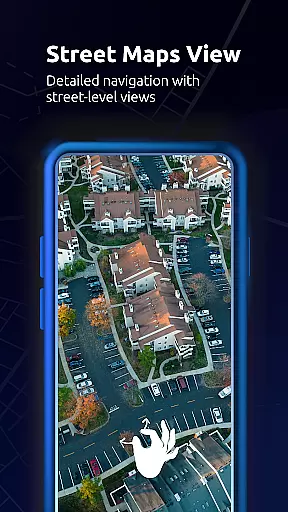
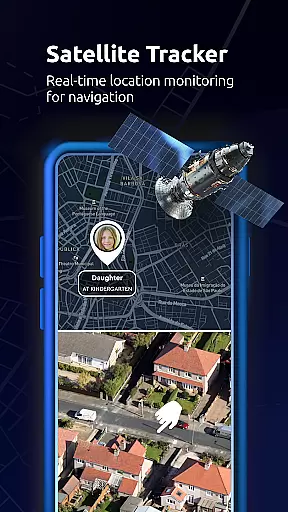
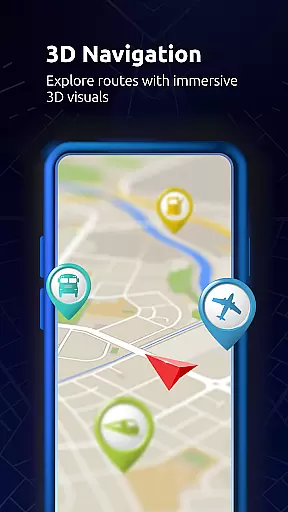
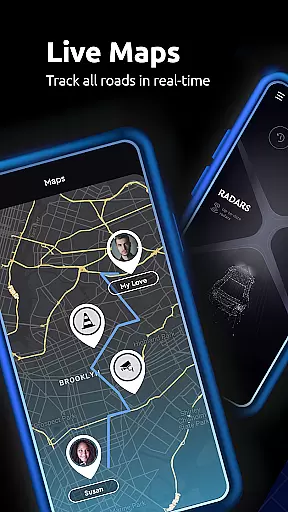
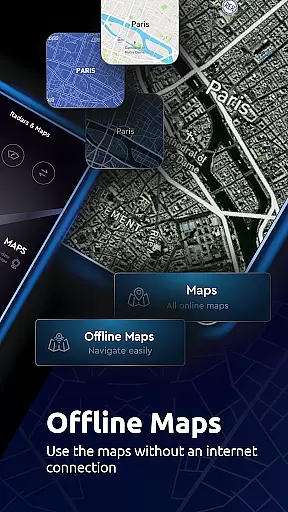

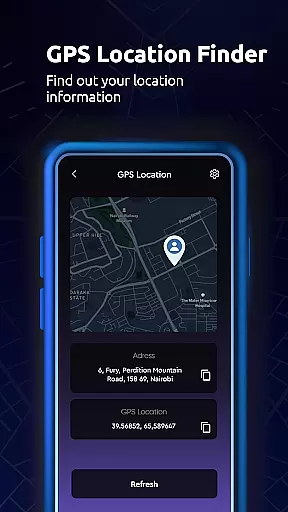
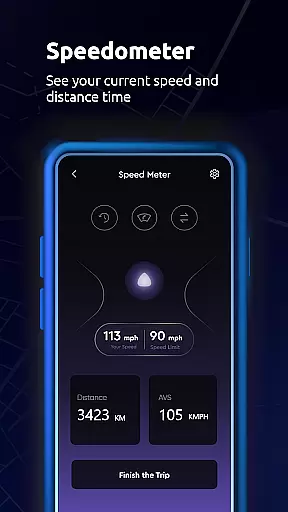
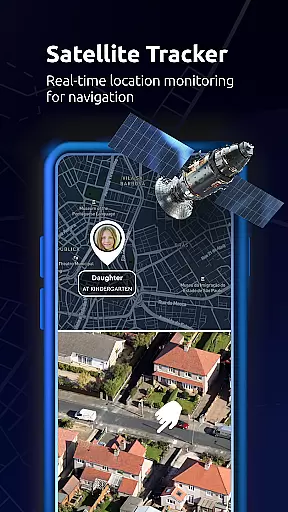
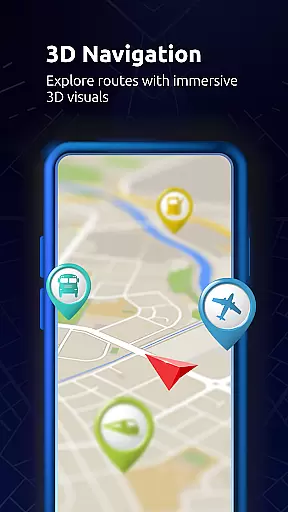
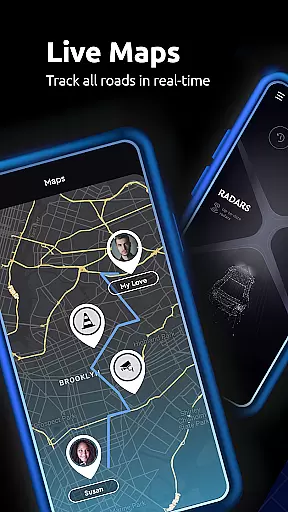
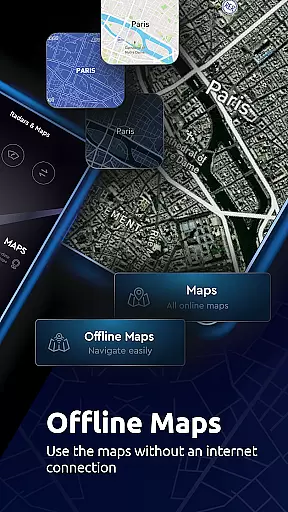

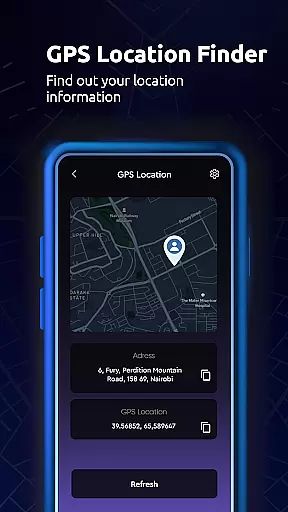
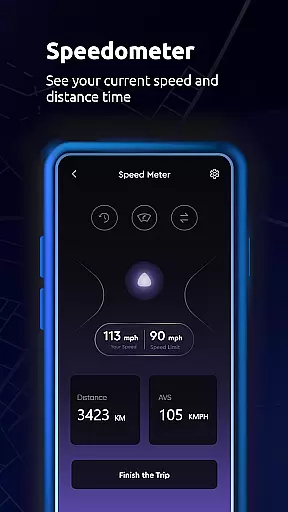
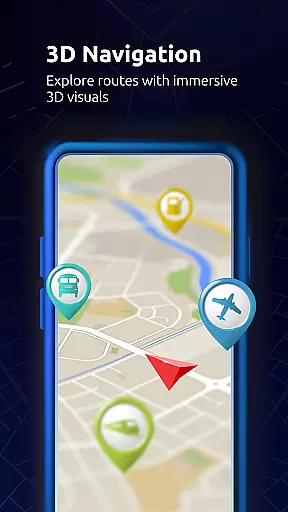
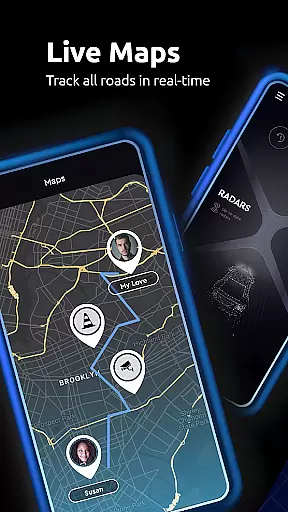
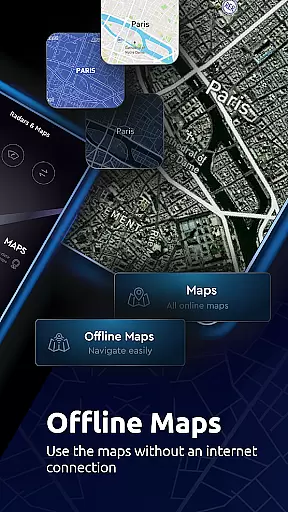

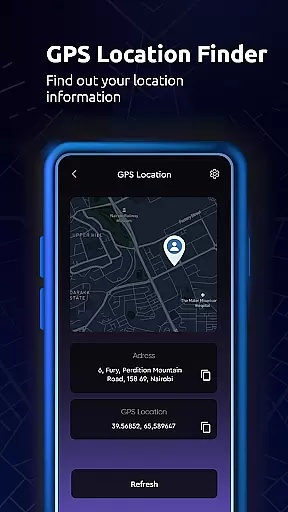
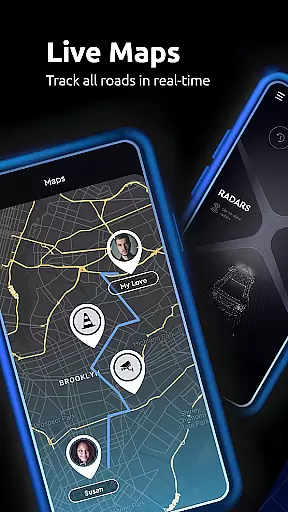
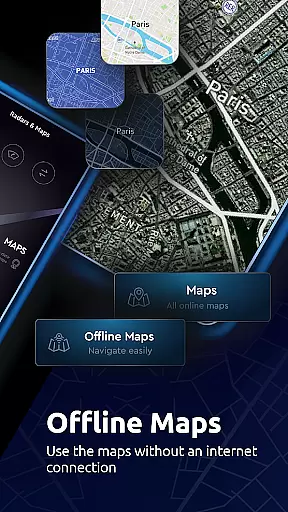

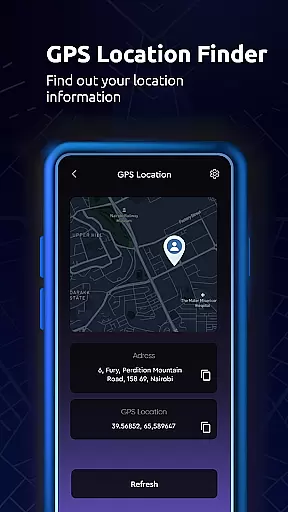
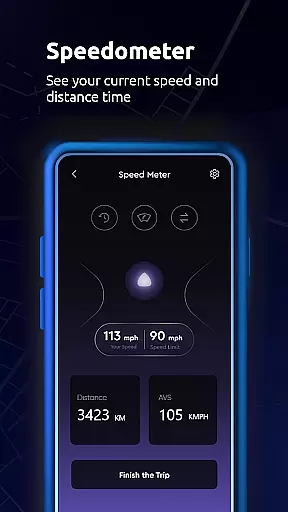
Maps All in One, Speedometer is a comprehensive navigation app designed to enhance your travel experience. The app provides users with detailed maps, real-time traffic updates, and multiple route options for efficient trip planning. With its offline functionality, you can access maps and directions without an internet connection, making it reliable for remote areas.
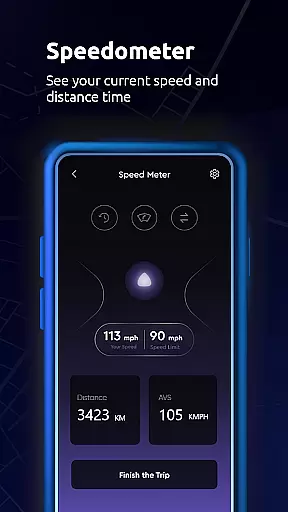
In addition to traditional navigation features, the app includes a speedometer and altitude tools, allowing users to track their speed and monitor elevation changes during their journeys. Whether you're driving, cycling, or walking, this app offers optimized routes tailored to your mode of transportation. Users can also save favorite locations, record GPS tracks, and sync data across devices, ensuring a seamless experience.
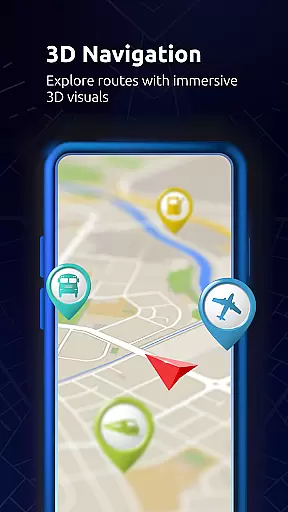
This app is particularly useful for road trips and exploring unfamiliar locations. By providing information on nearby points of interest like gas stations, restaurants, and landmarks, Maps All in One ensures that travelers have all the resources they need at their fingertips. Its intuitive interface and robust feature set make it an essential tool for both everyday commutes and adventurous expeditions.
Maps All in One, Speedometer stands out with its diverse range of features tailored for modern travelers. One of its key functionalities is the ability to create, share, and export routes directly to GPS devices, streamlining the navigation process. Real-time traffic alerts help users avoid delays by suggesting alternative routes when unexpected disruptions occur, such as accidents or construction work.
The app's offline capabilities are another major advantage. Users can download maps for offline use, which not only saves data but also ensures reliability in areas with poor connectivity. This feature is complemented by offline search functions and memory-efficient map designs, enhancing the overall user experience. Additionally, the built-in speedometer and compass provide practical tools for monitoring speed and direction, which are especially helpful during long drives or hikes.
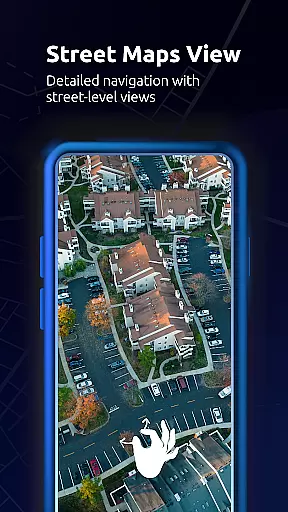
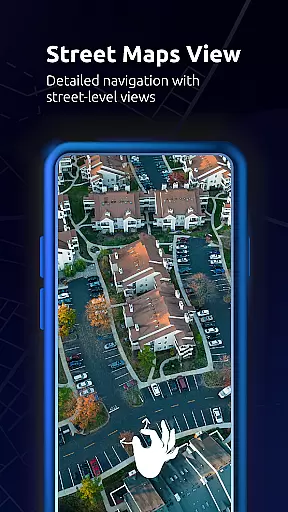
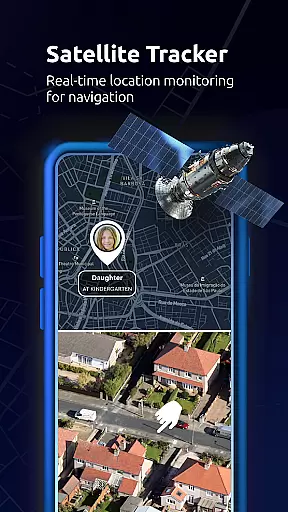
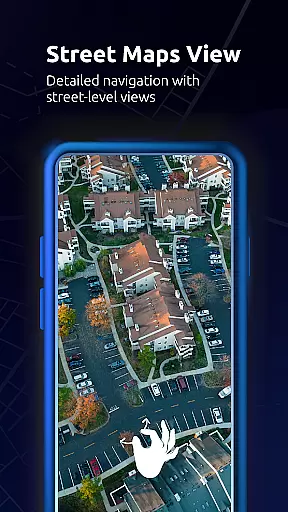
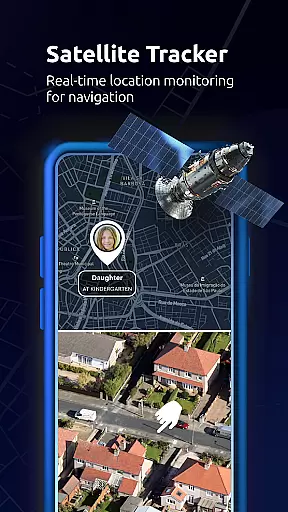
Another notable aspect is the app's integration of social features. Users can easily share their live location with friends and family through integrated messaging services. Furthermore, the app allows for saving trip memories by bookmarking visited places and tracking GPS histories. These personalized touches, combined with extensive map layers—including satellite, topographic, and street views—make Maps All in One a versatile companion for any journey.
Map accuracy is essential for reliable navigation and exploration. Maps All in One, Speedometer App offers a comprehensive solution by providing various map types including road maps, offline maps, radar, topographic maps, and satellite maps. These maps come with multiple layers that can be overlaid on any base map, ensuring users have access to detailed and diverse geographic information.
The app's real-time traffic alerts and optimized GPS navigation further enhance map accuracy. When unexpected delays occur due to car crashes, traffic jams, or road construction, the app suggests the best alternate routes. This feature ensures that users are always aware of their precise location and can navigate confidently, whether online or offline.
For travelers and route planners, the availability of live maps, street view maps, and live traffic updates means that map data is not only accurate but also current. Users can rely on voice-guided GPS directions and a digital compass to detect orientation, making sure they never lose their way. The inclusion of these features guarantees that Maps All in One delivers high map accuracy tailored to various needs.
Effective route planning is crucial for efficient travel, and Maps All in One, Speedometer App excels in this area. The app allows users to find, create, and share routes, exporting them directly to GPS and navigation systems. This functionality supports trip planning by offering optimized routes based on real-time traffic conditions, ensuring minimal delays and maximum efficiency.
Users can plan their trips in advance, exploring different route options for various modes of transportation such as driving, biking, or walking. The app estimates travel times and distances for each option, helping users choose the most suitable route. Additionally, the offline map feature enables reliable route planning without an internet connection, which is particularly useful in remote areas.
Maps All in One also syncs saved places, recorded GPS tracks, and created routes across all user devices, enhancing convenience. With access to live traffic updates and alternative route suggestions, users can navigate confidently, knowing they have the most accurate and up-to-date route information at their fingertips.
User-friendly interface
Offline map access
Real-time traffic updates
Speedometer functionality
Comprehensive POI database
Occasional GPS inaccuracies
Heavy storage usage
Limited customization options
Ads in free version
Complexity for new users

The fastest and most convenient way to pay for parking on our lots.
 4.40
4.40
Find shortest way and save energy . Distance and area calculator.
4.70
Find EV & Tesla charging stations with PlugShare
4.70
Parcel map, property lines, owner, acres, land use, zoning and more from Regrid.
4.60
Phone Tracker and GPS Location Sharing
4.20
NJ TRANSIT information and ticketing at your fingertips
3.70
Get route map navigation with 3D satellite view, and live earth camera streaming
3.70
MapQuest is your go-to app for maps, GPS, voice navigation & live traffic.
3.80
Live Satellite view app for find GPS navigation Direction and live location map
3.70
Airport parking, with airport shuttle (TPS shuttle), reservations, and Spot Club
4.80
Navigate confidently with our precise Digital Compass app & Direction Compass!
4.70
Track accurate speed & distance with GPS Speedometer. Check speed limit & time.
4.50
Route tracker, Speedometer, Odometer, Fuel, HUD mode, save route as .GPX
4.40
Route schedules, maps, and real-time tracking of MTA buses in New York City.
4.20
Easy, Moderate and difficult offroad adventures.
4.00
Explore Live Earth Map with 3D World Map & locate cites, mountains real time.
3.80
Play in the outdoors with Android as your Handheld GPS and offline topo maps!
3.50
Your guide to the recreational opportunities of the Bureau of Land Management!
3.40
Fully offline 1:50k New Zealand topographical map North Island
4.1


User Reviews