
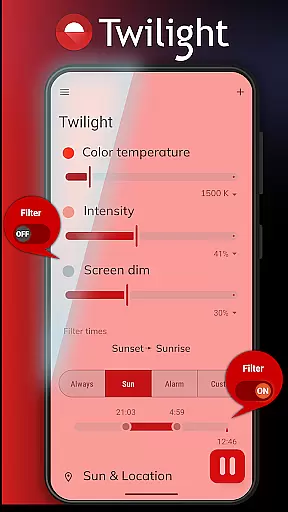
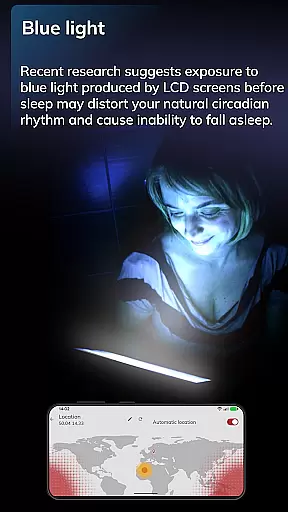
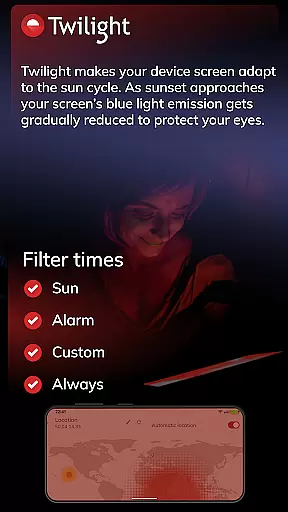
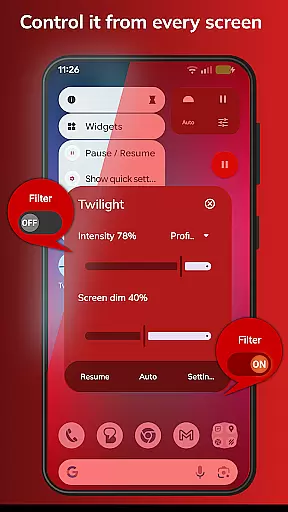
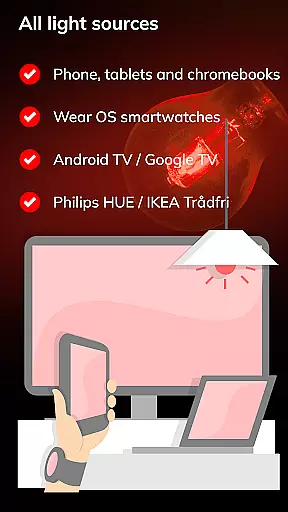
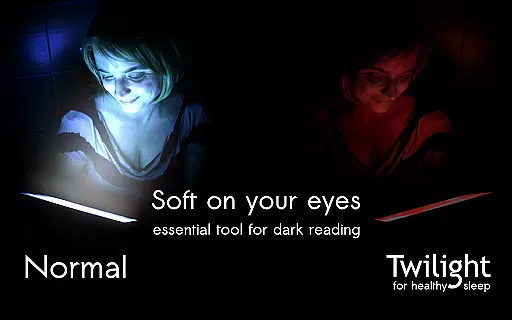
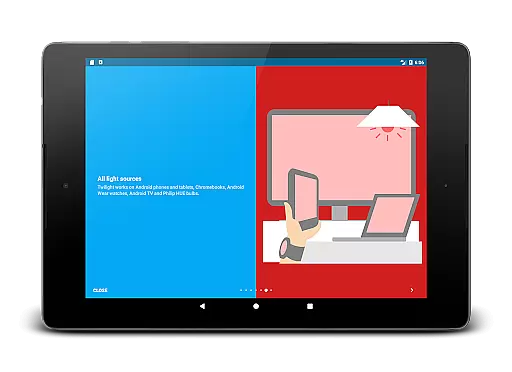
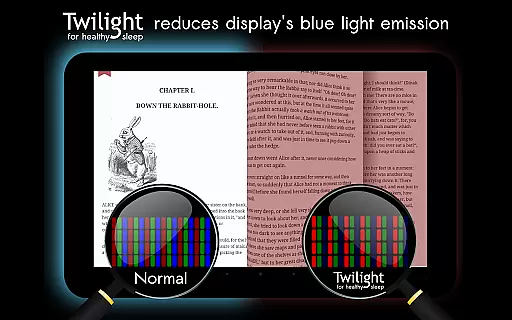
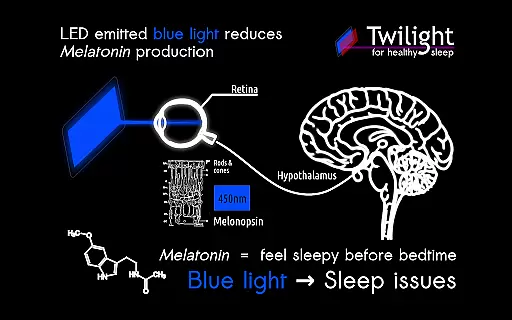
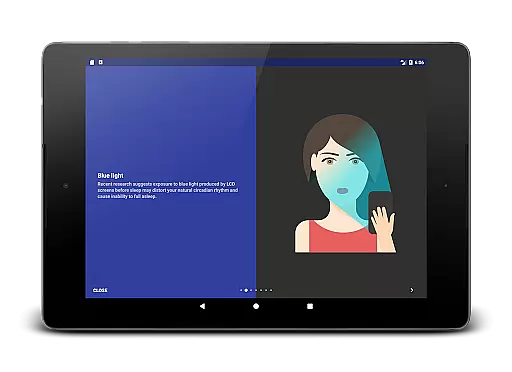
Twilight Pro Unlock is a specialized application designed to help users improve their sleep quality by reducing blue light exposure from mobile devices. The app filters the blue spectrum on your phone or tablet screen after sunset, replacing it with a soft red filter that adjusts based on local sunrise and sunset times.
This Health & Fitness app offers advanced features such as customizable profiles, adjustable transition periods, and the ability to disable the service during inactive hours. By using Twilight Pro, users can maintain their natural circadian rhythm and melatonin production, leading to better sleep patterns and overall health improvement.
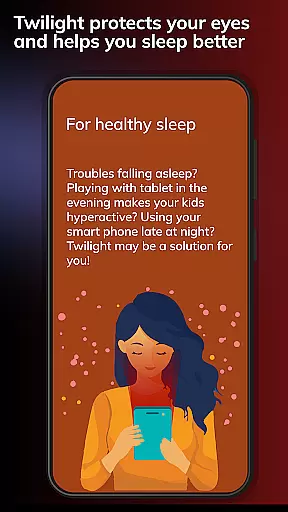
The application is particularly beneficial for individuals who use their devices late in the evening or before bedtime. It creates an optimal viewing experience while protecting users' eyes and maintaining healthy sleep-wake cycles.
Twilight Pro Unlock stands out with its sophisticated feature set tailored for optimal sleep protection. The app's core functionality revolves around its ability to automatically adjust screen color temperature based on time of day and geographical location.
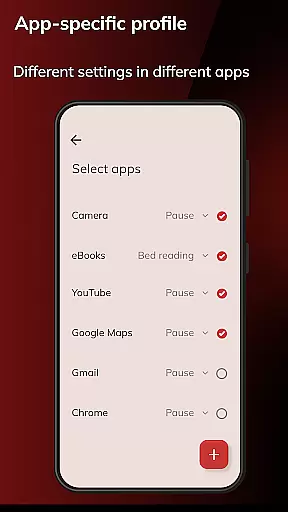
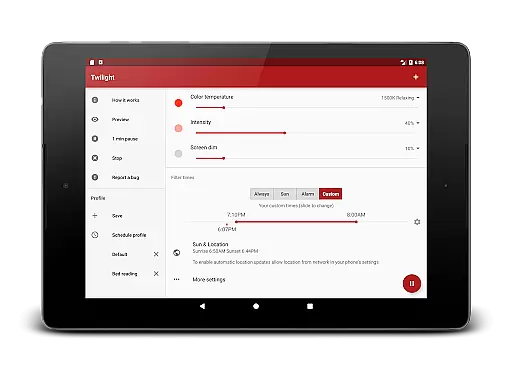
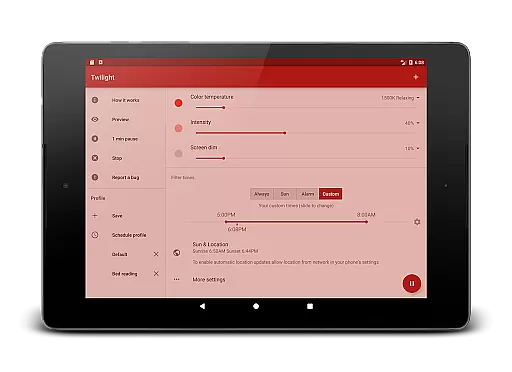
Among its distinguishing features are multiple customizable profiles that allow users to create personalized blue light filtering settings. The app also includes an adjustable transition period that smoothly changes screen settings over time, preventing abrupt changes that could disrupt user experience. Additionally, the PRO version enables users to completely turn off the Twilight service during specified hours.
These features work together to provide maximum flexibility while maintaining effectiveness in reducing blue light exposure. The app's intelligent automation and customization options make it superior to basic blue light filtering solutions, offering users both convenience and precise control over their screen environment.
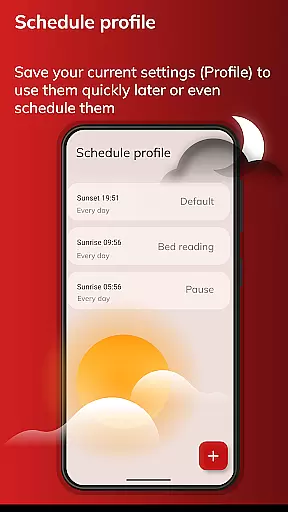
Personalized planning in Twilight Pro Unlock involves tailoring the screen's blue light filter to match your daily schedule and environment. This feature is crucial for maintaining a healthy circadian rhythm.
The app adjusts the intensity of the blue light filter based on your local sunset and sunrise times, ensuring that your eyes are protected during evening hours. This customization helps reduce the negative impact of blue light exposure before bedtime.
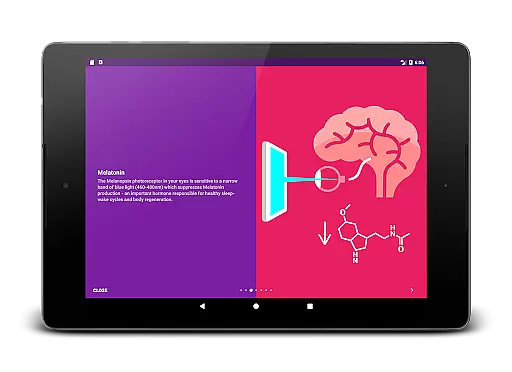
Users benefit from improved sleep quality as the personalized filter promotes natural melatonin production. By adapting to individual schedules, Twilight Pro ensures that users can enjoy their devices without compromising their sleep patterns.
This functionality demonstrates Twilight Pro's commitment to user-centric solutions, allowing individuals to take control of their sleep hygiene through technology.
Progress visualization in Twilight Pro Unlock refers to the app's ability to provide users with clear feedback on their blue light exposure reduction over time. This feature is essential for understanding the effectiveness of the app's filtering capabilities.
The application tracks and displays data related to the amount of blue light filtered from your device's screen. Users can observe how consistently using Twilight Pro contributes to better sleep habits and overall eye health.
By visualizing this progress, users gain motivation to maintain healthy device usage patterns. The app empowers individuals to make informed decisions about their screen time, especially during evening hours.
Twilight Pro stands out by not only offering protection but also giving users tangible evidence of their improved sleep-wake cycles, enhancing both awareness and engagement with personal health metrics.
Advanced profile customization
Smooth transition effects
Location-based filtering
Comprehensive sleep protection
Scientifically-backed solution
Premium version cost
Requires installation
Device compatibility
Initial setup needed
Battery consumption

The app helps you address digestive symptoms based on the Fast Tract Diet.
 3.50
3.50
Period Tracker, the easiest way to track your periods!
4.50
A simple way to calculate peptide doses and also to convert different units.
4.3
Show your support for the development of FitNotes - Gym Workout Log
4.90
Load the bar with this barbell & plate calculator. It's leg day, not brain day!
4.70
Measure your Pupil Distance for Eyeglasses and VR headsets in 3 quick steps.
4.70
GloryFit is a companion app for the smart bracelet.
3.60
Looking to take control of your health? Our psychology-based programs can help.
4.10
Monitor blood sugar, gain insights, and manage diabetes with ease.
3.20
Weight loss app: home workout for women to lose weight & burn calories.
4.80
Easy access to health benefits
4.70
Step Counter, track steps when you walk or run
4.70
Relax. Sleep Better. Feel Better.
4.50
FODMAP, Gluten, Allergy, Vegan
4.50
Point, scan, and unlock truth in every bite.
4.50
Walk, track, and burn calories with step counter & GPS walking tracker
4.20
Your personal BP tracking companion, focus on helping you achieve wellness goal.
4.10
Focus on BP & Health
3.80
Using Recognise™ has been shown to reduce pain and improve performance
4.1


User Reviews