
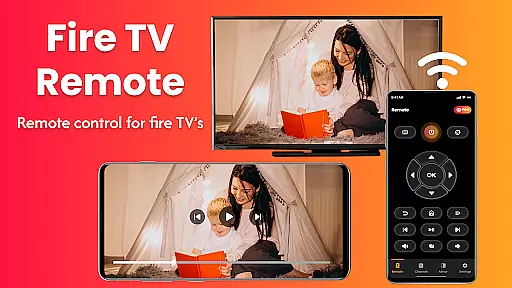
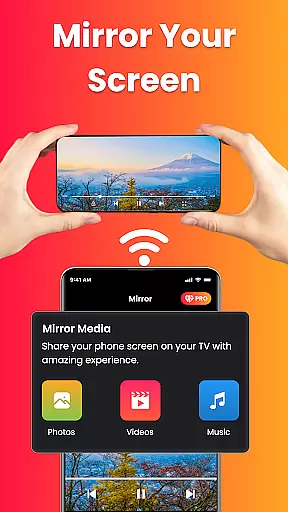
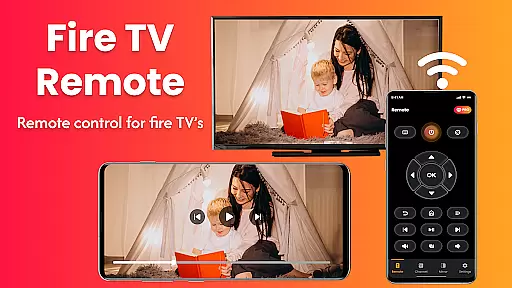
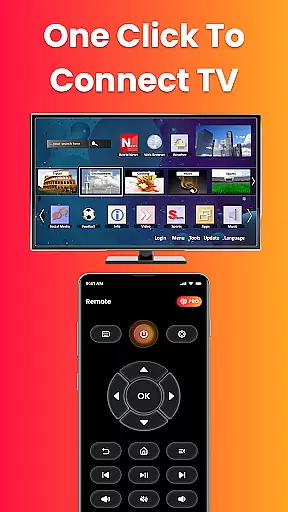
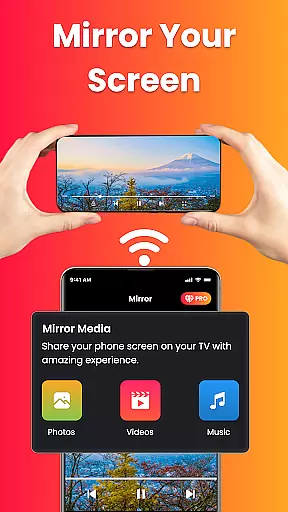
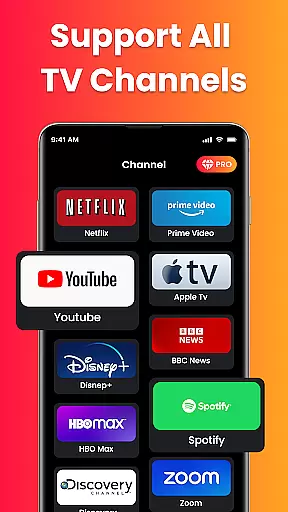
Fire Remote TV Control is a dedicated application that transforms your Android phone into a comprehensive remote control for Fire TV and Fire Stick devices. This app offers full navigation, playback controls, volume management, and screen mirroring capabilities, all without the need for pairing codes or complex setups. Designed exclusively for Fire TV users, it ensures fast and reliable performance.
The app's standout feature is its ability to mirror your phone's screen directly to your Fire TV with just a single tap. Whether you're looking to watch mobile videos on your TV, display photos, or present work content wirelessly, this app makes it simple and efficient. It supports various Fire TV models including Fire TV Stick, Fire TV Stick 4K, Fire TV Cube, and Fire TV Edition smart TVs.
With an intuitive interface and instant connection over Wi-Fi, Fire Remote TV Control provides a seamless user experience. It eliminates the hassle of lost physical remotes and enhances your streaming and sharing experience by integrating essential functions into one easy-to-use platform.
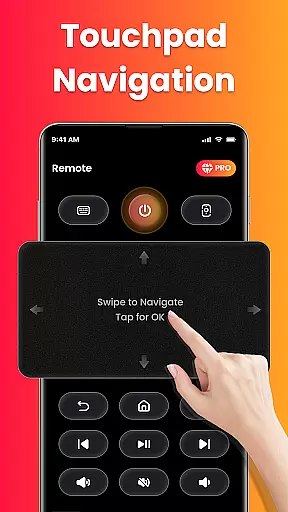
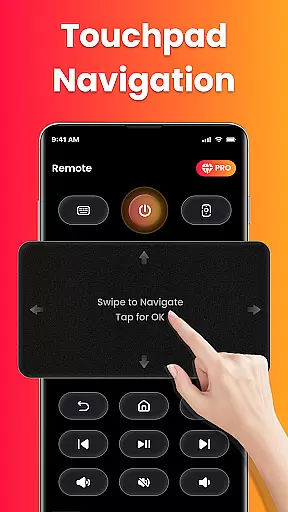
Fire Remote TV Control boasts a variety of features designed to enhance your interaction with Fire TV devices. The app includes a full remote control functionality with a directional pad and touch controls, allowing users to navigate menus effortlessly. It also offers playback controls such as play, pause, rewind, fast forward, and stop, ensuring complete command over video content.
Volume management is another key feature, enabling users to adjust sound levels and mute/unmute directly from their phones. Additionally, the app provides an on-screen keyboard for quick typing and searches, streamlining the user experience. Screen mirroring capability allows users to cast their phone’s screen to the big screen, making it ideal for presentations, photo displays, and more.
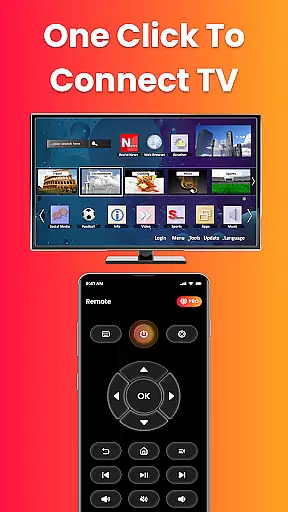
Designed specifically for Fire TV, this app connects instantly over Wi-Fi without requiring any pairing codes. Its lightweight design ensures fast performance and battery efficiency, while the clean and intuitive interface makes it accessible even for non-technical users. These features collectively offer a superior remote control solution tailored for Fire TV users.
In the context of smart home management apps like Fire Remote TV Control, ensuring property listing authenticity is crucial for user trust. This app provides accurate and verified compatibility information with various Fire TV devices, including Fire TV Stick, Fire TV Cube, and Fire TV Edition smart TVs.
The application clearly specifies its supported devices, ensuring users can rely on the authenticity of the listed properties. By detailing compatibility with specific models and versions, it eliminates confusion and enhances user confidence in the product.
Users benefit from this transparency as they can be certain that their particular Fire TV device will work seamlessly with the app. The absence of misleading information about compatibility ensures a smooth and frustration-free experience.
This commitment to authentic listings ultimately leads to higher user satisfaction and better device integration within the smart home ecosystem.
Fire Remote TV Control offers essential home management features that simplify the interaction between mobile devices and Fire TV products. With functionalities such as screen mirroring, volume control, and playback management, users can efficiently manage their home entertainment systems directly from their smartphones.
The app's intuitive interface allows for effortless navigation through touch controls and an on-screen keyboard, making daily operations like channel surfing or media playback intuitive and straightforward. Additionally, the instant connection feature over Wi-Fi removes any setup barriers, providing immediate control without pairing codes.
These home management capabilities extend beyond basic remote functions by enabling users to mirror their phone screens onto their TVs, enhancing both leisure activities and professional presentations. Such versatility makes it an indispensable tool for modern households.
By consolidating these powerful features into one application, Fire Remote TV Control significantly boosts productivity and convenience in managing smart home devices, offering a comprehensive solution tailored specifically for Fire TV users.
User-friendly interface
Instant Wi-Fi connection
Comprehensive remote functions
Efficient screen mirroring
Battery-efficient operation
Limited to Fire TV ecosystem
No Chromecast support
Third-party application
Requires same Wi-Fi network
No advanced customization

Universal TV remote Control for Roku TV brands via WiFi remote
 4.1
4.1
Turn your phone into a wifi cam with smart features and umlimited reach.
4.20
This Fire TV Remote control's your Fire TV Device and Insignia Fire TV Remote
3.70
Rent on-the-go with TurboTenant’s app made just for renters
4.50
Fully control your Philips TV with this all-in-one remote control app.
4.20
Innovative and budget-friendly housing options
4.60
AI Home Designer & Room Planner: Decorate your interior space with AI
4.40
Control your Vivint Smart Home with the next generation Vivint App.
4.30
Houses for Sale & Homes for Rent: Buy Homes, Rent Apartments & Sell Real Estate
4.80
A Smarter Home in Seconds
4.70
Fire & Power Safety
4.50
Apartment finder for apartments for rent. Compare prices, amenities & rentals.
4.50
Make Renting Easy
4.40
WiZ smart light system
4.40
Make your phone a surveillance camera remote with a home camera app for Android!
4.40
Smart AI plant care schedules, Real plant experts, support & Thriving community!
4.20
Book your local plumber 24/7, track your service order & get exclusive coupons
4.00
Draw your floor plan smartly. Make house design blueprint with home planner app
3.60
An awesome mobile app for Home Security Surveillance - uses ZoneMinder
3.20


User Reviews