

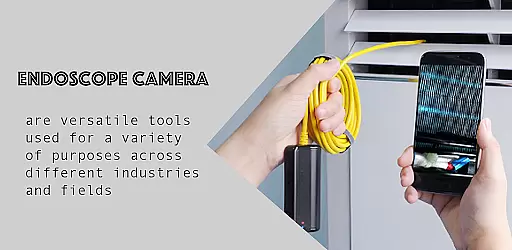
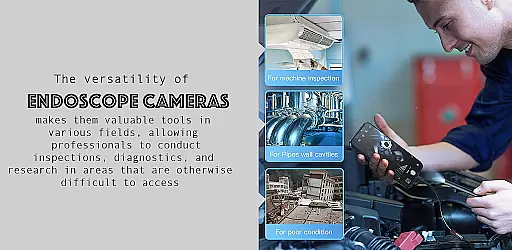
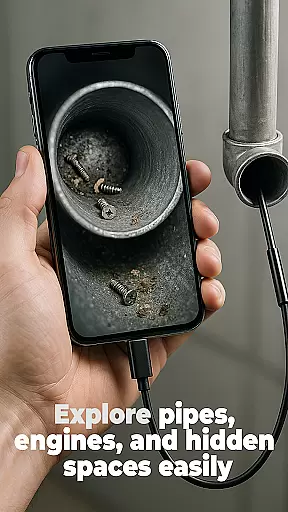
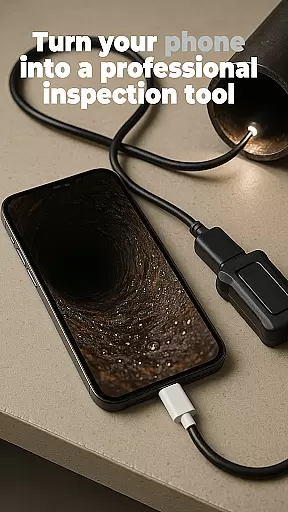
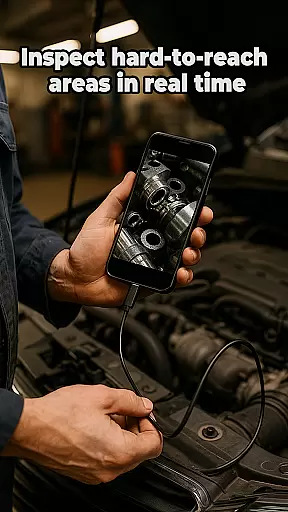
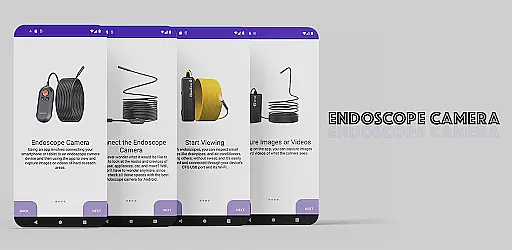
The Endoscope Camera app is a versatile tool designed to connect your smartphone with various external camera devices, including endoscopes, USB cameras, borescopes, and sewer inspection cameras. This functionality makes it an ideal solution for inspecting hard-to-reach areas such as blocked drains or pipes without the need for costly plumbing services. By simply connecting your device via OTG USB, you can quickly set up and start capturing high-quality photos and videos.
One of the standout features of this app is its user-friendly interface that allows users to easily manage their media files. After capturing images or recording videos, users can conveniently access them through the built-in gallery. Here they have the ability to view, delete, and organize their content effortlessly. Whether you're conducting home repairs or professional inspections, the Endoscope Camera app provides clear visuals and easy file management, making it an indispensable tool for both personal and professional use.
The Endoscope Camera app offers a range of features that cater to both amateur and professional users who require detailed visual inspections. Firstly, it supports a wide array of external camera devices, including endoscopes, USB cameras, borescopes, and sewer inspection cameras. This compatibility ensures that no matter what type of external camera you own, the app will seamlessly integrate with it, providing flexibility and convenience.
Another notable feature is the quick and easy setup process facilitated by OTG USB connectivity. Users can connect their devices in seconds, allowing for immediate use without complicated configurations. Once connected, the app enables the capture of high-quality photos and videos, which are essential for thorough inspections. Additionally, the built-in gallery function allows users to efficiently manage their media files by offering straightforward options for viewing, deleting, and organizing captured content. These robust features make the Endoscope Camera app a powerful tool for anyone needing to inspect blocked drains, pipes, or other inaccessible areas.
Endoscope Camera app offers a comprehensive solution for connecting your smartphone to various external camera devices, ensuring broad functionality coverage. This includes compatibility with endoscopes, USB cameras, borescopes, and sewer inspection cameras.
The app's design focuses on providing users with the ability to quickly set up their devices using OTG USB technology. Once connected, users can effortlessly capture high-quality photos and videos, making it an essential tool for both professional and personal inspections.
With its intuitive interface, the app allows users to manage captured media directly through a built-in gallery. Here, users can easily view, delete, and organize their files, enhancing productivity and simplifying file management.
This extensive functionality ensures that whether you're a plumber diagnosing blockages or a hobbyist exploring hard-to-reach areas, the Endoscope Camera app provides the necessary tools to get the job done efficiently.
Usability is at the core of the Endoscope Camera app, offering a seamless experience from the moment you connect your external camera device. The straightforward setup process ensures that even those unfamiliar with such technology can operate it with ease.
Operational smoothness is evident as users navigate through the appu2019s features. With just a few clicks, users can start capturing images and recording videos. The responsive interface facilitates real-time viewing and immediate access to camera controls, which is crucial when inspecting urgent issues like blocked drains.
Additionally, the app's gallery function enhances usability by allowing users to manage their media files efficiently. Long-pressing on any photo or video reveals options to delete or view them in detail, contributing to a clutter-free workspace.
Overall, the Endoscope Camera app combines essential features with user-friendly operations, ensuring that every inspection task is performed smoothly and effectively.
User-friendly interface
Wide device compatibility
High-quality photo capture
Quick OTG USB setup
Built-in gallery for easy management
Limited to compatible devices
No advanced editing tools
Requires OTG USB adapter
Basic video recording features
Interface may feel outdated

Identify securely online
 3.10
3.10
A great tool help you to format Micro SD memory Card
3.10
Collection of Maps and Mods for Dmod
3.30
Test DPC is a sample device policy controller for use with Android Enterprise.
4.20
Block, disable and secure phone camera from secretly taking photos by spyware.
4.50
Study Bible King James Version: the correct way to learn the Bible with audio
4.80
CloudEye 365 is a easy-handling APP
3.60
DamonSx2 is the open Source LGPL Emulator
3.20
Phone Software Update Quick Checker helps you to keep your phone apps up to date
4.50
An essential GFX utility developed for specific FPS mobile games
4.50
Barcode scanning made simple!
4.40
Enjoy Minecraft Mod Scary Neighbor Granny for Minecraft PE.
4.30
View your cameras anywhere and anytime
4.20
You can remote control and play much easier.
4.10
Connect and find your Smarttag devices through our app.
4.00
A Pydroid Quick Install repository provider.
4.00
Endoscope camera an app to connect with endoscope cam or any device
3.30
Enjoy hours of entertainment with our Roblox mobile games app
4.1
Turn your phone into a wireless Xbox controller – play, stream & control anytime
4.4


User Reviews