
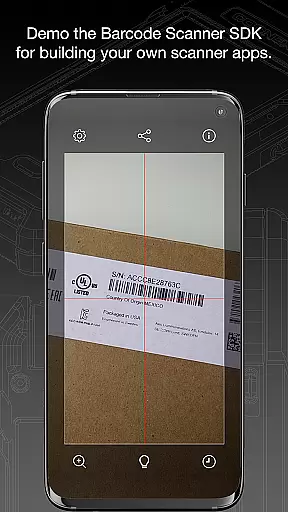
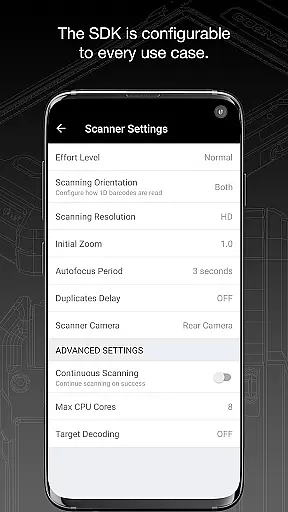
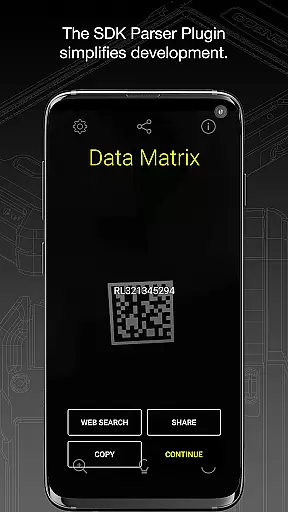
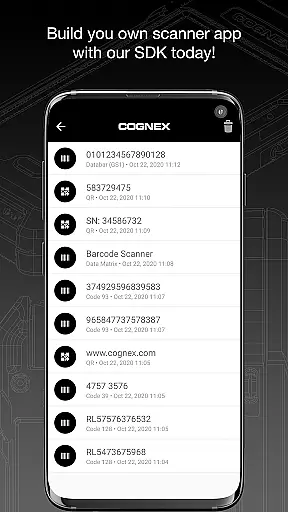
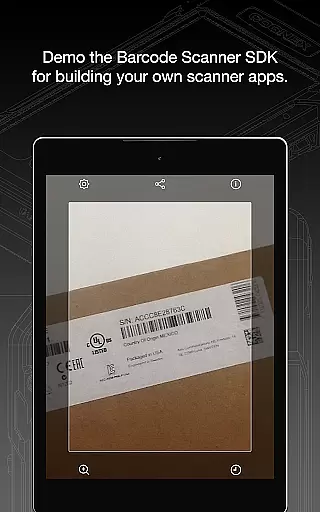
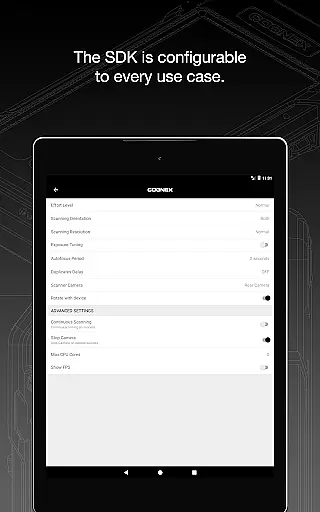
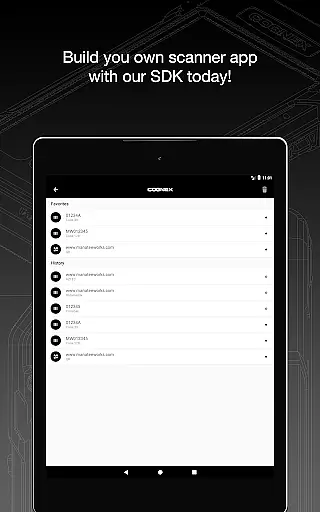
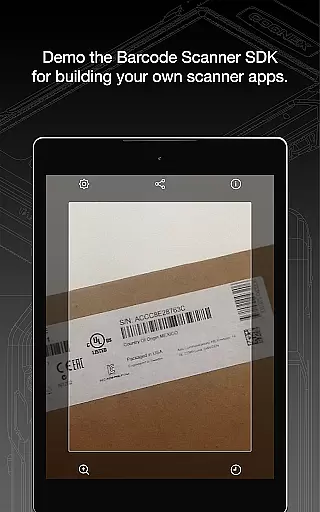
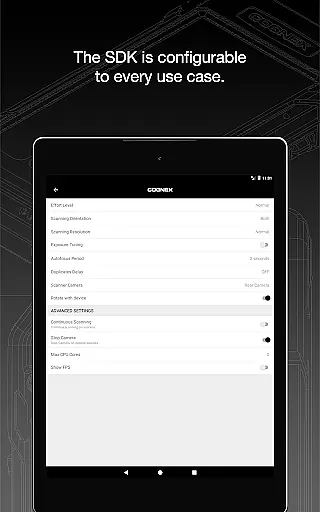
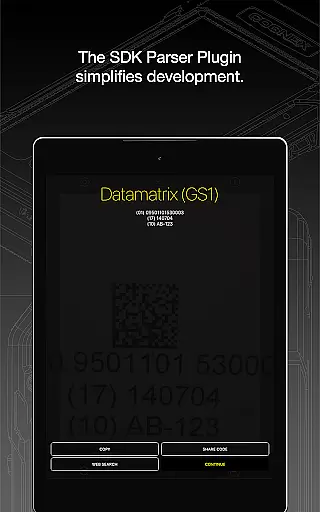
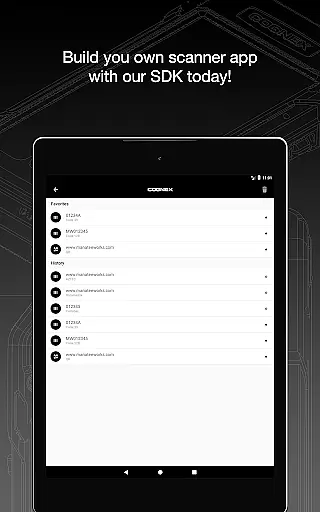
Barcode Scanner is a versatile tool designed for seamless barcode scanning across multiple formats. This app supports over 30 different types of barcodes, including QR, UPC, GS1, Data Matrix, PDF417, DotCode, and many others. It caters to both casual users and professionals who need reliable scanning solutions in industries like retail, logistics, and manufacturing.
The application's strength lies in its ability to decode all major barcode symbologies with precision. Whether you're scanning product codes, driver’s licenses, or postal codes, the app ensures quick and accurate results. Its intuitive interface makes it accessible even to first-time users while offering advanced features for power users.
With Barcode Scanner, businesses can streamline inventory management, improve checkout processes, and enhance data capture efficiency. The app also includes powerful parsers that simplify the examination of industry-standard formatted barcodes, making it an essential tool for modern enterprises.
Barcode Scanner stands out with its comprehensive feature set tailored for diverse scanning needs. The app reads all major barcode symbologies, including Aztec Code, Codabar, Code 11, Code 25 (Interleaved, Industrial, COOP, Matrix and ITF-14), Code 39, Code 93, Code 128, Data Matrix, DotCode, EAN, ISBN, GS1 DataBar, MaxiCode, MSI Plessey, PDF417, Micro PDF417, Postal Codes, QR Code (Micro and Standard), TELEPEN, and UPC barcode types.
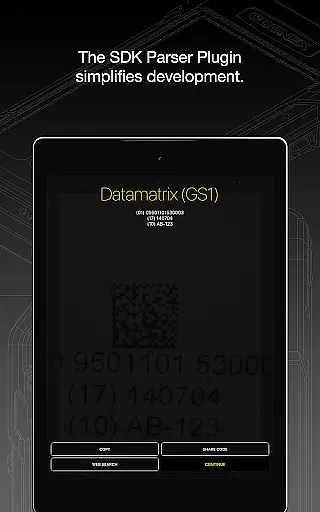
In addition to its extensive format support, the app provides specialized parsers for industry-standard barcodes. These include AAMVA (US and Canadian Driver’s Licenses), GS1, IUID, Structured Carrier Messages (MaxiCode), and more. This parsing capability allows users to extract detailed information from complex barcodes easily.
Another notable feature is the app's integration with Cognex's high-speed barcode scanning and computer vision solutions. This ensures enterprise-grade performance for businesses requiring robust data capture systems. The app's reliability and speed make it suitable for high-volume environments where accuracy is critical.
Barcode Scanner offers an extensive range of functionality, supporting over 30 different types of barcodes including QR, UPC, GS1, Data Matrix, PDF417, DotCode, and many more. This wide coverage ensures that users can scan virtually any barcode they encounter, making it a versatile tool for both personal and professional use.
The app's comprehensive support extends to major barcode symbologies such as Aztec Code, Codabar, Code 11, various forms of Code 25 and Code 39, Code 93, Code 128, and specialized formats like GS1 DataBar and ITF-14. It also includes postal codes and industry-specific codes, providing a complete solution for businesses in retail, logistics, and manufacturing sectors.
With its ability to parse industry-standard formatted barcodes like AAMVA (US and Canadian Driveru2019s Licenses), GS1, IUID, and Structured Carrier Messages (MaxiCode), Barcode Scanner goes beyond basic scanning capabilities. These advanced parsing features allow users to extract meaningful information from complex barcodes used in identification and regulatory compliance.
Designed with user experience in mind, Barcode Scanner ensures smooth and intuitive operation even when handling complex barcode types. The interface is optimized for quick access to scanning functions, allowing users to capture barcodes with minimal effort and time investment.
Operational efficiency is enhanced through the app's high-speed scanning capability and reliable performance across different lighting conditions and barcode qualities. Whether scanning items in a dimly lit warehouse or reading codes from reflective surfaces, the application maintains consistent accuracy and speed.
For users seeking additional functionality, the app provides easy access to Cognex's advanced computer vision solutions and resources. This seamless integration of basic scanning features with professional-grade tools demonstrates the app's commitment to delivering both usability and operational excellence in barcode management.
User-friendly interface
Wide range of supported formats
Fast and accurate scanning
Advanced parsing capabilities
Reliable performance
Limited customization options
No offline mode available
Occasional scanning inaccuracies
Requires internet connection
Premium features locked behind paywall

View your cameras anywhere and anytime
 4.20
4.20
An essential GFX utility developed for specific FPS mobile games
4.50
Zlink Carplay Android a mirror link app with a Carplay interface style
4.0
Turn your phone into a wireless Xbox controller – play, stream & control anytime
4.4
Mobile Connect To TV - HDMI USB & WiFi Screen Mirroring
3.70
Phone Software Update Quick Checker helps you to keep your phone apps up to date
4.50
The best PS2 games from your childhood come to life in their mobile version!
4.00
Now Available on Android ™
3.40
Unlock the hidden menus of your phone with our mobile secret codes app.
4.20
Study Bible King James Version: the correct way to learn the Bible with audio
4.80
SmartCast mirrors Android phone to TV screen With Cast Screen, Chromecast.
4.80
Expo is a free & open source platform to build apps using JavaScript and React.
4.70
Do you want to drive easy ? do you wanna full mirror link Mobile with your car
4.10
charging your phone by other phone easly
4.00
Use your Phone as Drone Controller.
3.70
Mirror phone to TV effortlessly! Stream, share & connect with Airplay ease.
3.60
Looking to connect your phone to your car screen? Mirror Link is the solution.
3.20
Identify securely online
3.10
If you are looking for melon playground mod that fun you deffinitely try our app
2.70


User Reviews