
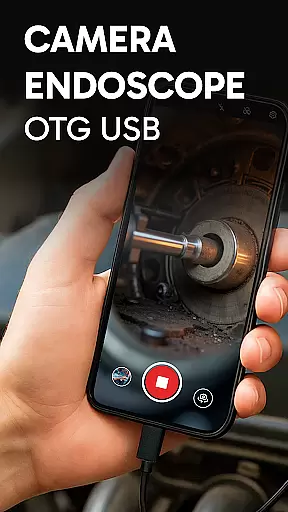
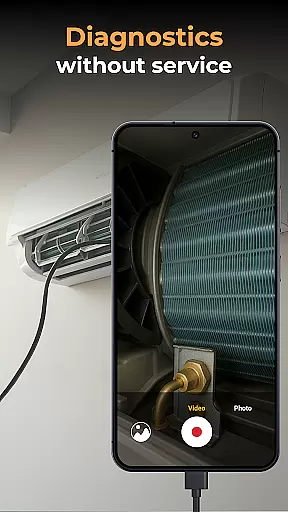
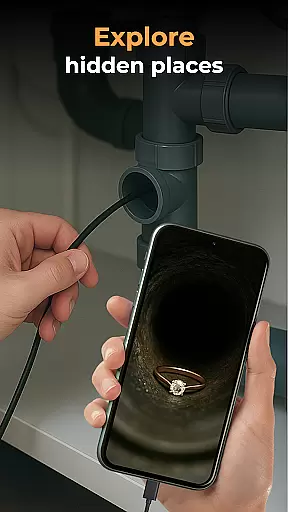
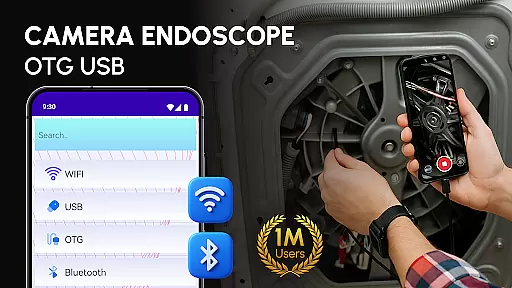
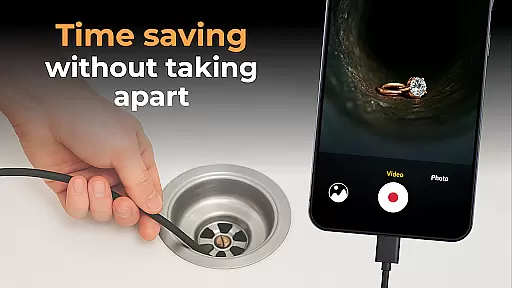
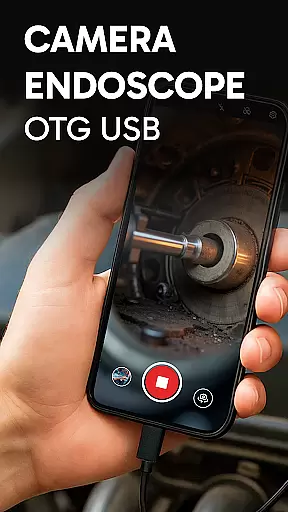
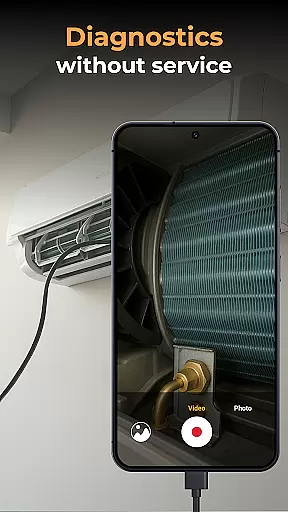
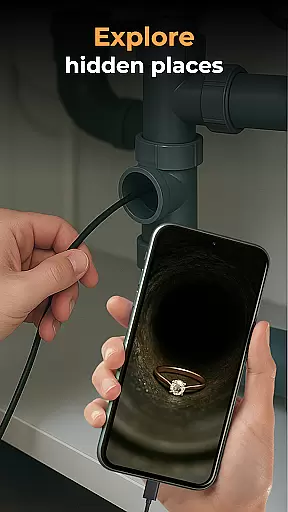
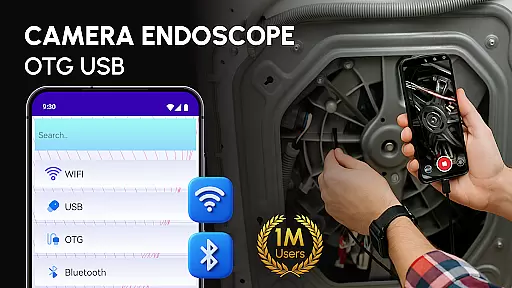
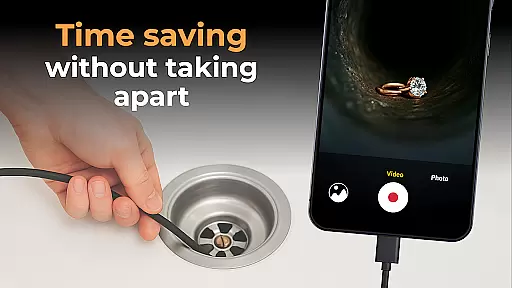
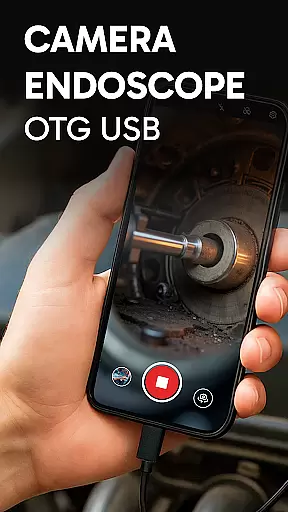
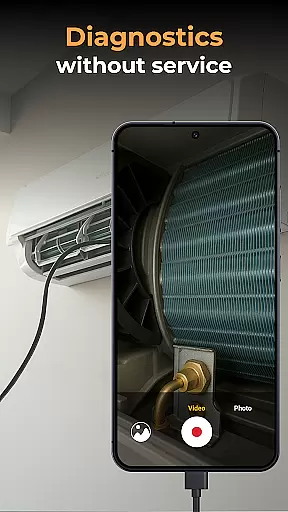
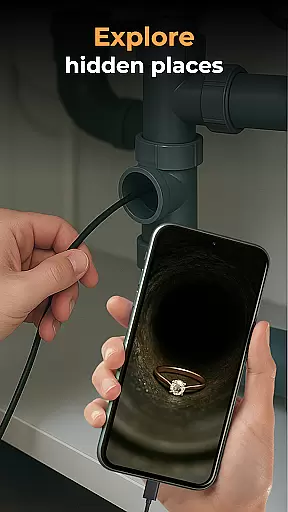
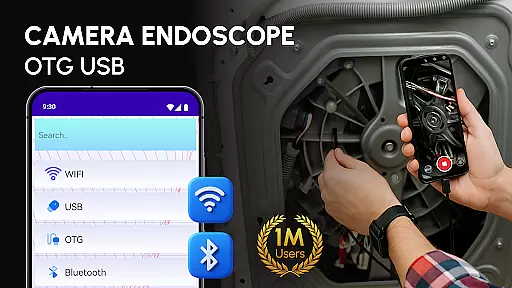
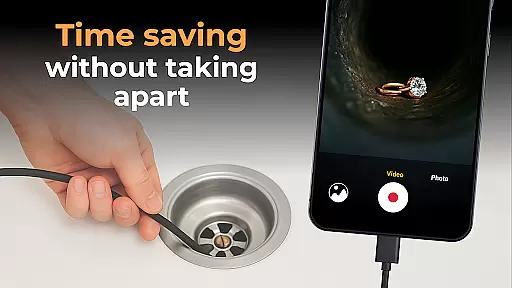
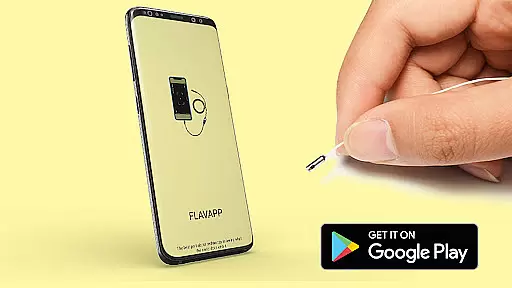
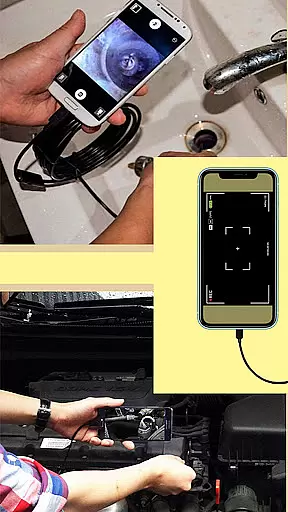
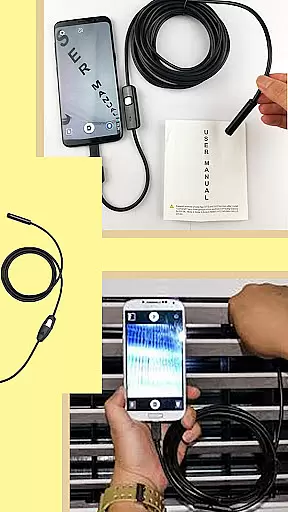
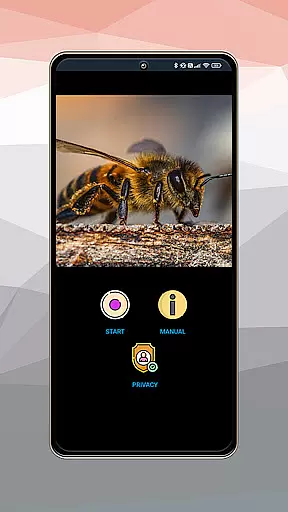
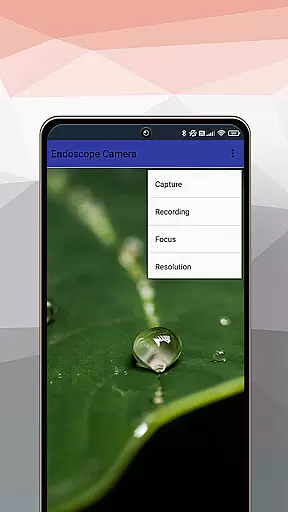
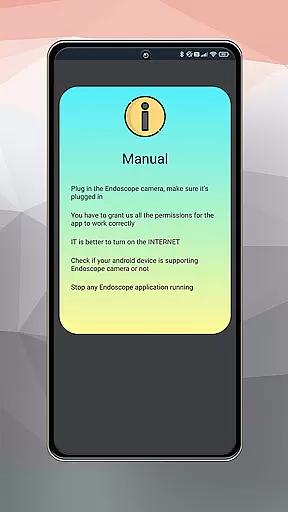
Camera endoscope / OTG USB is an innovative inspection tool that transforms your Android device into a professional diagnostic system. Designed for both professionals and hobbyists, this app allows users to connect external cameras such as borescopes and microscopes through USB OTG interface, providing real-time video capturing capabilities.
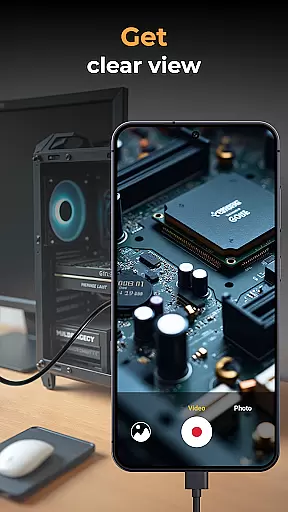
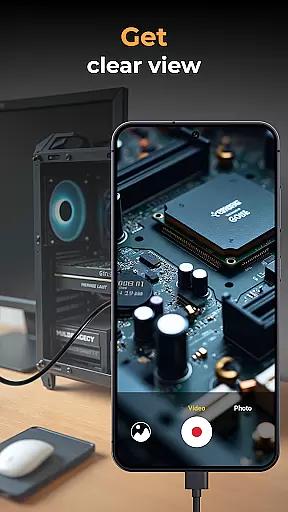
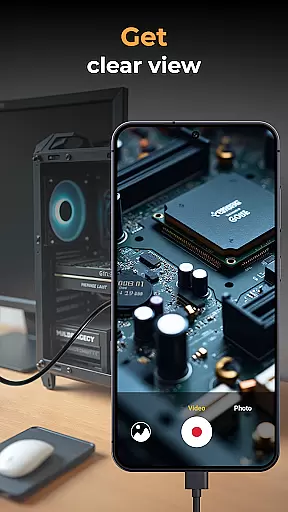
The application supports high-quality image and video recording, making it ideal for detailed inspections in hard-to-reach areas. Whether you're working on plumbing repairs, automotive diagnostics, or electronics troubleshooting, the app's intuitive interface ensures seamless operation. The built-in gallery feature enables efficient media management, including viewing, deleting, and sharing captured content.
This versatile tool is particularly valuable for technicians who need portable and reliable inspection solutions. By turning your smartphone into a sophisticated inspection device, Camera endoscope / OTG USB helps improve work efficiency while maintaining professional standards in various diagnostic tasks.
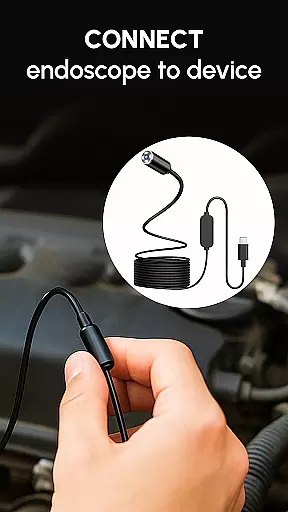
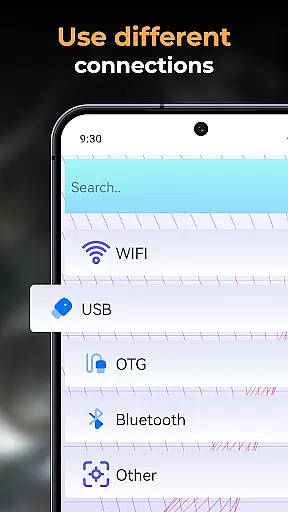
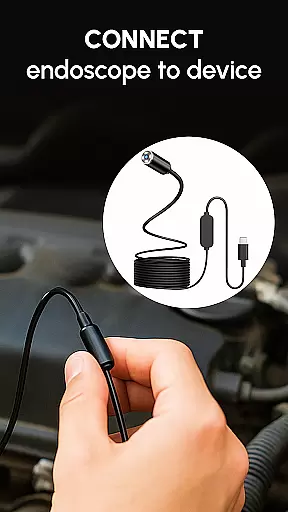
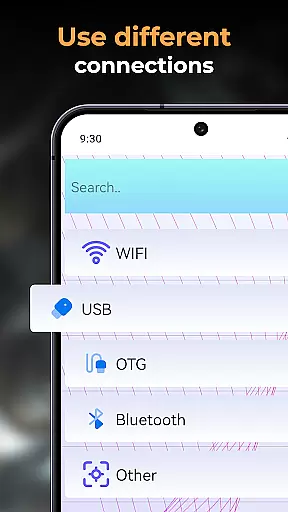
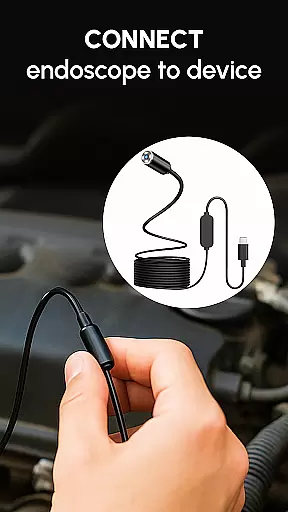
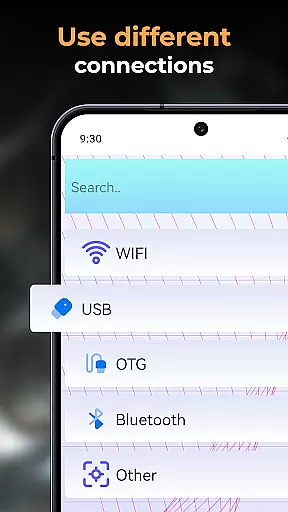
One of the standout features of Camera endoscope / OTG USB is its comprehensive support for various external devices. The app seamlessly integrates with different types of endoscopes, borescopes, and microscopes, allowing users to select the most suitable tool for their specific needs. Its plug-and-play functionality simplifies the setup process, requiring only a compatible USB OTG cable to establish a stable connection.
The application provides advanced media management capabilities, including real-time video capture, high-resolution image recording, and organized file storage. Users can conveniently access all captured media through the built-in gallery, which supports essential functions like delete, view, and share operations. The app maintains optimal performance even during extended inspection sessions, ensuring consistent quality in both video and image capture.
Additional features include compatibility with multiple Android devices and optimized performance for various use cases. Whether you're conducting detailed machine inspections or exploring narrow spaces, the app's responsive interface and reliable connection make it an indispensable tool for professionals across different industries.
When evaluating an application like Camera Endoscope / OTG USB, functionality completeness refers to the app's ability to offer a comprehensive set of features that cater to the needs of its users. This particular app excels in providing support for a wide range of external devices including borescopes and microscopes, making it versatile for various inspection tasks.
The app covers essential functions such as real-time video image capturing, recording high-quality videos and images, and managing media files through deletion, viewing, and sharing options. These capabilities ensure that users can not only capture but also manage their content effectively within the app environment.
For professionals and DIY enthusiasts alike, having these complete functionalities means they can rely on this tool for plumbing work, car repairs, or electronics diagnostics without needing additional software. The built-in gallery further enhances user experience by keeping all captured data organized and easily accessible.
Ultimately, the completeness and coverage of Camera Endoscope / OTG USB empower users to transform their Android devices into powerful inspection tools with ease, offering them both convenience and efficiency in handling complex tasks.
Usability is a critical factor for applications, especially those designed for specific tasks like the Camera Endoscope / OTG USB app. This app stands out by ensuring operational smoothness through its intuitive interface and straightforward setup process using USB OTG cables, which allows users to quickly start inspecting hard-to-reach areas.
With easy plug-and-play features compatible with various endoscopes, borescopes, and microscopes, the app simplifies complex operations into manageable tasks. Users can effortlessly switch between live views from different connected cameras, enhancing their ability to diagnose issues accurately without any technical hassle.
Moreover, stability during connections whether used for pipe inspections or close-up work with microscope attachments ensures uninterrupted performanceu2014a key aspect of usability that maintains workflow efficiency. Such reliability builds trust among technicians who depend on precise imaging tools daily.
In summary, the Camera Endoscope / OTG USB app not only meets but exceeds expectations regarding usability and operational fluidity, making it an indispensable tool for anyone requiring detailed visual inspections in professional or personal settings.
User-friendly interface
Wide device compatibility
High-quality media capture
Efficient file management
Real-time inspection capability
Limited iOS support
Requires OTG adapter
Some features need premium
Occasional connection issues
Device compatibility varies

Record with Double Camera Video Recording using Dual Camera Front and Back Video
 3.00
3.00
Connect and find your Smart Tag 2 devices through our app.
3.60
If you are looking for melon playground mod that fun you deffinitely try our app
2.70
Use your Phone as Drone Controller.
3.70
Block and secure the microphone and protect from secret listening and recording.
4.50
TV USB connector app provides you a seamless cast option from your phone to tv.
4.70
Block, disable and secure phone camera from secretly taking photos by spyware.
4.50
A Pydroid Quick Install repository provider.
4.00
Mobile Connect To TV - HDMI USB & WiFi Screen Mirroring
3.70
MirrorLink for connecting your Android phone to your car’s infotainment screen.
4.50
Tune your game graphics with our GFX optimizer for optimal gaming experience
4.50
Barcode scanning made simple!
4.40
Wireless reverse charging using phone now is possible
4.30
An impressive collection of tools, characters, weapons, skins and more!
4.30
Sad ringtones full of feeling, sad music ringtones
3.90
Mobs maker Minecraft help MCPE creators make their own mob by using Blockbench
3.50
Collection of Maps and Mods for Dmod
3.30
DamonSx2 is the open Source LGPL Emulator
3.20
Read Quran pak offline & listen online mp3 Quran in Al Quran Majeed app
4.1


User Reviews