
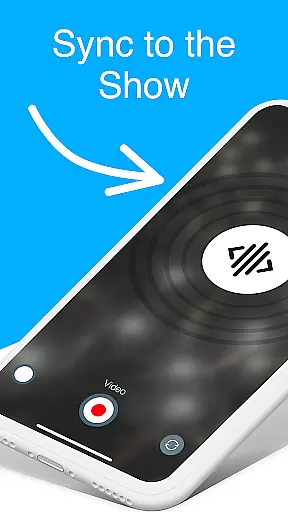

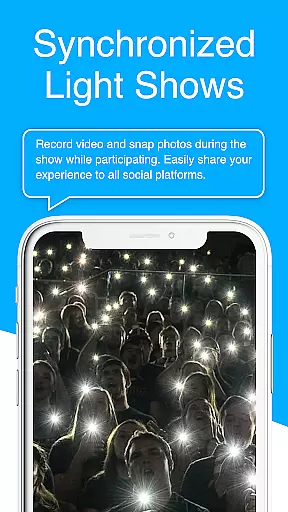
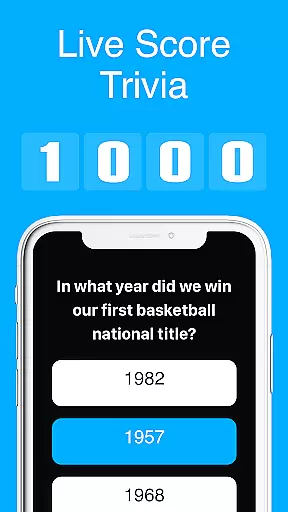
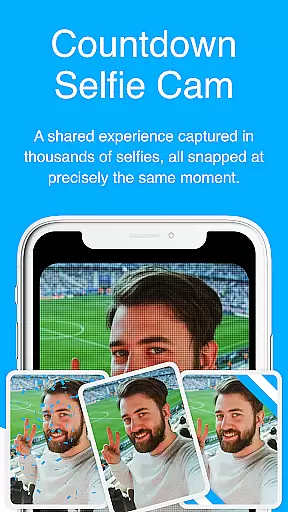
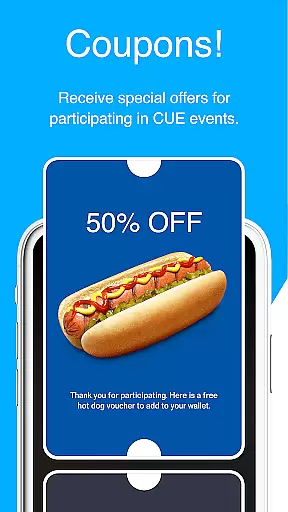
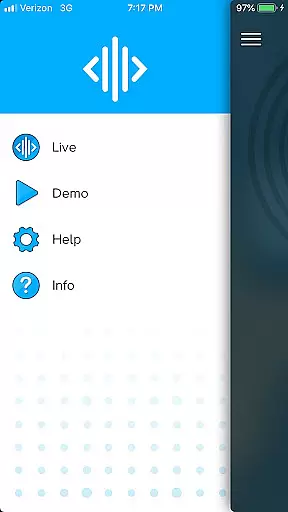
CUE Live is an innovative mobile application designed specifically for enhancing event experiences through the use of inaudible ultrasonic sound waves. This technology enables seamless data transmission and device synchronization at events equipped with CUE technology. Attendees can activate their smartphones to participate actively in live shows, making them not just spectators but contributors to the event's success.
One of the standout features of CUE Live is its ability to transform a passive audience into active participants by allowing them to trigger various visual effects on websites with simple actions. Whether attending in person or participating remotely, users can engage with the event in real-time, experiencing unique interactions such as UPN and DJ modes that elevate the overall atmosphere.
The app's core value lies in its capacity to bridge the gap between physical and digital event spaces, creating immersive environments that captivate audiences. By leveraging cutting-edge ultrasonic technology, CUE Live ensures that every participant has the opportunity to be part of something extraordinary, enhancing both individual and collective experiences at live events.
CUE Live offers a range of distinctive features tailored to enrich event participation. At its heart, the app employs advanced ultrasonic sound wave technology, which facilitates discreet yet effective communication between devices. This feature allows for real-time interaction among attendees, enabling them to influence live show elements directly from their smartphones.
Another notable aspect is the app's versatility in supporting different engagement modes. For instance, UPN mode lets users unlock exclusive content or privileges, while DJ mode empowers them to control certain aspects of the event's audio-visual presentation. These interactive capabilities ensure that each user's experience is personalized and memorable.
Furthermore, CUE Live excels in providing comprehensive support for both onsite and remote participants. Its robust platform ensures that no matter where you are, you can still contribute to and enjoy the event's dynamic environment. With these sophisticated features, CUE Live sets a new standard for interactive event technologies, promising unparalleled engagement and enjoyment.
Task creation and detail customization are essential features for event management applications like CUE Live. This functionality allows users to set up specific tasks related to event participation or management, ensuring that every aspect of the event is covered.
CUE Live leverages ultrasonic sound waves to synchronize devices at events, enhancing user engagement. The app enables users to create tasks that correspond with live demos, website triggers, and event modes such as UPN and DJ mode, providing a comprehensive toolset for event interaction.
Users benefit from the ability to customize task details, adapting them to their specific needs or roles within an event. Whether activating phones to become part of the show or triggering various visual effects on a website, these tailored tasks ensure a personalized and immersive experience.
The value of this feature lies in its capacity to transform passive event attendees into active participants. By setting and customizing tasks, users can engage more deeply with the event content, making each experience unique and memorable.
Reminder settings in event applications play a crucial role in ensuring users do not miss out on important activities or engagements. For an innovative app like CUE Live, which synchronizes devices through inaudible sound waves at events, reminders help keep the audience engaged and informed.
CUE Live offers flexible reminder options that can be tailored to notify users about live demos, changes in event modes, or interactive opportunities such as triggering website visuals. These reminders can be set according to user preferences, ensuring timely alerts that match individual schedules and interests.
The advantage for users is significant; they receive timely notifications that enhance their event experience without overwhelming them with unnecessary information. This ensures that whether attending in person or participating from home, users remain connected to the event's dynamic elements.
Ultimately, effective reminder settings contribute to a seamless integration of technology and live experiences. They empower users to fully leverage the capabilities of CUE Live, creating synchronized and interactive environments that elevate standard events into captivating shows.
Enhances live events
Real-time interaction
User-friendly interface
Supports remote participation
Innovative technology
Limited to CUE-enabled events
Requires compatible devices
Dependent on stable internet
Potential privacy concerns
Learning curve for new users

Track birthdays, habits & goals. Unlimited countdowns and count-ups
 4.20
4.20
Instant photo sharing for every occasion
3.80
No invest, Easy way to earn USDT through crypto cloud mining
3.80
Birthday Greetings provides Birthday Card, Frames, Gifs & Father's day Wishes
4.80
Design Invitations & Cards for Any Occasion
4.80
TV Garden - World Live TV : Play & cast your videos seamlessly!
3.20
Introducing the official Magic: The Gathering app for mobile.
4.20
Buy and Sell Tickets for Concerts, Sports, and Theater.
4.70
Discover events & experiences in NYC, LA, Chicago, DC, Miami and more!
4.70
Create invitation cards for birthdays, weddings, Christmas and more.
4.80
Create Wedding Invitation and Wedding Anniversary Cards using our app
4.60
Fast Scans. Happy Fans. For Every Hometown!
4.60
Connect with an ecosystem of 5M+ eventgoers and organizers.
4.50
Local events, contests, and giveaways for local dads
3.70
The Official App
3.70
Watch live football matches and streaming events on our Arabic TV app!
3.50
ETH Mining provides secure way to mine Ethereum & earn ETH in Cloud mining app
3.50
Browse events, find transportation, keep up with the latest news from your team
4.0
It is an Event Planning Application.
4.3


User Reviews