
Hometown Fan is a premier digital ticketing solution designed specifically for fans who want to explore and manage event tickets within their local school or organization. As a trusted leader in the ticketing industry, this app provides a fully automated and professional-level service tailored to K-12 schools, districts, conferences, associations, collegiate spaces, and organizations. With Hometown Fan, users can effortlessly search for events, purchase tickets, and manage all aspects of their ticketing experience directly from their mobile device.
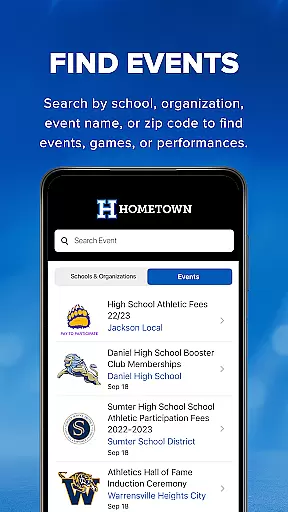
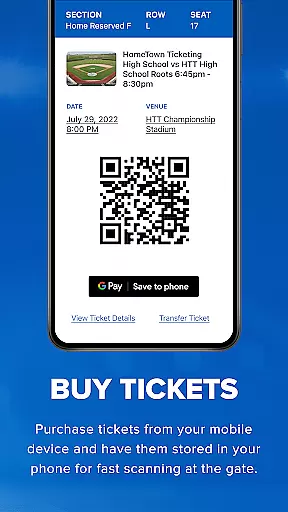
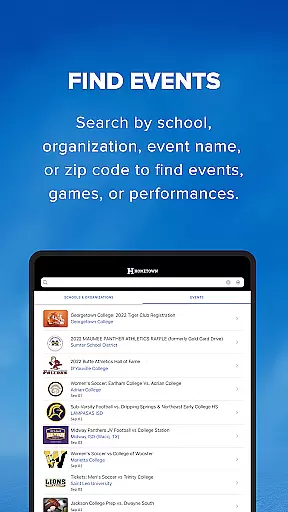
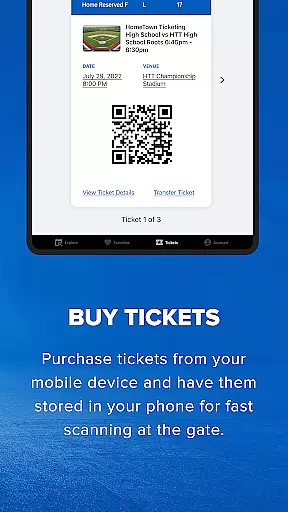
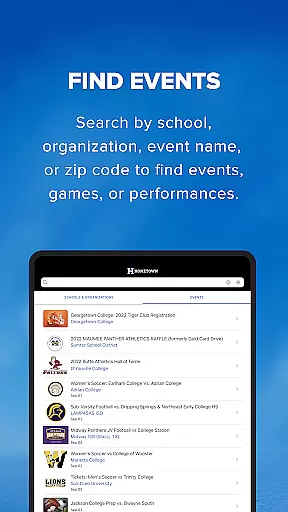
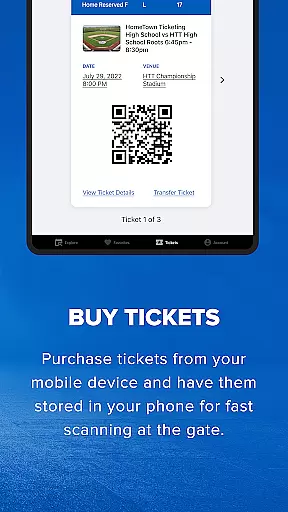
One standout feature of Hometown Fan is its ability to streamline the entire ticketing process. Whether you're looking for a specific game, performance, or any other type of event, the app allows you to search by school, organization, event name, or zip code. Once you've found your desired event, you can skip long lines by purchasing tickets directly through the app. Your phone becomes your ticket, with all purchases stored securely inside the app, ready to be scanned at the gate via a convenient QR code.
This app is perfect for busy families, students, and community members who want to stay connected to their favorite schools or organizations while enjoying the ease of modern technology. By offering an intuitive interface and time-saving features, Hometown Fan ensures that attending events has never been easier or more efficient.
Hometown Fan offers a robust set of features that cater to every aspect of the ticket-buying and management process. One of the key highlights is its powerful search functionality. Users can easily find events by filtering through various criteria such as school, organization, event name, or even zip code. This makes it incredibly simple to locate exactly what you're looking for without wasting time.
Another standout feature is the seamless purchasing experience. The app eliminates the hassle of standing in long lines by allowing users to buy tickets and passes directly from their mobile devices. Once purchased, all tickets are stored within the app, ensuring they are always accessible when needed. At the event entrance, users simply need to present the QR code on their phones to gain entry, making the entire process quick and contactless.
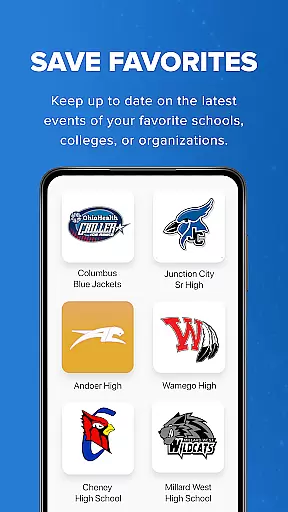
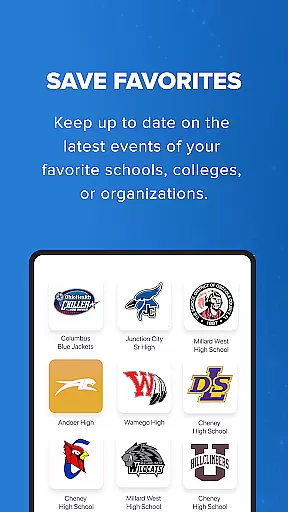
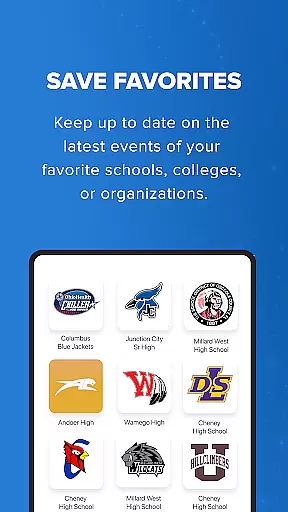
Additionally, Hometown Fan includes a 'Save Favorites' feature, which lets users keep track of their preferred schools, colleges, or organizations. This ensures that you're always up-to-date on the latest events from the places that matter most to you. Overall, these features combine to create a comprehensive and user-friendly ticketing solution that enhances convenience and accessibility for all types of events.
Task creation and detail customization are essential features for event management applications like Hometown Fan. This functionality allows users to not only discover events but also personalize their event experience according to their preferences.
Hometown Fan App enables users to search for events using various filters such as school, organization, event name, or zip code. This level of customization ensures that fans can easily find and attend the events most relevant to them, streamlining the entire process from discovery to attendance.
The benefit to users is a highly tailored event-going experience. Fans can keep track of their favorite schools or organizations, ensuring they never miss an event. The ability to customize event details leads to increased engagement and satisfaction, making it a central feature for users who want to manage their social and entertainment calendar effectively.
Reminder settings in event applications play a crucial role in ensuring users do not miss out on important events. For an app like Hometown Fan, which caters to fans looking to attend school or organizational events, having a reliable reminder system enhances user engagement and attendance rates.
Hometown Fan App incorporates reminder functionalities that allow users to set alerts for upcoming events. Whether it's a game, performance, or any other gathering, users can configure notifications based on their schedules, ensuring timely reminders that help in planning their attendance without conflicts.
This feature adds significant value by keeping users informed and engaged with their favorite schools or organizations. By providing timely reminders, the app helps fans manage their busy lives while staying connected to events that matter to them, thus enriching their overall experience and connection to the community.
User-friendly interface
Secure payment options
QR code scanning
Event reminders
Customizable favorites
Limited international support
Occasional bugs
No offline mode
Subscription fees
Ads in free version

Manages display and transfer of tickets from the Mundo Tickets platform
 3.80
3.80
Manage all your events, leads, ticketing, payments and check-ins.
4.30
Create Birthday Cards in Birthday Invitation Maker and Birthday Card Creator App
3.00
Mobile Event Guide for Greater NY Dental Meeting
4.0
CUE Live utilizes ultrasonic sound waves to sync devices at CUE enabled events
4.80
Local events, contests, and giveaways for local dads
3.70
Create Wedding Invitation and Wedding Anniversary Cards using our app
4.60
Octrober 2025: We've updated the MyGenMobile App with a new look and feel!
4.40
Buy and Sell Tickets for Concerts, Sports, and Theater.
4.70
Find tickets to upcoming concerts, sports events, festivals, shows, attractions
4.70
Discover events & experiences in NYC, LA, Chicago, DC, Miami and more!
4.70
Listen Full Quran MP3 Offline - Qibla Compass, Salah Timing & 99 Names of Allah
4.60
Text message invitations for birthday party, wedding, graduation, baby shower +
4.60
Meet people over dinner
4.40
Rocket Monkey - Space rocket launch schedule for launch sites around the world
4.20
Buy tickets for any event!
3.90
ETH Mining provides secure way to mine Ethereum & earn ETH in Cloud mining app
3.50
TV.Garden is a video player to play your own TV streams from around the world!
3.40
Some connections are better kept private
4.4


User Reviews