
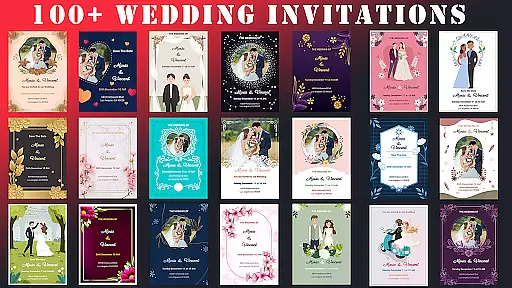
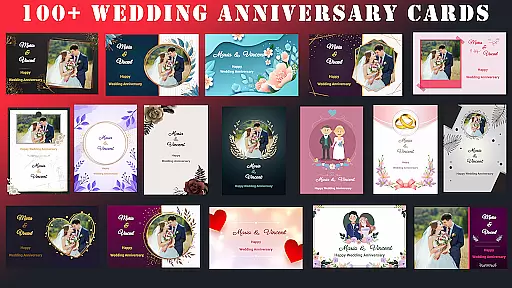
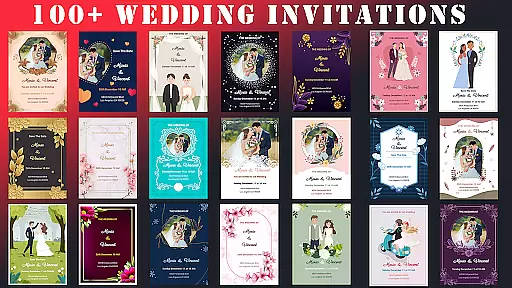
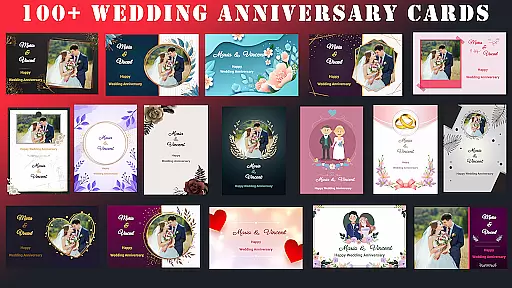
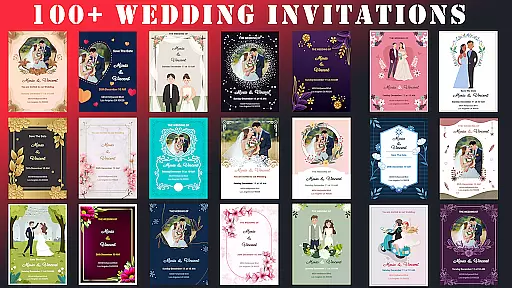
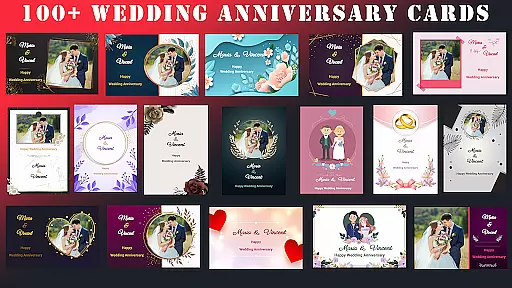
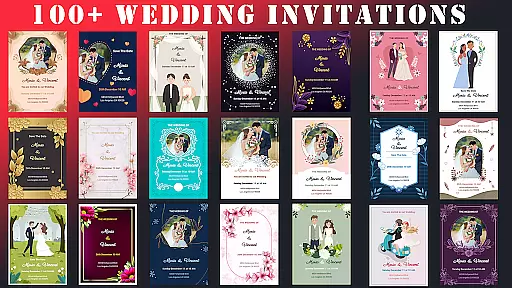
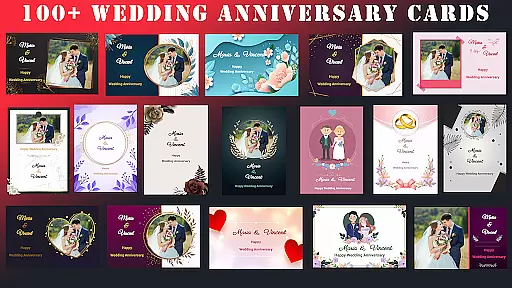
Wedding Invitation Card Maker is a versatile design tool specifically created for crafting personalized invitations and cards for special occasions. This app stands out with its user-friendly interface and powerful features, allowing users to create professional-quality wedding invitations, anniversary cards, and more within minutes. The app offers over 100 beautifully designed templates that cater to various event styles, ensuring there's something for everyone.
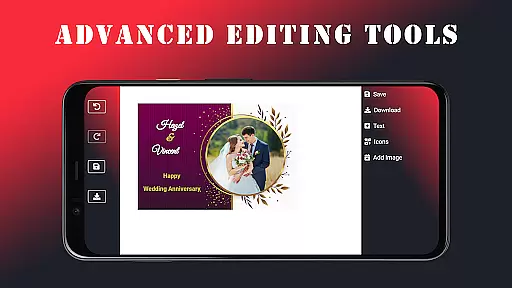
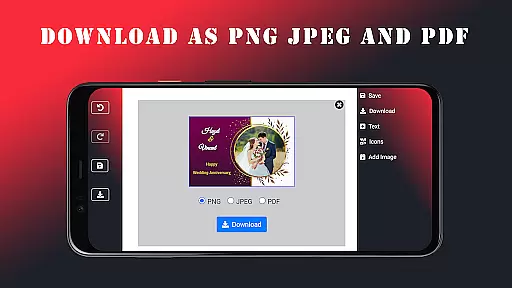
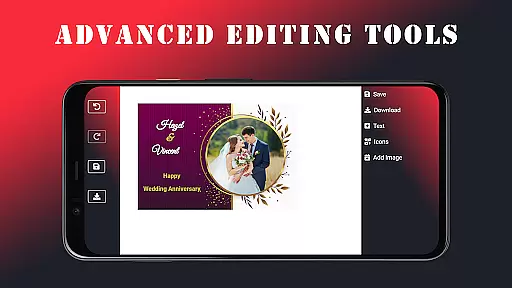
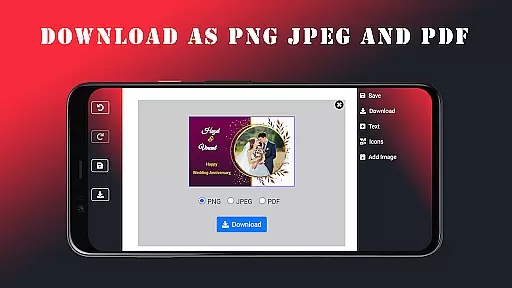
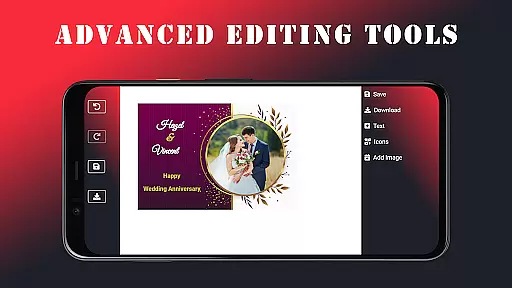
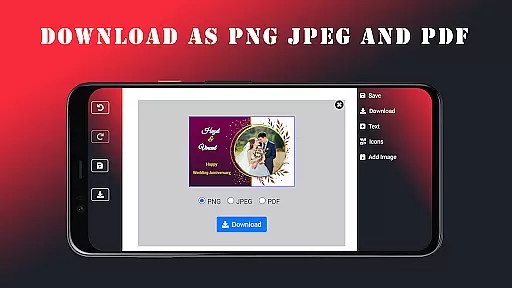
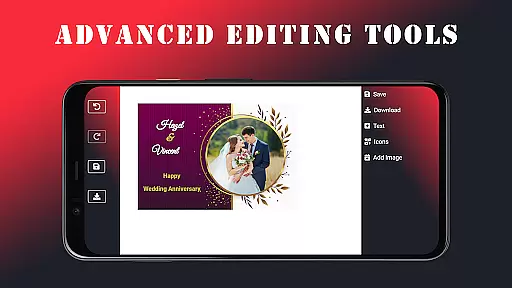
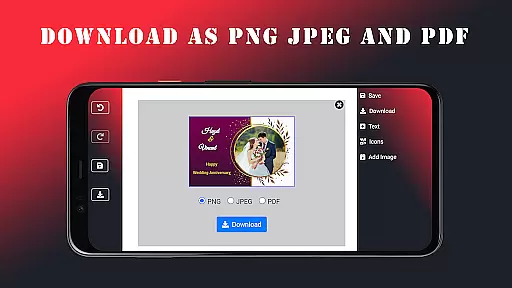
In addition to the extensive template library, the app provides advanced editing tools that let users customize every aspect of their invitations. From changing fonts and colors to adding personal photos and names, the app ensures each invitation reflects the creator's unique style. Users can save their designs in multiple formats including JPEG, PNG, and PDF, and even work offline, making it convenient to design anytime, anywhere. Whether you're planning a wedding or another special event, this app helps set the perfect tone with customized, high-quality invitations.
One of the standout features of Wedding Invitation Card Maker is its vast selection of over 100 beautifully crafted templates. These templates cover a wide range of themes and styles, ensuring that users can find the perfect base for any occasion. Each template is fully customizable, allowing users to modify elements such as fonts, colors, and layout to match their personal preferences or event theme.
The app also includes robust photo editing capabilities, enabling users to upload and incorporate personal images directly into their designs. With support for adding names, dates, and other custom details, users can create truly unique invitations. Additionally, the app offers more than 100 font options and stylish icons, providing further customization possibilities. The ability to save projects in various formats and work offline adds to the app's flexibility, making it an ideal choice for anyone looking to create memorable and personalized event invitations.
Task creation and detail customization are essential features for any event planning application, especially one focused on designing wedding invitations. The Wedding Invitation Card Maker app excels in this area by offering users over 100 beautifully designed templates tailored to various events, including weddings, anniversaries, and birthdays. This extensive template library allows users to select a design that best fits the theme of their special occasion.
The app provides advanced editing tools that enable users to customize every aspect of their invitations. With intuitive controls, users can easily change fonts, colors, layouts, and add personal touches such as photos and unique details. These capabilities ensure that each invitation reflects the personal style and preferences of the user, making the invitations not just a notification but a memorable keepsake.
By leveraging these customization options, users can create invitations that stand out and capture the essence of their event. Whether it's adjusting the typography to match the formality of a wedding or incorporating playful icons for a birthday celebration, the app empowers users to bring their creative visions to life. This level of personalization enhances the overall experience, ensuring that each invitation is as unique as the event itself.
Reminder settings play a crucial role in event planning applications, ensuring that users stay on track with their preparations. The Wedding Invitation Card Maker app addresses this need by integrating features that allow users to set reminders for various stages of the invitation creation process. From selecting a template to finalizing the design, these reminders help users manage their time effectively and avoid last-minute rushes.
In addition to task management, the app offers seamless integration with messaging platforms, enabling users to send out invitations directly via email or messaging apps. Once the perfect invitation is crafted, users can effortlessly distribute it to friends and family, ensuring everyone is informed and excited about the upcoming event. This feature not only simplifies communication but also enhances guest engagement and anticipation.
By combining robust reminder functionalities with easy distribution options, the app ensures that users can focus on enjoying their special day without worrying about logistical details. The ability to schedule reminders and automate invitations streamlines the entire planning process, making it more efficient and stress-free. Ultimately, these features contribute to a more organized and enjoyable event experience for both planners and attendees.
User-friendly interface
Extensive template library
Advanced customization options
Offline functionality
Multiple saving formats
Limited advanced design tools
No live chat support
Occasional bugs reported
Ads present in free version
Some features require premium

The calendar app in this 2026 year see all dates.
 4.20
4.20
CUE Live utilizes ultrasonic sound waves to sync devices at CUE enabled events
4.80
Some connections are better kept private
4.1
Browse events, find transportation, keep up with the latest news from your team
4.0
Create invitation cards for birthdays, weddings, Christmas and more.
4.80
The Official Football Ticketing App for Fans in Qatar
4.3
Microsoft Ignite is an event that showcases latest advancements in technology
4.00
Octrober 2025: We've updated the MyGenMobile App with a new look and feel!
4.40
Save money on concert, sport, and theater tickets, and discover upcoming events.
4.80
Clubs, Festivals, Discounted Tickets, Guest Lists & VIP Tables
4.90
Discover events, experiences, and things to do near you - Anytime, Anywhere!
4.70
Events, Meetings, Photo Shoots
4.50
Freebie Games for Epic Games, Steam, Amazon, Rockstar etc.
4.40
The official app for Sched events! View your event schedule here.
4.20
The Official App
3.70
Audio guide companion APP for SEE's Michelangelo's Sistine Chapel
3.50
RAISE-365 makes fundraising easy and fun!
3.20
Create Birthday Cards in Birthday Invitation Maker and Birthday Card Creator App
3.00
The Official App
4.1


User Reviews