
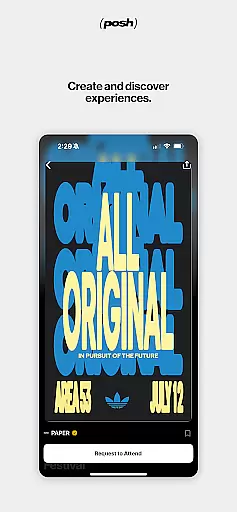
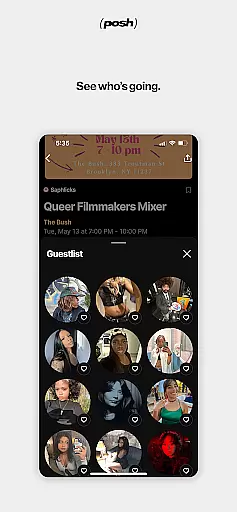
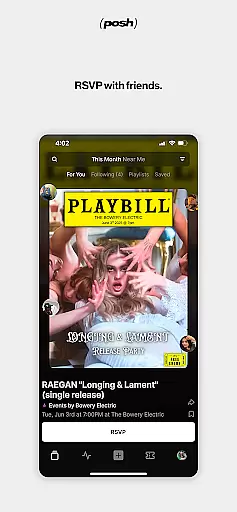
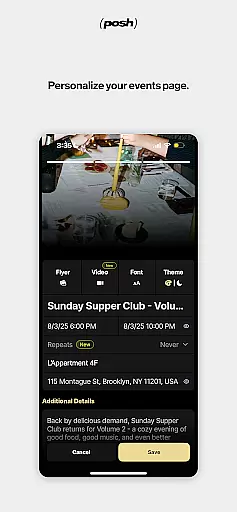
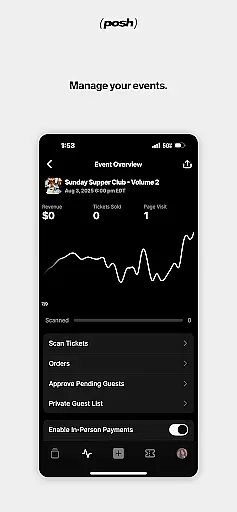
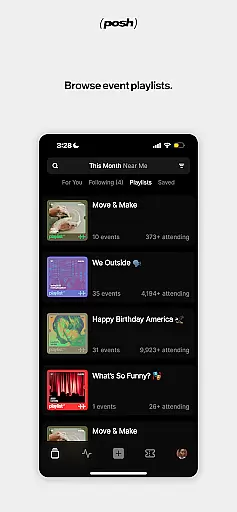
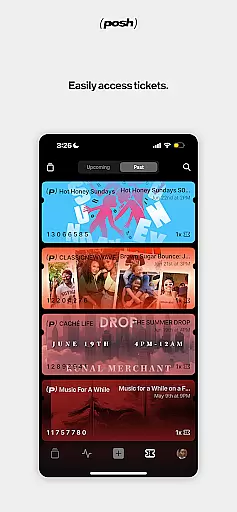
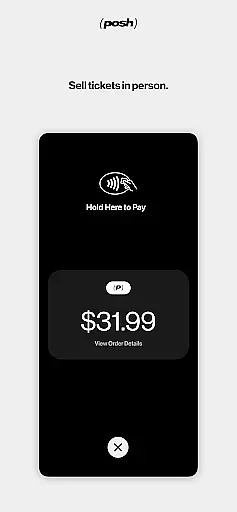
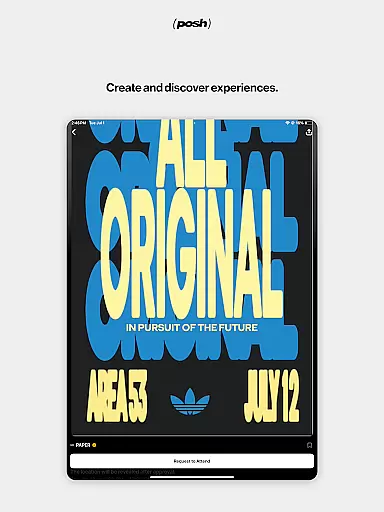
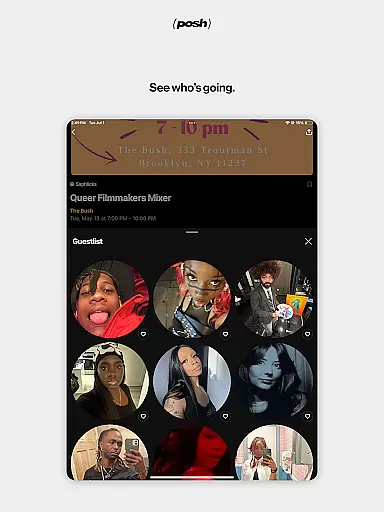
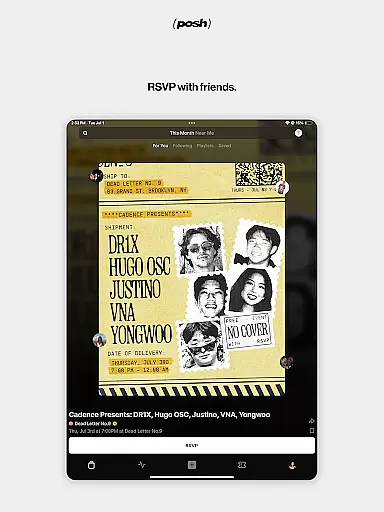
Posh is a premier platform for discovering and creating live events, connecting over 5 million eventgoers and organizers. The app offers an immersive audiovisual experience to browse local events while providing essential details like performers and attendees. Users can easily purchase tickets, RSVP, and share events with friends. Posh also empowers users to create stunning event pages with customizable features such as colors, imagery, and music. With integrated CRM tools, tracking links, and seamless door management, it's perfect for both attendees and event organizers.
The app is ideal for anyone looking to engage with their local community through live events or manage professional gatherings with ease. Whether you're attending concerts, workshops, or organizing large-scale events, Posh ensures a smooth experience from discovery to execution. Its comprehensive suite of tools makes it invaluable for modern event management.
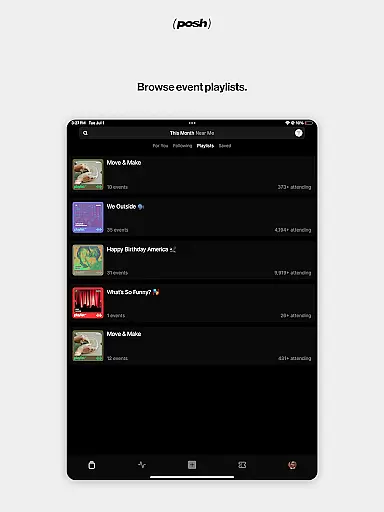
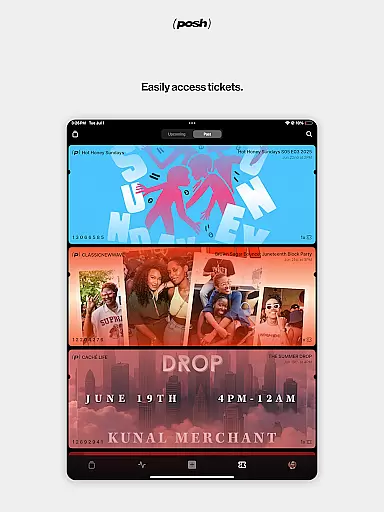
Posh stands out with its dual functionality for both event discovery and creation. For eventgoers, the app provides an engaging browsing experience where users can see who's playing at events and who's attending, helping them make informed decisions. It supports quick ticket purchases, RSVPs, and sharing options, ensuring convenience. Additionally, users can store their tickets directly in the app for easy access during events.
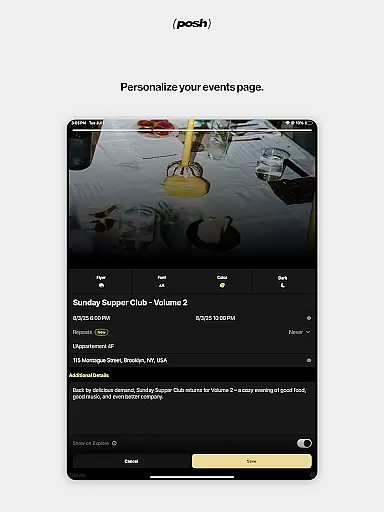
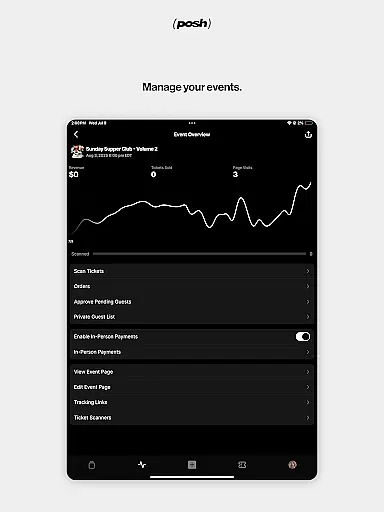
For event organizers, Posh offers advanced tools to create visually appealing event pages with customizable elements like themes and music. The app includes CRM and marketing tools tailored for live experiences, allowing organizers to sell tickets, set permissions, and track marketing efforts through affiliate links. Features like seamless ticket scanning and financial management with payouts make it a complete solution for managing all aspects of events efficiently.
Creating and managing events with precision is essential for organizers, and Posh offers a comprehensive suite of tools to facilitate this process. The app allows users to generate detailed event pages that are not only informative but also visually appealing. Customization options include altering colors, adding imagery, and even integrating music, which collectively contribute to setting the right atmosphere for each event.
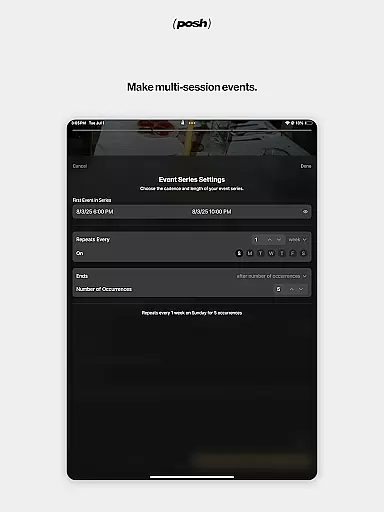
Posh goes beyond basic event creation by offering advanced features such as permission settings and guest list management. Organizers can define who has access to their events, ensuring exclusivity and security. Additionally, the ability to craft various ticket types caters to different attendee preferences, enhancing the overall user experience. This level of detail in event customization empowers creators to align their events perfectly with their vision.
The benefits of using Posh for task creation and customization are manifold. Users can efficiently organize their events with professional-grade tools that are typically available only to seasoned planners. Moreover, the platform's support for marketing efforts through tracking links means that organizers can measure the effectiveness of their promotional strategies. This data-driven approach aids in refining future events and maximizing attendee engagement.
Effective reminder settings are crucial for ensuring that attendees do not miss out on upcoming events, and Posh excels in providing flexible notification options. Users can set up reminders that alert them about event details, timing, and any other relevant information. These notifications are timely and can be customized according to individual preferences, making sure that users stay informed without feeling overwhelmed.
In addition to standard reminders, Posh offers features that enhance the user experience through seamless integration with other functionalities. For instance, once a reminder is triggered, users can quickly access event pages, review attendee lists, or even purchase additional tickets. This interconnectedness ensures that all actions are just a tap away, streamlining the entire event participation process.
The value of robust reminder settings becomes evident when considering user retention and engagement. By keeping attendees engaged and informed, Posh fosters a community where users feel connected and invested in the events they participate in. Furthermore, these reminders help maintain high attendance rates, benefiting both organizers and participants alike. Overall, Posh's reminder system plays a pivotal role in creating a cohesive and active event ecosystem.
User-friendly interface
Comprehensive event tools
Wide user base
Customizable event pages
Integrated CRM
Limited free features
Premium subscription required
Occasional bugs
High fees for organizers
Complex setup for beginners

Buy event tickets easily with our user-friendly App. Stay updated on hot events
 4.1
4.1
Microsoft Build is an annual developer conference hosted by Microsoft
4.20
Community for Mods, Addons, Melsaves, Melmods for Melon Playground
4.5
The KRUU app - plan, celebrate, remember
4.80
ETH Mining provides secure way to mine Ethereum & earn ETH in Cloud mining app
3.50
RAISE-365 makes fundraising easy and fun!
3.20
Microsoft Ignite is an event that showcases latest advancements in technology
4.00
Meet people over dinner
4.40
Buy and Sell Tickets for Concerts, Sports, and Theater.
4.70
Birthday Greetings provides Birthday Card, Frames, Gifs & Father's day Wishes
4.80
Find tickets to upcoming concerts, sports events, festivals, shows, attractions
4.70
Discover events & experiences in NYC, LA, Chicago, DC, Miami and more!
4.70
Greeting card maker with photos best app| Birthday cards| All wishes eCards FREE
4.50
Freebie Games for Epic Games, Steam, Amazon, Rockstar etc.
4.40
The official app for Sched events! View your event schedule here.
4.20
Local events, contests, and giveaways for local dads
3.70
Watch live football matches and streaming events on our Arabic TV app!
3.50
TV.Garden is a video player to play your own TV streams from around the world!
3.40
Thanksgiving Wishes, Thanksgiving Stickers & Animated GIF for Whatsapp Stickers
4.5


User Reviews