
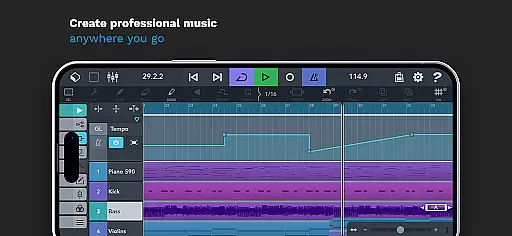
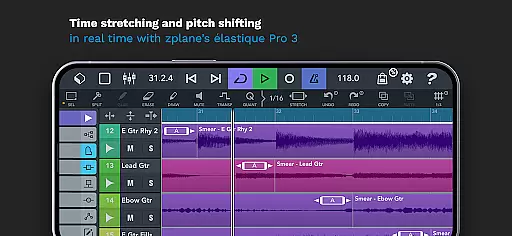
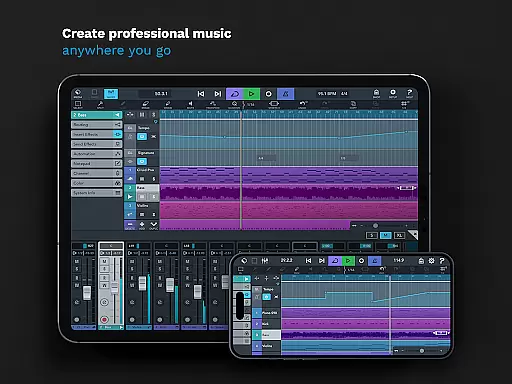
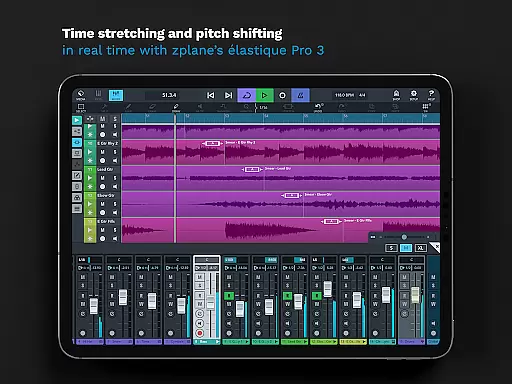
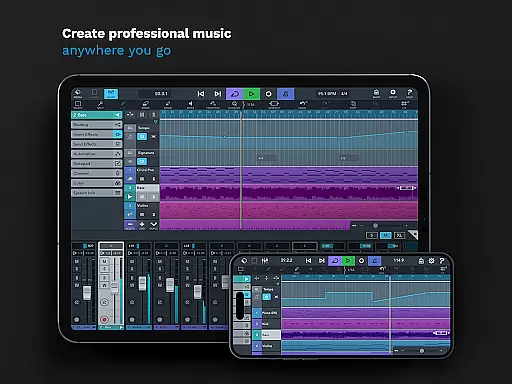
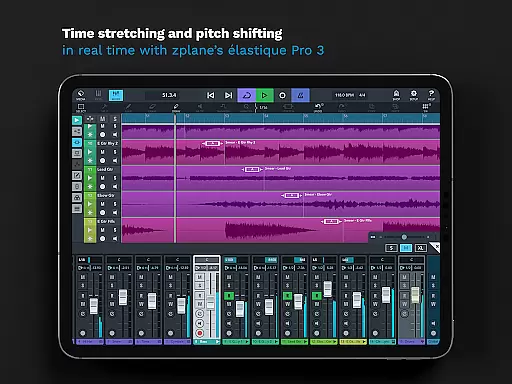
Cubasis 3 is a multi-award winning mobile DAW and full music production studio that allows musicians to capture their ideas and turn them into professional-sounding songs. With its powerful 32-bit floating-point audio engine, real-time time-stretching and pitch-shifting capabilities, and support for high-quality 24-bit/48 kHz audio resolution, this app provides an exceptional music creation experience on Android and Chrome OS devices.
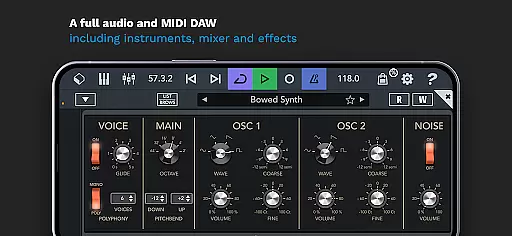
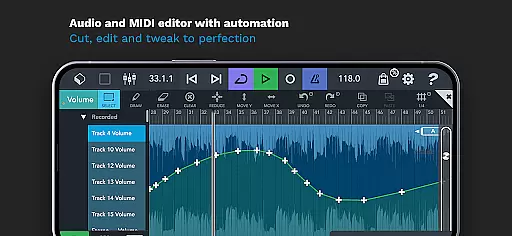
The application features an intuitive interface with unlimited audio and MIDI tracks, a virtual analog synthesizer, over 120 virtual instrument sounds, and a comprehensive mixer with studio-grade effects. Whether you're recording live instruments, editing MIDI sequences, or mixing your tracks with advanced automation features, Cubasis 3 delivers the tools needed for professional music production right at your fingertips.
Designed for both amateur and professional musicians, Cubasis 3 is ideal for creating beats, loops, and complete songs on the go. Its seamless integration with external gear and third-party apps makes it a versatile tool for music producers who need a portable yet powerful solution for their creative workflow.
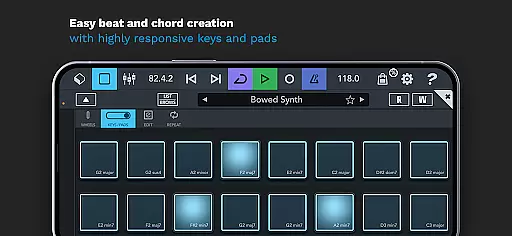
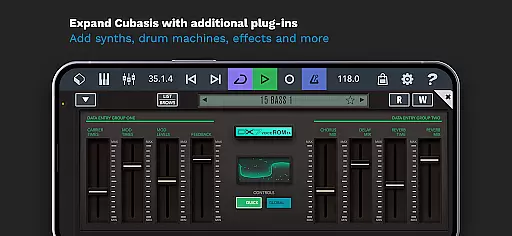
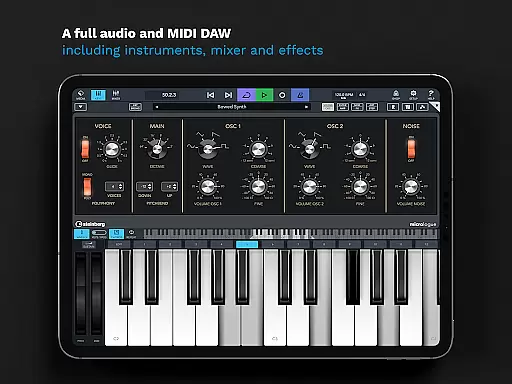
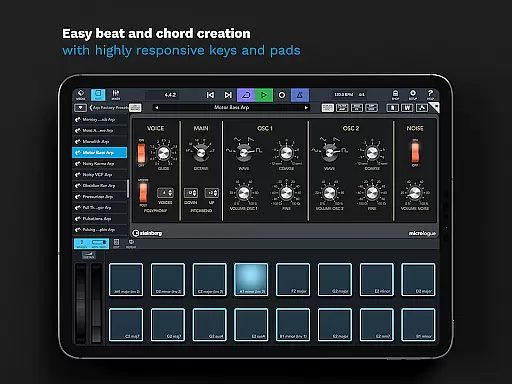
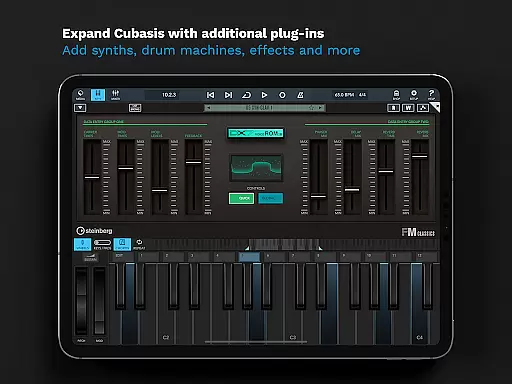
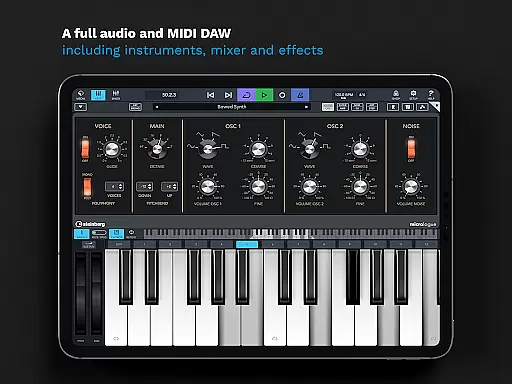
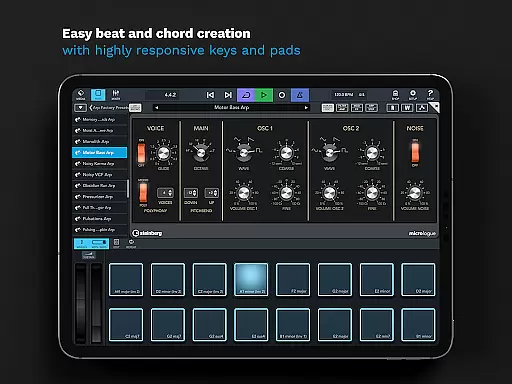
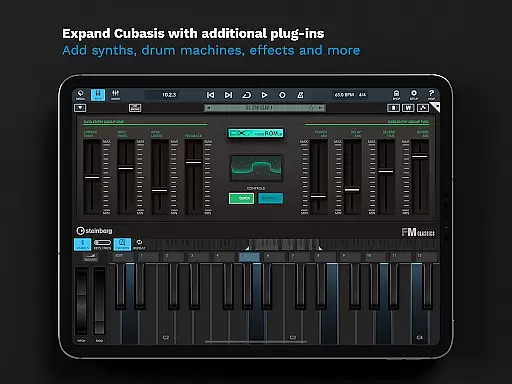
Cubasis 3 stands out with its extensive feature set tailored for music production enthusiasts. The app includes a Beat and chords creation system with responsive pads and keyboard, allowing users to easily compose rhythmical patterns and harmonic progressions. The built-in Micrologue synthesizer offers 126 presets, while MicroSonic provides over 120 virtual instrument sounds, catering to diverse musical styles.
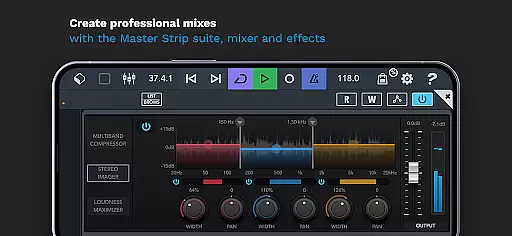
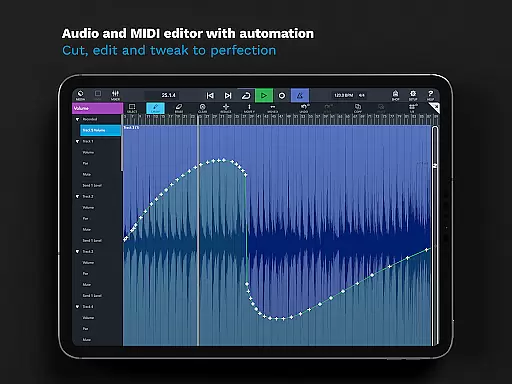
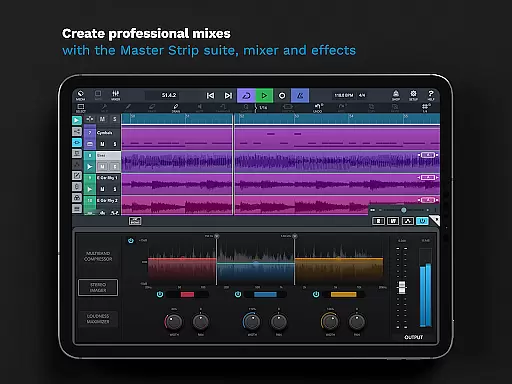
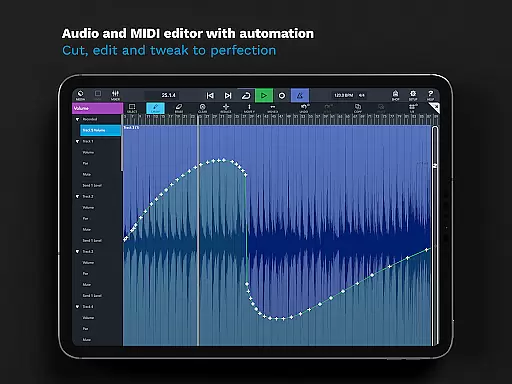
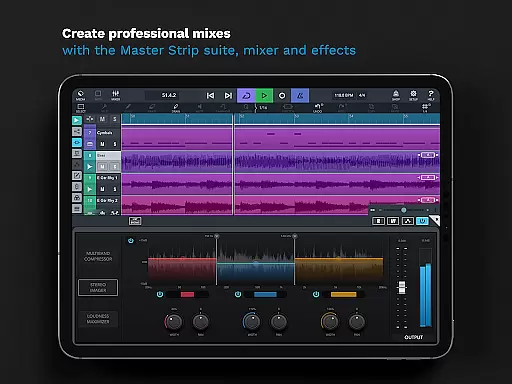
One of the key highlights is the professional mixing environment. Cubasis 3's mixer features studio-grade channel strips, sidechain support, and a Master Strip plug-in suite, enabling users to craft polished mixes. Additionally, the app supports complex automation, MIDI Learn, and MCU/HUI protocols, making it adaptable to various hardware controllers and workflows.
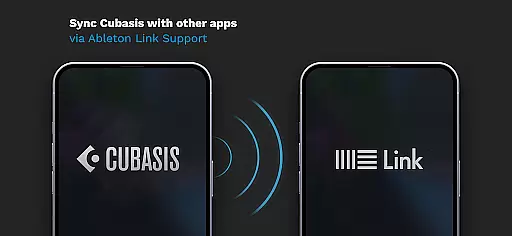
For those seeking flexibility in project management, Cubasis 3 allows exporting projects to Cubase, cloud services, and external storage devices. The app also supports Ableton Link for synchronized playback with other devices, ensuring a cohesive music-making experience across platforms.
Cubasis 3 offers an extensive music library that caters to a wide range of musical genres and styles. With over 120 virtual instrument sounds, including acoustic piano and various drum kits, users have access to a rich palette of sounds for their compositions.
The app ensures copyright authenticity by providing licensed content that users can safely incorporate into their projects without legal concerns. This is particularly important for creators who wish to distribute or monetize their music.
Additionally, the inclusion of Micrologue, a virtual analog synthesizer with 126 presets, and MicroSonic, expands the creative possibilities for musicians. These tools are designed to inspire creativity while maintaining professional standards.
With Cubasis 3, users can be confident in the legitimacy of the sounds they use, allowing them to focus on the artistic process of making music rather than worrying about copyright issues.
Audio quality is paramount in music production, and Cubasis 3 excels in this area with its 32-bit floating-point audio engine. This powerful engine ensures pristine sound quality throughout the production process, from recording to mixing and mastering.
The app supports audio I/O resolutions of up to 24-bit/48 kHz, which is the standard for high-definition audio. This means that whether you're recording live instruments or editing MIDI tracks, the clarity and fidelity of your audio will be preserved.
Furthermore, features like real-time time-stretching and pitch-shifting with zplaneu2019s u00e9lastique 3 allow for precise adjustments without compromising audio integrity. Musicians can manipulate their recordings with confidence, knowing that the end result will maintain professional-grade quality.
For those seeking the highest studio-level standards, Cubasis 3 provides eight insert and eight send effects, enabling detailed sound design and mixing capabilities that rival desktop DAWs.
Powerful audio engine
Intuitive user interface
Extensive plugin support
Professional mixing tools
Versatile export options
Limited hardware support
High system requirements
Complex for beginners
Additional in-app purchases
No desktop version

Fun & Easy Voice Changer – Record, Edit & Add Hilarious Effects!
 4.50
4.50
Most Advanced AI Song Generator and Music Creator. Rap, Pop, Rock, Gospel & more
4.70
Save hundreds of dollars for a physical strobe tuner and instead use this app.
4.50
Your song collections with lyrics and chords on Android smartphones and tablets.
4.80
More downloads than any other metronome. Includes drum machine & tempo trainer.
4.80
The ultimate media player for Android devices
3.90
Ultimate Sonos Controller
4.70
Recording studio w/ 10k beats, pro vocal FX and a network of 20M rappers & fans!
4.60
Make songs with AI! Any genre, custom lyric, song generator for music creation!
4.80
Voice recorder - Audio recorder. Best recorder for recording
4.90 4.70
4.70
SqueezePlayer turns your Android phone or tablet into a SqueezeBox on its own!
4.60
Pay Once, no monthly payment
4.60
Let your Android device with the sound effects you want
4.50
10-Band Audio Equalizer, Sound / Bass Booster for Spotify Users & Music Players
4.40
The Music Journey in Your Hands
4.30
Offline and always ad-free - stream in the highest quality available.
4.10
Offline Tunes, Unlimited Vibes
3.90
The iconic iOS metronome app is now on Android.
3.70


User Reviews