
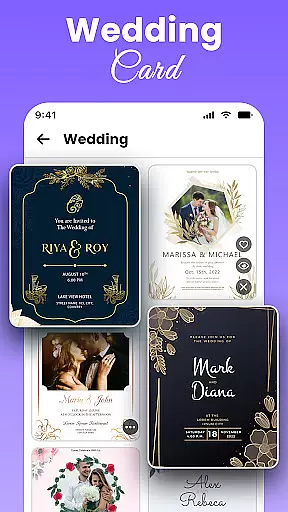
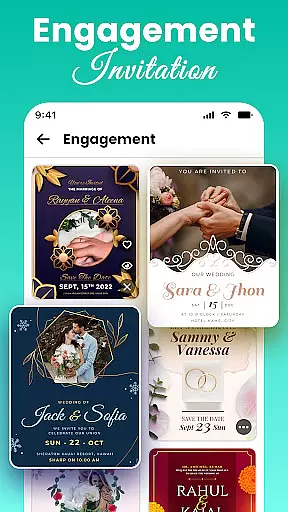
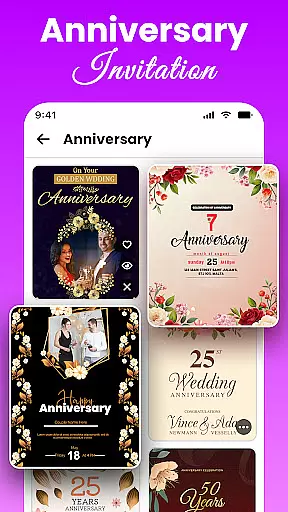
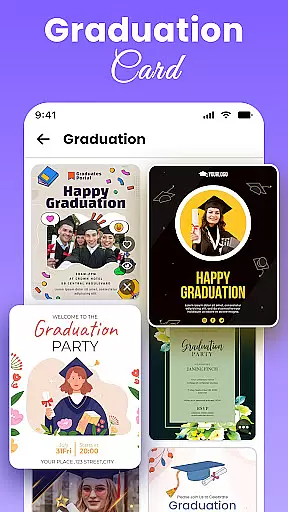
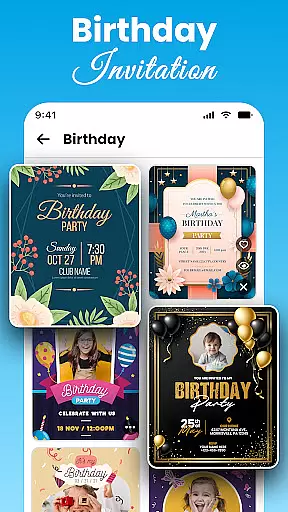
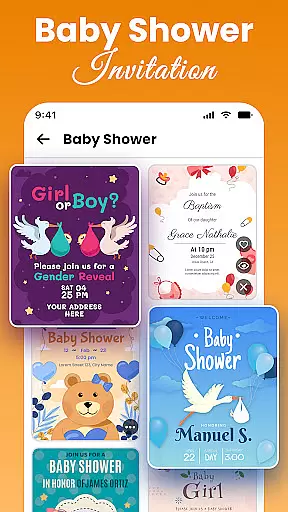
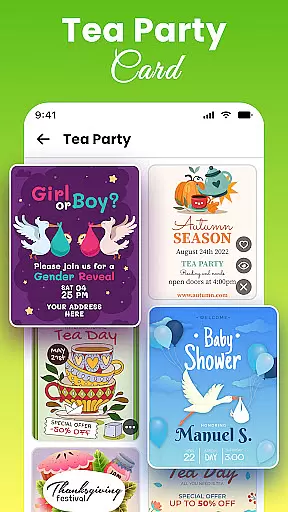
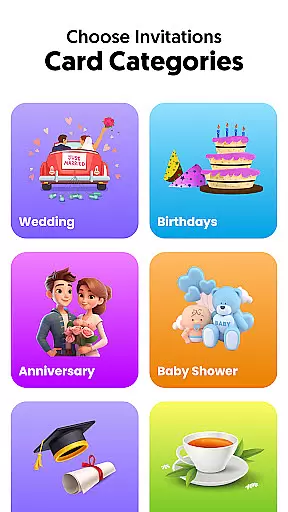
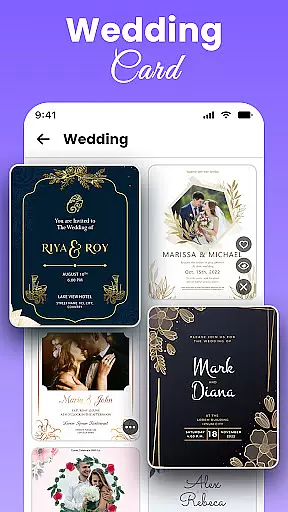
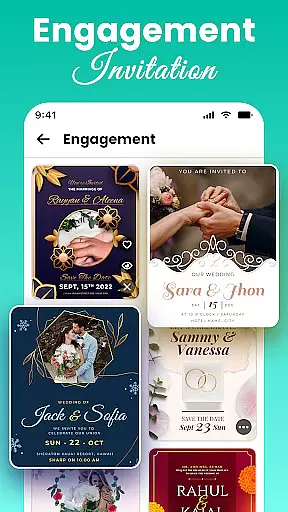
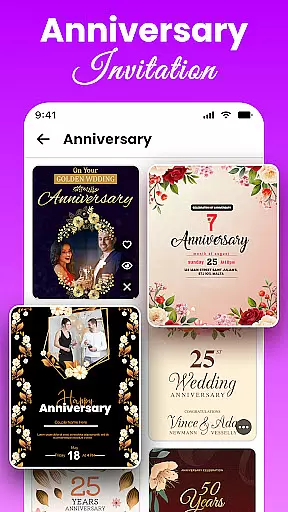
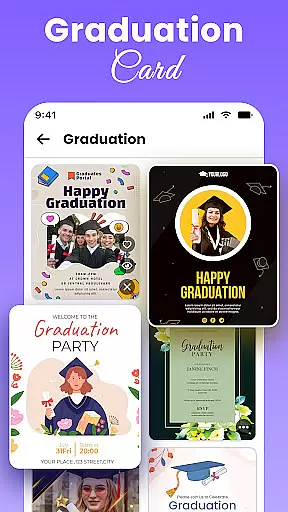
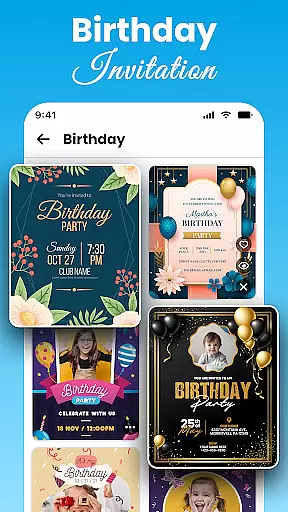
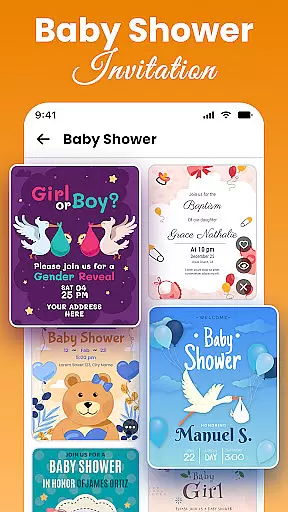
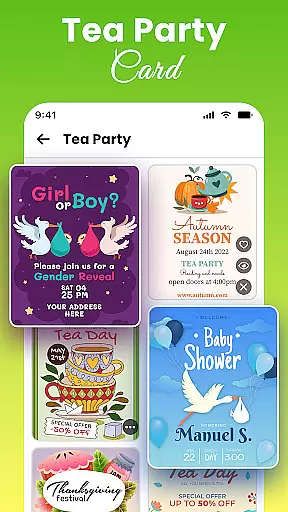
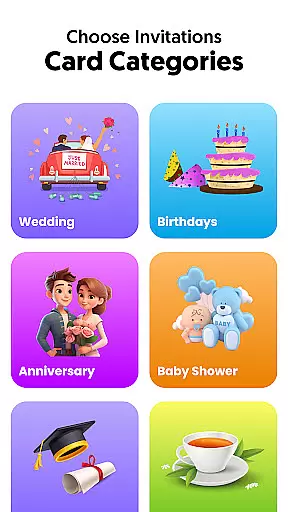
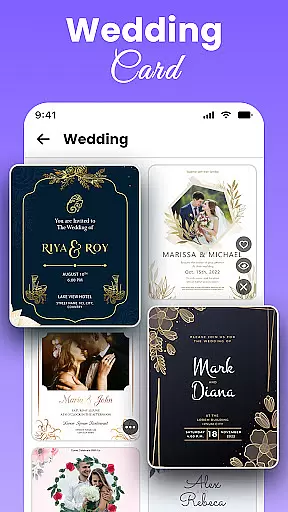
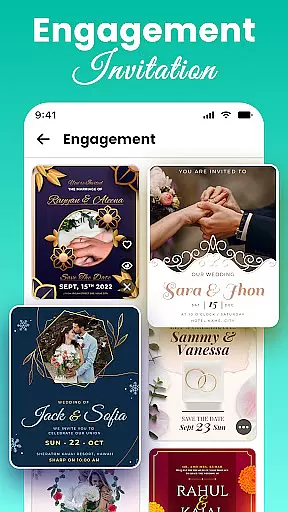
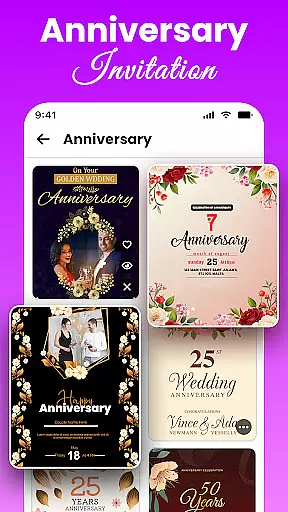
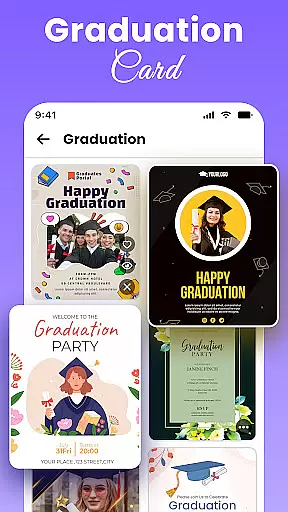
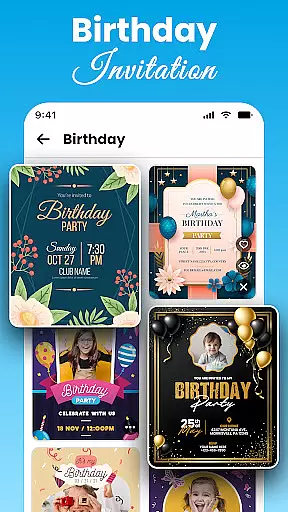
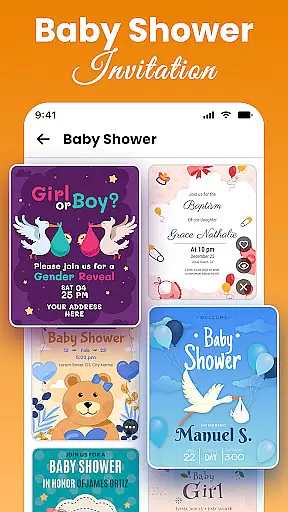
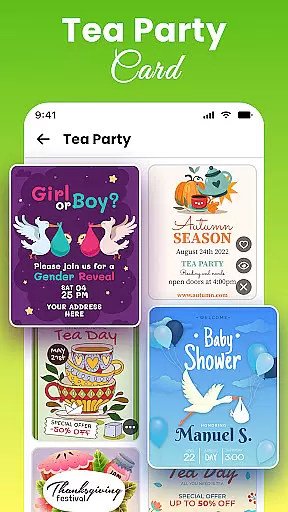
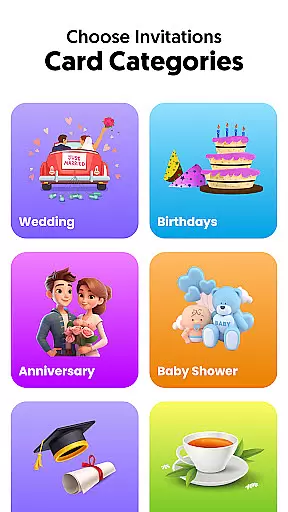
All Invitation Card Maker App is the ultimate solution for creating professional and personalized invitation cards for various events. This app offers a comprehensive suite of design tools that allow users to craft stunning invitations for weddings, birthdays, engagements, baby showers, and more.
With over 1000 free templates to choose from, users can easily customize their cards with names, event details, RSVP information, and beautiful designs. The app provides an intuitive interface where you can add custom messages, select stylish fonts and colors, upload personal images, or choose from pre-made backgrounds to match your event theme.
Whether you're planning a traditional Indian wedding or a casual beach party, this app has templates tailored for every occasion. Create Save The Date cards or full invitations quickly and share them digitally with friends and family, making it perfect for both personal and professional use.
All Invitation Card Maker App stands out with its extensive range of features designed to make invitation creation seamless and enjoyable. One of the key highlights is the vast library of over 1000 free invitation templates, covering categories such as weddings, birthdays, engagements, parties, and corporate events.
The app allows easy customization; users can personalize text, fonts, colors, and even add stickers and emojis to enhance their invitations. You have the flexibility to upload your own images or select from beautiful background options to complement your design. Additionally, the app supports adding essential event details like venue, date, and RSVP information, ensuring all necessary information is included.
Another notable feature is the user-friendly interface, which makes designing professional-looking invitations possible even for beginners. With fast editing tools and instant sharing capabilities, users can create and send out their invitations within minutes, saving time and effort while maintaining a personal touch.
Task creation and detail customization are essential features for any event planning application. All Invitation Card Maker App excels in this area by providing users with a comprehensive set of tools to create invitations tailored to their specific needs. The app offers over 1000 templates, ensuring that users can find the perfect base for any occasion, whether it's a wedding, birthday, or corporate event.
The level of customization available is impressive. Users can modify text, choosing from a variety of stylish fonts and colors to match the theme of their event. This flexibility extends to adding personal messages, venue details, RSVP information, and even uploading custom images or selecting from beautiful backgrounds. Such detailed personalization ensures that each invitation is not only informative but also visually appealing.
Moreover, the app includes decorative elements like stickers and emojis, which add an extra layer of personal touch to the invitations. These elements allow users to inject personality and emotion into their creations, making each card unique. The ability to customize every aspect of the invitation empowers users to produce professional-quality cards that truly reflect the significance of their events.
Ultimately, the value of task creation and detail customization in All Invitation Card Maker App lies in its capacity to transform a standard invitation into a memorable keepsake. By offering such extensive customization options, the app ensures that users can create invitations that perfectly capture the essence of their special occasions, leaving a lasting impression on recipients.
Reminder settings play a crucial role in event management applications, ensuring that users never miss an important date or detail. In All Invitation Card Maker App, while the primary focus is on creating stunning invitations, reminder functionalities are seamlessly integrated to enhance user experience. This feature allows users to set up timely reminders for their events, keeping them organized and stress-free.
Upon designing an invitation, users can input critical event details such as dates, times, and venues directly into the app. The reminder system then uses this information to prompt users with notifications as the event approaches. Whether it's a Save The Date notification months in advance or a last-minute reminder a day before the event, the app ensures all bases are covered.
Additionally, the app supports sharing digital invitations instantly, which can include these reminder settings. Guests receiving the digital invites benefit from embedded reminders, helping them keep track of the upcoming events in their calendars. This dual-layered reminder approach not only aids the invitation creators but also enhances guest participation and punctuality.
In summary, the reminder settings in All Invitation Card Maker App significantly contribute to its overall utility. By incorporating robust reminder functionalities, the app goes beyond mere invitation creation, positioning itself as a comprehensive tool for managing and organizing events effectively. This added convenience underscores the app's commitment to delivering a holistic event planning solution.
User-friendly interface
Extensive template library
Customizable designs
Instant digital sharing
Versatile event coverage
Limited advanced tools
Occasional ads
Basic free version
In-app purchases
Design limitations

Manages display and transfer of tickets from the Mundo Tickets platform
 3.80
3.80
Create Wedding Invitation and Wedding Anniversary Cards using our app
4.60
Get live football here
4.30
No invest, Easy way to earn USDT through crypto cloud mining
3.80
Find EDM shows near you! See your favorite artists live, and discover new music.
4.90
Thanksgiving Wishes, Thanksgiving Stickers & Animated GIF for Whatsapp Stickers
4.1
Connect with an ecosystem of 5M+ eventgoers and organizers.
4.50
Buy and Sell Tickets for Concerts, Sports, and Theater.
4.70
Save money on concert, sport, and theater tickets, and discover upcoming events.
4.80
Beautiful invitation cards + easy RSVP tracking for any event. Design Invites.
4.80
Discover events & experiences in NYC, LA, Chicago, DC, Miami and more!
4.70
Greeting card maker with photos best app| Birthday cards| All wishes eCards FREE
4.50
Meet people over dinner
4.40
Manage all your events, leads, ticketing, payments and check-ins.
4.30
Microsoft Build is an annual developer conference hosted by Microsoft
4.20
Buy and sell tickets to sports, concerts, theater, festivals, and comedy events
4.10
Audio guide companion APP for SEE's Michelangelo's Sistine Chapel
3.50
RAISE-365 makes fundraising easy and fun!
3.20
Browse events, find transportation, keep up with the latest news from your team
4.2


User Reviews