

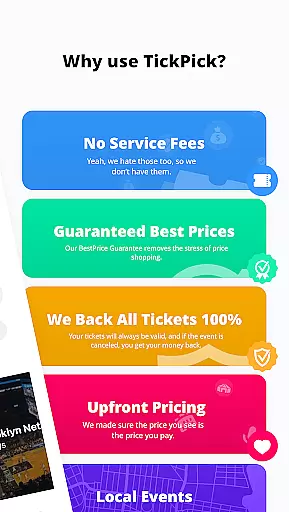





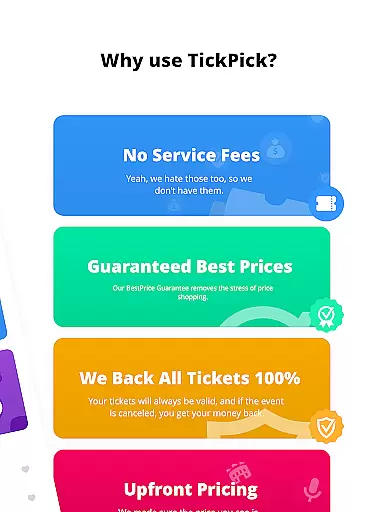



TickPick is a premier ticketing platform designed to simplify the process of purchasing tickets for live events. The app caters to sports enthusiasts, concert-goers, and theater lovers by offering a seamless experience to buy tickets without additional service fees. With its user-friendly interface, TickPick ensures that users can secure their desired seats at competitive prices, backed by a 100% BuyerTrust Guarantee.
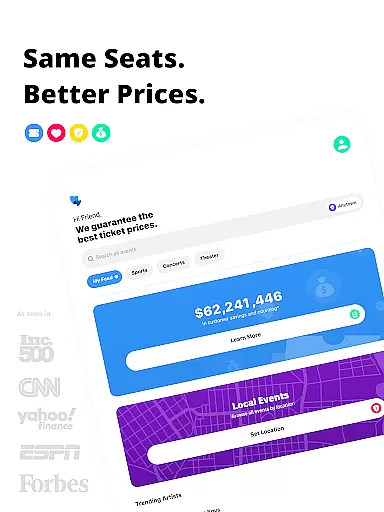
The app's standout feature is its affordability, providing tickets that are typically 10% cheaper than competitors due to the absence of service fees. Whether you're looking to attend an NFL game, an NBA match, or a live concert, TickPick offers a comprehensive selection of events. Its proprietary tools like Seat Rating and Score Report help users make informed decisions, ensuring they get the best value for their money.
TickPick is not just about buying tickets; it also allows users to sell tickets easily through its Listings and Sales management features. This dual functionality makes it a versatile tool for both attendees and resellers. With excellent customer reviews and endorsements from reputable sources like Forbes and The Wall Street Journal, TickPick stands out as a reliable choice for accessing top-tier events without breaking the bank.
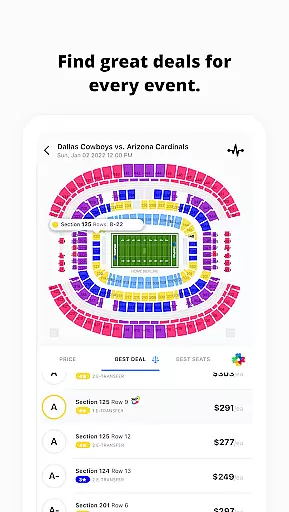
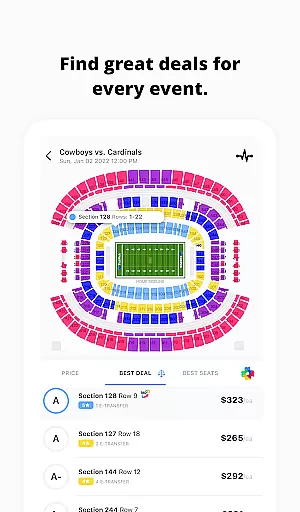
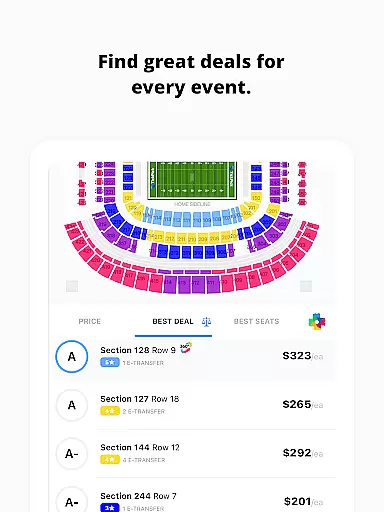
TickPick distinguishes itself with a suite of innovative features tailored to enhance the ticket-buying experience. One of its key offerings is the patented Score Report, which ranks tickets based on price and seat location, helping users find the best deals available. Additionally, the proprietary Seat Rating system allows users to sort tickets from the best seats in the venue to the least desirable, ensuring optimal seating choices.
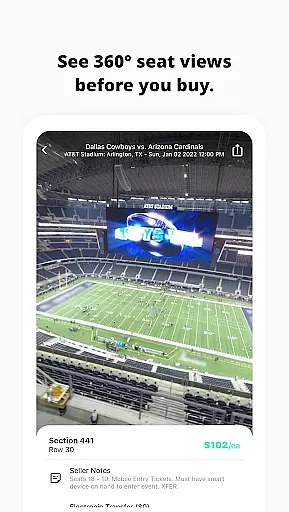
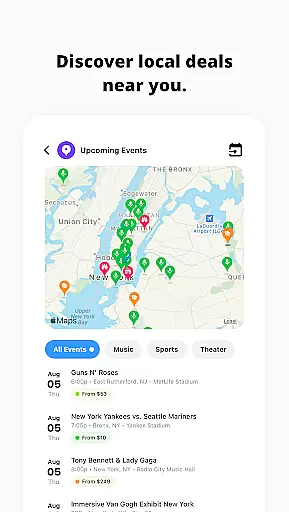
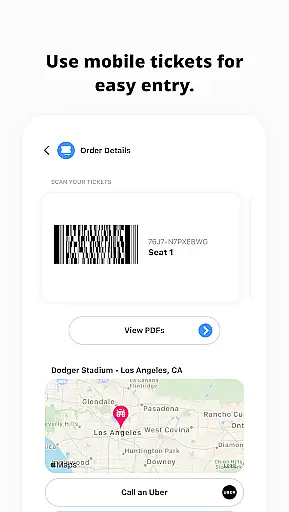
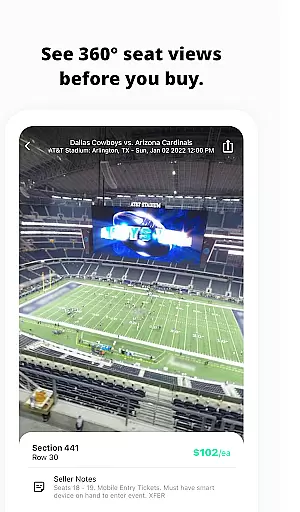
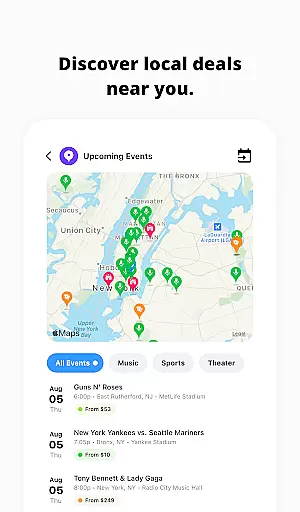
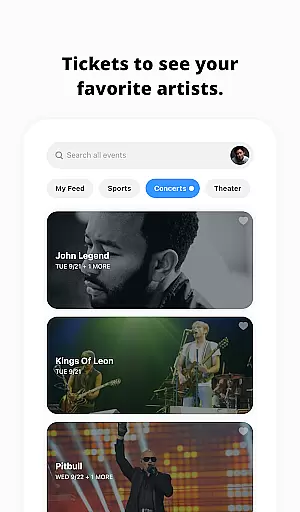
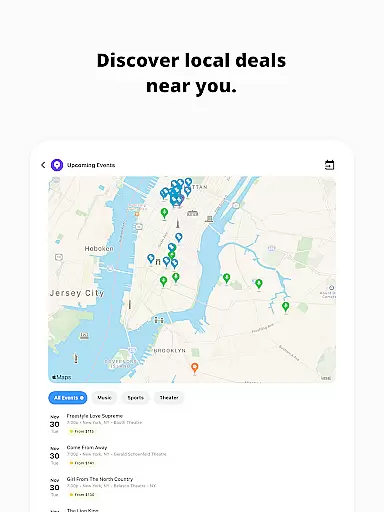
For those who enjoy spontaneity, TickPick's Discovery feature helps users find last-minute events and newly announced concerts in their area. The app also provides immersive 360-degree seat views for major sports events, giving users a virtual preview of their seats before purchase. Furthermore, TickPick supports flexible payment options including Apple Pay, PayPal, and major credit cards, along with convenient post-transaction features like ordering an Uber or sharing e-tickets with friends.
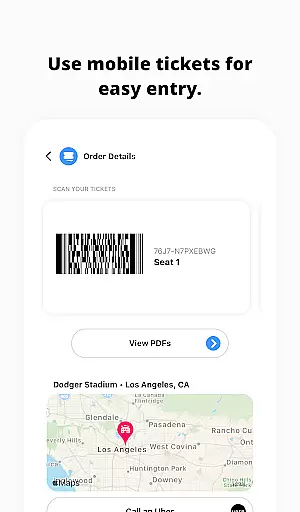
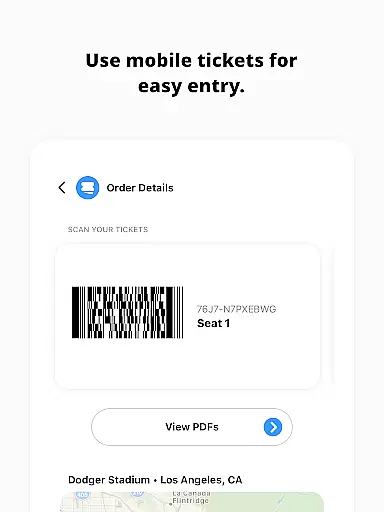
TickPick's commitment to user convenience extends to its robust selling tools. Users can manage their listings and track sales effortlessly through dedicated tabs within the app. These features, combined with the ability to scan tickets directly from your phone, create a comprehensive ecosystem for both buying and selling tickets. Such innovations underscore TickPick's dedication to delivering a superior ticketing experience.
Task creation and detail customization are essential features for any event management app, allowing users to tailor their event planning process with precision. TickPick excels in this area by offering a streamlined interface where users can effortlessly create tasks related to purchasing tickets for live events such as sports, concerts, and theater performances.
The app provides detailed options for customizing each ticket purchase task. Users can specify event preferences, set budget limits, and choose seating arrangements according to patented Score Reports and proprietary Seat Ratings. This level of customization ensures that every user can find tickets that perfectly match their requirements.
By leveraging these capabilities, TickPick not only simplifies the task creation process but also enhances the overall user experience. The ability to customize details empowers users to make informed decisions, ensuring they get the best value for their money while enjoying a seamless and personalized ticket-buying journey.
Reminder settings play a crucial role in ensuring users never miss an important event or deadline. TickPick incorporates robust reminder functionalities that keep users on track with their event schedules. Whether it's a highly anticipated NFL game or a just-announced concert, the app ensures timely notifications so users can act promptly.
TickPick allows users to set flexible reminders for various actions, including tracking average ticket prices, monitoring available inventory, and finalizing purchases. These reminders can be customized based on individual preferences, providing alerts at optimal times before the event date. Such flexibility helps users manage their time effectively and make well-informed decisions.
Ultimately, TickPick's reminder settings enhance user engagement by keeping them actively involved in the ticket acquisition process. By delivering timely and relevant notifications, the app ensures users remain updated and prepared, significantly improving their chances of securing the best tickets for their favorite events.
User-friendly interface
No service fees
Wide event selection
Secure transactions
Excellent customer support
Limited international events
Occasional technical glitches
Restricted customization options
Fewer discounts for bulk purchases
Dependent on event availability

An App for Bhutanese
 4.2
4.2
Mobile Event Guide for Greater NY Dental Meeting
4.1
Audio guide companion APP for SEE's Michelangelo's Sistine Chapel
3.50
Local events, contests, and giveaways for local dads
3.70
TV Garden is a video player to play your own TV streams from around the world!
4.2
Wedding planner app with wedding venues, wedding checklist, countdown & budget.
4.60
For weddings, parties & events
4.60
Discover events, experiences, and things to do near you - Anytime, Anywhere!
4.70
Buy and sell tickets to sports, concerts, theater, festivals, and comedy events
4.10
Create invitation cards for birthdays, weddings, Christmas and more.
4.80
Find Live Event Ticket Deals to Sports, Concerts, Festivals, & Comedy For Less!
4.80
Text message invitations for birthday party, wedding, graduation, baby shower +
4.60
Greeting card maker with photos best app| Birthday cards| All wishes eCards FREE
4.50
Meet people over dinner
4.40
The calendar app in this 2026 year see all dates.
4.20
Rocket Monkey - Space rocket launch schedule for launch sites around the world
4.20
Track birthdays, habits & goals. Unlimited countdowns and count-ups
4.20
ETH Mining provides secure way to mine Ethereum & earn ETH in Cloud mining app
3.50
Soft Proxy for Your Online World
4.0


User Reviews