
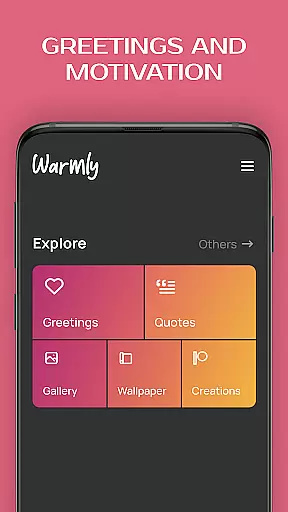

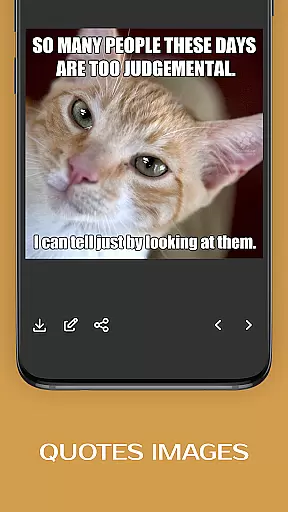
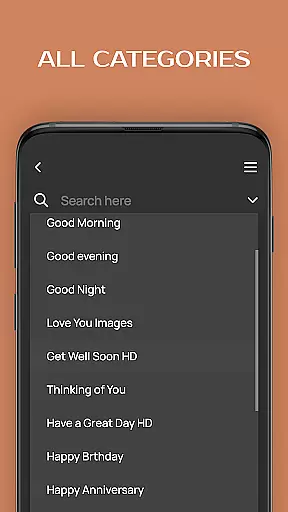
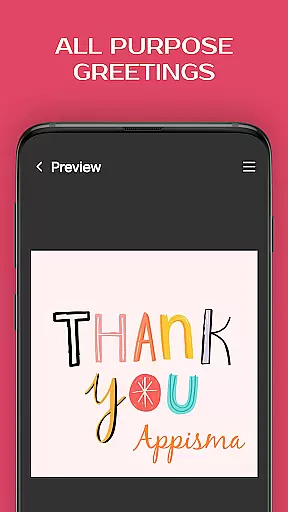


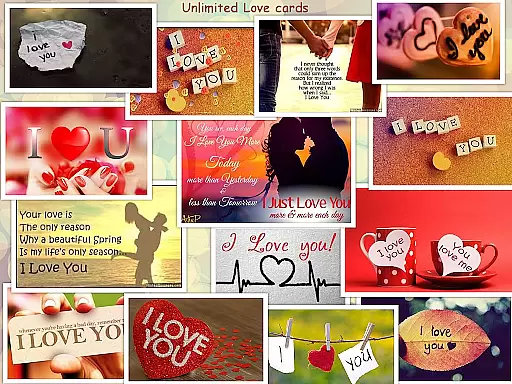
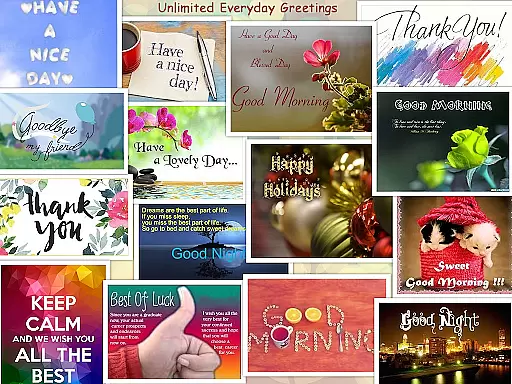

Greeting Cards All Occasions is a versatile app designed to help users create and share personalized greeting cards for every occasion. With features like text editing, photo integration, and a vast library of templates, it allows users to express their emotions through beautifully crafted digital cards.
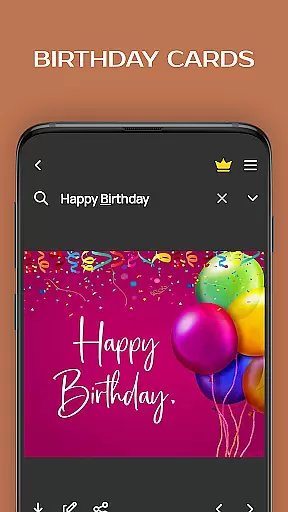
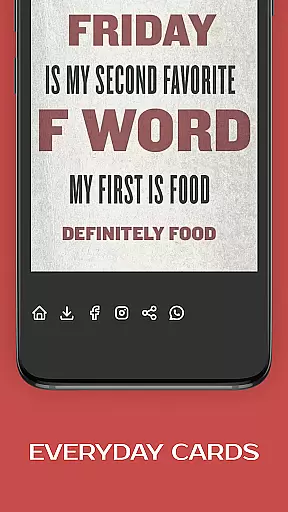
The app supports various categories including holidays, birthdays, love greetings, and everyday wishes. Users can customize cards with photos, texts, stickers, and quotes, making each card unique. Whether sending warm wishes to family or expressing love to a partner, this app provides the tools needed to make any occasion special.
Available for free, Greeting Cards All Occasions is perfect for anyone looking to add a personal touch to their greetings. Its intuitive interface and extensive customization options ensure that users can easily create memorable cards that convey heartfelt messages.
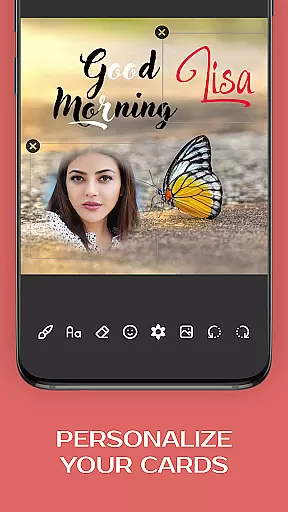
This app stands out with its comprehensive set of features tailored for creating personalized greeting cards. It includes an advanced text editor, paint brush and eraser tools, smileys and emojis, and a variety of stickers. These features allow users to craft unique cards that suit any occasion.
One of the key highlights is the ability to add photos and customize them with different fonts and colors. The app also offers a wide range of pre-designed templates for holidays, birthdays, and everyday wishes. This ensures that users have everything they need to create visually appealing and emotionally resonant cards.
Additionally, the app's user-friendly interface makes it easy to navigate and utilize these features effectively. Whether you're tech-savvy or not, you'll find the process of creating and sharing your personalized greeting cards both enjoyable and straightforward.
Task creation and detail customization are essential features for any event management app. The ability to create tasks with specific details ensures that users can organize their events effectively. In the Greeting Cards All Occasions app, this feature allows users to craft personalized greeting cards by adding photos and custom text. This level of personalization transforms a simple card into a meaningful message tailored to the recipient.
The app provides an extensive set of tools for task creation, including a text editor, paintbrush, eraser, smileys, emojis, stickers, and various fonts and colors. These tools enable users to customize every aspect of their greeting cards, from choosing the right image to composing a heartfelt message. With such comprehensive options, users can express their creativity and make each card unique.
Users benefit greatly from this feature as it empowers them to design cards that suit any occasion. Whether it's a birthday, anniversary, or holiday greeting, the app supports creating cards that match the sentiment of the moment. By offering templates for different events and allowing further customization, the app caters to both quick creations and detailed projects.
Ultimately, the task creation and detail customization capabilities of the Greeting Cards All Occasions app enhance user engagement. They not only facilitate the creation of personalized content but also encourage users to return for various occasions, knowing they can rely on the app to deliver high-quality, customized results every time.
Reminder settings in an application serve as a crucial tool for managing time-sensitive tasks and ensuring that users never miss important deadlines or events. For the Greeting Cards All Occasions app, reminder settings help users keep track of when to send their personalized cards, thus maintaining timely communication with friends and family.
This app likely includes features that allow users to set reminders for upcoming events or special dates. Users can schedule alerts well in advance, giving them ample time to create and send their customized greeting cards. Such functionality is particularly useful for remembering birthdays, anniversaries, and other significant milestones without requiring manual tracking.
By integrating reminder settings, the app enhances its value proposition. Users gain peace of mind knowing that they won't forget to acknowledge important occasions. Moreover, these reminders can be customized according to user preferences, whether they need a single alert or multiple notifications leading up to the event date.
In summary, reminder settings within the Greeting Cards All Occasions app provide practical benefits that improve user experience. They ensure timely delivery of thoughtful messages while reducing stress associated with remembering special dates. As a result, users can focus more on crafting perfect greetings rather than worrying about missing deadlines.
User-friendly interface
Extensive template library
Customizable with photos and texts
Variety of stickers and emojis
Free to use
Limited advanced editing tools
Occasional ads may appear
Some features require internet
Basic font styles only
Interface can feel cluttered

An App for Bhutanese
 4.0
4.0
The calendar app in this 2026 year see all dates.
4.20
Audio guide companion APP for SEE's Michelangelo's Sistine Chapel
3.50
CUE Live utilizes ultrasonic sound waves to sync devices at CUE enabled events
4.80
Find tickets to upcoming concerts, sports events, festivals, shows, attractions
4.70
TV.Garden is a video player to play your own TV streams from around the world!
3.40
Beautiful invitation cards + easy RSVP tracking for any event. Design Invites.
4.80
TV Garden - World Live TV : Play & cast your videos seamlessly!
3.20
TodayTix is the easiest way to get tickets to the best shows in your city.
4.90
Fantasy of Lights Event App
5.00
Invitation card maker for birthday party & Wedding. Digital greeting card editor
4.90
Discover events & experiences in NYC, LA, Chicago, DC, Miami and more!
4.70
PheedLoop Go! is the mobile event app for events powered by PheedLoop.
4.40
Get live football here
4.30
The Official App
3.70
Watch live football matches and streaming events on our Arabic TV app!
3.50
It is an Event Planning Application.
4.2
TV Garden is a video player to play your own TV streams from around the world!
4.4
Digital Income Wallet of the Final Libertadores 2025
4.2


User Reviews