
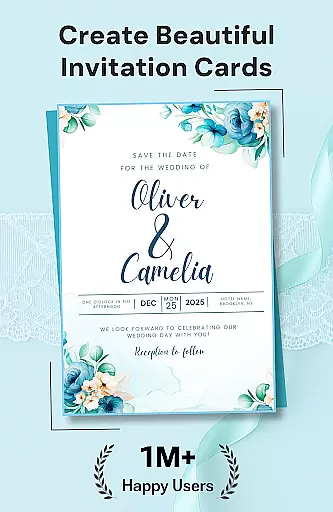
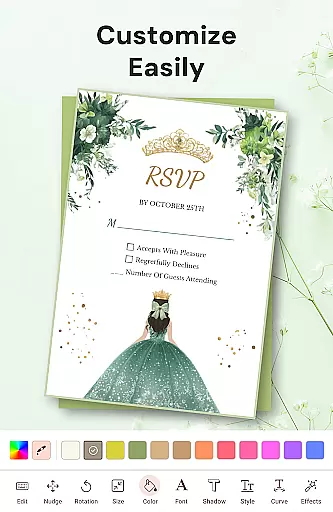

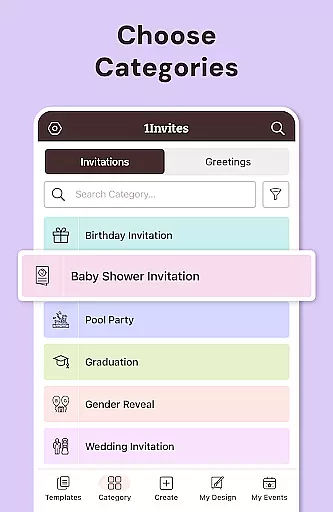

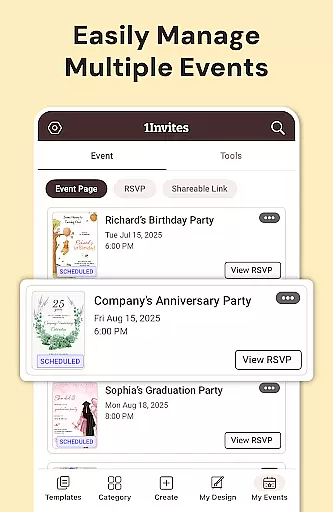

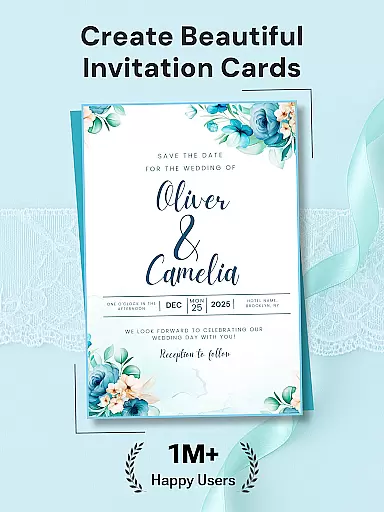
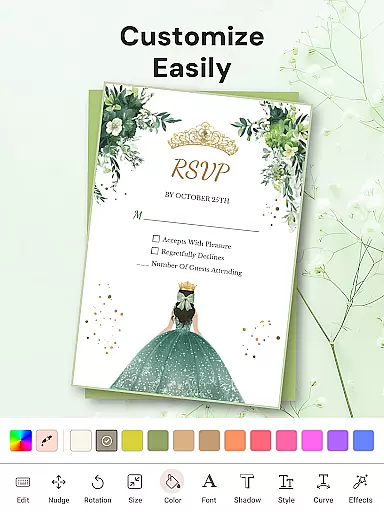

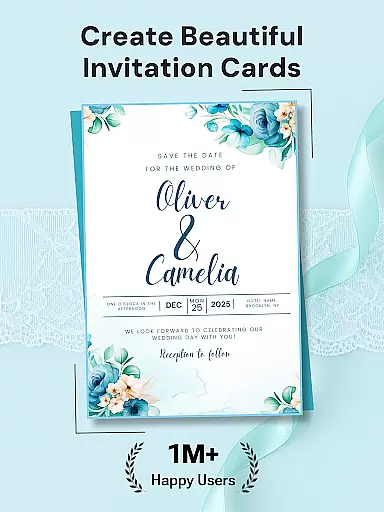
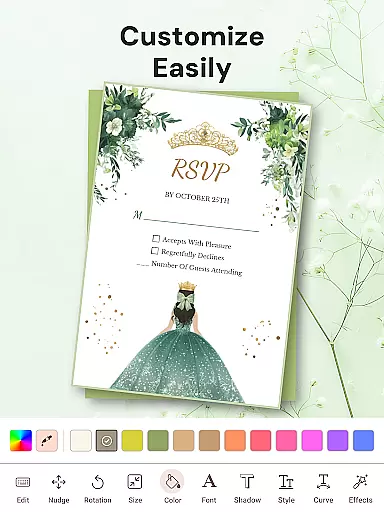

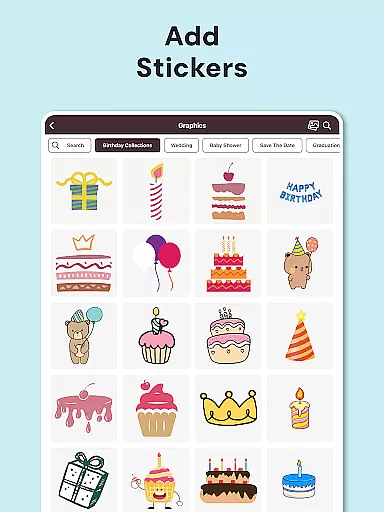







1Invites is a comprehensive event management application that combines professional invitation design with smart RSVP tracking. The app offers over 20,000 customizable templates for various occasions including weddings, birthdays, and corporate events. Users can create beautiful invitations using an intuitive editor featuring fonts, stickers, and frames, while also managing guest lists and tracking responses in real-time. Its built-in event management tools allow users to organize all event details in one place, eliminating the need for separate spreadsheets or manual follow-ups.
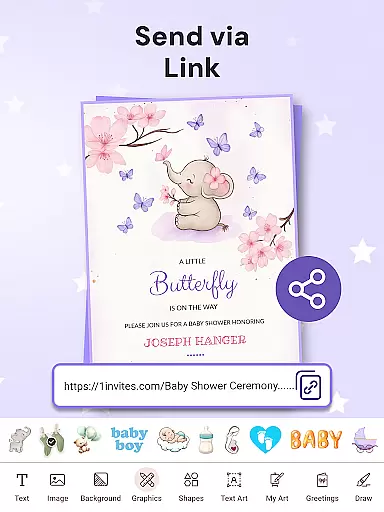
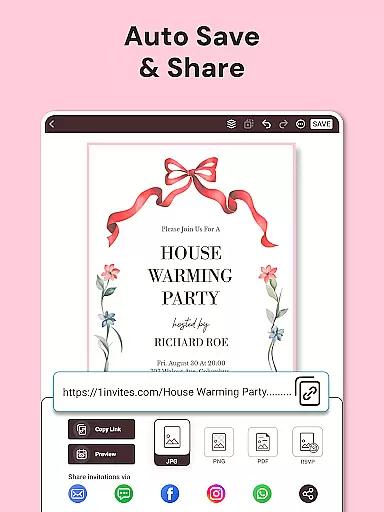
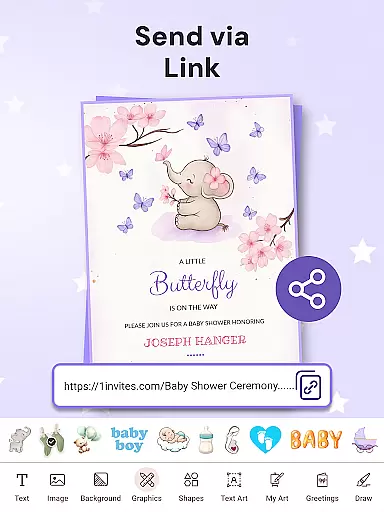
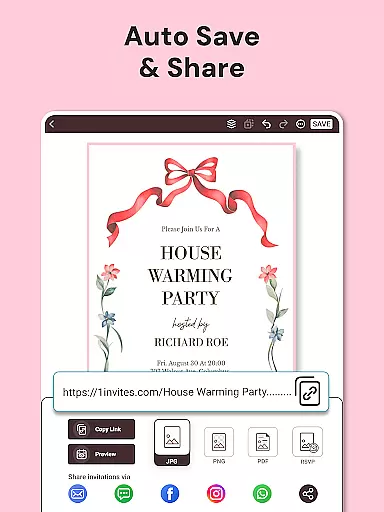
The app's standout feature is its ability to generate clickable PDF invitations with embedded links for maps and websites. This functionality, combined with instant sharing options across social media and messaging platforms, makes digital invitation distribution seamless. Whether planning an intimate gathering or a large celebration, 1Invites provides all necessary tools to design, send, and manage event invitations efficiently, saving time and reducing stress for event organizers.
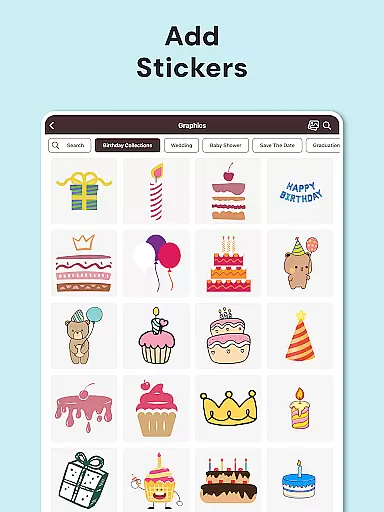
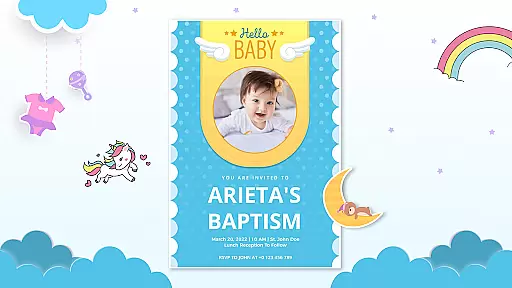
1Invites distinguishes itself through its robust combination of design and organizational tools. The app includes an advanced invitation card maker with over 20,000 premium templates, catering to more than 100 event types. Each template can be customized with personal photos, colors, and styles using the built-in photo editor and rich design library. The inclusion of decorative elements like frames and stickers ensures every invitation matches the user's vision.
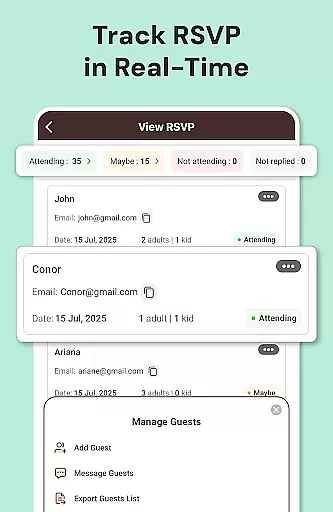
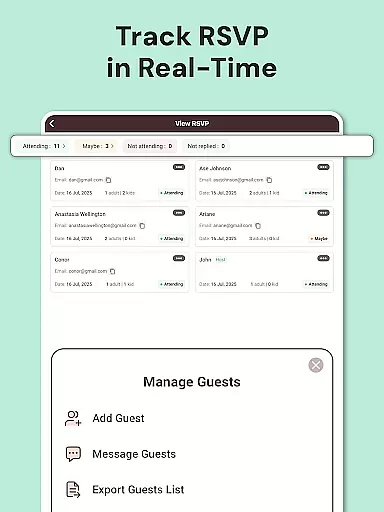
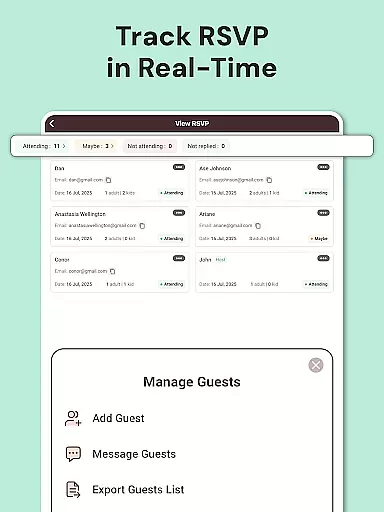
Beyond design, 1Invites excels in practical event management. Its RSVP Management System tracks responses in real-time, categorizing guests by attendance status. The Guest List Manager allows users to note dietary preferences, plus-ones, and other special requirements. Additionally, smart PDF links enable hosts to embed essential information such as location maps and event websites directly into invitations. These features collectively streamline event planning, making it easier to execute successful gatherings without relying on multiple external tools.
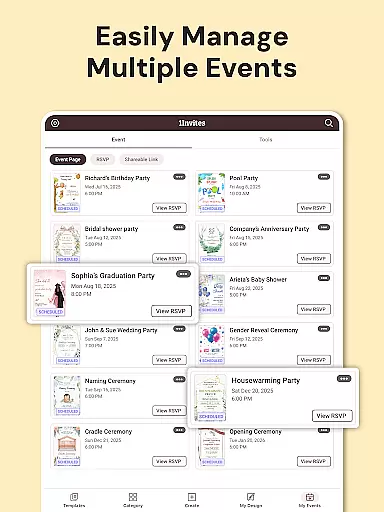
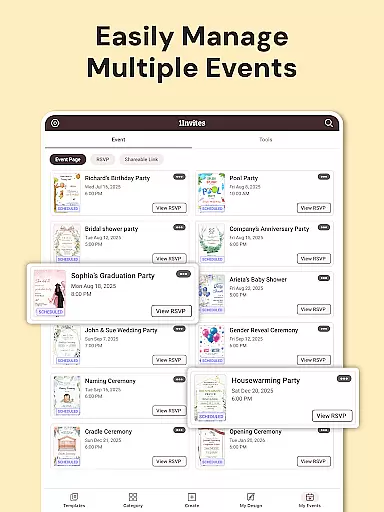
Task creation and detail customization are essential features for any event planning application. With 1Invites, users can effortlessly create comprehensive events that include all necessary details such as date, time, venue, and guest lists. This level of organization ensures that every aspect of the event is accounted for in one centralized location.
The app provides an intuitive interface that allows users to customize each event with specific information pertinent to their occasion. Whether it's a wedding or a corporate event, the ability to tailor each detail means that users can align the event's digital representation with its real-world execution. This meticulous attention to detail enhances both the planner's and the attendee's experience.
Furthermore, 1Invites offers smart RSVP tracking which simplifies the process of managing responses. Users can easily track who has confirmed attendance, declined, or not yet responded. This feature saves time and reduces stress by eliminating the need for manual follow-ups and traditional methods like phone calls or emails.
Ultimately, the task creation and customization capabilities of 1Invites empower users to design personalized experiences while maintaining control over the logistical aspects of event management. The result is a seamless blend of creativity and practicality that caters to the dynamic needs of modern event planners.
Reminder settings play a crucial role in ensuring that guests respond to invitations promptly. In 1Invites, this feature is designed to keep both event organizers and attendees on track without the hassle of manual reminders. By setting automated notifications for pending RSVPs, users can focus more on the creative and enjoyable parts of event planning.
This functionality is particularly beneficial when managing multiple events or large guest lists. Automated reminders help maintain a steady flow of responses, allowing planners to make timely decisions regarding logistics and arrangements. It also aids in reducing the likelihood of last-minute RSVPs, which can complicate event coordination.
Moreover, reminder settings within 1Invites contribute to a stress-free planning process. They provide peace of mind knowing that guests will be reminded to respond, thus improving response rates and accuracy of headcounts. This proactive approach to event management helps avoid potential oversights and ensures smooth execution.
In summary, the reminder settings in 1Invites exemplify how technology can enhance traditional practices. By automating what was once a tedious task, the app elevates the standard of event planning, making it more efficient and user-friendly for everyone involved.
User-friendly interface
Extensive template library
Real-time RSVP tracking
Smart PDF functionality
All-in-one event solution
Limited free templates
Premium features locked
Occasional bugs reported
Learning curve for tools
Export quality varies

Manage all your events, leads, ticketing, payments and check-ins.
 4.30
4.30
Create Birthday Cards in Birthday Invitation Maker and Birthday Card Creator App
3.00
Microsoft Build is an annual developer conference hosted by Microsoft
4.20
Find tickets to upcoming concerts, sports events, festivals, shows, attractions
4.70
The KRUU app - plan, celebrate, remember
4.80
The world's largest selection of tickets is now at your fingertips
3.90
Events, Meetings, Photo Shoots
4.50
TV Garden - World Live TV : Play & cast your videos seamlessly!
3.20
Buy and sell tickets to sports, concerts, theater, festivals, and comedy events
4.10
Invitation card maker for birthday party & Wedding. Digital greeting card editor
4.90
Find EDM shows near you! See your favorite artists live, and discover new music.
4.90
Save money on concert, sport, and theater tickets, and discover upcoming events.
4.80
Here you can choose tickets for films, performances, concerts and other events
4.60
Everything you need for the Best Thursday Ever.
4.40
Invitation Card Maker, Design & share wedding, birthday & party invites fast
4.40
No invest, Easy way to earn USDT through crypto cloud mining
3.80
The Official App
4.2
Mobile Event Guide for Greater NY Dental Meeting
4.4
It is an Event Planning Application.
4.1


User Reviews