
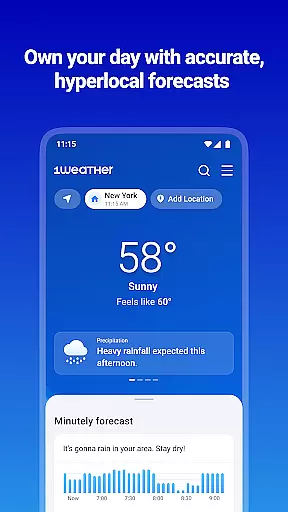
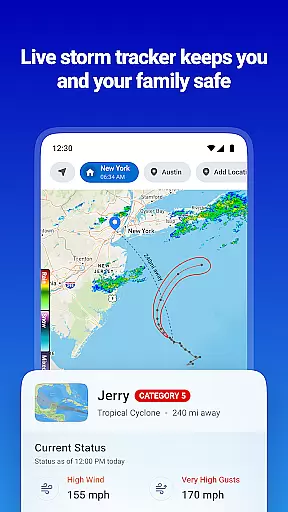
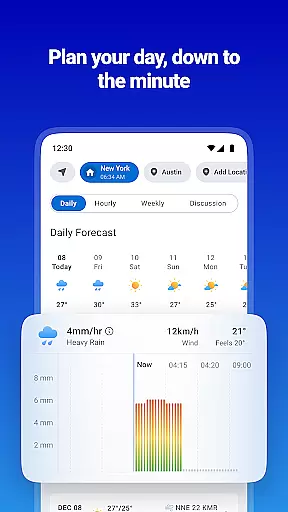
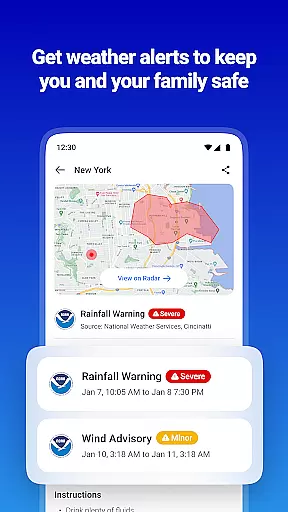
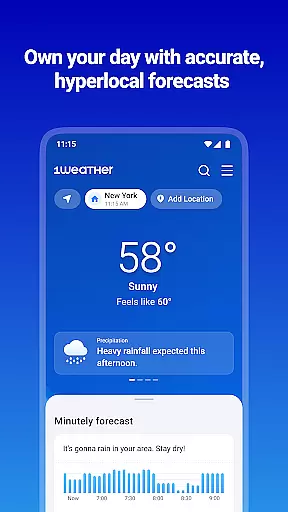
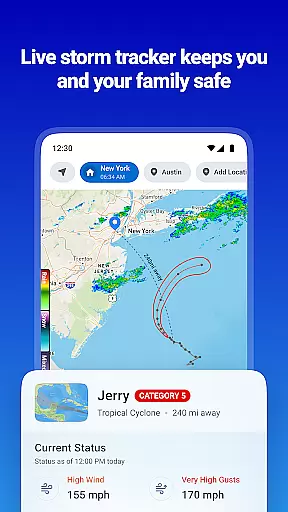
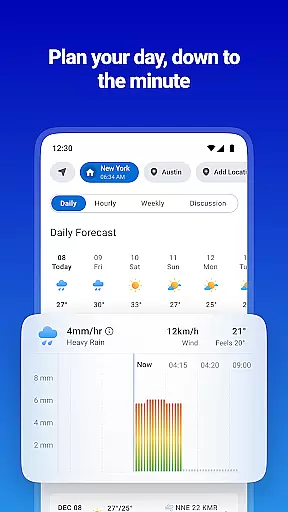
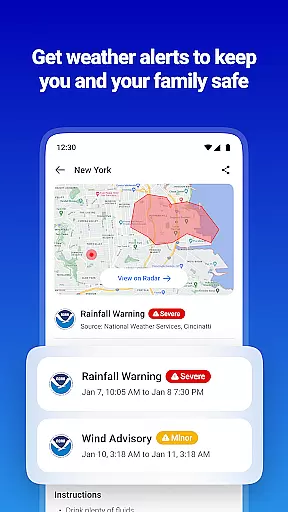
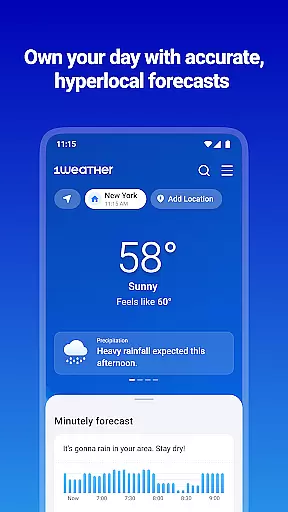
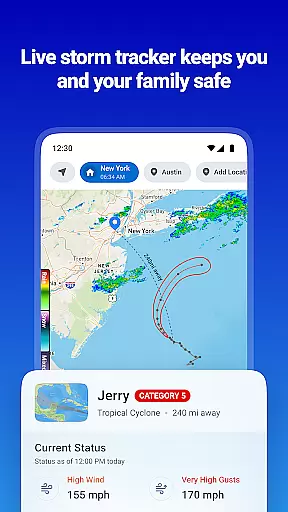
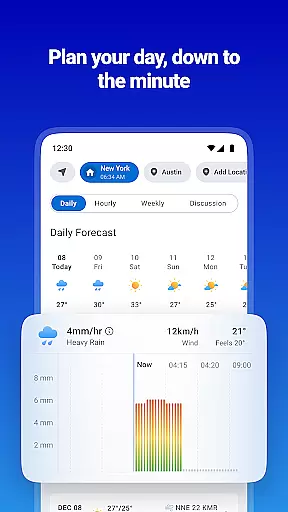
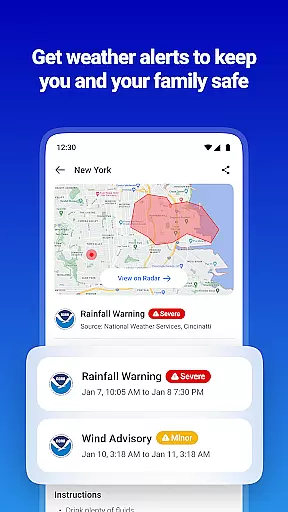
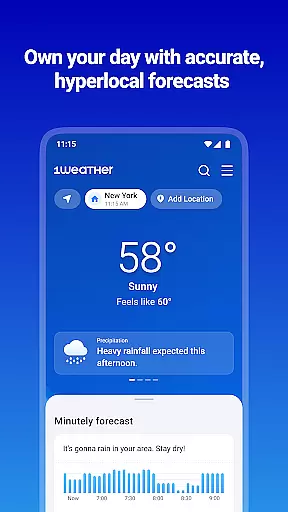
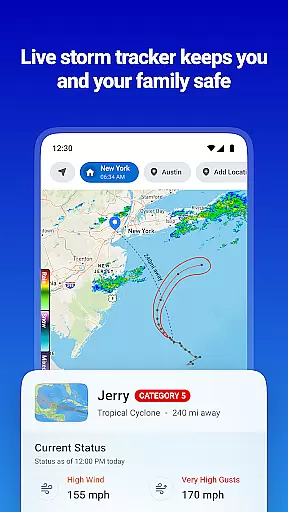
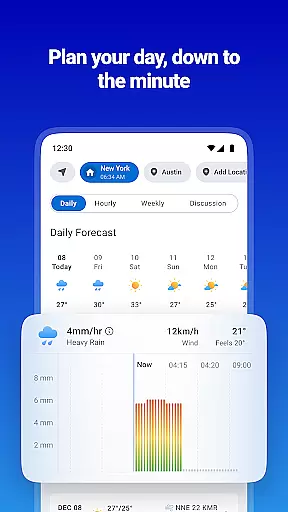
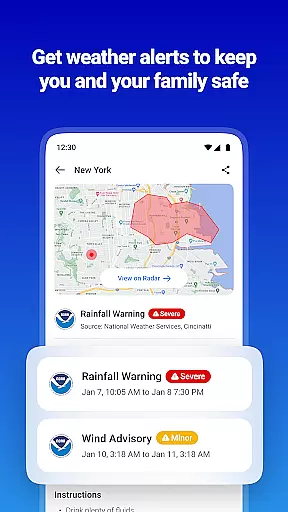
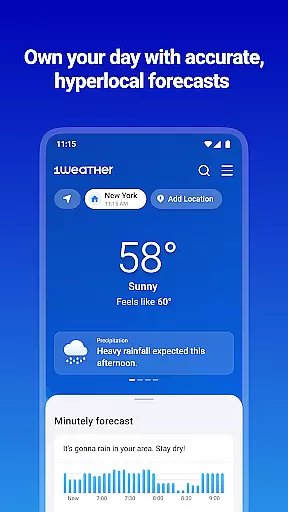
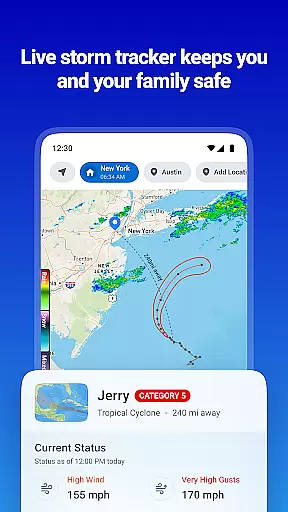
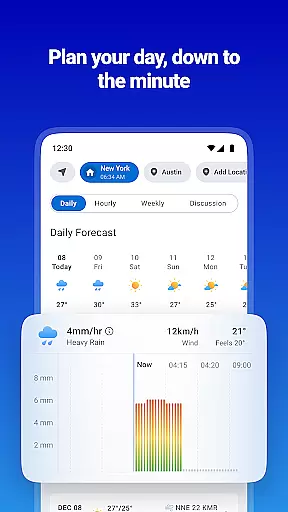
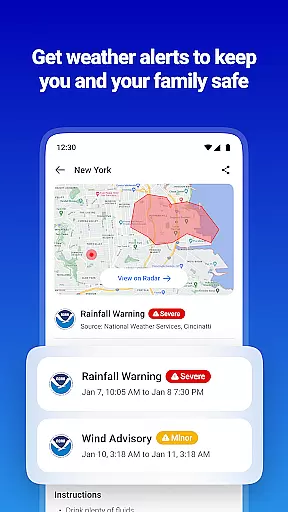
1Weather is a comprehensive weather application designed to provide accurate hyperlocal forecasts and real-time weather updates. The app serves over 100 million users worldwide, offering detailed weather information including hourly, daily, and weekly forecasts. It features advanced tools like Future Radar for tracking hazardous conditions, an air quality index (AQI) tracker, and sun & moon phase trackers. These functionalities ensure users are well-prepared for any weather scenario, whether it's planning outdoor activities or staying safe during severe weather events.
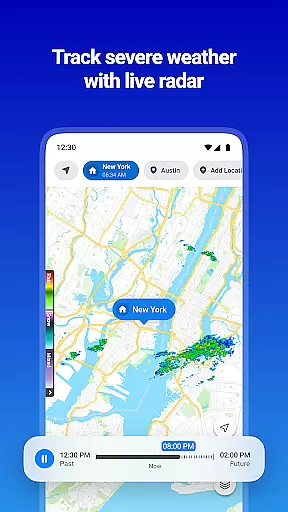
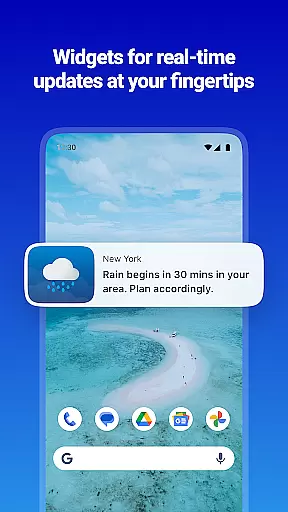
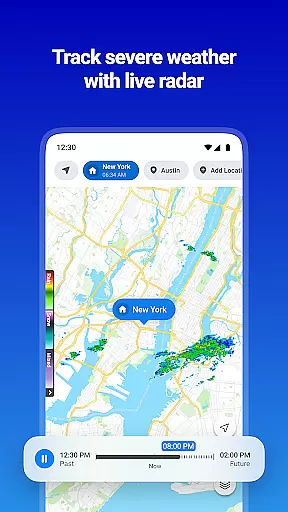
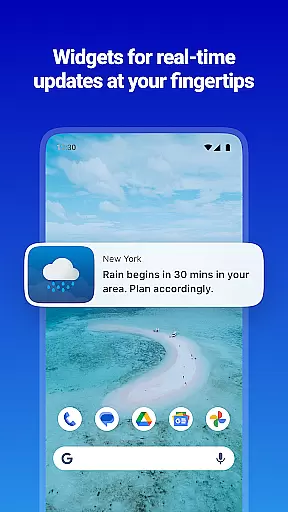
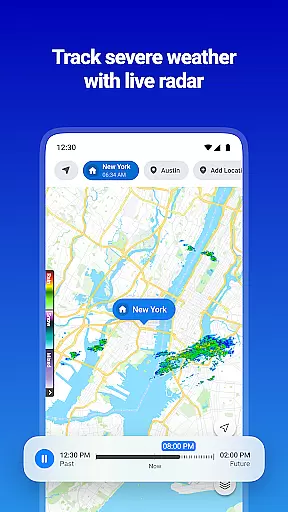
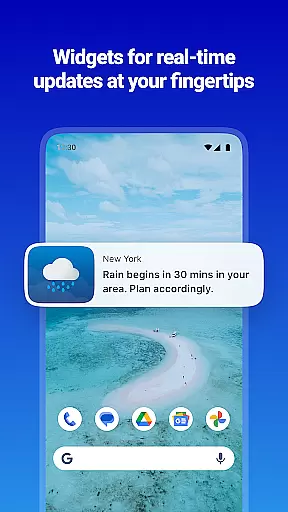
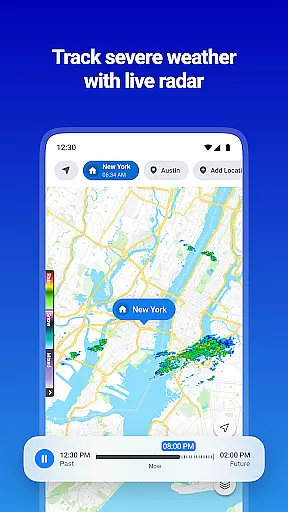
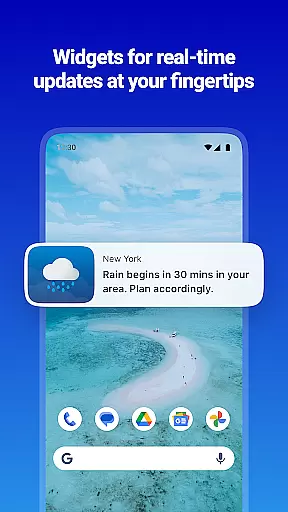
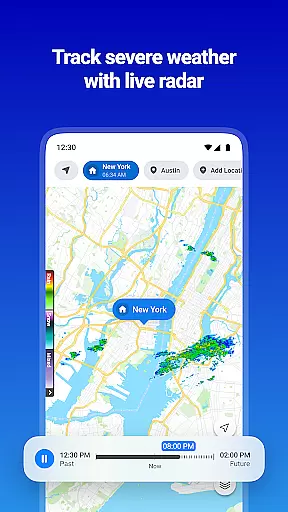
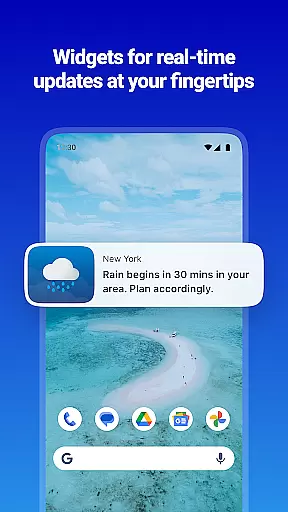
The app stands out with its interactive radar maps that monitor various weather layers such as rain intensity, temperature, and wind speed. Additionally, customizable alerts from reliable sources like the National Weather Service (NWS) and NOAA keep users informed about critical weather changes. With beautiful widgets and multilingual support, 1Weather combines functionality with user-friendly design, making it an essential tool for both everyday use and specialized needs like photography or stargazing.
1Weather offers a robust set of features tailored to meet diverse weather-related needs. One of its standout capabilities is the minute-by-minute forecasting, which provides precipitation predictions up to 48 hours in advance. This includes detailed insights into potential snow days, ice storms, and thunderstorms, helping users plan activities such as camping and hiking with confidence. The app also excels in long-range forecasting, delivering reliable 10-day outlooks that cover a variety of meteorological phenomena.
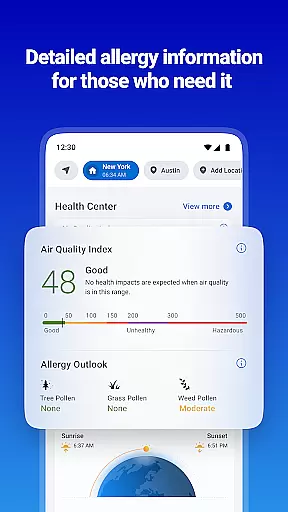
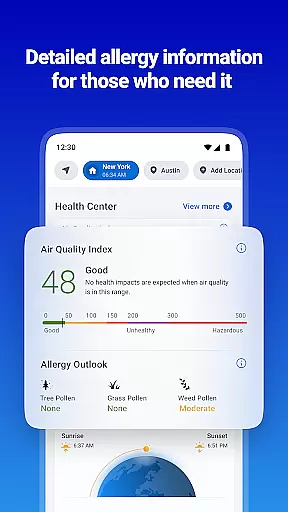
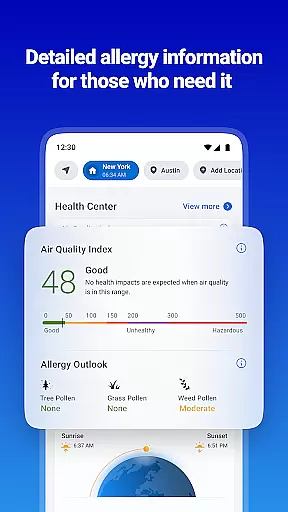
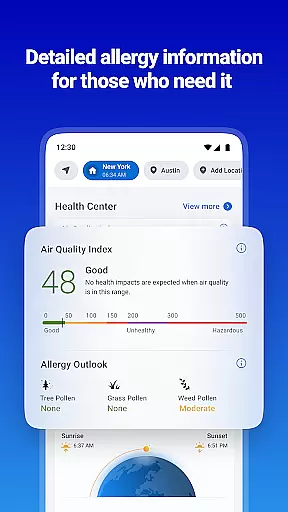
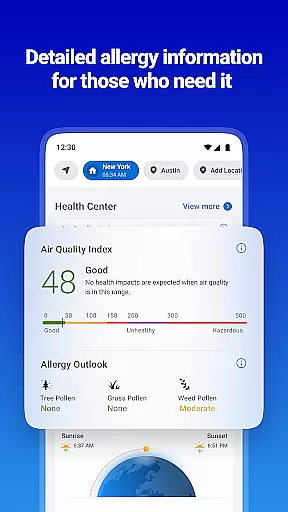
Another key feature is the interactive radar map, which allows users to track severe storms in real time. Multiple weather layers offer data on rain intensity, surface temperature, and UV index, while future radar maps prepare users for extreme conditions like blizzards and hurricanes. Furthermore, the Health Center provides an air quality index and pollen count, catering to those with seasonal allergies. Customizable alerts, beautiful widgets, and a sun & moon tracker further enhance the user experience, ensuring that 1Weather remains a versatile and indispensable weather companion.
1Weather stands out for its commitment to forecast accuracy and data credibility, ensuring users receive reliable weather information. The app provides hyperlocal forecasts that are meticulously crafted using advanced meteorological models and real-time data inputs.
With minute-by-minute precipitation predictions up to 48 hours in advance, the app covers various weather phenomena such as snow, ice storms, and thunderstorms. This level of detail empowers users to plan outdoor activities like camping and hiking with confidence, knowing they have precise weather insights at their fingertips.
The credibility of 1Weather's data is reinforced by partnerships with authoritative sources like the National Weather Service (NWS) and NOAA. These collaborations ensure that users receive official alerts and warnings tailored to their specific locations, enhancing personal safety and preparedness.
Ultimately, the app's dedication to accuracy and credible data translates into tangible benefits for users. Whether it's avoiding severe weather conditions or planning daily commutes, 1Weather equips individuals with trustworthy information to navigate their day effectively.
One of 1Weather's key strengths lies in its extensive temporal and spatial forecast range, offering comprehensive weather insights across different timeframes and geographical areas. Users can access hourly, daily, and weekly forecasts, accommodating both immediate and long-term planning needs.
The app's interactive radar maps play a crucial role in this feature, enabling real-time tracking of severe storms and climate changes. By monitoring multiple weather layersu2014such as rain intensity, wind speed, and UV indexu2014users gain a holistic understanding of current and upcoming weather patterns.
Furthermore, 1Weather extends its forecasting capabilities to include specialized tools like the Sun and Moon tracker. This functionality allows users to plan activities around celestial events, such as sunrise, sunset, and moon phases, adding an extra layer of utility for enthusiasts and professionals alike.
By combining wide-ranging temporal forecasts with detailed spatial analysis, 1Weather ensures that users are well-prepared for any weather scenario. This robust feature set not only enhances convenience but also contributes significantly to user safety and satisfaction.
Accurate Forecasts
Interactive Radar Maps
Customizable Alerts
Air Quality Tracker
User-Friendly Widgets
Premium Subscription
Ads in Free Version
Occasional Glitches
Limited Offline Use
Data Collection

Ultimate weather forecast + moon phase for Wear OS 5+ (Pixel, Galaxy, et al.)
 4.70
4.70
Moon phase calendar with live wallpaper, lunar widget, & 3D simulation.
3.60
Weather for Indiana, Kentucky and Ohio
4.90
Hurricane Tracker, Rain Map
4.80
weather forecast, weather radar, weather widget in one local weather app
4.70
Industry leading whitetail movement predictor & hunting app.
4.60
The moon phases app for tracking the lunar calendar, blue moon and full moon.
4.80
Determine Best Hunting Times for any date, any location.
2.50
Check room temperature with this indoor thermometer. thermostat & hydrometer
4.70
Local Weather provides accurate and current hourly and daily forecasts.
4.80
Weather Forecast, Trending News, Hurricane & Storm Tracker, Alerts & Live Radar.
4.80
Hourly and daily weather forecast, current condition, temperature, UV and more!
4.70
Live weather forecast for your everyday life
4.60
Powerful US and worldwide earthquake feed with earthquake alerts and maps.
4.60
Track rainfall totals with ease using our rain gauge app. Accurate rain tracker.
4.50
Weather forecast & live radar map
4.20
Analog Weather Watch Face for Wear OS 5+
4.10
Advanced weather toolkit, providing detailed weather information for any season!
3.50
Most precise & accurate compass app give true North South East West directions.
3.00


User Reviews