
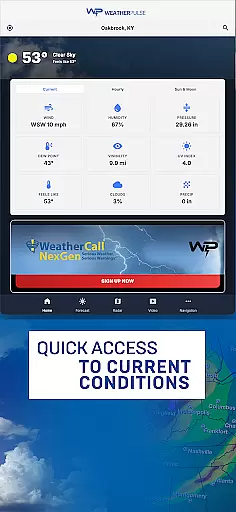
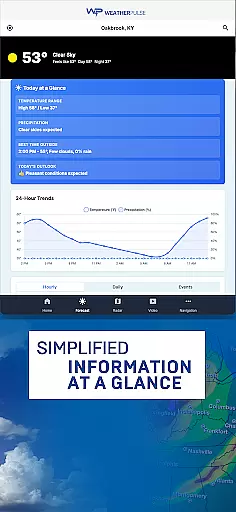
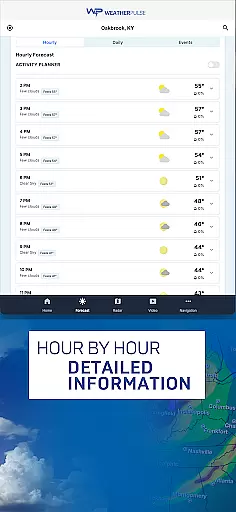
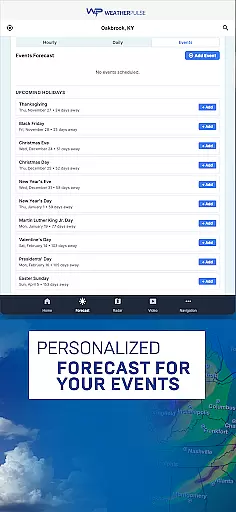
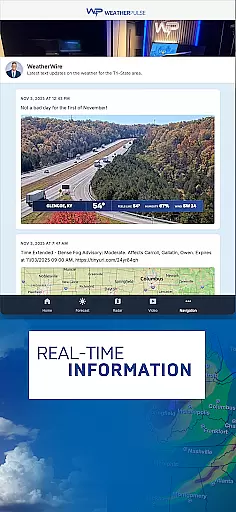
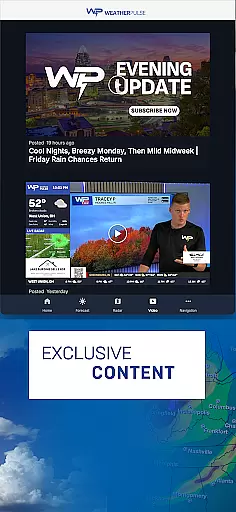
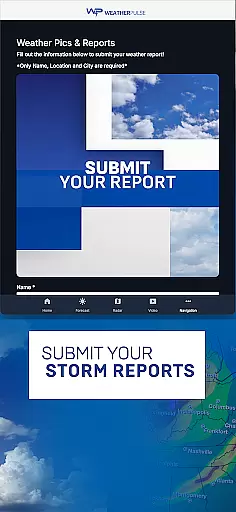
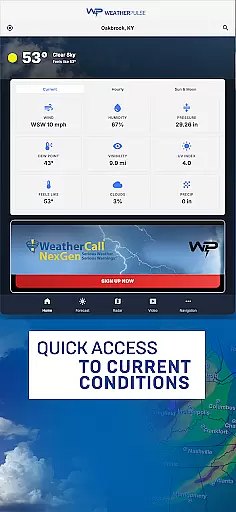
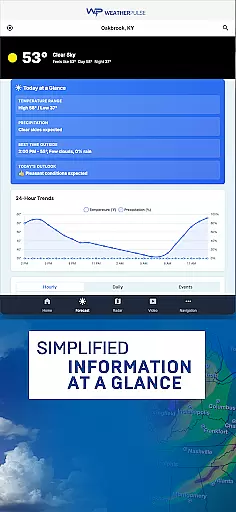
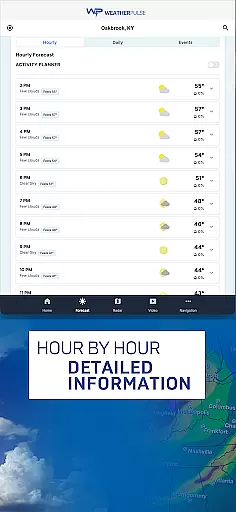
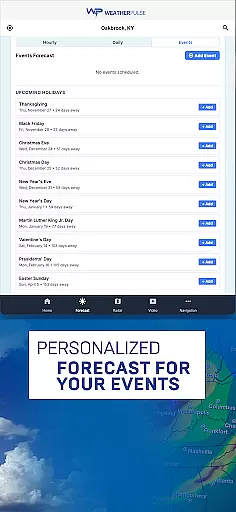
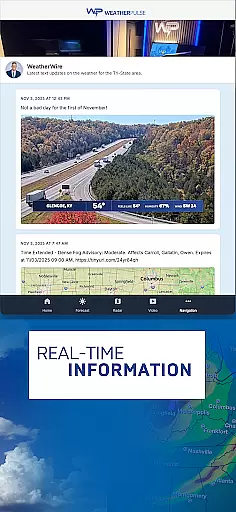
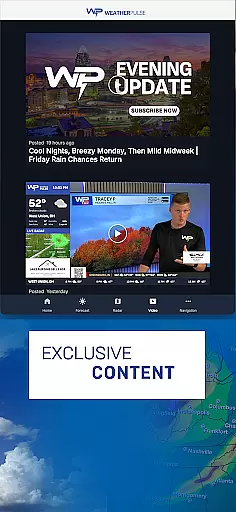
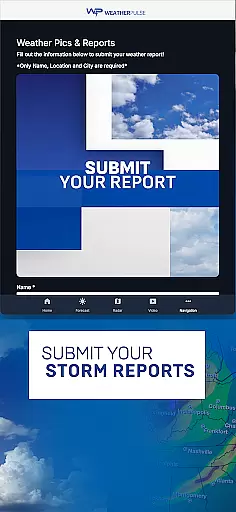
WeatherPulse is a comprehensive weather application designed to provide users with accurate and real-time weather updates. The app goes beyond basic forecasting by offering detailed insights into temperature, humidity, wind speed, and air pressure for any location worldwide. Whether you are planning your daily schedule or preparing for travel, WeatherPulse ensures that you stay informed about current and upcoming weather conditions.
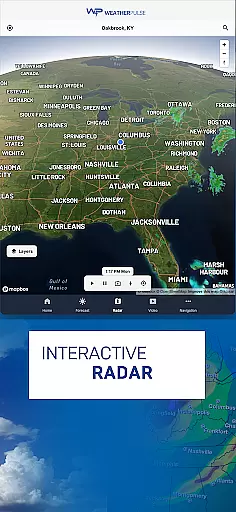
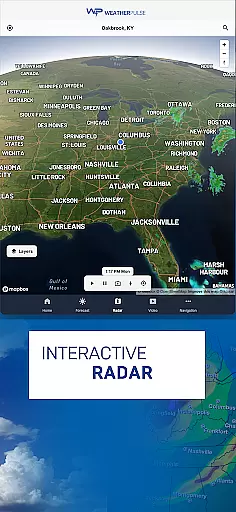
In addition to its precise hourly and daily forecasts, the app includes advanced features such as severe weather alerts and interactive weather maps. Users can track storm systems, monitor cloud cover, and view radar imagery in real time. With customizable home screen options and global weather coverage, WeatherPulse caters to both casual users and weather enthusiasts who need reliable data at their fingertips.
The app's ability to display historical weather trends and long-term insights makes it an invaluable tool for understanding climate patterns. By combining cutting-edge technology with an intuitive interface, WeatherPulse empowers users to make smarter decisions while staying safe during extreme weather events.
WeatherPulse stands out due to its robust feature set tailored for various user needs. One of its core strengths is the provision of real-time weather updates, which include minute-by-minute changes in meteorological parameters like temperature, wind speed, and air pressure. This functionality ensures that users always have access to the latest information, whether they're at home or traveling abroad.
A key highlight of WeatherPulse is its interactive weather maps. These maps allow users to visualize dynamic weather patterns through satellite imagery and radar data. Additionally, the app provides detailed 7-day forecasts supported by clear visual charts, enabling users to plan their activities with confidence. For those interested in deeper analysis, the inclusion of historical weather trends offers valuable insights into long-term climate behaviors.
Customization plays a significant role in enhancing user experience. WeatherPulse allows users to personalize their home screens, choosing which metrics and visuals appear front and center. Coupled with global coverage spanning thousands of cities, this flexibility ensures that every user can tailor the app to suit their specific requirements while enjoying consistently accurate and actionable weather intelligence.
Forecast accuracy and data credibility are essential components of any reliable weather application. WeatherPulse excels in this area by providing users with precise, real-time updates on various weather parameters such as temperature, humidity, wind speed, and air pressure. This ensures that whether you're at home or traveling, you receive the most trustworthy information to make informed decisions.
The app leverages data from leading weather providers globally, ensuring high-quality forecasts for thousands of cities. With its comprehensive 7-day forecast feature, users can plan their week with confidence, knowing they have access to accurate predictions tailored to their location. The inclusion of hourly breakdowns further enhances planning precision, allowing users to anticipate changes in weather conditions throughout the day.
For those interested in long-term trends, WeatherPulse offers historical data insights, enabling deeper understanding of climate patterns over time. By exploring past temperature fluctuations and precipitation levels, users gain valuable context about current forecasts, enhancing both reliability and usability.
Weather forecasting isn't just about predicting tomorrow's weather; it involves understanding broader temporal and spatial contexts. WeatherPulse addresses these dimensions effectively through its expansive global coverage and detailed interactive maps. Users can track storm systems, monitor cloud cover, and view real-time radar imagery across different regions, making it an invaluable tool for both casual observers and professionals.
The app's ability to provide localized forecasts while also offering insights into wider geographical areas sets it apart. Whether tracking a hurricane moving across continents or observing regional shifts in weather patterns, WeatherPulse equips users with tools needed to stay informed. Its push notifications for severe weather alerts ensure timely awareness of critical events, regardless of where they occur.
Additionally, customizable features like personalized home screens enhance user experience by focusing on relevant temporal and spatial data points. This flexibility allows individuals to prioritize information pertinent to their specific needsu2014whether monitoring immediate surroundings or keeping tabs on distant locations. Such versatility underscores WeatherPulseu2019s commitment to delivering robust, actionable weather intelligence.
Accurate forecasts
Real-time updates
Interactive maps
Customizable UI
Global coverage
Requires internet
Premium features
Notifications frequent
Heavy on battery
Complex for beginners

A tool that provides real-time and 5-day weather info.
 4.2
4.2
Hourly and daily weather forecast, current condition, temperature, UV and more!
4.70
Weather - Local weather forecast, weather daily & hourly, weather radar
4.80
Track rainfall totals with ease using our rain gauge app. Accurate rain tracker.
4.50
Powerful US and worldwide earthquake feed with earthquake alerts and maps.
4.60
72-hour weather & daily forecasts with extreme weather alerts
4.60
Track lightning strikes with our thunderstorms map, radar and lightning alarm.
4.70
Weather watch face for Wear OS 5+
4.40
Live NOAA weather app to track storm, rain, wind, lightning & real local updates
4.20
The reliable and trusted global air quality, wildfire, pollen, PM2.5 forecast
4.70
weather forecast, weather radar, weather widget in one local weather app
4.70
Industry leading whitetail movement predictor & hunting app.
4.60
Personal Weather Station PRO - Meteo monitor to check your WU info and charts.
4.20
Live weather radar, widgets & forecasts. Track rain, storms & temperature.
4.20
Accurate Local Weather Forecast, let you easily understand the nearby weather!
4.20
Your Personal Weather Assistant
4.00
Know the weather earlier.
3.90
Arrive safely! Travel weather forecasts for your entire trip at time of arrival.
3.60
Get instant weather & temperature predictions right on your Wear OS smartwatch!
4.3


User Reviews