
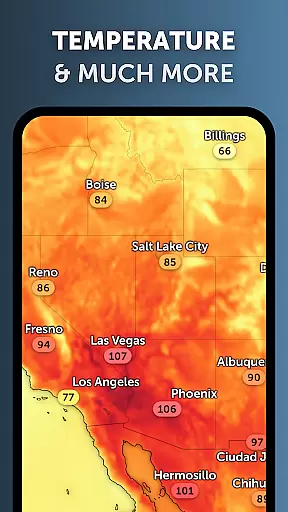
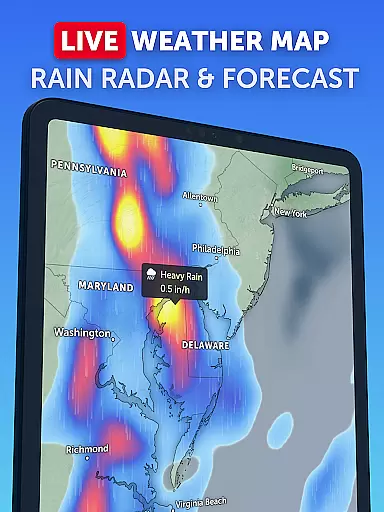
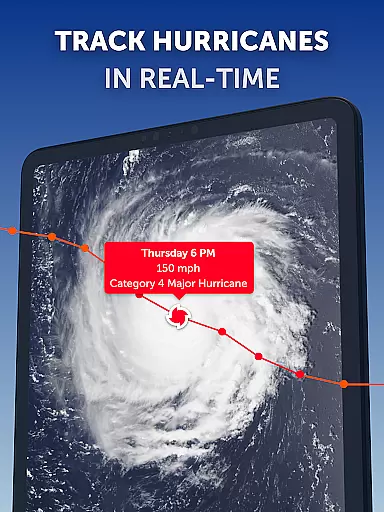
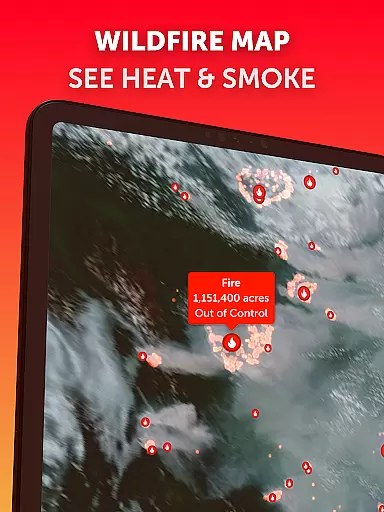
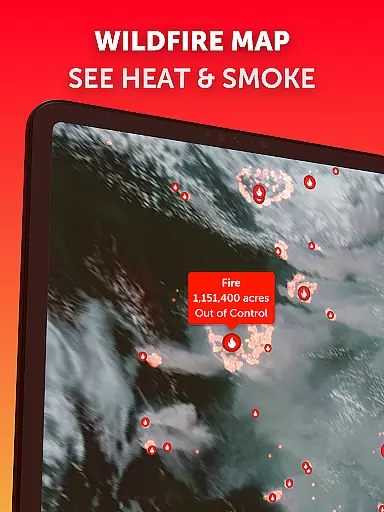
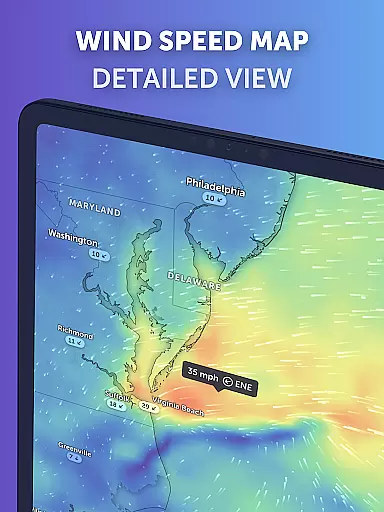
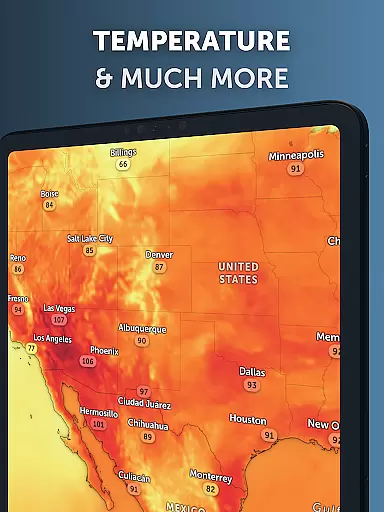
Zoom Earth is a premier interactive weather map application that provides real-time tracking of hurricanes, storms, and severe weather conditions. The app offers near real-time satellite imagery updated every 10-15 minutes, allowing users to monitor wildfires, smoke, and weather patterns as they develop. With its global forecast maps, Zoom Earth delivers continually updated visualizations using the latest data from DWD ICON and NOAA/NCEP/NWS GFS models.
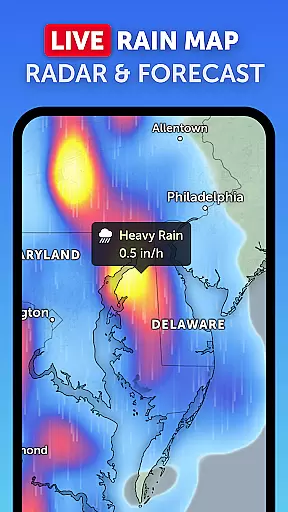
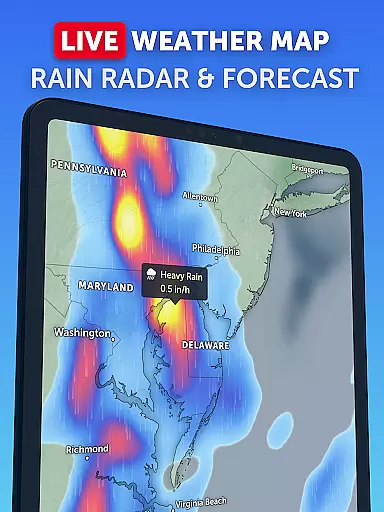
In addition to its robust satellite imagery, the app features rain radar maps with Doppler radar detection and instant short-term forecasts through radar nowcasting. Users can explore detailed weather forecasts including precipitation, wind speed, temperature, and atmospheric pressure. Its customization options allow adjustments for temperature units, wind units, time zones, and animation styles, providing a personalized experience tailored to individual preferences.
The app's value extends beyond casual weather monitoring; it serves as an essential tool for those needing accurate and timely information about developing weather systems. Whether tracking hurricanes or monitoring wildfire movements, Zoom Earth equips users with critical insights into current and future weather conditions, making it indispensable for safety and planning purposes.
Zoom Earth stands out with its comprehensive suite of features designed for both weather enthusiasts and professionals. One of its core functionalities is the interactive weather map, which includes high-definition satellite images updated twice daily from NASA's Aqua and Terra satellites. These images provide detailed views of weather patterns, ensuring users have access to the most current meteorological data available.
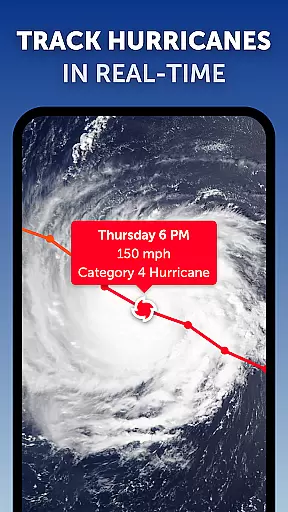
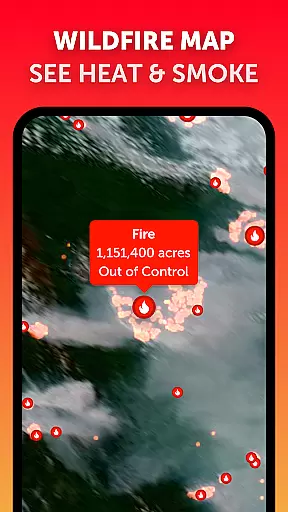
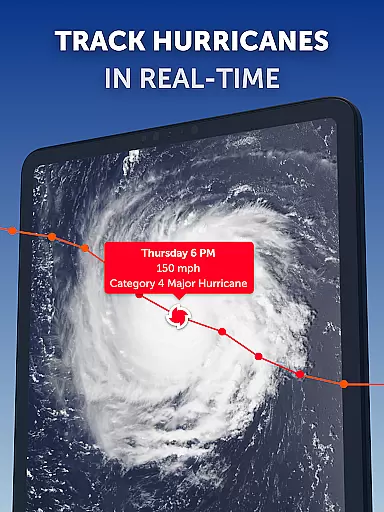
Another significant feature is the app's hurricane and storm tracking system. Updated in real-time using data from authoritative sources like NHC, JTWC, NRL, and IBTrACS, this system allows users to follow tropical storms from their inception to category 5 status. Additionally, the wildfire tracking overlay uses NASA FIRMS data to detect high-temperature points, helping users monitor active fires and smoke movements effectively.
Customization is another hallmark of Zoom Earth's offerings. Users can tailor their experience by adjusting various settings such as temperature units, wind measurements, time zones, and animation styles. This flexibility ensures that each user can configure the app to best suit their specific needs, whether they are tracking local weather changes or analyzing broader climatic trends across different regions.
Forecast accuracy and data credibility are crucial for any weather application, and Zoom Earth excels in these areas. The app provides continually updated weather forecast maps using the latest model data from reputable sources like DWD ICON and NOAA/NCEP/NWS GFS.
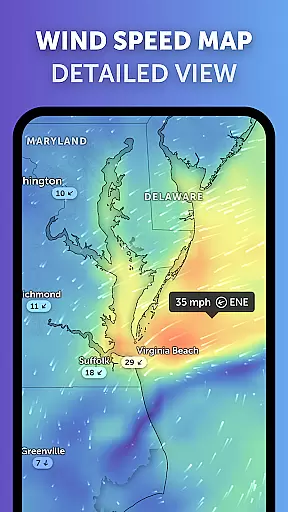
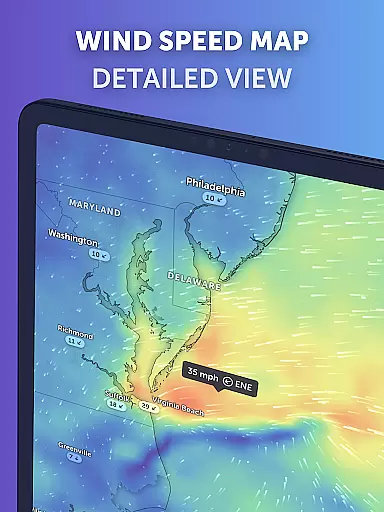
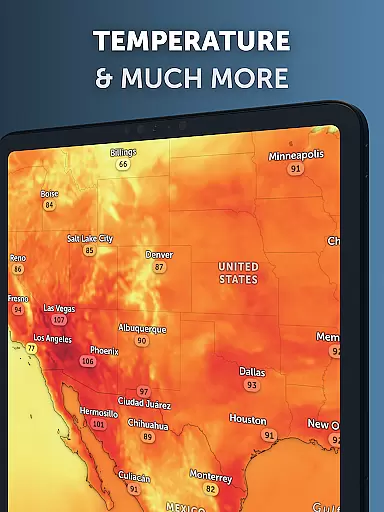
Users can explore various interactive visualizations such as precipitation forecasts, wind speed and gusts, temperature, 'feels like' temperatures, wet bulb temperatures, relative humidity, dew point, and atmospheric pressure. This comprehensive suite of forecast tools ensures that users have access to reliable and precise weather information tailored to their specific needs.
The satellite imagery is updated every 10 minutes with a minimal delay, offering near real-time views of weather conditions. This high-frequency update ensures that users are always viewing the most current and accurate weather data available, which is essential for making informed decisions regarding travel, outdoor activities, or emergency preparedness.
Zoom Earth offers an extensive temporal and spatial forecast range, allowing users to plan effectively for upcoming weather events. With its global coverage and detailed forecasting models, the app delivers valuable insights into how weather patterns will evolve over time across different geographical locations.
The app's forecast maps include predictions for rain, snow, cloud cover, wind dynamics, and temperature fluctuations at various altitudes. These maps provide a clear picture of what to expect not only in the immediate future but also over extended periods, empowering users to prepare for short-term weather changes and long-term climate trends.
Additionally, features like hurricane tracking and wildfire monitoring further enhance the appu2019s spatial forecasting capabilities. By leveraging the latest data from authoritative sources such as NHC, JTWC, NRL, IBTrACS, and NASA FIRMS, Zoom Earth ensures that users receive timely alerts and updates on severe weather phenomena, helping them stay safe and informed regardless of their location.
User-friendly interface
Real-time updates
High-definition imagery
Comprehensive forecasting
Customizable settings
Premium subscription required
Limited free features
Data delays possible
Complex for beginners
Resource-intensive

Weather for Indiana, Kentucky and Ohio
 4.90
4.90
Accurate Thermometer: indoor & outdoor temperature, humidity, pressure, and wind
4.50
NOAA radar, weather forecasts, hurricane tracking & customizable alerts.
4.50
Live weather forecast for your everyday life
4.60
Instant weather updates, easy to check anytime on your home screen.
3.50
Your Personal Weather Assistant
4.00
Industry leading whitetail movement predictor & hunting app.
4.60
NOAA forecast & radar for your exact location.
4.80
All-in-one weather radar launcher with rain, temperature maps & local forecast.
4.30
Ultimate weather forecast + moon phase for Wear OS 5+ (Pixel, Galaxy, et al.)
4.70
Weather radar, satellite, wind, waves, ocean and hurricane forecasts.
4.70
Powerful US and worldwide earthquake feed with earthquake alerts and maps.
4.70
Your Trusted Weather Companion
4.40
Accurate weather forecast and beautiful weather & clock widgets
4.20
Stay ahead of the weather with Daily Weather
4.10
Analog Weather Watch Face for Wear OS 5+
4.10
Know the weather earlier.
3.90
Moon phase calendar with live wallpaper, lunar widget, & 3D simulation.
3.60
Advanced weather toolkit, providing detailed weather information for any season!
3.50


User Reviews