
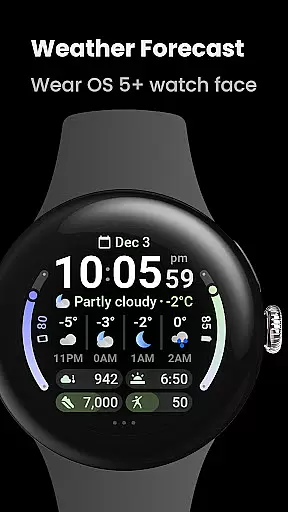
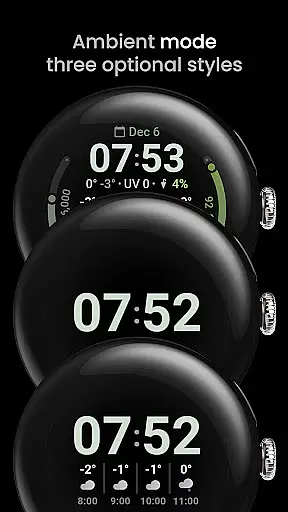
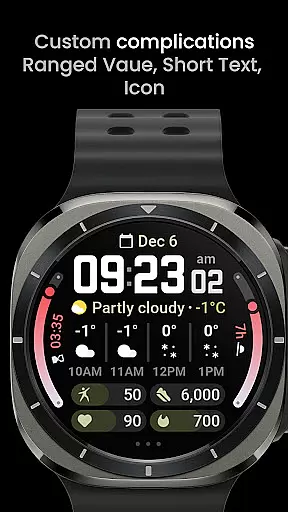

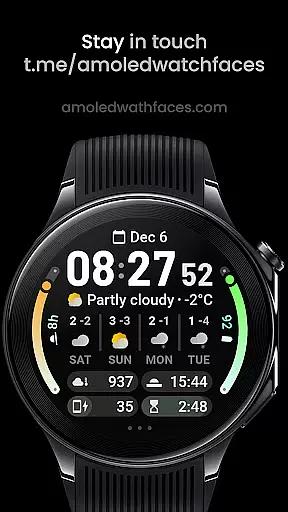
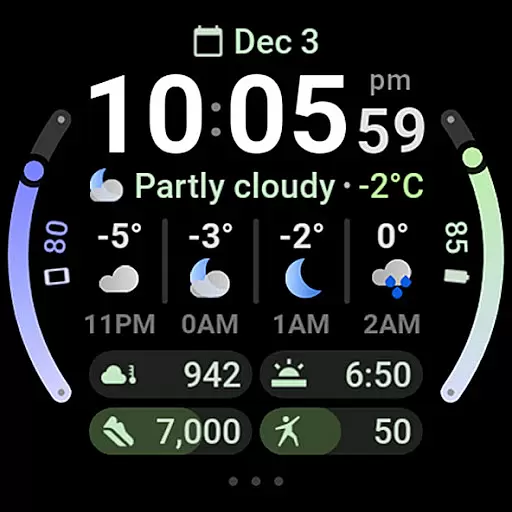
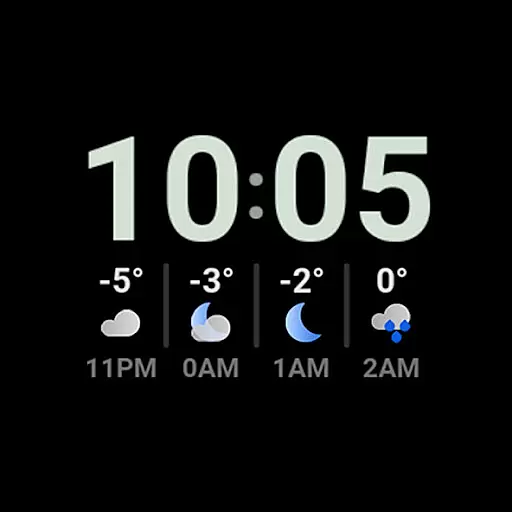
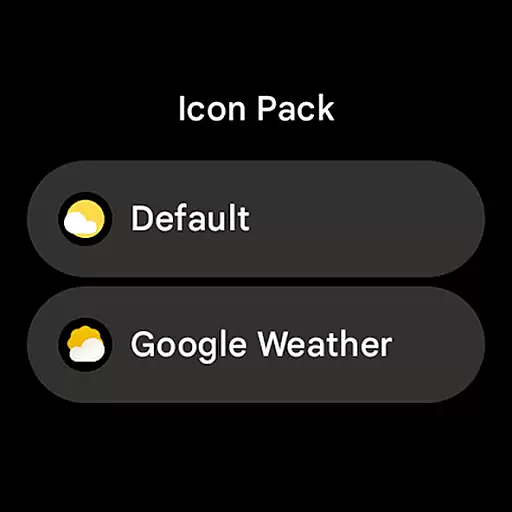
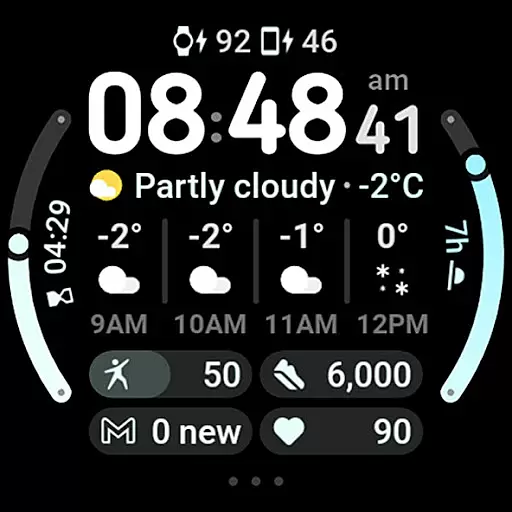
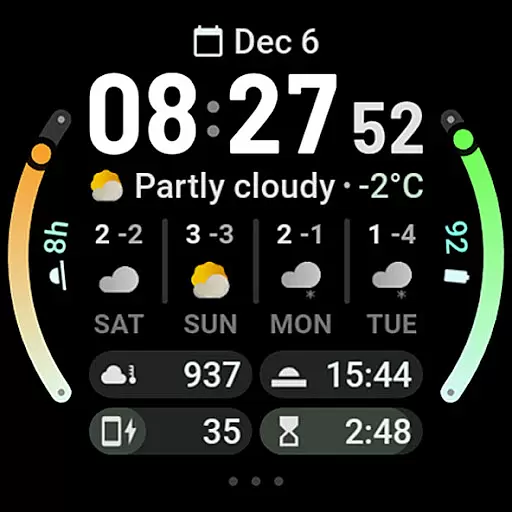
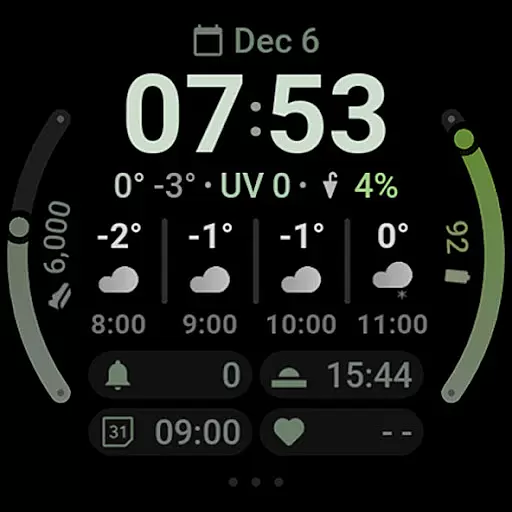
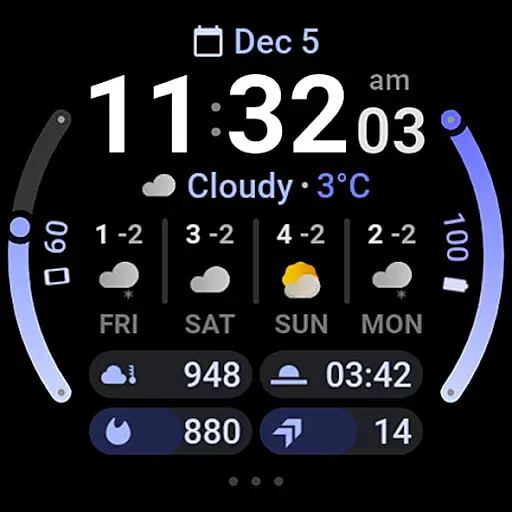
Weather Forecast Watch Face is a feature-rich application designed exclusively for Wear OS 5+ devices. This app transforms your smartwatch face into a dynamic weather station, providing real-time weather updates directly on your wrist. With animated icons and an interactive interface, users can effortlessly switch between hourly and daily forecasts with just a tap.
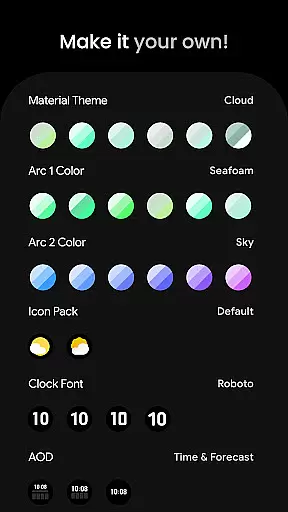
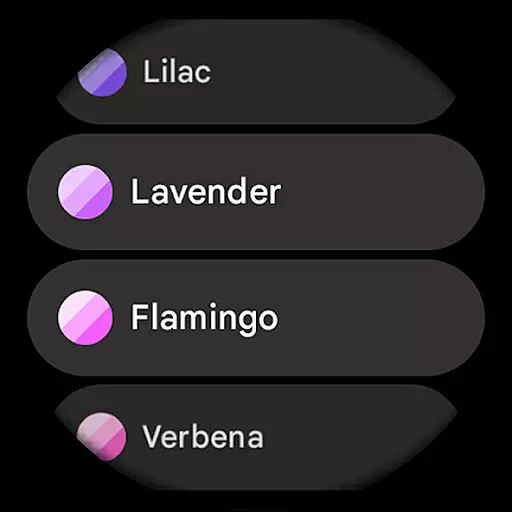
The watch face supports multiple languages and offers extensive customization options including material color themes, digital clock fonts, and three Always-On Display (AOD) looks. It also integrates seamlessly with other apps through its seven customizable complication slots, enhancing the overall utility of your wearable device.
Ideal for those who need quick access to weather information without having to pull out their phone, this app ensures you're always prepared for whatever the day may bring. Whether you're planning your day or just curious about the current UV index, Weather Forecast Watch Face has got you covered.
Weather Forecast Watch Face stands out with its comprehensive set of features tailored for weather enthusiasts. The app provides detailed weather data such as current conditions, temperature ranges, UV index, chance of rain, and both hourly and daily forecasts. These stats are presented in an engaging manner, with animations that refresh every five seconds to keep the display lively and informative.
One of the key highlights is the interactivity; tapping on different sections of the watch face allows users to launch associated apps or toggle between various forecast views. Additionally, the app supports over sixty material themes and arc colors, giving users the freedom to personalize their watch faces extensively. The inclusion of optional digital clock fonts and multiple AOD styles further enhances personalization.
With support for multilingual interfaces and compatibility with custom complication apps, Weather Forecast Watch Face caters to a global audience seeking both functionality and style. Its robust feature set makes it a must-have for anyone looking to maximize the potential of their Wear OS device.
Forecast accuracy and data credibility are crucial for any weather application, ensuring users receive reliable and trustworthy information. Weather Forecast Watch Face excels in this area by providing real-time updates on current conditions, including temperature, UV index, and chance of rain. These details are powered by robust data sources, guaranteeing precision and reliability.
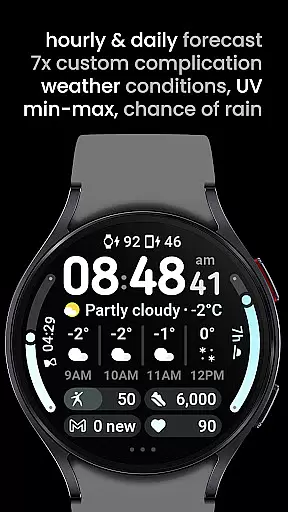
The app goes a step further by offering both hourly and daily forecasts. Users can access detailed predictions for the next four hours and an extended outlook for the upcoming four days. This dual forecasting system allows for comprehensive planning, whether you need to know the weather for the remainder of your day or want to prepare for the week ahead.
By tapping on the weather forecast section, users can easily switch between hourly and daily views. This interactive feature not only enhances user engagement but also ensures that individuals have access to the most relevant information for their needs. The ability to launch the weather app directly from the watch face further underscores the app's commitment to delivering accurate and actionable weather data.
Understanding the temporal and spatial forecast range is essential for making informed decisions based on weather conditions. Weather Forecast Watch Face offers extensive coverage with its ability to provide localized weather data tailored to the user's current location. This ensures that the information displayed is not only timely but also geographically precise.
In addition to current weather stats, the app features an animated row that cycles through various weather statistics every five seconds. This dynamic display keeps users informed about changing conditions without overwhelming them with static data. The inclusion of min-max temperatures for the day and detailed descriptions of weather conditions further enriches the user experience.
For those who require more detailed insights, the watch face supports seven custom complication slots, each capable of displaying different types of weather-related information. Whether it's monitoring UV levels or tracking precipitation chances, these complications offer a customizable way to keep track of multiple weather parameters simultaneously. With such comprehensive features, Weather Forecast Watch Face stands out as a top choice for anyone seeking reliable and detailed weather forecasts.
User-friendly interface
Extensive customization
Real-time weather updates
Interactive design elements
Multilingual support
Limited to Wear OS
Complex setup process
Potential loading issues
Requires additional apps
Subscription-based model

The Weather Network TV App - Your weather when it really matters
 2.90
2.90
Personal Weather Station PRO - Meteo monitor to check your WU info and charts.
4.20
Ultimate Lunar Calendar for 2021!
4.80
Get instant weather & temperature predictions right on your Wear OS smartwatch!
4.3
Track rainfall totals with ease using our rain gauge app. Accurate rain tracker.
4.50
Weather radar, hyperlocal tracker and weather maps: follow your weather station
4.80
Weather radar, satellite, wind, waves, ocean and hurricane forecasts.
4.70
Powerful US and worldwide earthquake feed with earthquake alerts and maps.
4.60
weather forecast, weather radar, weather widget in one local weather app
4.70
No ads, No data collected. Beautiful and powerfully customizable weather app
4.90
Thermometer shows indoor and outdoor temperature
4.70
My Aurora Forecast Pro is the app for the Northern Lights and Aurora Borealis.
4.70
Industry leading whitetail movement predictor & hunting app.
4.60
Room Temperature Thermometer meter shows indoor, outdoor temperature, humidity.
4.40
Global weather forecast, powered by layered radar & hourly weather updates
4.10
3D Animation Weather Icon
4.00
A tool that provides real-time and 5-day weather info.
4.0
Retro TV-style digital watch face with weather, heart rate, steps & events!
4.4
Quickly check the Hanalei river gauge height during heavy rains on Kaua'i.
4.4


User Reviews