
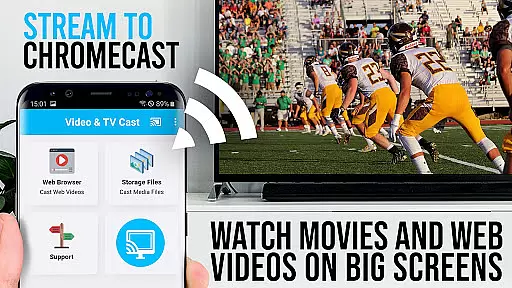
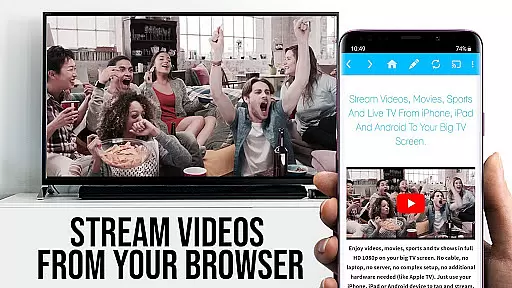
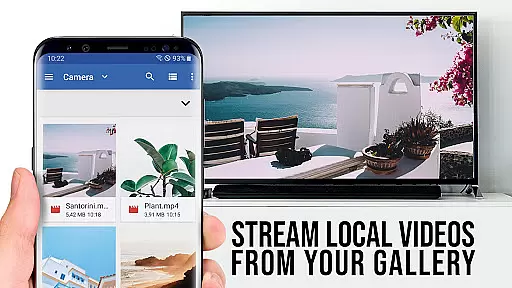
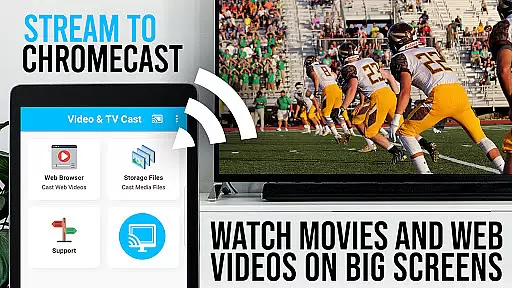
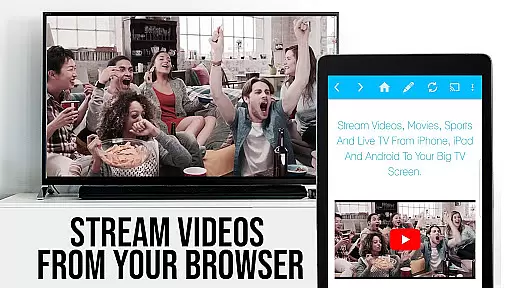
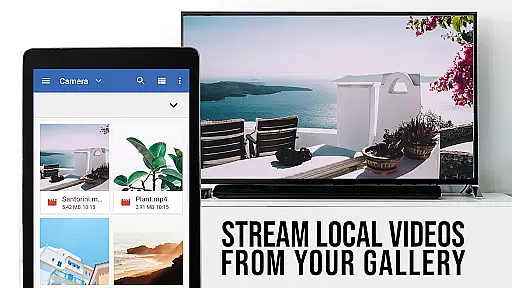
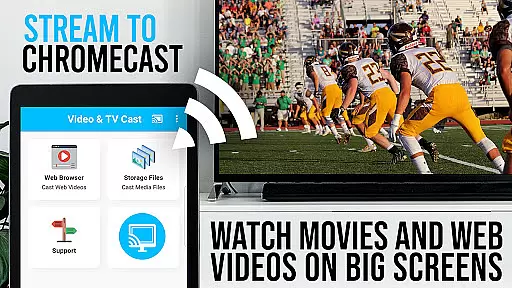
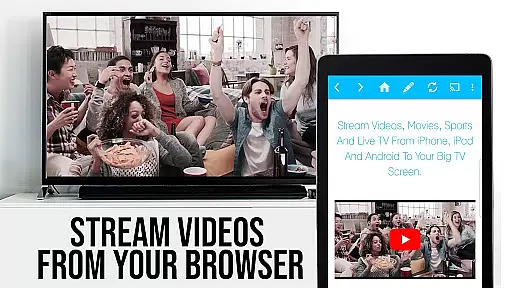
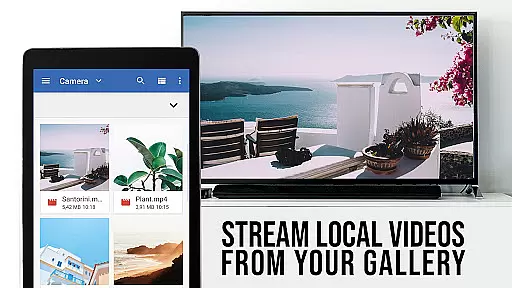
TV Cast Pro for Chromecast is the premier browser app designed specifically for streaming video content to Chromecast-enabled devices. With over 10 million users across Android and iOS platforms, this application allows you to cast web videos, online movies, IPTV, livestreams, and live TV shows directly to your television. Supporting formats like MP4, M3U8, HLS livestreams, and Full HD video over HTTPS, it transforms your Chromecast into a versatile media player.
The PRO edition offers all premium features unlocked, providing an uninterrupted experience without ads or limitations. It's optimized for use with Chromecast devices from Google and other Google Cast or Android TV-powered equipment. By browsing the web within the app, you can effortlessly discover and cast videos to your TV screen, making it an essential tool for enjoying personalized entertainment on the biggest screen in your home.
TV Cast Pro stands out with its comprehensive feature set tailored for seamless media streaming. The Remote Playbar functionality provides advanced video control such as scrubbing, forward, rewind, play, pause, and stop, all synced across Android and iOS devices running the app. This ensures you have full command over your viewing experience regardless of the device you're using.
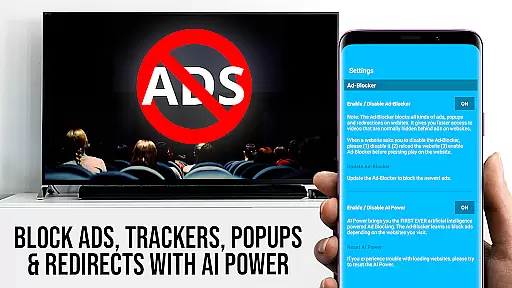
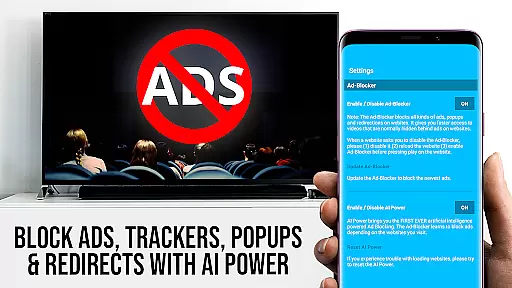
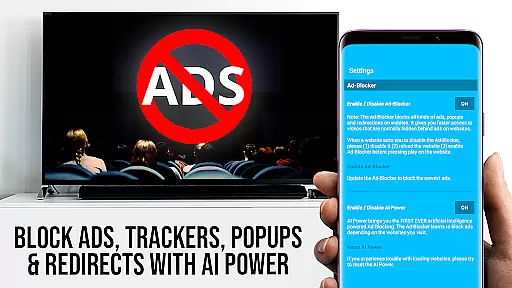
In addition to the powerful casting capabilities, the PRO version includes an Ad-Blocker that removes ads and popups on most websites, creating a cleaner, more enjoyable browsing experience. Users also benefit from the ability to manage bookmarks, switch to Desktop Mode for accessing desktop versions of websites, and customize the homepage. These features collectively enhance user convenience and tailor the app to individual preferences, ensuring a superior casting experience compared to the free version.
TV Cast Pro for Chromecast excels in offering a wide variety of content, ensuring users have access to an extensive range of web videos, online movies, IPTV, livestreams, and live TV shows. This diversity is crucial for entertainment applications as it caters to different user preferences and keeps the content engaging.
The app supports multiple video formats including mp4, m3u8, hls livestreams, and Full HD, making it versatile for various streaming needs. By allowing direct video casting from websites, it ensures that users can enjoy fresh and updated content without compatibility issues.
Moreover, the inclusion of PRO features like the Ad-Blocker enhances the viewing experience by reducing interruptions from ads and popups. This feature not only improves content accessibility but also ensures that users can browse and stream without distractions, maintaining the freshness of the entertainment experience.
User engagement is a critical aspect of any entertainment app, and TV Cast Pro for Chromecast incorporates several features designed to maximize user retention. The Remote Playbar, for instance, offers advanced video control options such as scrubbing, forward, rewind, play, pause, and stop, which are synced across all devices running the app. This seamless control encourages longer viewing sessions.
Additionally, the ability to manage bookmarks allows users to save their favorite content and return to it easily, promoting repeated use of the app. The Desktop Mode feature further enhances engagement by enabling access to desktop versions of websites, broadening the scope of available content.
By focusing on user-centric features and providing tools that enhance the streaming experience, TV Cast Pro ensures that users remain engaged and are more likely to continue using the app over time. This strategic approach to user interaction significantly boosts retention rates and overall satisfaction.
User-friendly interface
Ad-free experience
Advanced video controls
Desktop mode available
Customizable homepage
No DRM video support
Limited to Chromecast
Device mirroring absent
Occasional connectivity issues
Premium version costly

Heroclix search units with multi filter , team builder, collection manager.
 4.40
4.40
Stream Online TV - Watch Live IPTV Playlist & Channel with Built-In Player
4.50
Triple A is a highly complex, kinetic, and interactive visualizer.
4.50
Atomus is a 10-finger multi-touch interactive visualizer.
4.30
Catalog & tracker of your DVD, Blu-ray & Digital Movie and TV Collection Library
4.80
Scan sets, track your builds, and enjoy intuitive digital instructions.
4.70
Stories that spark in seconds.
4.80
Chat with AI characters! Anime, games, roleplay & more.
4.50
Geooh GO is the most feature rich geocaching app available today.
4.50
Open-source, fast, simple and powerful IPTV app
4.90
Stream Live TV, News & Documentaries. Watch Full Seasons with PBS Passport.
4.80
Live TV, sports & holiday movies — stream on phone, tablet & TV
4.60
Underrated short-drama gems that hit hard and keep your heart hooked.
4.50
Earn gift cards for playing games. Become a real game tester!
4.40
Daily immersive workout plan: Body warm up & finger yoga exercises
3.80
Fool your friends & Family with Fake ultrasound test report
3.60
Create your Songs. Cover Maker with any Voice, Song Generator
3.30
NFL, NBA, NHL, MLB, local sports coverage, shows, movies & news!
3.20
Control your AWTRIX 3 easily
4.1


User Reviews