
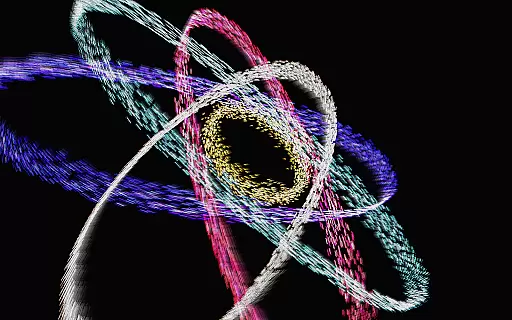
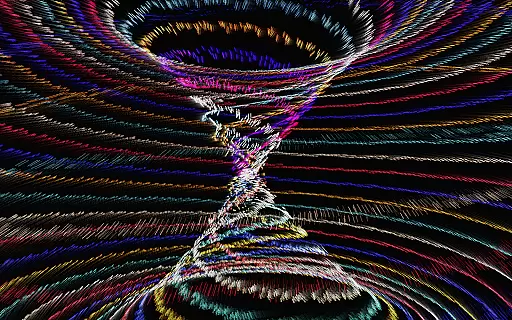
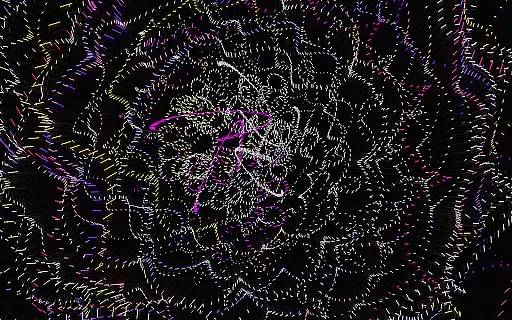
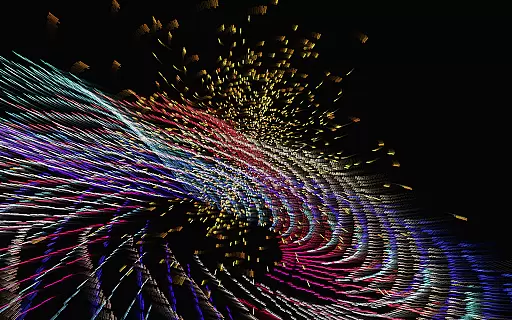
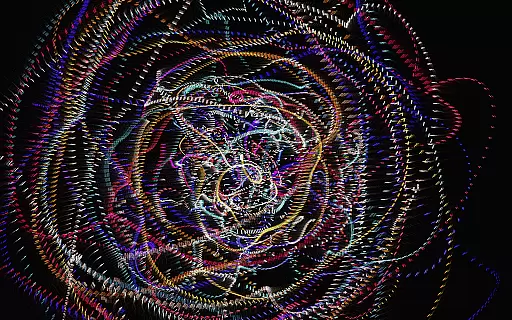
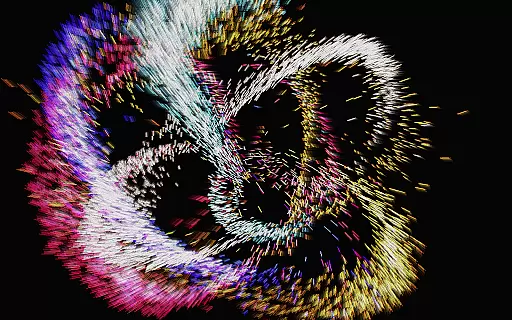
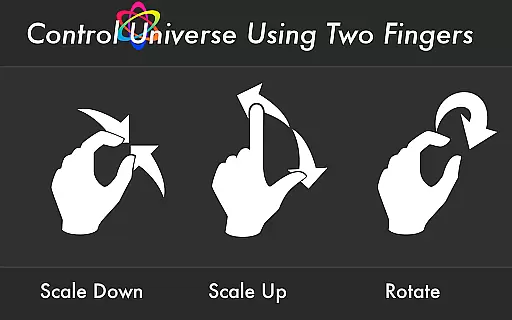
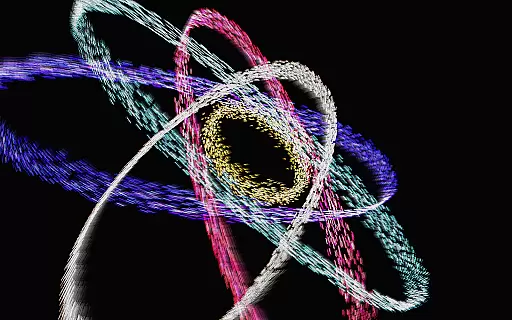
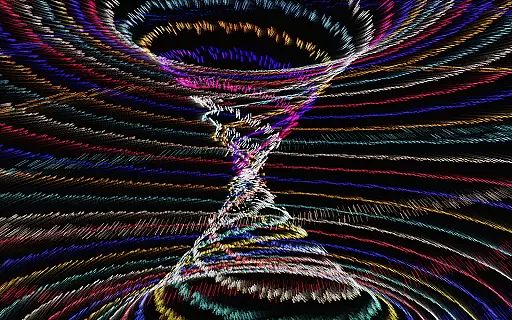
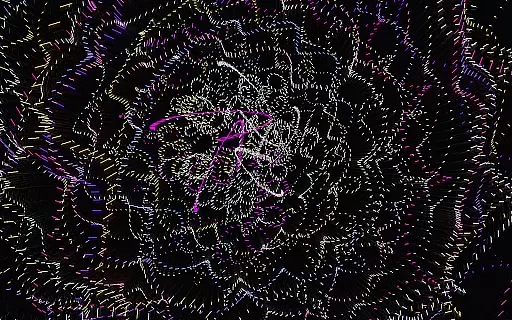
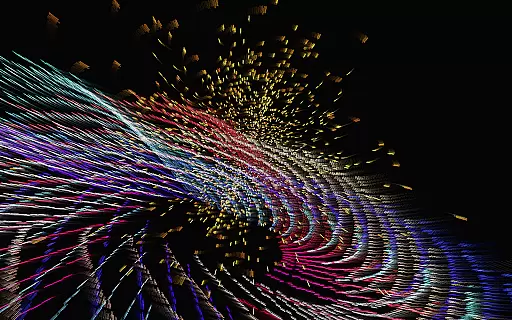
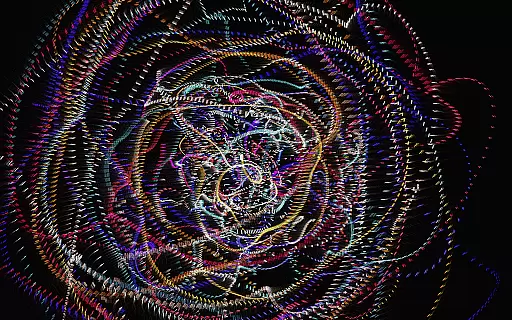
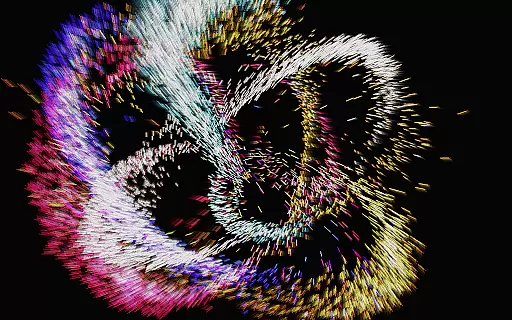
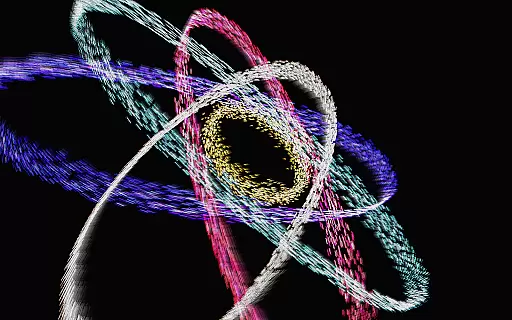
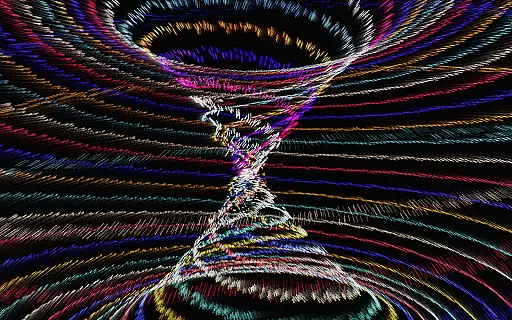
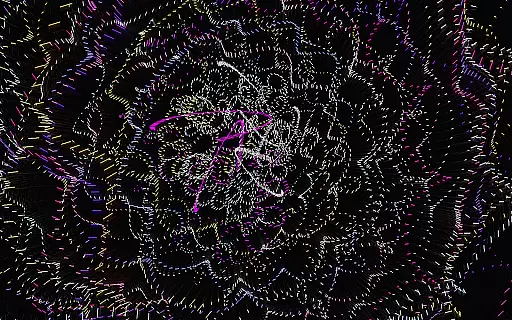
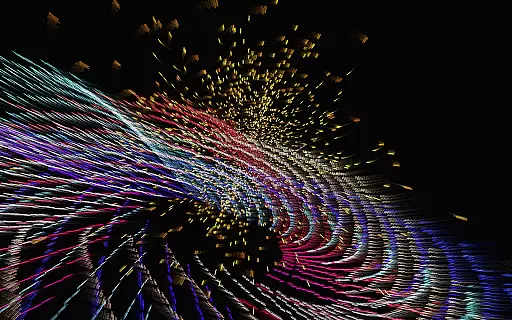
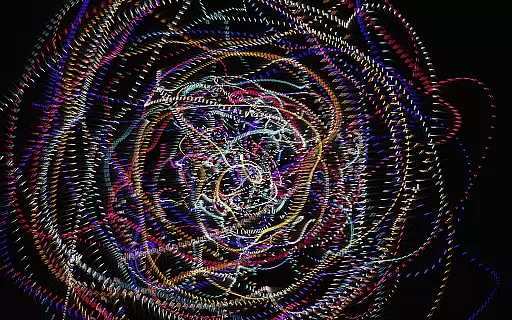
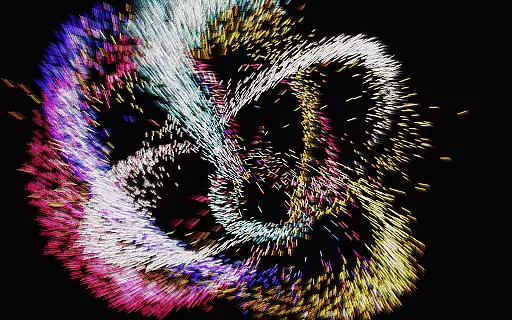
Atomus 3D is an innovative entertainment application that combines art, science, and interactivity into a single mesmerizing experience. Designed for creative minds and those seeking a change of pace, this app offers a dynamic visualizer with stunning graphics and intricate design elements. Users can explore a variety of visually captivating simulations such as fireworks, tornadoes, auroras, and cosmic phenomena.
The app's true power lies in its advanced customization options. With support for 10-finger multi-touch control and the ability to adjust particle size, length, and number, users can create unique visual masterpieces. The inclusion of mathematical and physical principles, along with optimized rendering through neon assembly codes, ensures smooth performance at an impressive 60 FPS across all platforms. Whether used for artistic inspiration, entertainment, or interior design visualization, Atomus 3D delivers both functionality and aesthetic appeal.
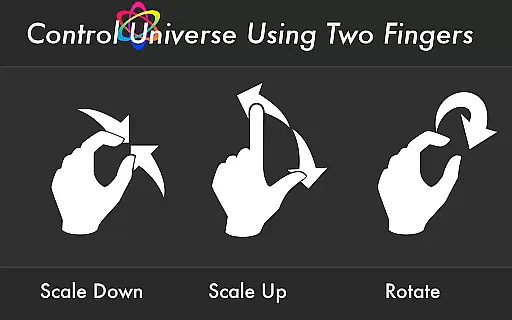
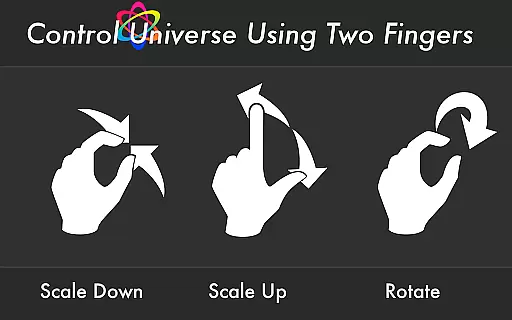
Atomus 3D stands out with its comprehensive feature set tailored for both casual users and tech enthusiasts. The app supports 10-finger multi-touch gestures, allowing for intuitive and precise control over complex visualizations. Its advanced particle system can emit up to 10,000 particles at 60 FPS, creating smooth and realistic animations that respond to user input in real-time.
Customization is at the heart of Atomus 3D's appeal. Users can modify particle characteristics including length, number, and size, while choosing from three distinct color modes: Neon, Crystal, and Nature. The app also features five selectable music tracks by Ross Bugden that can be toggled on or off, adding an auditory dimension to the visual experience. Additional features include live wallpaper functionality and optimized performance through neon assembly coding, making it suitable for various mobile devices and use cases.
Atomus 3D offers an impressive range of content that caters to various interests and preferences. The app includes a multitude of visual effects such as fireworks, tornadoes, and auroras, ensuring users have access to a wide array of dynamic visuals.
The application's content is not static; it evolves with updates and new features. This constant evolution keeps the user experience fresh and engaging, encouraging continued exploration and interaction with the app's diverse offerings.
By integrating elements like firefly lights, atomic symbols, and natural phenomena, Atomus 3D provides a rich tapestry of visual experiences. These are rendered using advanced mathematical models and physics, resulting in high-quality graphics that captivate and entertain.
User engagement is a critical aspect of Atomus 3D's design. With its interactive nature and customizable parameters, the app invites users to spend extended periods exploring its features. The ability to control design aspects ensures that each session can be unique, enhancing replay value.
Retention is further bolstered by the app's optimization for performance. Running at a smooth 60 FPS, even when emitting thousands of particles, Atomus 3D delivers a seamless experience that minimizes frustration and maximizes enjoyment.
Additionally, Atomus 3D incorporates music and sound options that can be toggled on or off, catering to different moods and settings. This flexibility helps maintain user interest over time, making it a reliable choice for entertainment across various occasions.
Highly interactive
Visually stunning
Customizable settings
Smooth performance
Versatile usage
Complex for beginners
Battery intensive
Requires modern device
Learning curve present
Premium price point

Journey to the world’s oldest rainforest and meet its Indigenous Custodians.
 4.4
4.4
Direct access to the most complete Guitar Tab Archive in Spanish: LaCuerda.net
4.60
Fool your friends & Family with Fake ultrasound test report
3.60
Best of icon for christmas
4.30
Come and watch short dramas, reels with diverse genres!
4.40
Series,Películas y Telenovelas
4.50
The Xbox app keeps you connected to your gaming community.
4.50
Control your AWTRIX 3 easily
4.2
Your Avatar, Endless Fun
4.60
SpiritWave is paranormal ITC application.
5.00
The OFFICIAL PeeWee Purpdrank Soundboard!
4.80
Fun brain twisting challenge with trending Whirlpool Filter.
4.70
Live TV, sports & holiday movies — stream on phone, tablet & TV
4.60
Triple A is a highly complex, kinetic, and interactive visualizer.
4.50
Underrated short-drama gems that hit hard and keep your heart hooked.
4.50
Fire effects for your Philips Hue lights
4.20
Official KennysGifs Stickers
4.20
Start EVP/Spirit Box tonight: real EMF, offline, recording. One-time purchase.
4.10
Neon Christmas Tree Animated: Festive Wear OS watch face with fitness info
4.0


User Reviews