
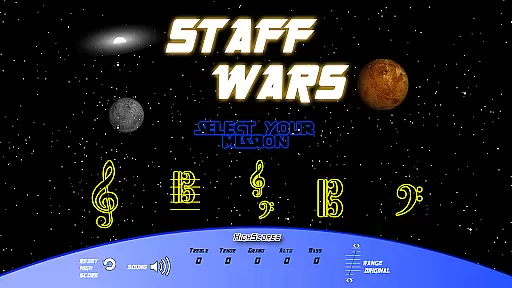
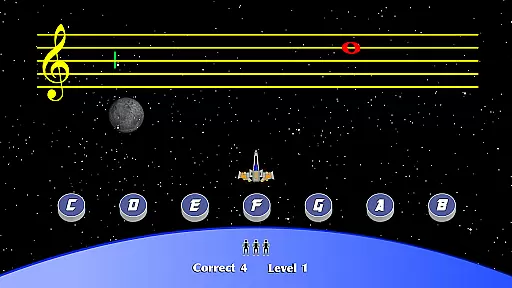
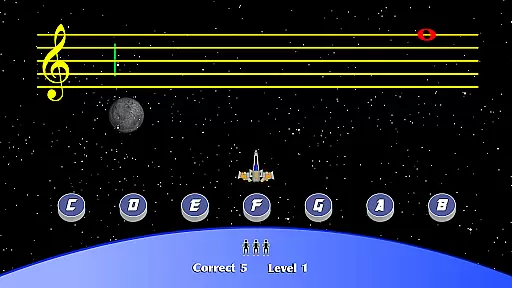
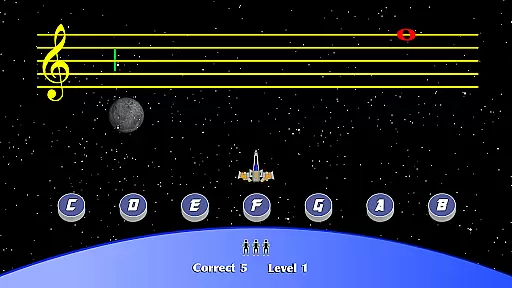
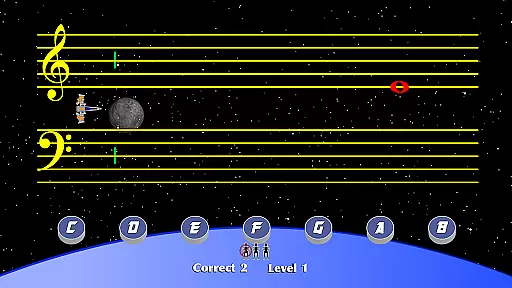
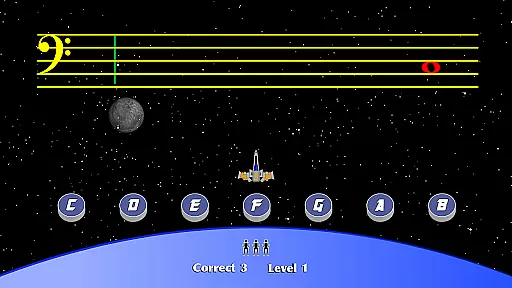
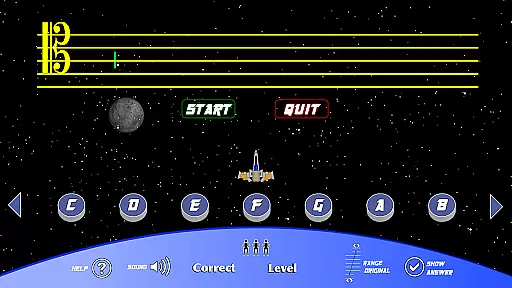
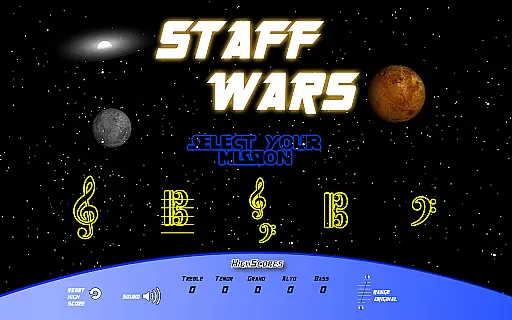
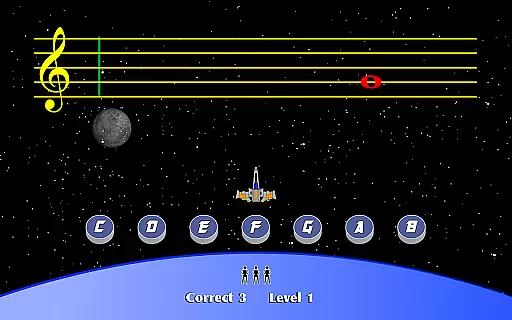
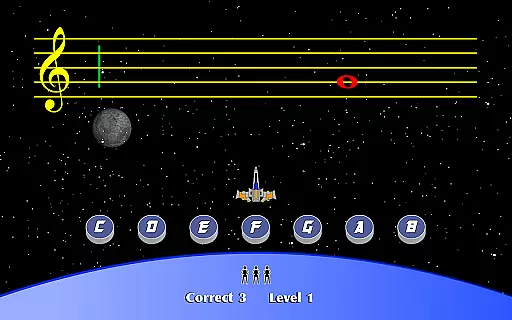
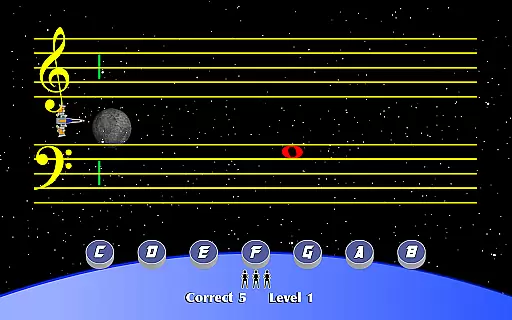
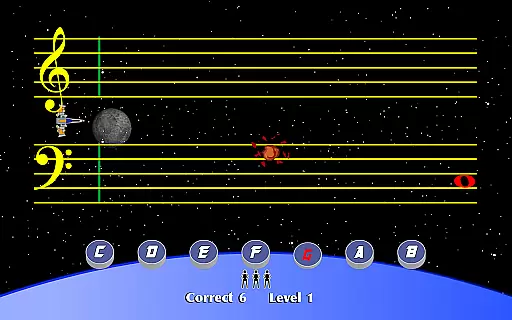
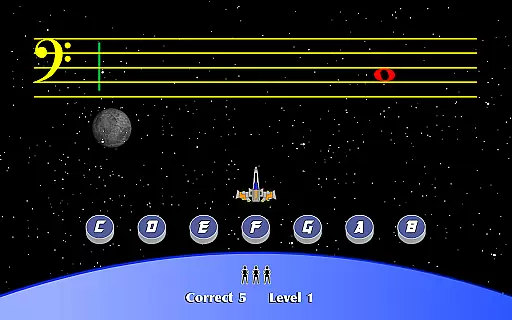
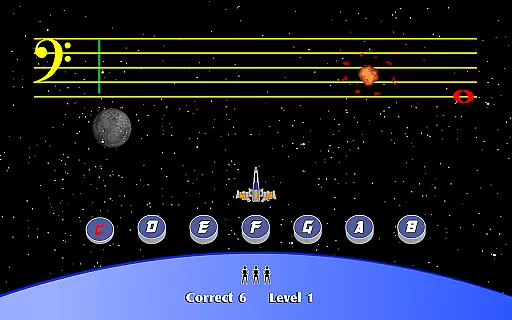
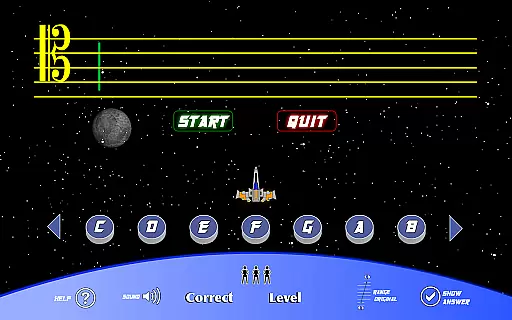
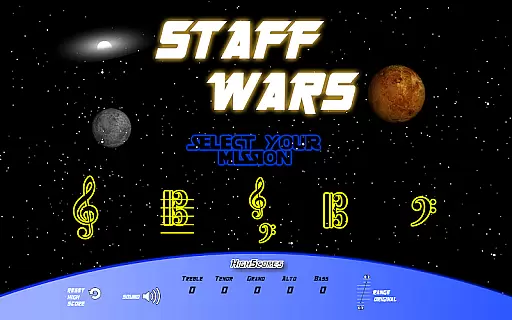
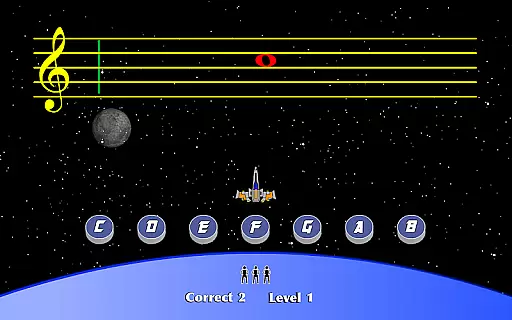
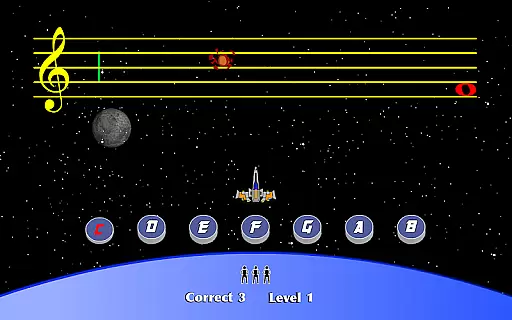
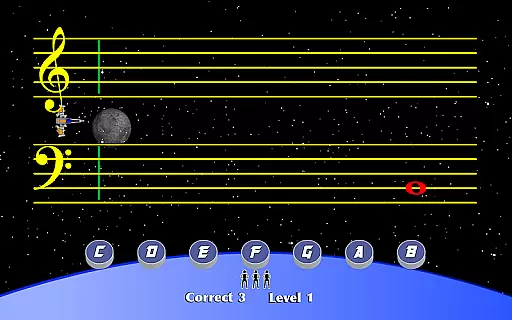
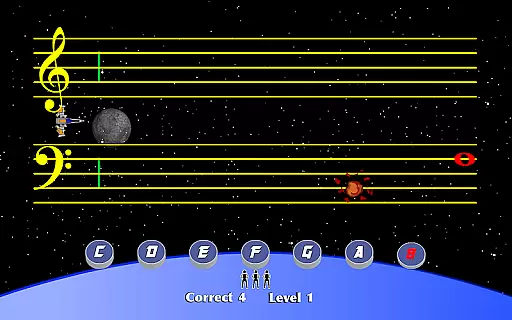
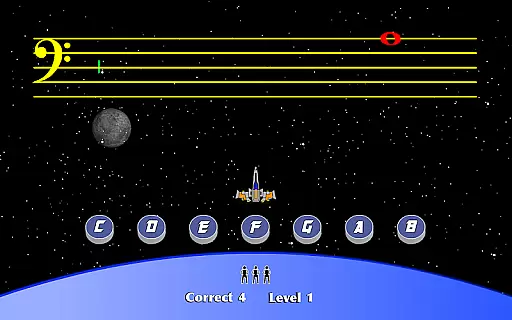
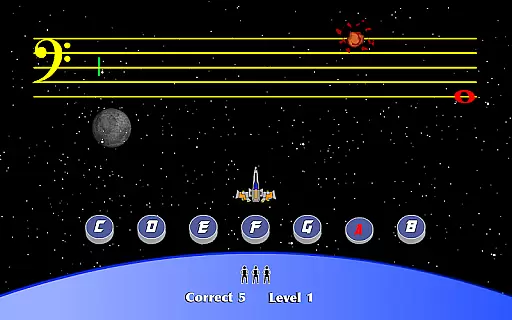
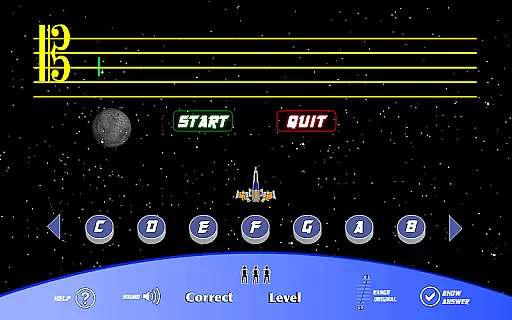
StaffWars is an innovative educational game specifically designed to help musicians at beginner and intermediate levels master the note names across various staff clefs. The app focuses on treble, alto, bass, tenor, and grand staff clefs, providing a comprehensive learning experience for those looking to improve their music theory knowledge.
The application offers an interactive platform where users can practice identifying notes in different clefs through engaging gameplay. This makes the process of learning music theory both fun and effective. Whether you're preparing for a music exam or simply want to enhance your musical skills, StaffWars provides the tools necessary to succeed.
One of the standout features of StaffWars is its wide range of clef options, including treble, alto, bass, tenor, and grand staff. This diversity ensures that users can practice and perfect their understanding of various musical notations. The game-like interface turns learning into an enjoyable experience, encouraging regular practice without feeling like a chore.
Additionally, StaffWars incorporates a scoring system that motivates users to improve their accuracy and speed in recognizing notes. With adjustable difficulty levels, the app caters to musicians of all stages, from beginners to more advanced players. This adaptability makes StaffWars a versatile tool for anyone serious about mastering music theory.
StaffWars provides meticulously verified content that ensures users learn the correct note names across various clefs. The app's data is aligned with established music theory standards, making it a reliable learning tool for musicians.
Each clef - treble, alto, bass, tenor, and grand staff - is presented with precise notation, supporting users in mastering their understanding of musical notes. This dedication to accuracy helps build a strong foundation for both beginners and intermediate learners.
The authority of StaffWars' content is bolstered by its design, which caters specifically to the educational needs of those looking to excel in music theory. Its focused approach aids in effective learning and practice.
With StaffWars, users can embark on personalized learning journeys tailored to their current level of understanding and their desired goals within music theory. The app accommodates different learning speeds and styles, enhancing user engagement.
StaffWars allows learners to concentrate on specific clefs individually, providing a customizable experience that adapts as the user progresses. This targeted practice aids musicians in focusing on areas that need improvement or additional practice.
This personalization creates an intuitive learning curve that encourages consistent progress without overwhelming the learner, thus optimizing the path to mastery of musical clefs.
User-friendly interface
Comprehensive clef coverage
Engaging gameplay mechanics
Adjustable difficulty settings
Ideal for exam preparation
Limited to note recognition
No advanced theory lessons
Basic visual design
Occasional performance lags
In-app purchases required

FAR/AIM, FAR for Flight Crew and FAR for Aviation Maintenance Technicians
 3.80
3.80
Ignite curiosity, spark learning: All babybus videos &games
4.30
Turn scrolling hours into improving your knowledge, communication, intelligence
4.50
scanner body part for fun Prank friends realistic scan effects
3.00
Learn and joke with the Silly Turkey!
4.3
Flashnote Derby is the fun way for kids to learn music notes and memorize them.
3.40
Your best partner for learning Japanese words. Based on a best-selling textbook.
2.80
Visit Daniel's house & make believe. Play doctor, make music, & feed fish.
3.20
The FE Clock is a way to track sun & moon around the circle of the earth.
4.30
Explore myths and gods across cultures with in-depth insights and stories.
5.00
Experience the sky, planet earth and the solar system like never before
4.90
The best way to study for your amateur radio license exam.
4.90
Memorize anything efficiently with AnkiDroid! Many pre-built decks available.
4.80
Guitar chord finder, analyzer, smartly visualized theory, progressions, quizzes.
4.70
Engage in learning science and math with the award-winning PhET simulations!
4.70
Intuitive Transformer Lab - By a Lineman, For Linemen & Apprentices
4.50
Listen, request and record pronunciations in more than 450 languages. Everywhere
3.90
An animated storybook app to help ease your child through toilet training.
3.70
Pickleball guide complete with illustrated Pickleball drills and helpful info
4.5
Honest Pingo AI review—conversation practice, voice recognition issues, subscription costs, and how it compares to Duolingo and tutors.



User Reviews