
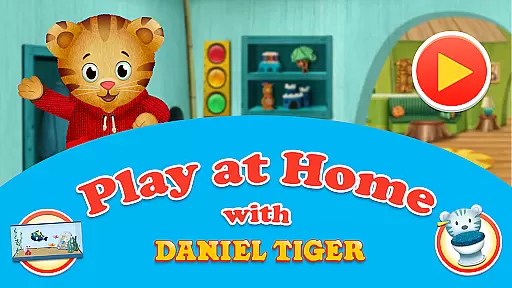
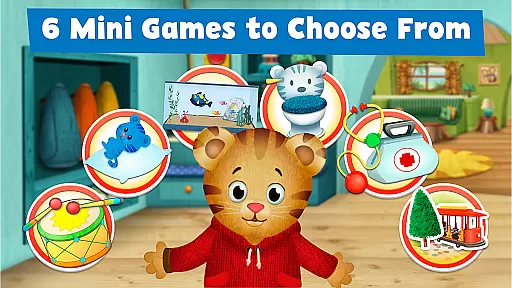
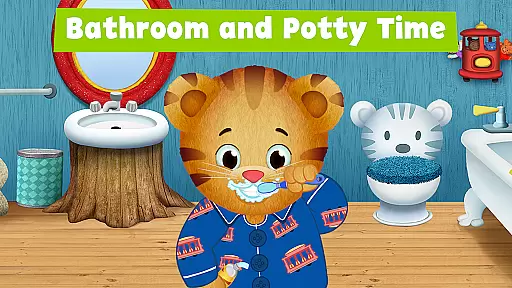
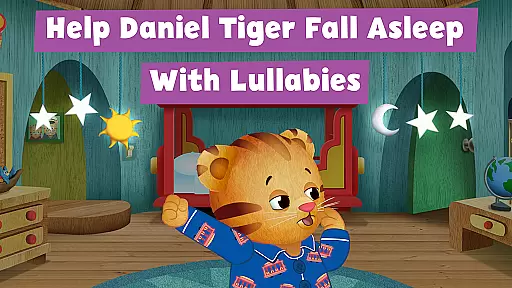
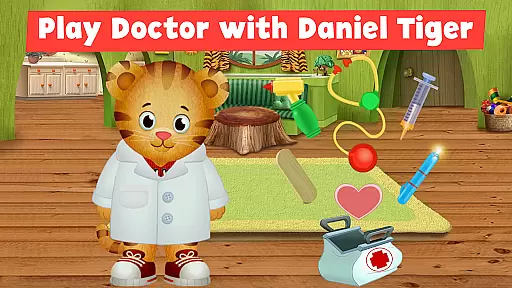
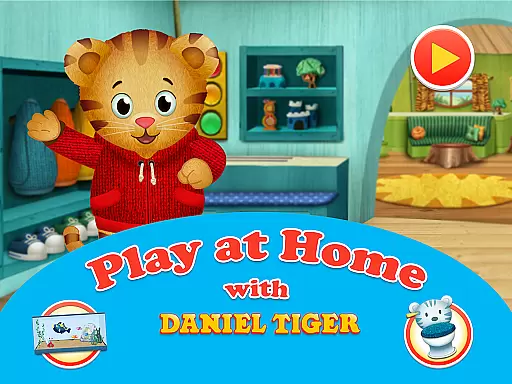
Daniel Tiger's Play at Home is an educational app designed to help children learn about daily routines and experiences through interactive play. The app features six mini-games that teach kids about everyday activities, including bedtime and bathroom routines, pretend-play doctor games, and more.
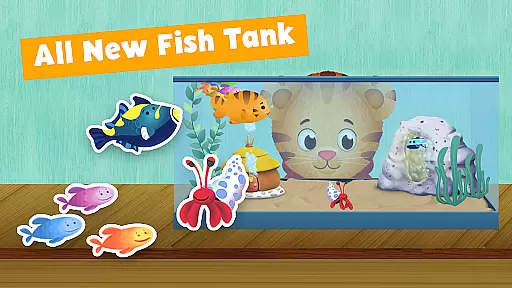
Children can explore Daniel Tiger's world from the PBS KIDS show 'Daniel Tiger’s Neighborhood.' They can create stories with Daniel, listen to songs from the series, and engage in learning activities. The app also includes new additions like the Sticker Book and Fish Tank Games, which encourage creativity and responsibility.
This app serves as a valuable tool for parents looking to support their child's distance learning. By engaging in these activities together, families can foster healthy habits and routines while having fun. As part of PBS KIDS' commitment to education, this app helps build essential skills for success in school and life.
Daniel Tiger's Play at Home offers a variety of engaging features designed to make learning fun for young children. One of its standout aspects is the inclusion of six mini-games that focus on teaching everyday activities such as bedtime and bathroom routines, doctor visits, and more. These games use interactive elements to help kids understand and practice these routines.
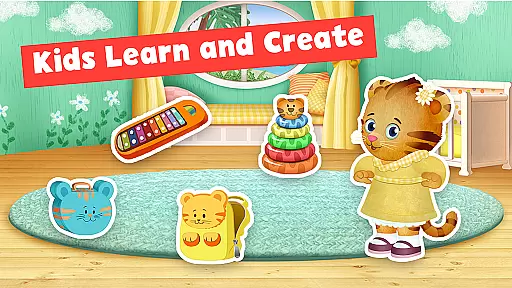
In addition to the mini-games, the app provides a creative outlet with the Sticker Book feature. Here, children can craft their own stories using dozens of stickers set in Daniel's house and neighborhood. Another innovative feature is the Fish Tank Game, where kids learn responsibility by feeding and caring for Daniel’s pet fish.
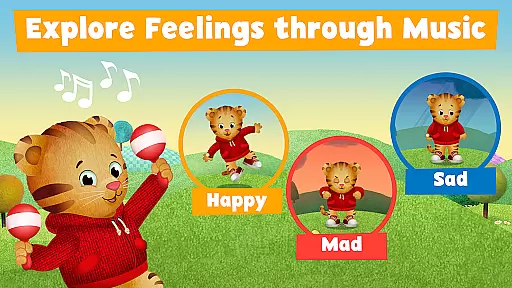
The app also integrates music and storytelling to enhance emotional expression and comprehension. With songs that explore different feelings and scenarios, children can better understand how to express emotions like happiness, sadness, and anger. This multifaceted approach ensures that Daniel Tiger's Play at Home not only educates but also entertains and nurtures young minds.
In the realm of educational apps, content accuracy and authority are paramount for ensuring that learning is both effective and reliable. Daniel Tiger's Play at Home app excels in this area by providing meticulously crafted games and activities that align with the trusted content from the PBS KIDS show 'Daniel Tigeru2019s Neighborhood.' The app draws on the expertise of educational media creators and child development specialists to deliver age-appropriate material that parents and educators can trust.
The app features six mini-games focused on everyday activities and routines, each designed to teach children about their world through play. These games are not only engaging but also grounded in educational theory, promoting healthy habits and routines in a way that's both fun and instructive. By incorporating songs and stories from the television series, the app reinforces its authoritative content, making it an extension of the learning experience children have come to love.
Furthermore, Daniel Tiger's Play at Home is part of PBS KIDS' commitment to education, which means it adheres to high standards of content creation. This ensures that every game, song, and interactive story is designed to foster learning and growth, helping children develop essential skills. With contributions from reputable developers like Schell Games and Cloud Kid, as well as oversight from Fred Rogers Productions, the app upholds a legacy of quality and reliability in children's educational media.
Daniel Tiger's Play at Home app offers personalized learning paths that cater to individual children's needs, allowing them to explore and learn at their own pace. Through a variety of interactive games and activities, the app adapts to each child's interests and developmental stage, creating a unique and tailored educational journey. Whether it's bedtime routines, bathroom habits, or pretend-play doctor scenarios, the app provides diverse opportunities for children to engage with content that resonates with their personal experiences.
The sticker book and fish tank games are examples of how the app encourages creativity and responsibility, respectively. Children can craft their own stories using stickers, fostering imagination and narrative skills. Meanwhile, taking care of Daniel's pet fish instills a sense of responsibility and routine, as they learn to nurture and interact with their virtual pet. These personalized elements ensure that each child's interaction with the app is meaningful and relevant to their own life.
Moreover, the app's approach to personalized learning extends to emotional development, where music plays a key role. Songs within the app help children express and understand different emotions, guiding them through feelings of happiness, sadness, and anger. By integrating these personalized learning paths, Daniel Tiger's Play at Home supports holistic child development, equipping young learners with the tools they need to navigate their world confidently and independently.
User-friendly interface
Educational content
Engaging mini-games
Creative sticker book
Emotional learning tools
Limited free content
Requires internet connection
Some features may require additional purchases
Ads between games
Occasional technical issues

Childcare Management App: Daily sheets, sign in-out, billing and learning tools
 4.70
4.70
An easy to use yet powerful and full-featured flashcard study app.
4.50
Nighty Night Circus - Bedtime story for kids
4.10
The official CCM Glossary app, including 700+ terms and definitions.
2.90
Master the NRP with 700+ questions, rationales, and updated NREMT scenarios.
3.00
Hasbro's Classic Board Game - Make Cavity Sam better or get the buzzer!
3.50
Prepare for the BCBA / BCaBA exam. Study ABA with the ABA Wizard app.
4.60
An aviator’s preparation, study and test tool for FAA Knowledge Exams.
3.80
Fun, personalized math learning games that adapt to your child’s needs.
4.40
Experience the sky, planet earth and the solar system like never before
4.90
Age-Related Child Developmental Milestones
4.80
A realistic sky map to observe stars, planets, satellites and constellations!
4.80
Astronomy Guide To Night Sky
4.30
Explore the City of the Sun in Augmented Reality
3.70
Make your own game and world. Draw and animate characters
3.70
Snap a dog photo to identify its breed instantly. Fast, accurate and easy to use
3.40
scanner body part for fun Prank friends realistic scan effects
3.00
Your best partner for learning Japanese words. Based on a best-selling textbook.
2.90
Learn and joke with the Silly Turkey!
4.3
Honest Pingo AI review—conversation practice, voice recognition issues, subscription costs, and how it compares to Duolingo and tutors.



User Reviews