
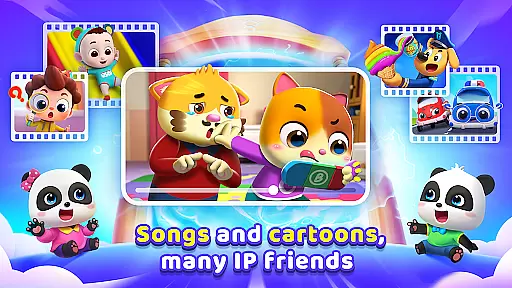
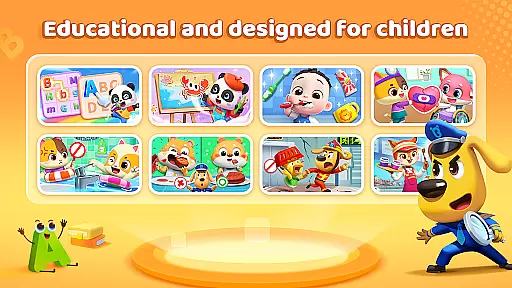
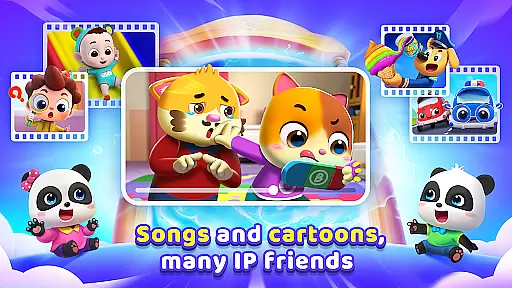
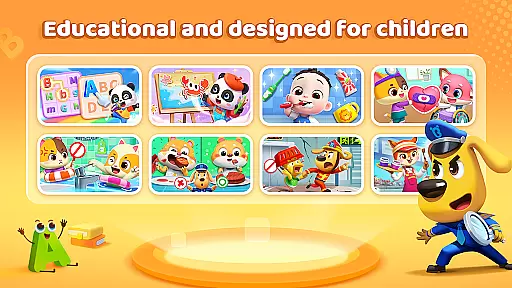
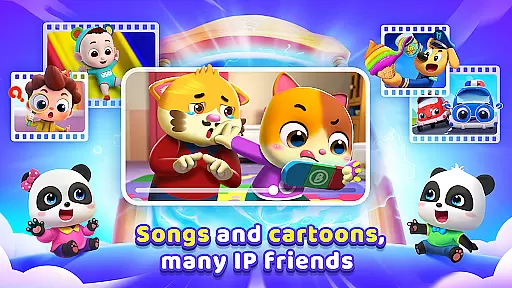
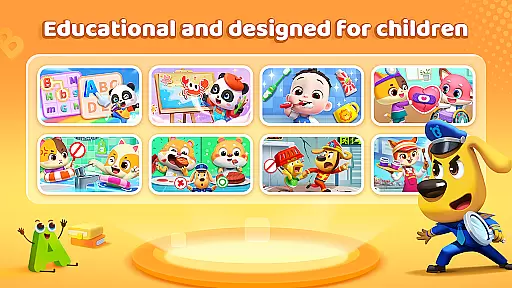
BabyBus TV is an educational app designed to spark children's imagination and foster a love for learning through engaging content. With over 600 episodes featuring beloved characters like Kiki and Miumiu, the app covers various educational themes including habits, art, safety, cognition, emotions, and knowledge.
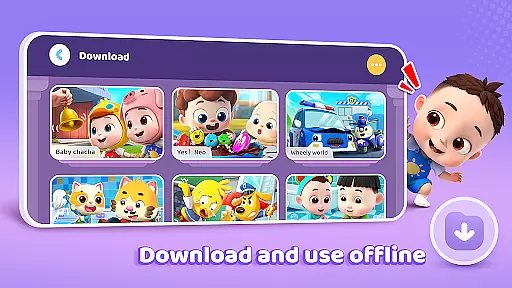
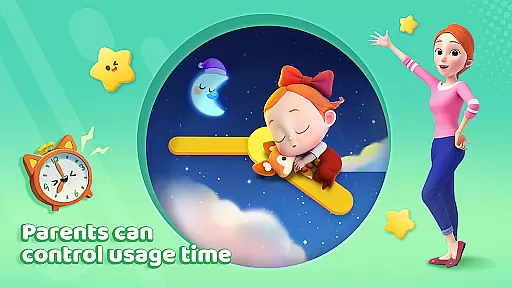
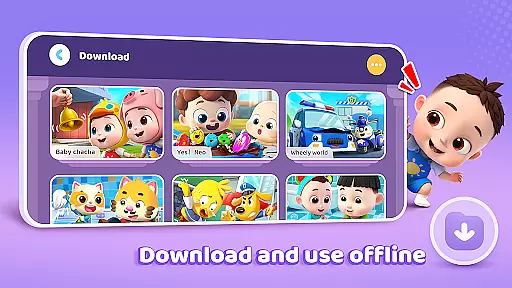
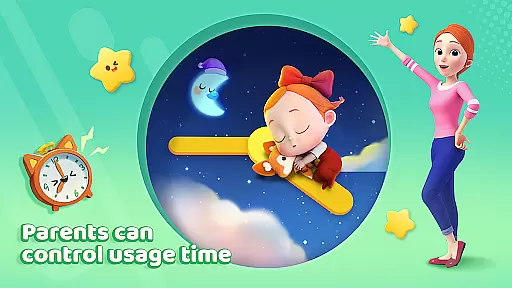
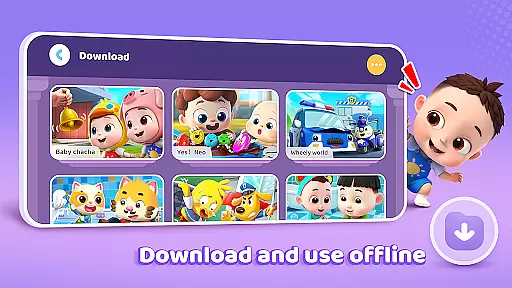
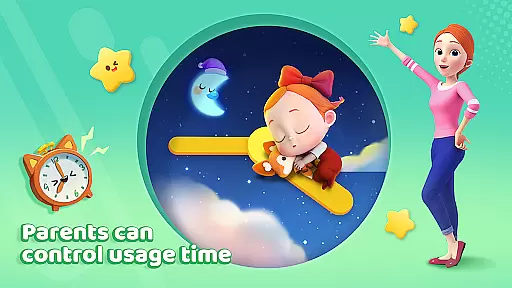
The app provides parents with essential features such as screen time control, free downloads, offline viewing, auto-save of viewing history, full-screen play, and stringent privacy protection measures. These ensure a safe and balanced learning environment for children while giving parents peace of mind.
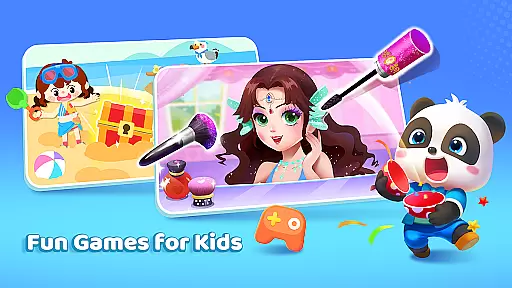
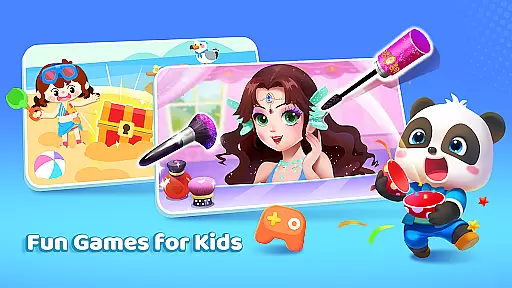
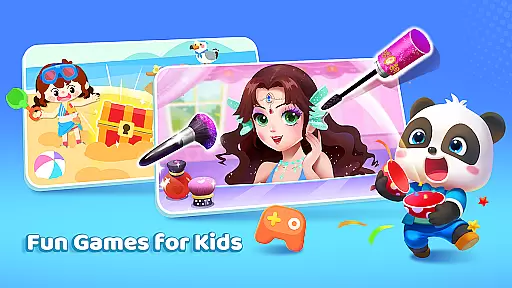
BabyBus TV offers a rich variety of features that cater to both children's entertainment and educational needs. The app includes interactive games, children's songs, and cartoons that teach crucial life skills and knowledge across multiple domains such as math, English, and safety.
Parents can manage their child's experience with practical tools like screen time control and download options for offline access. The app also tracks viewing history and supports full-screen play, enhancing the immersive experience. Privacy protection is prioritized, ensuring children's data remains secure while they explore and learn.
In the realm of educational content for children, accuracy and authority are paramount. BabyBus TV takes this responsibility seriously by offering a vast library of over 600 episodes that cover a wide array of educational topics. These include essential life skills such as brushing teeth and taking showers, to more complex subjects like math and English, ensuring that each piece of content is not only engaging but also factually correct and beneficial for young minds.
The app collaborates with child education experts to develop its content, instilling confidence in parents that their children are learning from reliable sources. This expert-backed approach extends across various categories including art, safety, cognition, and emotional development, providing a holistic educational experience that aims to nurture well-rounded individuals.
Parents can rest assured knowing that while their children are having fun with their favorite characters, they are simultaneously gaining valuable knowledge that will serve them throughout their lives. The emphasis on authoritative content ensures that every song, cartoon, or interactive game aligns with educational standards and promotes positive learning outcomes.
BabyBus TV stands out by offering personalized learning paths tailored to individual child's interests and developmental stages. By integrating a variety of interactive games and videos, the platform allows children to explore subjects at their own pace, whether itu2019s through singing along with childrenu2019s songs or diving into adventures with dinosaurs and monster cars.
This customization capability empowers young learners by giving them control over their educational journey. As kids interact with different types of contentu2014from creative activities like drawing and music to critical lessons about safety and social skillsu2014they naturally gravitate towards areas they find most appealing, fostering a deeper engagement with the material.
Moreover, features such as screen time control and auto-save viewing history support parents in monitoring progress while allowing flexibility for children to pause and resume their exploration whenever they choose. This blend of structured guidance with freedom of choice creates an optimal environment for cultivating a lifelong love of learning tailored specifically to each childu2019s unique needs.
User-friendly interface
Educational content variety
Offline viewing capability
Privacy protection measures
Engaging characters and stories
Limited advanced features
Occasional ads presence
Content repetition possible
Age range limitations
Regional availability issues

Watch and Play Elmo's World!
 4.00
4.00
Turn scrolling hours into improving your knowledge, communication, intelligence
4.50
Learn math, step-by-step
4.30
A must-have app for mastering Japanese verb/adjective conjugations.
3.60
The Fighter Verses Bible memory system helps you memorize God's Word.
4.50
For medical training - Visualize complex vein maps and structures in real-time.
4.10
MONOPOLY JUNIOR brings Hasbro's classic the board game to life.
3.00
Discover Your Place in the Universe
4.70
Train, track, and reward potty training using Potty with Pull-Ups® ft. Disney®
4.70
A fast and fun way to learn guitar - works with any guitar.
4.60
Stack the Countries makes learning world geography fun!
4.50
Welcome to the Speak Navajo Language Application - Volume 1
4.50
Practice Casino Roulette Payouts for Table Game Dealers and Croupiers
4.40
Your guide to thousands of satellites and spacecraft in orbit around Earth!
3.90
An animated storybook app to help ease your child through toilet training.
3.70
Snap a dog photo to identify its breed instantly. Fast, accurate and easy to use
3.40
AR planetarium app that brings the solar system to you via XREAL Glasses.
4.0
Test prep for Indiana students
4.1
Animals pop up and make sounds—learn names and noises in Peekaboo Barn!
4.2
Honest Duolingo review—energy system problems, hidden costs, what works for language learning, and whether the free version is still viable.



User Reviews